
48 free calculators and interactive tools for small business owners and managers. They run in your browser. No account, no downloads, no paywalls.
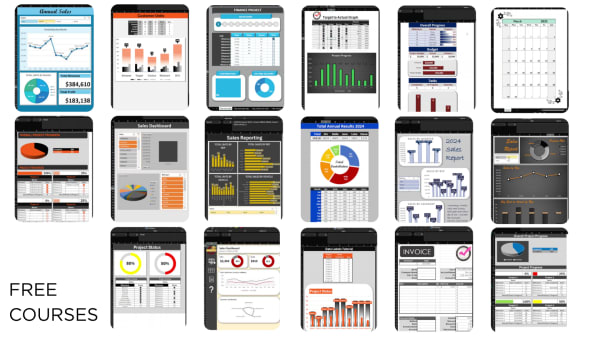
273 video lessons and downloadable workbooks, beginner to advanced, self-paced with lifetime access.
See the courses →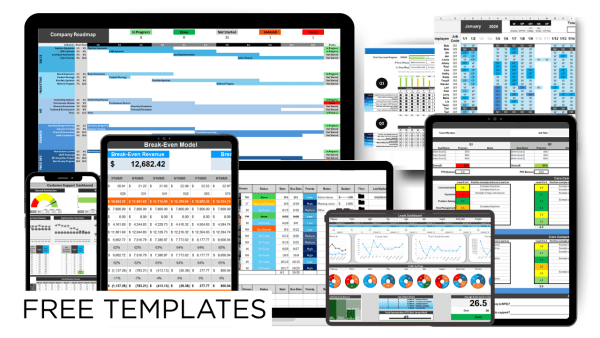
29 Excel and Google Sheets templates with the formulas already built in, across all 5 levers.
Browse the templates →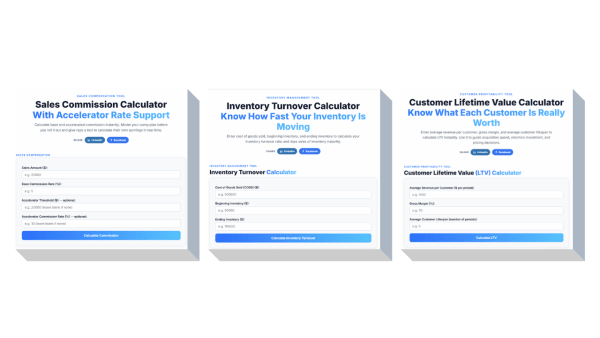
Answer one number fast. Break-even, margin, CAC, LTV, PTO, turnover and more, right in your browser.
Show the calculators ↓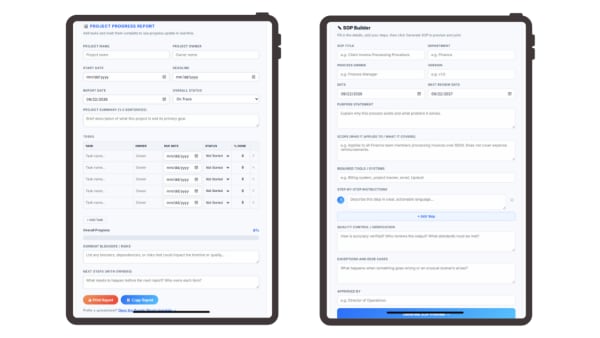
75 documents you fill in on screen or print and complete by hand. Timesheets, invoices, SOPs, reviews.
See the library ↓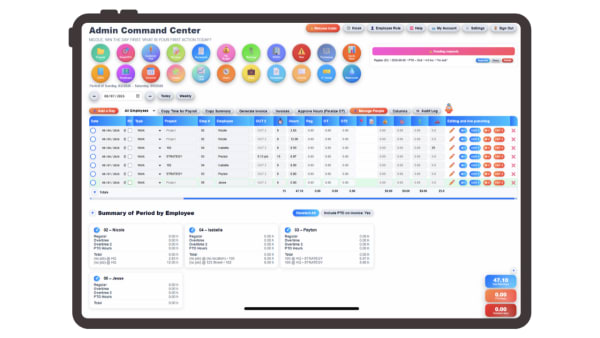
All of it in one live platform instead of 30+ files, connected and automated, from $5 per user per month.
Start your free trial →Every tool on this page runs in your browser. Type your numbers in, read the answer, close the tab. There is no account to create, nothing to install and no trial that expires, because these are the same calculations a small business owner reaches for a few times a month and should not have to rebuild in a spreadsheet each time.
The calculators answer one number: what you must sell to break even, what a customer is worth over their lifetime, what it really costs when someone quits. The checklists and finders ask you a few questions and hand back a shortlist, so you know which processes to document or which metrics to track. The templates are working files, either spreadsheets with the formulas already built in or documents you fill in and print. The training is free lessons in Excel and Google Sheets, sales conversations and team building.
Use the search box above to find one by name, or spin the wheel if you would rather be surprised. Everything below is grouped so you can browse by what you are trying to solve.
Twenty-six calculators for the numbers that decide whether a month worked: margin, cash, customer value, payroll and project returns. Each one runs on its own page and keeps your entries in your browser.
Twenty-nine spreadsheet templates in five bundles, one for each lever of the business, with the formulas already written. Open them in Excel or copy them straight into Google Sheets.
Interactive tools for the work that happens before a number exists: setting goals, naming owners, mapping the customer and deciding what to measure.
Answer a short set of questions and get a shortlist back, so you know where the gaps are before you spend money closing them.
Free lessons in the tools most small businesses already run on, plus sales practice and team building you can use this week.
Printable one-pagers, worksheets and guides that do not fit anywhere else, all free to download.
Short, practical reads on leadership, systems, and scaling your business.
Learn how to create a company roadmap to provide a transparent plan to customers and employees.
Read More →Word-of-Mouth business is not only smart, it's imperative.
Read More →Use this simple one-pager format to align teams, increase accountability, and drive results.
Read More →The tools on this page calculate a number. The library is different: 75 printable, interactive templates you fill in on screen or print and complete by hand.
Timesheets, PTO trackers, schedules, payroll registers, invoices, quotes, purchase orders, SOPs, project checklists, performance reviews, job descriptions and meeting agendas, grouped by business function, free, and built to be filled in and printed.
Looking for the spreadsheet versions? The five template cards at the top of this page are the Excel and Google Sheets sets for HR, revenue, tracking, sales & marketing and process improvement, with the formulas already built in.
Browse all 75 free templates →No signup. Nothing to download.
14 days, full access, no credit card. Task management, time tracking, HR, payroll exports, invoicing, and more in one platform built for small businesses.
Start My Free 14-Day TrialNo credit card required · Cancel anytime