Excel Courses
Four hands-on courses that teach you Excel by building actual business spreadsheets from scratch.
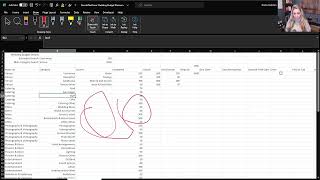
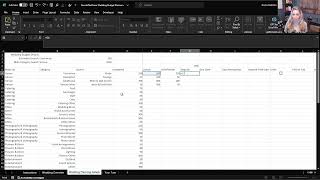
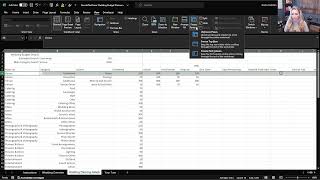
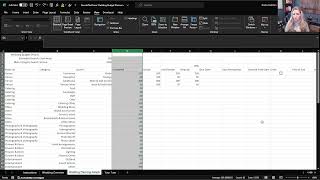
Excel Foundations is a free video library built for anyone starting from zero. Every lesson comes from Nicole Hullihen, multi industry executive and multi year Microsoft MVP, who breaks down real spreadsheet tools instead of abstract practice files. You'll follow along building an event planner, an order manager, a budget tracker and a project tracker, the same kind of tools you'd actually use at work.
Each video is a minute or two long and matched to a tab in the free companion workbook, so you can pause, open the workbook and follow along at your own pace. No account, no login and no credit card required to watch.
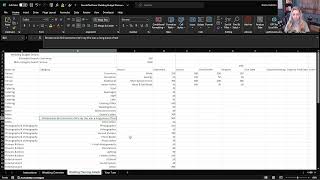
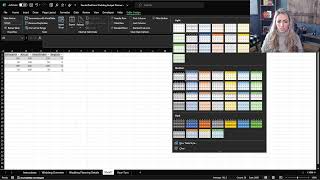
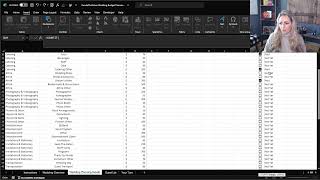
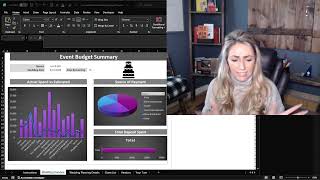
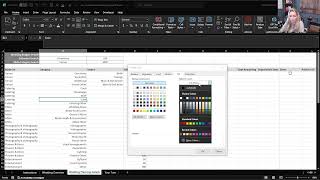
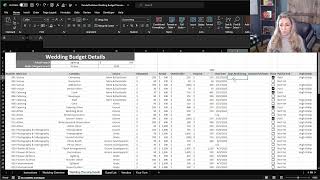
Start here. This course walks you through building a working event planner from a blank sheet, which means you pick up the fundamentals - entering data, writing your first formulas, formatting, tables and drop-downs - in the order you'd actually need them. Almost every spreadsheet you'll ever build reuses these same moves, so the 35 lessons here do the heaviest lifting of the whole library.
Post the announcement, spotlight the team that pulled it off, and poll everyone on what's next, all in one feed your whole company actually sees.
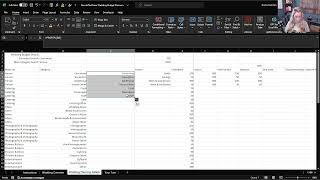
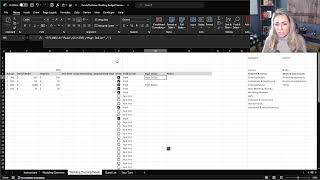
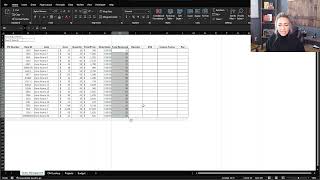
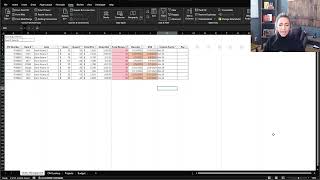
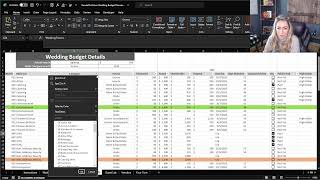
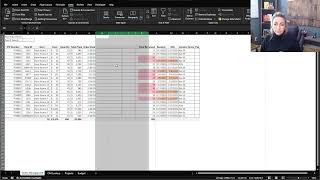
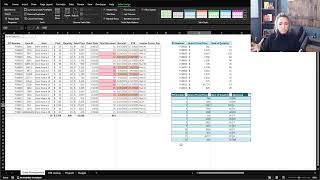
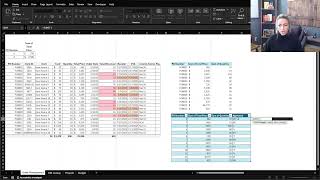
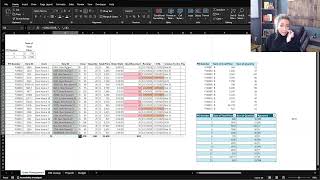
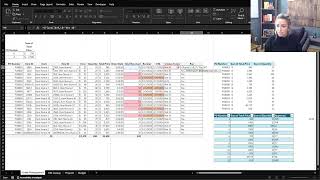
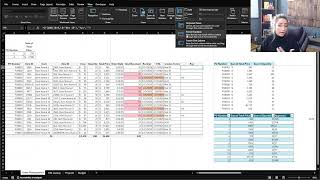
Once data is in a sheet, the next problem is reading it quickly. This course covers custom number formats, conditional formatting and slicers so a long order list shows you what needs attention at a glance instead of forcing you to scan every row. If you track orders, inventory, clients or requests, this is the difference between a list and a tool.
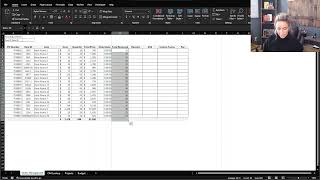
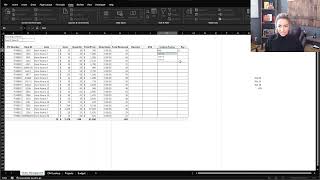
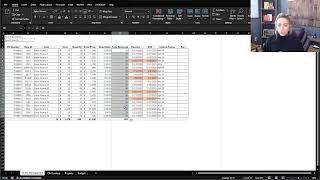
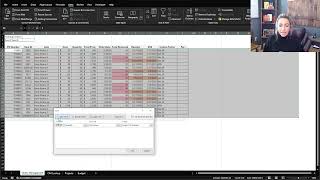
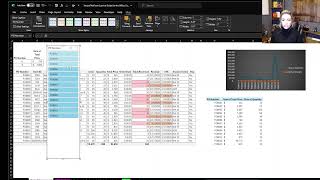
Every PO links straight to your budget in real time, so you always know what's been spent before it's approved.
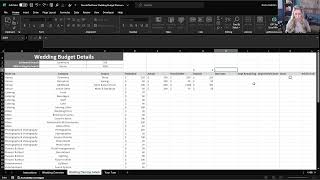
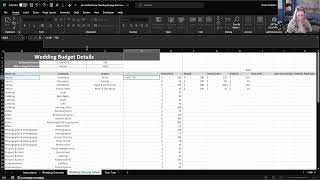
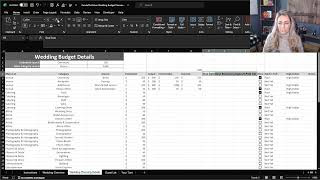
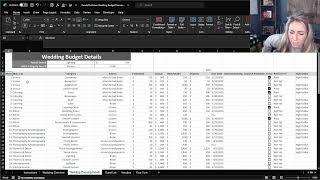
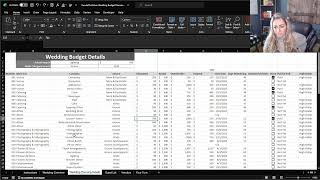
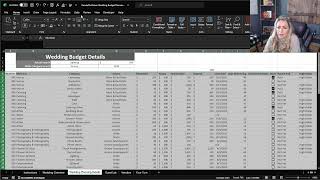
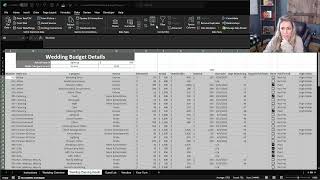
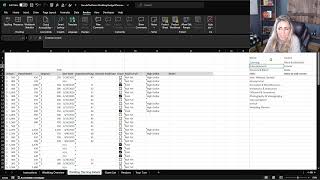
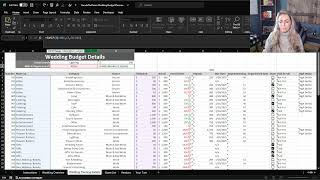
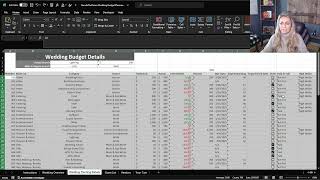
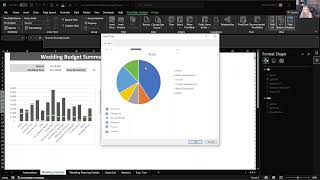
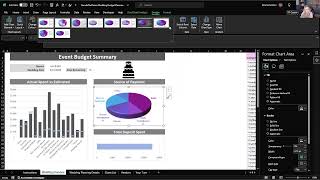
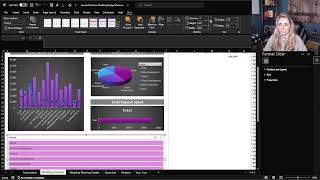
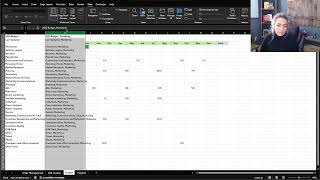
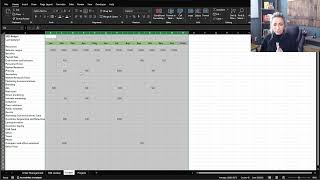
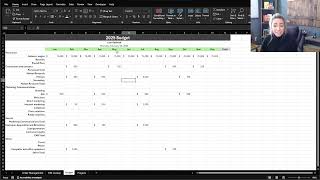
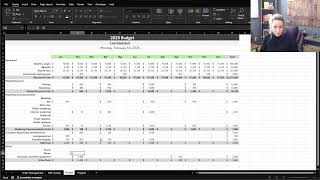
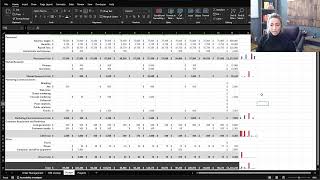
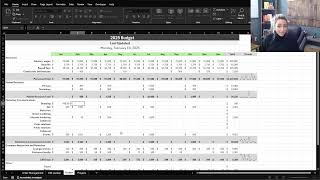
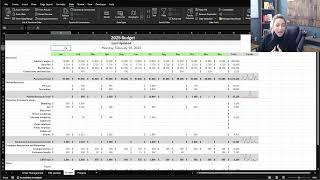
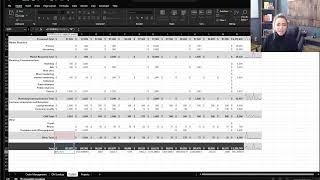
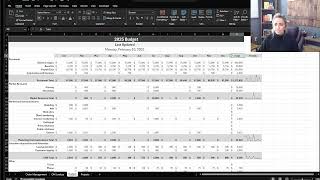
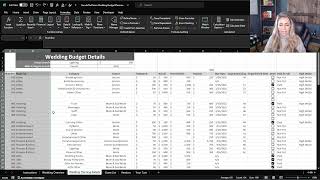
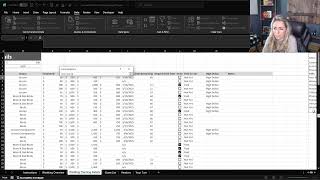
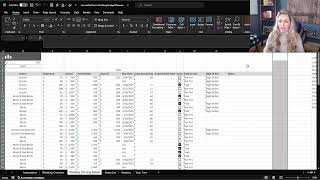
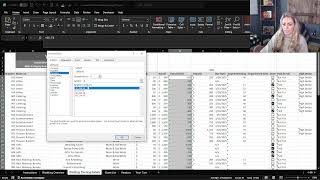
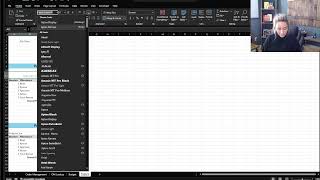
Budgets are where formulas stop being an exercise and start protecting money. You'll learn to fill formulas down a column, total across categories, and record a macro so the monthly update takes a click instead of an afternoon. These are the skills that make a budget you'll actually keep current.
You just built a budget tracker from scratch. Updoot builds it, updates it and scales it with you, so you're not rebuilding the same workbook a year from now.
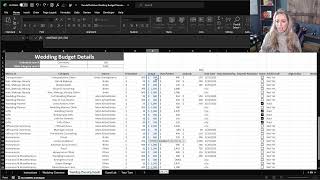
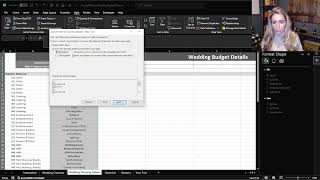
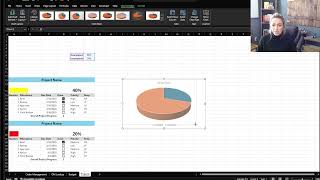
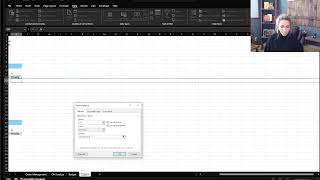
Project work lives and dies on status being visible. This course adds checkboxes, progress views and cleanup tricks like removing blank rows, so your tracker stays readable as the project grows. Short course, but it's the one that makes a spreadsheet something a team can share.
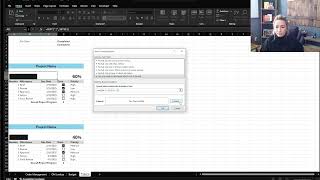
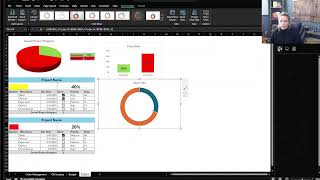
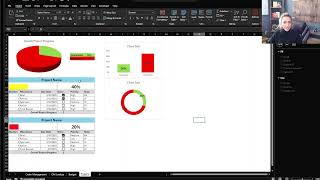
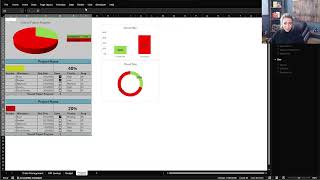
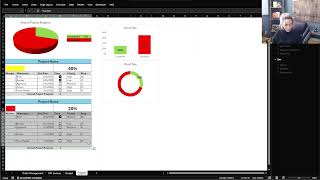
Every deadline, owner and dependency tracked in one place, updated the moment work happens, not once a week.
Yes. All 67 videos and the companion workbook are free to watch and download, no login or credit card required.
No. Excel Foundations starts at the very beginning and builds up to real tools like an event planner, order manager, budget tracker and project tracker.
Excel Foundations covers the basics through four practical projects. Excel Xpert is the full 206-video library covering everything from formulas and lookups to pivot tables, dashboards and VBA, for anyone who wants to go further.
You'll need access to Microsoft Excel or Google Sheets to build the tools yourself, but no paid add-ons or templates, just the free workbook that comes with the course.
Yes. Every lesson is a short video hosted on YouTube, TikTok and Instagram, so you can watch and follow along from any device.
Every business starts with a spreadsheet. Updoot is where you scale past it, automatically. Time tracking, invoicing, PTO, projects and more.
Start Your 14-Day Trial →