
Construction Project Management Software for Small Business
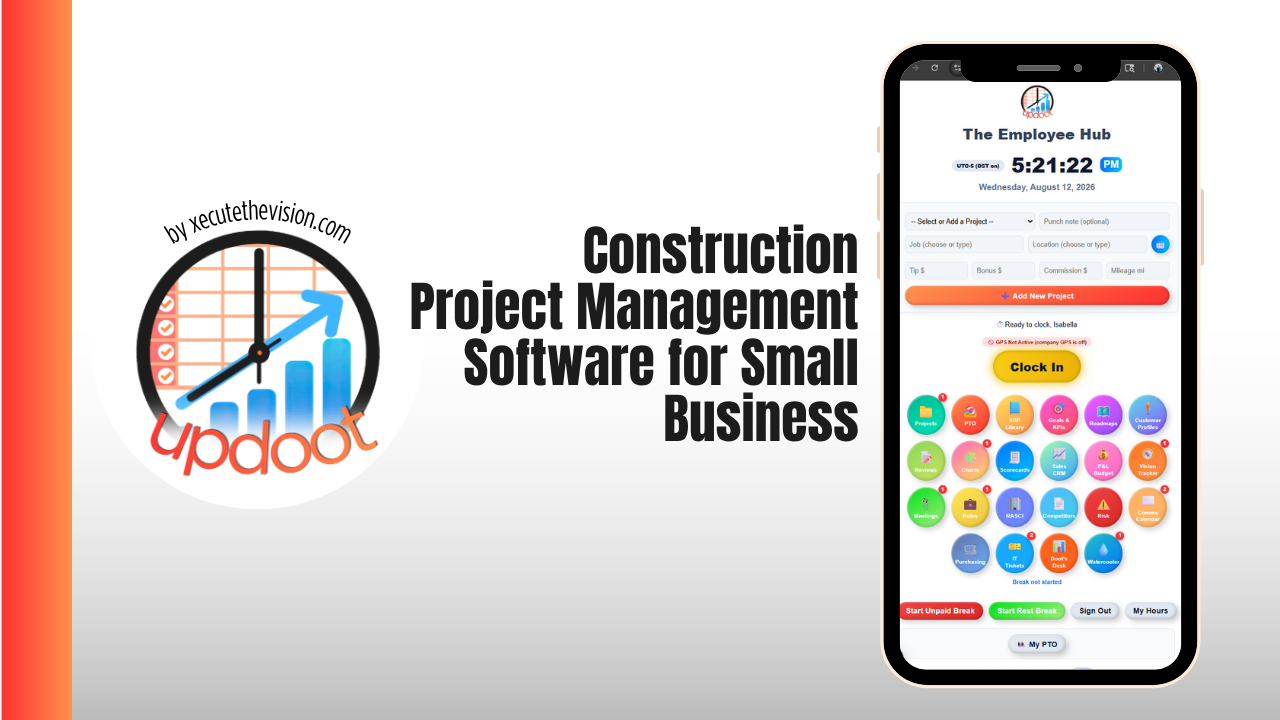
Construction project management software for a small business is what stands between running jobs from a truck dashboard covered in sticky notes and running them from a system that knows what a job actually costs before the final draw is due. Small GCs, home builders, and remodelers do not need enterprise scheduling suites built for hundred-million-dollar commercial projects. They need something that prices a change order before the crew starts, tracks budget against actual on every job, and keeps subs, clients, and the field on the same page without three separate group texts. This guide covers what small construction businesses specifically need, how the leading platforms compare on price and fit in 2026, and a free calculator below that shows what an unpriced change order is really costing your margin.
🔗 Related Guides
- Best Job Management Software — the full category guide and platform comparison
- Job Management Software for Tradesmen — the trades shortlist, plus GPS time tracking and job costing
- Best Cloud-Based Job Management Software for Restoration Contractors — carrier claims, drying logs, and an SOP library for documentation
What Is Construction Project Management Software?
Construction project management software is a system that carries a build through its full lifecycle: estimate, bid, contract, scheduling, daily field logs, change orders, budget tracking, and closeout. For a small business the defining test is not how many modules the platform has, it is whether the job's budget and actual cost sit side by side automatically. When a change order gets priced and logged against the job instead of scribbled on a business card, you can see the real margin while the job is still live instead of discovering it during tax season.
Generic project management tools like Trello or Asana can track tasks, but they were not built for construction's specific paperwork: draw schedules, lien waivers, RFIs, submittals, and the budget-versus-actual view that turns a completed job into a lesson instead of a mystery.
Where the Money Actually Leaks on a Small Construction Job
- Unpriced change orders. Work that starts on a verbal "yeah go ahead" and never gets a number attached before the crew is already on site.
- Budget drift no one is watching. Actual cost tracked in a spreadsheet updated every few weeks instead of as materials and labor post, so overruns are visible only once the job is nearly done.
- Draw requests rebuilt from memory. The percentage-complete number for a draw schedule reconstructed from a walk-through instead of pulled from logged progress.
- Subcontractor coordination by group text. Schedule changes that reach three of five subs because the fourth muted the thread in March.
None of that is a competence problem. It is what happens when the budget, the schedule, and the field updates live in different places instead of attached to one job record.
🔧 Change Order Margin Calculator
Enter what the change order is costing you and what you are charging for it. See the real cost, the profit, the margin, and the labor hours at which it stops paying.
The number that usually lands hardest here is the break-even hours figure. A change order priced on a rough gut-feel number often looks profitable on paper right up until labor runs four or five hours over, at which point it is quietly subsidizing the original contract instead of adding to it. Running the real numbers before the crew starts, not after, is the entire value of job costing on change work.
The Features That Matter for Small Construction Businesses
Change order workflow, not a change order folder
Look for a change order that can be priced, sent for signature, and converted into scheduled and billable work without leaving the platform. A change order tracked as a PDF in an email thread is a change order that is easy to start before it is priced.
Budget versus actual on every job, live
The single highest-value view in construction project management is quoted cost next to actual cost, updated as labor and materials post rather than reconciled at the end. That is what turns "this job felt tight" into a specific number you can quote against next time.
Daily logs the field will actually fill out
Weather, crew present, work completed, and photos, captured in under two minutes from a phone. If daily logs take longer than that, they stop happening, and the documentation gap shows up exactly when a dispute needs it most.
A draw schedule tied to real progress
For any job billing against a draw schedule, the percentage-complete figure should come from logged progress and budget data, not a walk-through the day before the invoice is due.
Best Construction Project Management Software for Small Business Compared
| Platform | Starting Price | Best For | Watch Out For |
|---|---|---|---|
| Buildertrend | Custom, volume-based quotes; historically $399–$900+/month | Residential builders and remodelers wanting an all-in-one client-facing suite | Pricing moved to volume-based quotes in 2026; steep for a small crew, and renewals have run well above the first-year quote |
| Contractor Foreman | From $49/month flat, no per-user fee | Small GCs and subs wanting estimating, scheduling, and job costing without per-seat pricing | Dense interface with a real learning curve to configure well |
| Houzz Pro | From about $249/year entry tier | Design-build and residential remodelers who want CRM and 3D floor plans alongside project tools | Full project management and change order tools sit in the higher Custom tier |
| Fieldwire by Hilti | Free tier; paid plans from about $54/user/month | Field teams whose main problem is drawing distribution, markups, and punch lists | Per-user pricing scales quickly once subs and PMs need seats, and it is not built for job costing or draws |
| UpdootPick | $5/user/month, no tiers | Small construction businesses wanting job costing, scheduling, budgets, and payroll in one flat-rate platform | No construction-specific takeoff or drawing markup tools; pair with a dedicated estimating tool if you bid heavy commercial work |
What It Costs, Honestly
A five-person small construction business shopping this category is typically looking at somewhere between $250 and $900 a month depending on the platform and tier, before add-ons like onboarding fees or payment processing. Weigh that against what an unpriced change order or a missed budget overrun actually costs: one job that quietly loses $3,000 in absorbed labor covers most platforms' annual fee by itself. The real return on this software shows up in the change orders that get priced correctly and the jobs that get caught running over budget while there is still time to do something about it.
Common Mistakes
- Buying enterprise features you will not use. Commercial-scale submittal logs and multi-tier approval chains solve problems a five-person residential crew does not have yet.
- Starting work before the change order is priced. A verbal "go ahead" is the single most common way small construction businesses give away margin.
- Choosing per-user pricing without modeling next year's team. A price that looks reasonable at three users can look very different once a project manager and an office admin are added.
- Never checking budget versus actual until the job is done. By the time the final number is visible, there is nothing left to do about it except remember for next time.
How Updoot Handles Construction Project Management
- Estimate → job. An accepted estimate becomes a live job with its own budget instead of a number copied into a new spreadsheet
- Job → schedule. Crews and subs assigned against the job, with capacity and time off visible in the same calendar
- Job → hours. GPS time tracking logged to the job, so budgeted labor and actual labor sit side by side while the job is still open
- Job → budget. Budget and P&L tracking against every project, so overruns are visible while there is still time to act
- Hours → invoice and payroll. The same logged hours produce the client invoice and the payroll report
- Procedures → SOPs. Site safety and quality procedures written once, versioned, and available to every crew member
All at $5 per user per month with no tiers and no feature gates, which means the price you work out today is the price you pay when the crew doubles.
Related Reading
Best Job Management Software: The Complete Guide →
Job Management Software for Tradesmen →
Best Cloud-Based Job Management Software for Restoration Contractors →
Frequently Asked Questions
Final Takeaway
The best construction project management software for a small business is the one that prices a change order before the crew starts and shows budget versus actual while the job is still open, not the one with the longest feature list. Every platform on this list can schedule a job and send an invoice competently, so the decision comes down to whether the price scales sensibly as you grow, whether the field will actually use it, and whether change orders get priced or just get done. Run one real job through a trial, price a change order with the calculator above, and check whether the margin surprises you.