
Simple Construction Scheduling Software: A Practical Guide
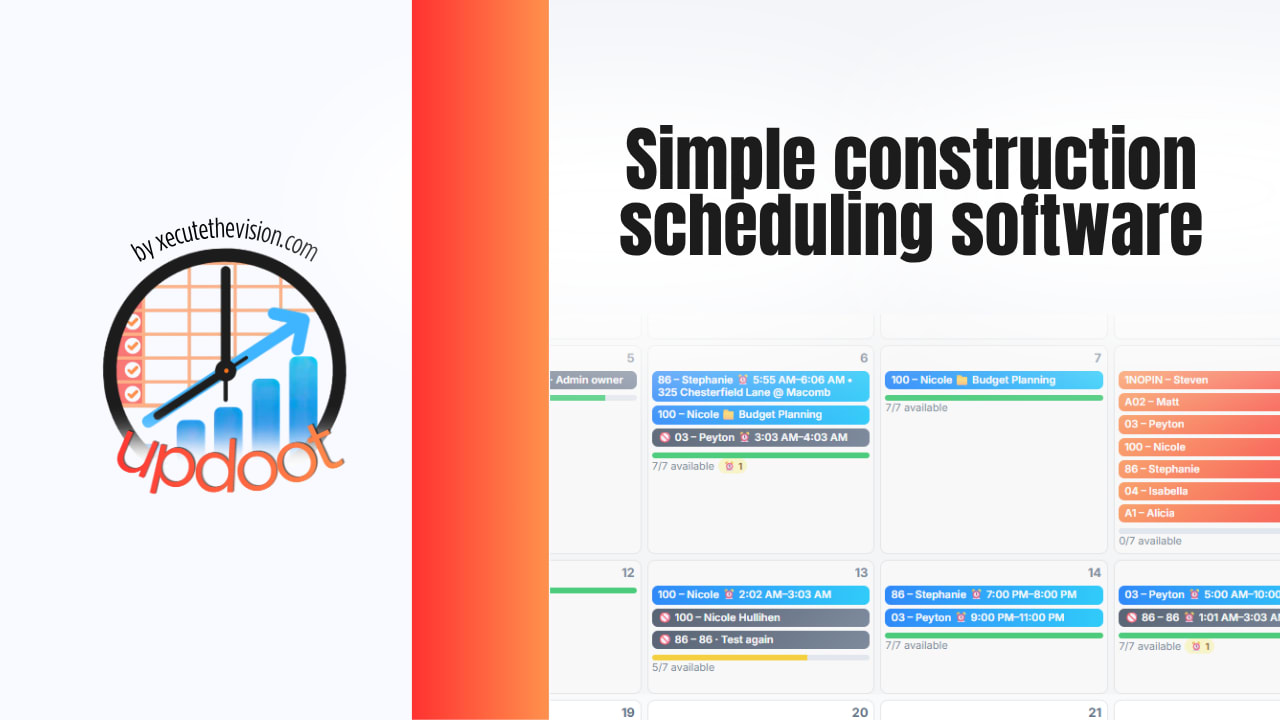
Simple construction scheduling software is a tool that lets a contractor plan jobs on a calendar or timeline, assign crews and equipment to specific dates, and see conflicts before they turn into a missed start date or a double-booked crew. It does the same basic job as an enterprise scheduling platform, without requiring a certified scheduler to run it. This guide covers what it actually needs to do, the features worth paying for, how to set one up in five steps, the mistakes that quietly wreck a schedule, and a live schedule builder you can try below.
Quick Answer
Simple construction scheduling software gives you a drag-and-drop calendar or Gantt view, crew and equipment assignment, and mobile access for the field, without the critical path method engine and multi-project complexity of enterprise tools like Primavera P6. For most contractors running a handful of active jobs, that's all you need.
What Is Construction Scheduling Software?
Construction scheduling software replaces the whiteboard, the shared spreadsheet, or the sticky notes taped to a truck dashboard. It gives everyone, from the office to the job site, one place to see what's happening, who's assigned to it, and when it's due.
At its core, it does three things: it lays out tasks against dates, it assigns people and equipment to those tasks, and it flags when something doesn't fit, like a crew booked on two jobs at once or a subcontractor starting before the site is ready.
Enterprise platforms add a lot on top of that: critical path method calculations, resource leveling across dozens of concurrent projects, and detailed reporting built for general contractors running dozens of jobs simultaneously. Most small and mid-sized contractors never touch most of that.
Why "Simple" Beats "Powerful" for Most Contractors
The instinct is to buy the tool with the most features. In practice, the tool that gets used every day beats the tool that does everything on paper but sits open in a browser tab nobody checks.
A superintendent standing in mud with a phone needs to update a task in ten seconds, not navigate five menus. An office manager building next month's schedule needs to drag a bar across a calendar, not learn resource leveling theory. Complexity that isn't used isn't a feature, it's a barrier.
Simple vs. Enterprise Scheduling Tools
| Factor | Simple Scheduling Software | Enterprise Scheduling Software |
|---|---|---|
| Learning curve | Minutes to a few hours | Days to weeks, often needs training |
| Best for | 1 to 20 active jobs, small to mid-sized crews | Large GCs running dozens of concurrent projects |
| Core view | Drag-and-drop calendar or Gantt | Critical path method (CPM) network diagrams |
| Mobile use | Built for field use on a phone | Often desktop-first, mobile is secondary |
| Typical cost | $20 to $60 per user per month | Significantly higher, often with implementation fees |
Key Features to Look For in Simple Construction Scheduling Software
Not every feature matters equally. These are the ones that actually determine whether a tool gets used.
Drag-and-Drop Calendar or Gantt View
You should be able to move a task by dragging it, not editing a dropdown menu three clicks deep. If rescheduling a rained-out day takes more than a few seconds, the tool is fighting you.
Crew and Equipment Assignment
The schedule needs to show who and what is committed to each task, not just when it happens. This is what catches a double-booked crew or a piece of equipment assigned to two sites on the same day before it becomes a problem in the field.
Weather and Delay Tracking
Construction schedules move constantly because of weather, inspections, and material delays. A tool that makes it easy to log a delay and shift downstream tasks accordingly saves hours of manual rework every time the forecast changes.
Mobile Access for the Field
If the schedule only lives on a desktop in the office, the field is always working from yesterday's version. Real-time mobile access is what keeps the office and the job site looking at the same plan.
Client and Subcontractor Visibility
Subcontractors who can see their own upcoming dates show up prepared more often than subcontractors who find out by phone call the day before. Some tools also support limited client-facing views, which cuts down on "when will you be done with X" calls.
How to Set Up a Simple Construction Schedule in 5 Steps
1. List Every Task Before You Place a Single Date
Break the project into tasks at a level of detail your team will actually track, not too granular and not too vague. "Frame the garage" is usually more useful than either "framing" for the whole house or "install stud number 12."
2. Sequence Tasks by Real Dependencies
Some tasks can't start until another finishes, like drywall waiting on rough electrical inspection. Others can run in parallel. Map the real dependencies first, then place dates. Placing dates before dependencies is how schedules end up with two crews needing the same wall on the same day.
3. Assign Crews and Equipment to Every Task
An unassigned task on a schedule is a task that won't get done. Every task needs an owner, whether that's a specific crew, a subcontractor, or an individual, before the schedule goes live.
4. Build In Buffer for Weather and Inspections
A schedule with zero slack breaks the first time it rains. Build a few buffer days into phases that are weather-dependent or waiting on third-party inspections, so one delay doesn't cascade through the entire project.
5. Share It and Keep It Updated Daily
A schedule that isn't updated stops being useful within a few days. Whoever owns the schedule should update it daily, even if it's a two-minute check-in, so the version everyone sees matches what's actually happening on site.
Try the Construction Schedule Builder
Build a simple job schedule below. Add tasks with a crew, dates, and status, then print it or copy it as text.
Job Schedule
Add every task, assign a crew, and set the dates. This mirrors the drag-and-drop calendar view most simple scheduling tools use.
Common Construction Scheduling Mistakes to Avoid
Scheduling Without Real Dependencies
Placing dates on a calendar without mapping what actually depends on what is the single most common cause of schedule conflicts. If drywall is scheduled before the electrical inspection is even booked, the schedule was never realistic to begin with.
No Buffer for Weather or Inspections
A back-to-back schedule with zero slack looks efficient on paper and falls apart the first week it rains. Weather-exposed and inspection-dependent phases need buffer days built in from the start, not added in as a panic response.
Updating the Schedule Weekly Instead of Daily
A schedule that's a week out of date is actively misleading, not just slightly stale. Crews show up for work that already happened or isn't ready yet. Daily updates, even quick ones, are what keep a schedule trustworthy.
Keeping the Field Out of the Loop
A schedule that only lives in the office isn't a schedule the field can act on. If crews and subcontractors can't see their own upcoming dates in real time, they're working from whatever was true last time someone called them.
Choosing a Tool That's Too Complex to Actually Use
An enterprise scheduling platform that nobody opens is worth less than a whiteboard that gets updated every morning. Match the tool to the size of your operation, not the size of the biggest GC you've ever worked for.
Frequently Asked Questions
Construction scheduling software is a tool used to plan, assign, and track work across a job site or multiple job sites over time. It typically shows tasks on a calendar or timeline, assigns crews and equipment to specific dates, and flags conflicts or delays before they affect the project.
Simple construction scheduling software focuses on a drag-and-drop calendar or Gantt view, crew and equipment assignment, and mobile access, without the critical path method engine, resource leveling, and multi-project portfolio features found in enterprise tools like Primavera P6. It is built to be usable by a superintendent or office manager without formal scheduling training.
Most small contractors benefit once they are running more than two or three jobs at a time or coordinating subcontractors and crews across sites. Below that, a whiteboard or spreadsheet can work, but the moment double-booked crews or missed subcontractor start dates start costing money, simple scheduling software usually pays for itself quickly.
A Gantt chart shows the full project timeline from start to finish with tasks laid out against dates. A look-ahead schedule is a shorter, rolling view, usually two to three weeks, that the field team uses to plan immediate work. Most simple scheduling tools let you view the same schedule data both ways.
Pricing varies widely, but simple tools built for small and mid-sized contractors typically run from around 20 to 60 dollars per user per month, often with a free trial. Enterprise scheduling platforms with full critical path method support usually cost significantly more and require a longer implementation.
No. Scheduling software organizes and displays the plan, but someone still has to build the sequence, make judgment calls about weather and delays, and resolve conflicts between crews and subcontractors. The software removes the manual busywork of tracking and updating the schedule, not the decision-making.
When to Upgrade From Simple to Enterprise Scheduling Software
Simple scheduling software has a ceiling, and it's worth knowing where it is before you hit it. The signals are usually operational, not just a matter of company size.
If you're consistently running more than 20 to 25 active projects at once, if multiple project managers need to see how shared crews and equipment are allocated across every one of those jobs simultaneously, or if you're required to produce formal critical path method documentation for owners or lenders, that's when the features enterprise platforms specialize in start to matter. Resource leveling across dozens of concurrent schedules and formal CPM float calculations solve real problems at that scale.
Most contractors never get there, and pushing a five-person crew running three jobs into a platform built for a 200-person GC just adds friction nobody asked for. The right move is starting simple and upgrading only when the operational signals, not the sales pitch, tell you it's time.
Final Thoughts
The best construction scheduling software isn't the one with the longest feature list. It's the one your superintendent actually opens every morning and your office actually updates every afternoon. Start with the basics: a clear task list, real dependencies, assigned crews, and a bit of buffer for the weather you can't control. The software's job is to make that plan visible and easy to adjust, not to replace the judgment that goes into building it in the first place.
If you want scheduling that's tied directly to crew assignments, budgets, and job tracking in one place instead of scattered across a whiteboard and three spreadsheets, that's exactly what Updoot is built for.