
Time Management Software for Architects
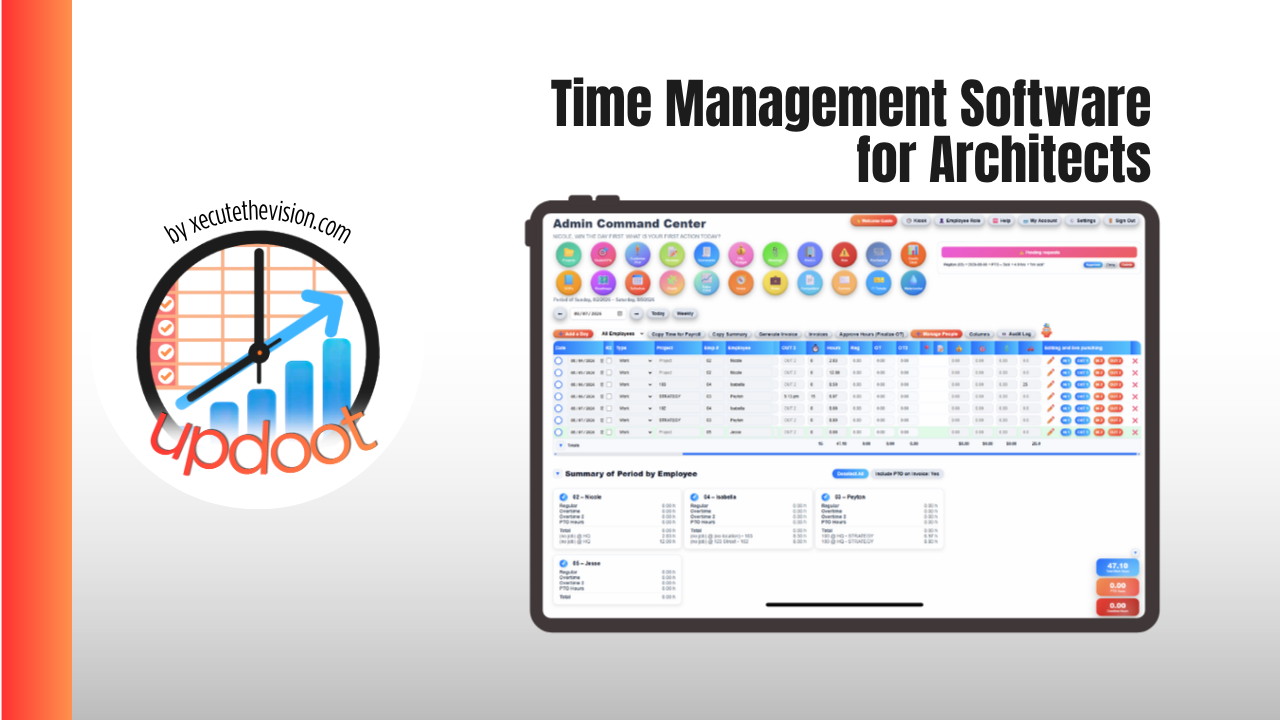
Time management software for architects is what separates a firm that finds out a phase went over budget from the one that catches it in week three, not week twelve. Architecture fees are typically split across schematic design, design development, construction documents, and construction administration, each carrying a different share of the total fee, so tracking hours against the project as a whole hides exactly the problem that matters: one phase quietly burning through its allocation while another sits untouched. This guide covers what architects specifically need from time tracking, how the leading platforms compare on price and fit in 2026, and a free calculator below that shows whether a project phase is actually on budget.
🔗 Related Guides
- Best Job Management Software — the full category guide and platform comparison
- Construction Project Management Software for Small Business — change orders, budgets, and job costing for small builders
- Time Management Software for Accountants — realization rates, billable hours, and firm billing tools
What Is Time Management Software for Architects?
Time management software for architects logs hours against a project and its phase, then compares that time to the fee allocated for the phase. The defining feature is phase-level structure: schematic design, design development, construction documents, and construction administration each carry their own fee percentage, timeline, and staffing, so time tracked at the project level alone tells you very little about which part of the work is actually profitable.
General time trackers can log hours accurately, but without phase structure built in, a firm has to recreate that breakdown manually in a spreadsheet, which is exactly the reconciliation work most firms are trying to eliminate.
Where Architecture Firms Lose Track of Time
- Site visits logged after the fact. A half day on site during construction administration, remembered and entered a week later, usually shorter and vaguer than what actually happened.
- Scope creep during construction administration. RFIs, submittal reviews, and client change requests that pile up in a phase with a fixed fee and no mechanism to flag when the hours have outrun the budget.
- One phase absorbing another's overrun. Design development running long gets quietly folded into the construction documents budget instead of being tracked and billed as its own overage.
- Principal time going untracked. Senior staff time on client calls and design review often gets skipped entirely, which understates the true cost of a project.
None of that is a discipline problem. It is what happens when phase budgets live in a proposal PDF and actual hours live in a spreadsheet that nobody reconciles until the project is already over.
🔧 Project Phase Profitability Calculator
Enter the fee allocated to a phase and what it has actually cost so far. See the real cost, the profit, the margin, and the hours at which the phase stops paying.
The number that tends to surprise firms most is break-even hours. A phase can look fine at the halfway point and still be on track to lose money once the remaining site visits, redlines, and consultant coordination are counted. Running the actual hours against the fee partway through the phase, not after it closes, is what turns a vague sense that construction administration always runs long into a specific number you can staff and price against next time.
The Features That Matter for Architecture Firms
Phase-based budgets, not just project budgets
Look for a platform that lets you allocate the fee by phase and compare hours logged against that specific allocation, not just against the total project fee. Without that structure, a firm is doing the phase math in a side spreadsheet no matter what the time tracker says it supports.
Time entry that survives a site visit
A mobile timer that works from a job trailer with weak signal matters more than most feature lists suggest. Time logged same-day is meaningfully more accurate than time reconstructed from memory a week later, and construction administration is where that gap shows up most.
Utilization visibility by role
Design staff, project architects, and principals have different realistic utilization targets. A platform that reports utilization only as one firm-wide number hides which roles are actually overloaded and which have room for more work.
QuickBooks or Xero sync that actually reconciles
Time and phase budgets are only useful if they turn into an invoice without being retyped. Confirm the sync handles partial phase billing and retainer draws, not just a flat monthly invoice, since that is how most architecture firms actually bill.
Best Time Management Software for Architects Compared
| Platform | Starting Price | Best For | Watch Out For |
|---|---|---|---|
| BigTime | From about $20/user/month, up to $45/user/month | Firms wanting phase tracking, budgets, and QuickBooks sync in one professional services platform | Deeper resource planning and profitability forecasting sit in the higher tiers |
| Monograph | From about $25/user/month, up to $45/user/month | Firms wanting a tool built specifically around architecture phases and AIA-style fee structures | Exact tier pricing is not published; confirm current rates before committing, and it is an operational layer rather than a full accounting system |
| Harvest | Free for one seat; Teams from about $9/seat/month plus usage fees | Firms wanting simple, general-purpose time tracking without architecture-specific phase structure | Moved to usage-based fees on top of the seat price in 2026; profitability reporting is limited to the higher Enterprise tier |
| Toggl Track | Free tier; paid plans from about $9/user/month | Solo architects and small teams wanting a lightweight timer without practice management overhead | No native phase-fee structure or invoicing; pair with a separate billing tool |
| UpdootPick | $5/user/month, no tiers | Small architecture firms wanting time tracking, project budgets, invoicing, and payroll in one flat-rate platform | No purpose-built AIA phase templates; pair with your existing proposal process to define phase fees |
What It Costs, Honestly
A ten-person architecture firm shopping this category is typically looking at $200 to $450 a month depending on the platform and tier, before add-ons for deeper reporting or resource planning. Weigh that against what an unmonitored phase overrun actually costs: a construction administration phase that runs 20 percent over its hour budget on a mid-size project can quietly erase the margin on the entire engagement. The return on this software shows up in the phases that get caught running over while there is still time to adjust staffing or have a scope conversation with the client.
Common Mistakes
- Tracking time at the project level only. A project can look profitable overall while one phase is badly over budget and another is undertracked, and project-level totals hide that entirely.
- Letting principals skip time entry. Senior staff time is often the most expensive hour on the project and the least likely to get logged, which understates true project cost.
- Choosing a tool for its interface instead of its phase structure. A clean timer that cannot report hours against a phase-based fee still requires the same manual spreadsheet reconciliation a firm was trying to eliminate.
- Reviewing utilization only at year-end. By the time annual utilization numbers are visible, the staffing and scoping decisions that would have improved them are long past.
How Updoot Handles Time Management for Architecture Firms
- Project → budget. Budget and P&L tracking against every project, so a fee allocation and actual spend sit side by side
- Project → hours. GPS time tracking logged to the job, so budgeted hours and actual hours are visible while the project is still open
- Hours → invoice and payroll. The same logged hours produce the client invoice and the payroll report, with no separate reconciliation step
- Team → capacity. Scheduling and PTO visible against project assignments, so staffing a phase accounts for who is actually available
- Procedures → SOPs. Standard drawing review and QA procedures written once, versioned, and available to every project team
All at $5 per user per month with no tiers and no feature gates, which means the price you work out today is the price you pay as the firm grows.
Related Reading
Best Job Management Software: The Complete Guide →
Construction Project Management Software for Small Business →
Frequently Asked Questions
Final Takeaway
The best time management software for architects is the one that shows a phase running over budget while there is still a phase left to manage, not the one with the longest feature list. Every platform on this list can log an hour and send an invoice competently, so the decision comes down to whether it understands phase-based fees natively, whether the field will actually use it during a site visit, and whether the price scales sensibly as the firm grows. Run one live project through a trial, price a phase with the calculator above, and check whether the margin surprises you.