
Time Management Software for Accountants
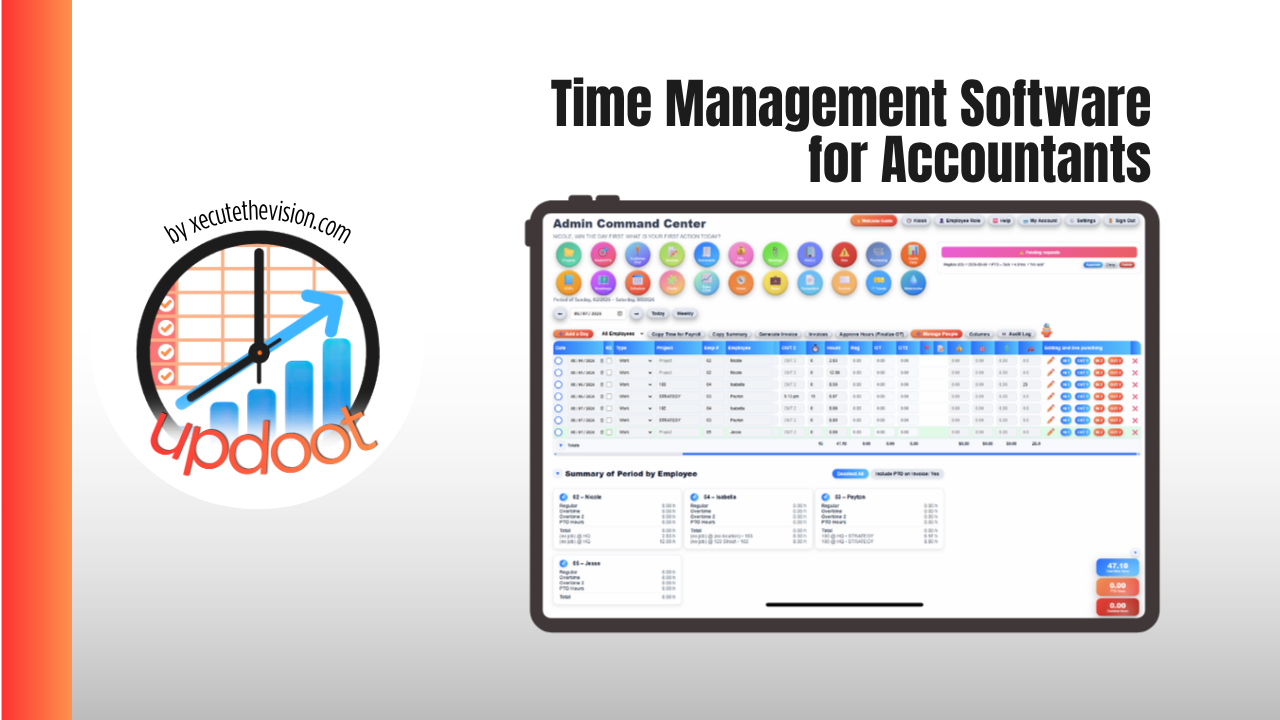
Time management software for accountants is what tells a firm the difference between a busy season and a profitable one. A staff accountant can log a full week of billable hours and the firm can still lose money on the engagement if enough of that time gets written down or written off before the invoice goes out. This guide covers what accounting and bookkeeping firms specifically need from time tracking, how the leading platforms compare on price and fit in 2026, and a free calculator below that shows what your realization rate is actually costing you.
🔗 Related Guides
- Best Job Management Software — the full category guide and platform comparison
- Time Management Software for Architects — phase-based budgets and project profitability
- Time Billing Software for Accountants — billable hours against client engagements
What Is Time Management Software for Accountants?
Time management software for accountants logs hours against a client and an engagement type, tax preparation, bookkeeping, audit, or advisory, then compares standard billing value against what was actually collected. The defining metric is realization rate: the percentage of the standard value of billed time that survives write-offs, write-downs, and fixed-fee adjustments. A firm can look busy on utilization and still be quietly unprofitable if realization is weak.
General time trackers can log hours accurately, but without a realization view built in, a firm has to build that comparison manually against a separate billing rate sheet, which is exactly the reconciliation most firms are trying to eliminate during busy season.
Where Accounting Firms Lose Track of Time and Money
- Time written down at invoicing without a record of why. A senior manager shaves hours off a bill to keep the client happy, and the firm loses the data needed to see the pattern across all their engagements.
- Fixed-fee work tracked loosely, if at all. When the client sees a flat number, internal time entry often slips, which removes the ability to measure whether the fixed fee is actually profitable.
- Busy season entries reconstructed from memory. Hours logged days later during February through April are shorter and less accurate than time captured as the work happens.
- Realization tracked only at year-end. By the time annual realization numbers surface, the pricing and staffing decisions that would have improved them are long past for that season.
None of that is a discipline problem. It is what happens when billing rates, actual time, and write-offs live in three different places instead of one record per engagement.
🔧 Realization Rate Calculator
Enter the hours worked at standard rate and what was actually billed. See the write-off, the realization rate, and the effective hourly rate the firm actually collected.
The number that usually lands hardest here is the effective hourly rate, what the firm actually collected per hour once write-offs are counted. A standard rate of $165 an hour can quietly become $110 or less once discounting and write-downs are factored in, and that gap is invisible unless someone is tracking realization engagement by engagement rather than only at the firm level once a year.
The Features That Matter for Accounting Firms
Realization reporting, not just a timer
Look for a platform that compares standard billing value against what was actually invoiced, by client and by engagement type. A timer without that comparison still leaves the firm building realization math in a separate spreadsheet.
Time entry that survives busy season
Passive or one-tap time capture matters most in February through April, when reconstructing a day from memory at 9pm produces the least reliable entries of the year. Look for automatic capture from tax software or email where possible.
Budgets by engagement type
Tax preparation, bookkeeping, audit, and advisory work carry very different realistic time budgets. A platform that tracks budget only at the client level, not the engagement level, hides which service lines are actually profitable.
QuickBooks or Xero sync for both time and invoicing
Time and billing data are only useful if they turn into an invoice and a bookkeeping entry without being retyped twice. Confirm the sync handles both hourly and fixed-fee billing, since most firms run a mix of both.
Best Time Management Software for Accountants Compared
| Platform | Starting Price | Best For | Watch Out For |
|---|---|---|---|
| Karbon | From about $59/user/month, up to $89/user/month | Larger collaborative firms wanting workflow, email triage, and time and billing in one platform | Priced at the higher end of the category; more platform than a small firm needs early on |
| Financial Cents | From about $49/user/month | Small firms under 20 staff wanting practice management and time tracking without the top-tier price | Fewer collaboration features than Karbon for firms that live in a shared inbox |
| QuickBooks Time | From about $10/user/month plus a base fee | Firms already standardized on QuickBooks wanting straightforward time capture for invoicing | Not accounting-firm specific; no built-in realization reporting by engagement type |
| Harvest | Free for one seat; Teams from about $9/seat/month plus usage fees | Firms wanting simple, general-purpose time tracking and invoicing without a full practice management suite | Moved to usage-based fees on top of the seat price in 2026; no accounting-specific realization view |
| UpdootPick | $5/user/month, no tiers | Small accounting and bookkeeping firms wanting time tracking, invoicing, budgets, and payroll in one flat-rate platform | No purpose-built realization dashboard; pair the budget view with your own billing rate sheet |
What It Costs, Honestly
A ten-person accounting firm shopping this category is typically looking at $500 to $900 a month depending on the platform and tier, before add-ons for deeper workflow or collaboration features. Weigh that against what weak realization actually costs: a firm collecting 75 percent realization instead of 90 percent on a $500,000 book of billable time is leaving roughly $75,000 on the table every year. The return on this software shows up in the write-offs that get caught and explained instead of absorbed silently at invoicing.
Common Mistakes
- Measuring utilization but not realization. A firm can have staff fully billable and still be unprofitable if enough of that billed time gets discounted away before the invoice is sent.
- Skipping time entry on fixed-fee work. Without internal time data, a firm cannot tell whether a flat fee is actually profitable or quietly losing money every renewal.
- Letting write-offs go unexplained. A write-off with no reason attached cannot be analyzed for a pattern, whether it is one client, one service line, or one reviewer consistently discounting.
- Reviewing realization only once a year. By year-end, the season that needed the pricing or staffing adjustment is already over.
How Updoot Handles Time Management for Accounting Firms
- Engagement → budget. Budget and P&L tracking against every client engagement, so standard value and actual billing sit side by side
- Engagement → hours. Time tracking logged to the client and engagement, so realization can be reviewed while the season is still active
- Hours → invoice and payroll. The same logged hours produce the client invoice and the payroll report, with no separate reconciliation step
- Team → capacity. Scheduling and PTO visible against client assignments, so busy season staffing accounts for who is actually available
- Procedures → SOPs. Standard review and engagement procedures written once, versioned, and available to every staff member
All at $5 per user per month with no tiers and no feature gates, which means the price you work out today is the price you pay as the firm grows.
Related Reading
Best Job Management Software: The Complete Guide →
Frequently Asked Questions
Final Takeaway
The best time management software for accountants is the one that surfaces a weak realization rate while the season is still underway, not the one with the longest feature list. Every platform on this list can log an hour and send an invoice competently, so the decision comes down to whether it reports realization by engagement, whether staff will actually enter time during busy season, and whether the price scales sensibly as the firm grows. Run one client through a trial, check realization with the calculator above, and see whether the effective rate surprises you.