
How to Start a Project
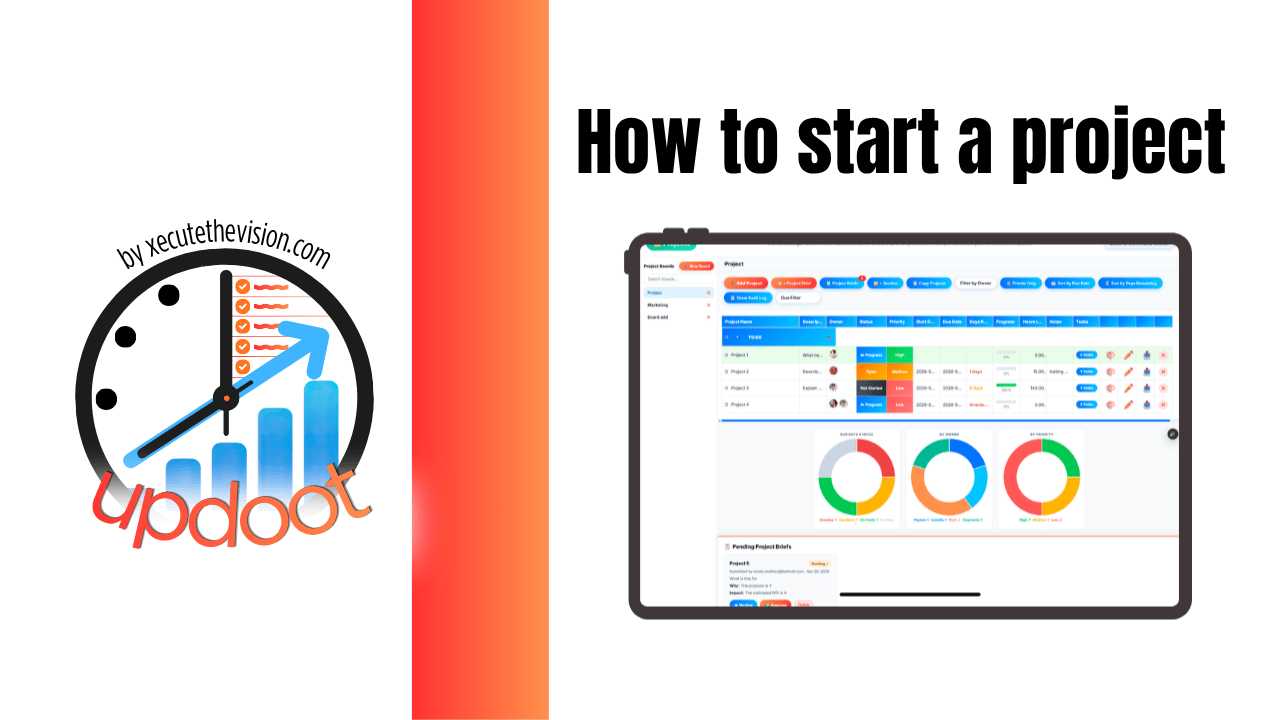
Use our free project readiness scorecard below and the complete list of steps to start a project. The scorecard tests whether your project is actually ready to begin across purpose, ownership, capacity, budget, and risk, and tells you which area is weakest. Below it is the full ten-step process, what belongs in a kickoff, and the mistakes that sink projects in their first week.
Free Project Readiness Scorecard
Is This Project Ready to Start?
Tick everything that is genuinely true right now, not what you intend to sort out later.
Purpose and Scope
Ownership and People
Capacity and Timeline
Budget and Resources
Risks and Governance
What "Starting" a Project Actually Means
In most small businesses a project starts when someone says "we should do that" in a meeting and a few people nod. There is no moment where it formally begins, which means there is also no moment where anyone checks whether it should.
Starting properly is a gate, not a announcement. Before work begins, five things should be true: the outcome is agreed, one person owns it, the people have the hours, the money is approved, and everyone knows how it will be tracked. If any of those are missing, you have not started a project, you have started an expectation.
The reason this matters more in a small company is that there is no slack to absorb the failure. A large organization can carry a badly started project for a quarter. A ten-person business gives up a meaningful share of its total capacity, and the cost lands on whoever was already busiest.
How to Start a Project, Step by Step
Step 1: Write down the problem, not the solution
Projects usually arrive as solutions: "we need a new website," "we should get a CRM." Underneath is a problem, and it is often not the one the solution addresses. Write the problem first, in a sentence, along with what happens if nothing changes.
This single step kills the projects that should not run and reshapes several of the ones that should. It also gives you something to test scope against later, when someone proposes adding a feature.
Step 2: Define what finished looks like
Write the outcome in a form you could demonstrate to someone. "Improve onboarding" is not a finish line. "Every new hire completes their first week from a checklist without asking a manager where anything is" is.
Then write what is explicitly out of scope. That list does more work than the in-scope list, because scope creep almost always enters as something that sounded obviously related.
Step 3: Name one owner
One person is accountable for the project moving, and they are not necessarily the person doing most of the work or the person who requested it. Shared ownership sounds collaborative and reliably produces a project nobody is driving.
Separately, identify who decides. When two reasonable people disagree in week five, the project stalls unless it was already clear who breaks the tie.
Step 4: Check capacity before you commit
This is the step most often skipped and the one that most reliably determines whether the timeline survives. Look at what the assigned people are already carrying before agreeing to a date.
The arithmetic is unforgiving. A person has roughly thirty productive hours a week once meetings and interruptions are counted. If the project needs fifteen and they are already committed to twenty-five, something is going to slip, and choosing which now is far cheaper than discovering it in week three.
Step 5: Break it into milestones with owners and dates
A project with only an end date has no early warning. Milestones create checkpoints where being behind becomes visible while there is still time to react.
Every task gets a named owner and a date. For anything that depends on something else finishing first, record the dependency, because unrecorded dependencies are the most common cause of a plan that looked fine collapsing in the middle.
Step 6: Set a budget, including labour
Small business project budgets usually count external spend and ignore internal hours, which is how a project that "cost nothing" consumed three weeks of your most expensive people.
Estimate the hours, apply a rate, add anything you have to buy, and record that as the baseline. Then decide how you will see actual against it during the project rather than after, because a budget you only check at the end is a postmortem, not a control.
Step 7: List the risks and dependencies
Three risks is enough for most small business projects. Write the most likely ways this fails and what you would do about each. It takes fifteen minutes and it is the cheapest insurance available.
Dependencies deserve the same treatment: other teams, vendors, approvals, or another project that has to land first. Anything you do not control belongs on this list.
Step 8: Get explicit approval
Someone with the authority to commit the money and the people says yes, in writing, to the scope and the date. Not a nod in a meeting.
This protects the project as much as the business. When priorities shift in month two, a documented agreement is what turns "why is this late" into a conversation about the change rather than about the team.
Step 9: Agree the cadence before you kick off
Decide how often status is reviewed, by whom, and in what format, then put it in the calendar. Weekly for a short project, fortnightly for a longer one.
Also agree how scope changes get requested and approved. If there is no route for a change, changes will arrive informally and the plan will erode without anyone deciding to let it.
Step 10: Define how it ends
Write the acceptance criteria and who signs off, at the start. Projects that drift for months at ninety percent complete usually never defined the last ten percent.
Book the debrief now as well. Thirty minutes at the end asking what worked and what did not is how the next project starts better than this one, and it never happens if it is not scheduled.
The Kickoff Meeting
Kickoff is not where the plan gets made. It is where an already-made plan gets communicated and committed to, which is why it should be short.
Cover five things: why this project exists, what finished looks like, who owns what, the milestones and dates, and how status and changes will be handled. Then ask directly whether anyone sees a reason it will not work, and mean it. The objections raised in that room are enormously cheaper than the ones discovered in week six.
Send the brief before the meeting rather than presenting it in the room. People who read it in advance arrive with real questions.
Considerations Small Businesses Often Miss
Most projects are somebody's second job. In a small company the project team also has day jobs, and the day job wins every time there is a conflict. Plan for the realistic share of someone's week, not the theoretical one.
The requester is often the owner's boss. That makes scope discipline socially awkward. Agreeing up front how changes get approved is what makes it a process rather than a confrontation.
Repeatable projects should be templates. If you run the same shape of project regularly, client onboarding, a site install, a product launch, build it once and reuse it. Rebuilding from scratch each time is waste and it is where steps get forgotten.
Documentation outlives the project. The new process a project creates has to be written down, or the project delivers a change that decays the moment the person who ran it moves on.
Common Mistakes When Starting Projects
Starting before the outcome is agreed. The single most expensive mistake, because the work is real and the direction is not.
Working backwards from a date somebody said out loud. A deadline picked before the plan exists is a wish, and everyone involved knows it, which corrodes commitment from day one.
No single owner. Shared accountability means status updates become archaeology.
Skipping the capacity check. Assigning work to people who are already full is the most common reason timelines slip, and it is entirely preventable.
Treating kickoff as the start of planning. If the plan is made in the kickoff meeting, the meeting will run long and the plan will be shallow.
No definition of done. Produces the project that is perpetually nearly finished.
Ignoring the small stuff. Little projects get started with none of this on the grounds that they are little, and a surprising number of them turn out not to be.
Questions to Ask Before Choosing a Tool
- Can you template a repeatable project? For anything you run more than twice a year, this is the difference between an hour of setup and five minutes.
- Does it show capacity across projects? Workload views sit on higher tiers in several popular platforms, and this is the feature that prevents overcommitment at the start.
- Can you track budget and hours against the project? Otherwise you can see whether it finished but not what it cost.
- Are dependencies and milestones supported? A timeline without dependency links tells you dates but not what breaks when one moves.
- Is there a place for the brief and approval? If the scope agreement lives in email, it will be relitigated.
- What does it cost at your real team size? Watch for seat minimums, block pricing, and per-user add-ons, which move the effective price above the advertised rate.
How We Evaluated These Tools
A note on where we stand: Updoot publishes this site and appears in the comparison below. Pricing and features for every tool here, Updoot included, were verified against each vendor's live pricing page or independent third-party sources in August 2026, and Updoot's own limitations are listed in the same column as everyone else's.
For starting projects specifically, we weighted five things: reusable templates, briefs and approvals held with the project, capacity visibility before committing, budget and hours tracked against the work, and total cost at small-team sizes once minimums and add-ons are counted.
How the Top Project Tools Compare
| Tool | Starting Price | Best For | Where It's Limited |
|---|---|---|---|
| Updoot ⭐ Best Overall | $5/user/month, all features included | Small businesses that want briefs with approvals, reusable templates, capacity planning, dependencies, budgets, and logged hours on the project itself, with nothing behind a tier | Fewer third-party integrations than the large dedicated project platforms |
| ClickUp | Free tier; paid from ~$7/user/month annually; Business ~$12 | Teams wanting deep customization and the most generous free tier | Significant configuration overhead to get a clean project setup, and AI is a separate per-user add-on |
| Asana | Free tier is limited; Starter from ~$10.99/user/month annually; Advanced ~$24.99 | Structured project management with minimal setup | Portfolio views and advanced reporting sit on the higher tier, which more than doubles the per-user cost |
| monday.com | Basic from ~$9/seat/month; Standard ~$12; Pro ~$19; 3-seat minimum sold in blocks | Visual boards and dashboards across departments | Seat-block pricing means paying for seats you do not use, and time tracking sits on the Pro tier |
| Trello | Free tier; paid plans from around $5-10/user/month | Very small teams running simple task boards | Limited for anything with dependencies, capacity, or budget; no real project cost view |
| Docs and spreadsheets | Effectively free | One-off projects with two or three people involved | No owners, no flags, no dependency handling, and status is only as current as the last time someone updated the file |
Editor's Pick
Why Updoot Tops This List
The steps that decide whether a project starts well, agreeing scope, checking capacity, setting a budget, are exactly the ones the major platforms handle least. Asana puts portfolio views and depth on Advanced at roughly $24.99 a seat. monday.com puts time tracking on Pro near $19 and sells seats in blocks with a three-seat minimum. ClickUp is good value and takes real configuration before it produces a clean project. None of them holds the budget, the hours, or the approval that made the project real. Updoot includes project briefs with approvals so scope is agreed before work begins, reusable templates for the projects you repeat, capacity planning so you can see what people are already carrying, dependencies and milestones, a RASCI chart for who owns what, per-project budgets with over and under flags, and hours logged and billed against the job, at a flat $5 per user per month with nothing gated. Starting a project properly costs about ten minutes when all of that is in one place.
The honest caveat: if your projects depend on a long list of third-party integrations, the large dedicated platforms have deeper marketplaces. For most small businesses the binding constraint is capacity and scope discipline rather than integrations.
How Updoot Handles Project Setup
In Updoot, a project starts from a brief that captures the objective and scope and requires approval before work begins, which turns the readiness gate above into part of the workflow rather than a document nobody fills in. Reusable templates launch the projects you run repeatedly with their tasks, owners, and typical durations already in place.
Capacity planning shows what each person is already committed to across every project, so the capacity check happens before the date is agreed rather than after it slips. Milestones, dependencies, start and end dates, and progress bars handle the plan, with Table, Kanban, Timeline, and Calendar views, and a RASCI chart records who is responsible, accountable, consulted, and informed.
Each project carries its own budget with over and under flags, and hours log directly against the job, so cost against plan is visible while the project is running. Meeting agendas turn discussion into action items tied back to the project, and the SOP library is where the process a project creates gets written down so it survives afterwards. All included at $5 per user per month.
Signs a Project Was Started Badly
The tipping point usually announces itself the same way: the scope is being debated in week four, two people believe different things about what is being delivered, the deadline was set before anyone estimated the work, nobody can say what it has cost so far, and status requires a meeting because it lives in people's heads. When a project is in trouble, the cause is nearly always something that was skipped in the first week rather than something that went wrong later.
Related Reading
The Ultimate Free Project Brief Template →
How to Manage Multiple Projects at One Time →
Free Project Management Timeline Tool and Template →
Frequently Asked Questions
Write the problem before the solution, define what finished looks like and what is explicitly out of scope, name one owner, check what the assigned people are already committed to before agreeing a date, break the work into milestones with owners, set a budget that includes internal hours, list the risks and dependencies, get written approval, and agree the status cadence before kickoff.
The problem being solved, the outcome in a form you could demonstrate, what is out of scope, the named owner and decision maker, milestones and dates, the budget including internal labour, the main risks and dependencies, and how scope changes will be requested and approved.
Starting before the outcome was agreed. The work is real and the direction is not, so effort accumulates in a direction that gets corrected weeks later. The two closest runners-up are no single owner and skipping the capacity check, both of which are preventable in the first week.
One named person, distinct from whoever requested it and not necessarily the person doing most of the work. Their job is to know the current status without asking around, escalate when blocked, and give a straight answer. Separately, identify who decides when two reasonable people disagree, because that is what stops a project stalling in week five.
Build the plan first and let the date come from it, rather than picking a date and working backwards. Estimate the hours, check what the assigned people are already carrying, and remember that a person has roughly thirty productive hours a week once meetings and interruptions are counted.
Kickoff communicates an already-made plan rather than creating one, so it should be short. Cover why the project exists, what finished looks like, who owns what, the milestones, and how status and scope changes will be handled. Send the brief in advance and ask directly whether anyone sees a reason it will not work.
Write down what is out of scope at the start, and define how a change gets requested and approved before work begins. Scope creep almost always enters as something that sounded obviously related, so the out-of-scope list does more work than the in-scope one, and having a route for changes stops them arriving informally.
Final Takeaway
Starting a project well is a gate, not a kickoff meeting. Write the problem before the solution, define what finished looks like and what is out of scope, name one owner, check capacity before agreeing a date, budget the internal hours, and decide up front how status and scope changes will be handled. Run the scorecard above before you begin, and if Purpose or Ownership is your weakest area, fix that before anything else.