
Best Time Clock Software for Security Companies
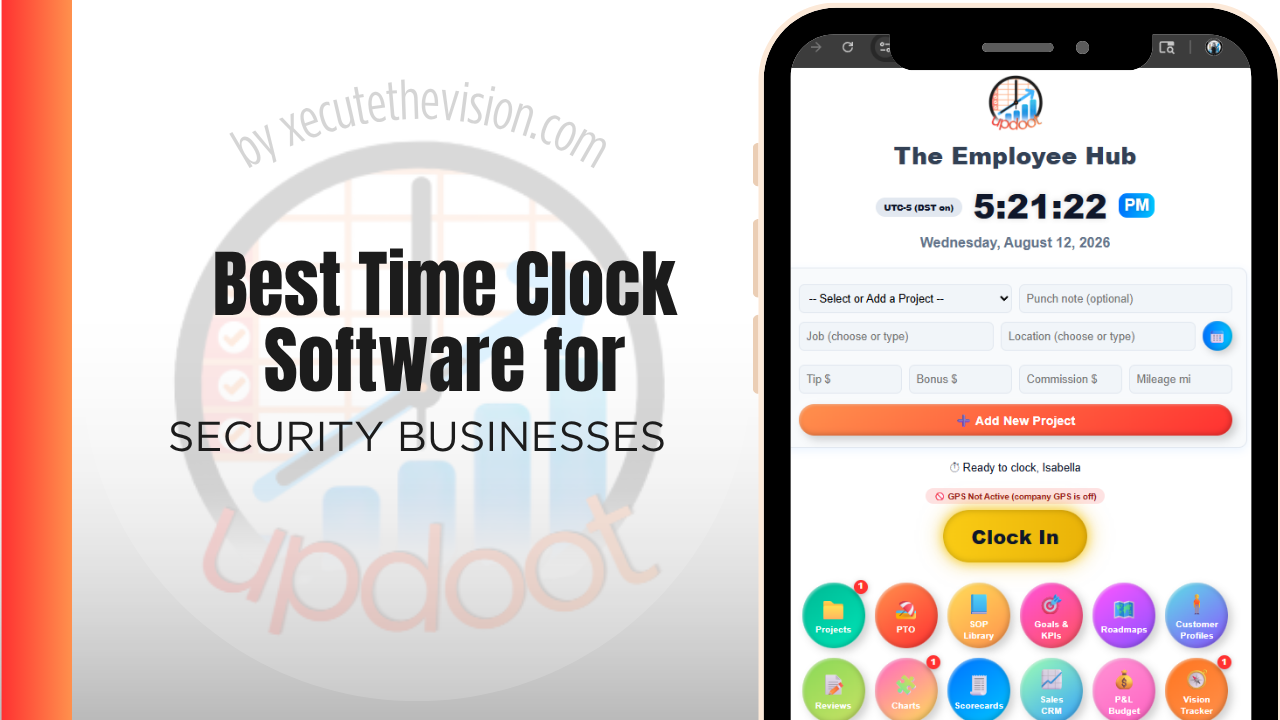
Use the free calculator below to see what timesheet rounding actually costs your security company. Security staffing is post-based: guards clock in at a specific site, often overnight or on rotating shifts, and a client expects proof that coverage actually happened, not just an invoice for hours billed. Below is a free generator that estimates what rounding and missed punches cost across a year of post-based staffing, plus how the leading tools compare.
Free Guard Hour Verification Calculator
What Are Unverified Post Hours Costing You?
Enter your guard count and average wage. Leave a field at 0 if it doesn't apply to your contracts.
What Security Companies Actually Need from Time Clock Software
A security company needs GPS or geofenced clock-in that confirms a guard was actually at the assigned post, since that proof is what backs up an invoice when a client questions coverage. Some contracts also require guard tour verification, where a guard checks in at multiple points around a site during a shift.
Multi-site scheduling matters just as much, since a single company might staff a dozen posts across a city with guards rotating between them. A system that can't handle post-based scheduling forces dispatchers to manage coverage manually, which increases the risk of an unstaffed post going unnoticed.
The third requirement is verification at the post rather than at a phone. A guard who can punch from anywhere provides no evidence of coverage, which is the entire thing a security contract is selling.
The fourth is immediate visibility of a failed or missing punch, because a guard who has not arrived at a 2 a.m. post is a problem measured in minutes, not something to notice on a Monday report.
Static Post Guards vs. Patrol and Mobile Staff
Static post guards clock in at one location for a shift and stay there, while patrol and mobile staff move between multiple sites during a single shift. A time clock that only handles fixed-location punches leaves patrol staff without a good way to log time at each stop, which is where coverage gaps become hard to prove or disprove after the fact.
Common Time Tracking Mistakes in Security
The most common mistake is billing a client based on scheduled hours instead of verified hours actually worked at the post, which creates a real problem if a client ever audits invoices against actual coverage.
The second is not tracking guard tour checkpoints, which means there's no record proving a guard patrolled the full site during a shift, only that they clocked in at the start and out at the end.
The third is relying on paper sign-in sheets at remote or overnight posts, which are easy to falsify and offer no real-time visibility if a post goes unstaffed mid-shift.
Proving Coverage on Every Post
A security contract is a promise that someone was somewhere at a specified time. Everything else, the uniforms, the reporting, the client relationship, rests on being able to demonstrate that.
Site-verified clock-in is what converts the promise into evidence. A geofenced punch, a scanned NFC tag at the post, or a QR code fixed at the guard station all produce a timestamped record tied to a physical location rather than to a phone that could be anywhere. Which method suits you depends on the site: geofencing works well on a defined property and poorly in a multi-tenant building where every floor shares coordinates, where a scanned tag at the post is stronger.
The immediate benefit is client-facing. When an account manager is asked whether the overnight post was covered, the answer takes seconds and comes with a record, which is a different conversation from checking with the supervisor and calling back. The secondary benefit is internal: uncovered posts become visible as they happen rather than when a client complains, which is the difference between a rescheduled guard and a lost contract.
No-Shows, Relief, and the Fifteen Minutes That Decide the Contract
The operational failure that costs security companies contracts is not a guard performing badly. It is a post left uncovered because a no-show was discovered late.
A missed-punch alert is the cheapest control available against that. If a guard has not clocked in within a defined window of shift start, someone in dispatch knows immediately and has the remainder of that window to deploy relief. Without it, discovery depends on the outgoing guard raising it, the client noticing, or nobody noticing at all, and each of those outcomes is progressively worse.
Getting the window right matters. Too tight and dispatch drowns in alerts from guards caught at a gate; too loose and the alert arrives after the useful response time has passed. Most operators settle somewhere around ten to fifteen minutes and tune it by site.
The same data supports a longer-term decision. Late and missed punches cluster: by guard, by site, and by shift pattern. A site that generates repeated lateness across different guards is usually telling you something about access, parking, or handover rather than about the people, and that is a fixable operational problem once the pattern is visible.
How We Evaluated These Tools
For transparency: Updoot publishes this site and is included in the comparison below. Every price and feature claim here, ours included, was verified against each vendor's live pricing page or independent third-party sources in August 2026, and where a guard-tour specialist beats us on a criterion we say so.
For security companies specifically, we weighted five things: GPS or geofenced verification at each post, support for guard tour checkpoint logging, multi-site scheduling for both static and patrol staff, real-time visibility into coverage gaps, and pricing that scales sensibly as the company adds posts and guards.
How the Top Time Clock Tools Compare for Security Companies
| Tool | Starting Price | Best For | Where It's Limited |
|---|---|---|---|
| Updoot ⭐ Best Overall | $5/user/month | Companies wanting GPS-verified post punches with labor cost tied to the client and site being billed | No dedicated guard tour checkpoint scanning module |
| Buddy Punch | From ~$4.49-5.49/user/mo plus a ~$19/mo base fee | Companies wanting GPS clock-in and geofencing for static posts with a straightforward setup | No built-in guard tour or checkpoint verification |
| Connecteam | Free (up to 10 users); paid plans from ~$29-99/mo flat rate for larger teams | Companies wanting GPS tracking, scheduling, and team communication in one app for guards across many posts | Guard tour checkpoint scanning requires a higher-tier plan or a separate add-on |
| TrackTik | Custom pricing, typically enterprise-tier | Large security operations needing dedicated guard tour, incident reporting, and client-facing dashboards | Pricing and complexity are geared toward larger operations, often more than a small or mid-size company needs |
Editor's Pick
Why Updoot Tops This List for Security Companies
Buddy Punch verifies location well but has no guard tour feature. Connecteam is strong on communication but checkpoint scanning needs a higher tier. TrackTik is built for guard tours but is priced and scoped for large enterprise operations. Updoot ties GPS-verified post punches directly to the client and site being billed, with labor cost and invoicing on the same platform, at a flat $5 per user per month regardless of how many posts or guards a company runs.
The right pick depends on post count and coverage hours: a small operation covering a few sites fits a leaner free tier, while a company staffing round-the-clock posts needs verified punches and per-site reporting.
How Updoot Ties Post Hours to Client Billing
In Updoot, each post or site is set up as its own project tied to a customer record for the client contract. Every GPS-verified punch rolls up under the right post automatically, so hours billed to a client match hours actually worked and verified at that location.
Each contract carries its own budget, so a company can see labor cost against a client's contracted hours in real time rather than discovering a coverage gap or overage only when the invoice goes out. When it's time to bill, invoicing pulls directly from verified hours, all included in Updoot at $5 per user per month.
Rolling Out a New Time Clock Across Posts
Start with a handful of posts as a pilot before rolling out company-wide, so any connectivity or setup issues at remote sites surface early. Make sure every active post and client contract has a code in the system before go-live, since a missing post code is the most common reason a guard reverts to a paper log. Brief dispatchers on real-time coverage visibility so they can catch an unstaffed post immediately instead of after a client complaint.
Billable Post Hours vs. Paid Guard Hours
Security companies run two hour counts that should match and frequently do not. Billable hours are what the contract entitles you to invoice. Paid hours are what the guards actually worked. The spread between them is the margin, and it erodes quietly.
Erosion happens in familiar ways. A guard stays forty minutes past shift end because relief was late, which is paid and not billable. A supervisor covers a gap personally rather than logging it. Training and briefing time is paid and sits outside any contract. None of these are errors, but unmeasured they turn a contract quoted at a healthy margin into one running thin.
Attributing hours to a site and a contract makes the spread visible per client, which is where the useful decisions are. A contract consistently absorbing unbilled relief overlap is a renewal conversation with evidence attached. A site generating repeated overtime because it is staffed one guard short of what the coverage pattern actually requires is a staffing decision, not a payroll surprise. Reviewing billable against paid hours by contract monthly catches both while they are still adjustable.
Pricing and ROI for Security Companies
Two models are typical: a flat monthly fee for a set number of users, or a per-user rate tied to headcount. Security runs high headcount and high turnover, so per-user pricing should be calculated across the full roster including relief and part-time guards. Confirm whether geofenced or site-verified punches and per-site reporting are on the plan you are pricing.
The return in security is contract defensibility more than payroll savings. Verified, timestamped post coverage supports billing, answers client questions immediately, and surfaces uncovered gaps in time to fix them. Site-level hour data also shows which contracts are being staffed beyond what they were priced for.
What to Test Before You Put Posts On It
- Trial one site for a full pay cycle. Choose a difficult one: multi-tenant, poor signal, or overnight coverage.
- Test the verification method at the actual post. Geofencing that works in a car park may not work on the twelfth floor. Scanned tags usually do.
- Trigger a missed punch deliberately. Time how long until dispatch is alerted, and tune the window from there.
- Run billable against paid hours for one contract. If that comparison needs a spreadsheet, you will not do it monthly.
- Onboard and deactivate a relief guard. Turnover is constant; both actions need to be fast and immediate.
Signs You've Outgrown Manual Timesheets
In contract security the signals attach to proof. A client asks whether a post was covered between 2 and 4 a.m. and the answer depends on a guard's word, a no-show is discovered when the client calls rather than when it happens, and billable post hours are reconciled against payroll manually every period. Once coverage cannot be evidenced, the contract itself is exposed.
Related Reading
How to Choose the Best Time Clock with GPS Tracking →
Best Time Tracking Software for Field Service →
Portable Time Clock for Small Business: No App Required →
Best Time Clock Software for Cleaning Businesses →
Frequently Asked Questions
The best option is whichever one GPS-verifies that a guard was actually at the assigned post and ties those verified hours directly to the client contract being billed, since that proof is what backs up every invoice.
Most do, since clients expect proof of coverage, not just a timesheet. GPS or geofenced punches confirm a guard was physically at the post, which matters both for accurate billing and for defending against disputed invoices.
It's a system where a guard checks in at multiple points around a site during a shift, usually by scanning a code or tapping a beacon, creating a record that the full site was actually patrolled, not just that the guard clocked in and out.
Good software lets a guard switch between posts during a single shift, with each segment logged separately and GPS-verified, so hours are correctly attributed to each site instead of lumped into one shift total.
For a company with just a few static posts, a free or low-cost tier can cover basic GPS clock-in. Once guard tour verification or multi-site client billing becomes a priority, most free tiers stop being enough.
By giving dispatchers real-time visibility into who has and hasn't clocked in at each post, so a coverage gap can be caught and filled immediately instead of discovered after a client complaint.
More than most owners expect, especially across many posts and overnight shifts. A few minutes of rounding per shift, multiplied across a full guard roster over a year, regularly adds up to thousands of dollars.
Final Takeaway
The best time clock software for security companies is the one that proves coverage happened and ties every verified hour to the client contract it belongs to. Use the calculator above to see what timesheet rounding is costing your company right now, and if the number surprises you, that's usually the clearest sign it's time for a change.