
Best Time Clock Software for Staffing Agencies
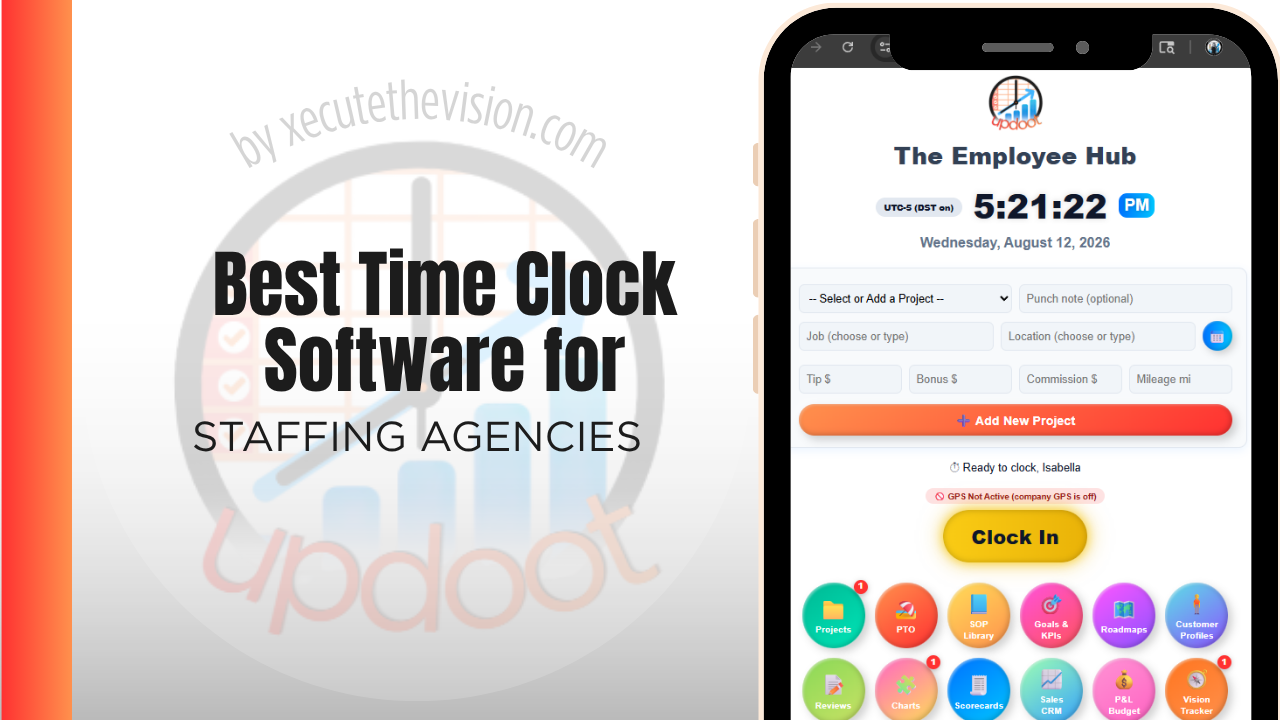
Use the free calculator below to see what timesheet rounding actually costs your agency. Staffing agencies place temporary and contract workers across multiple client sites, often simultaneously, and need to track hours accurately for both payroll to the worker and billing to the client, which are two different numbers with two different margins riding on them. Below is a free generator that estimates what rounding and missed punches cost across a year of multi-client staffing, plus how the leading tools compare.
Free Placement Hour Accuracy Calculator
What Are Disputed Placement Hours Costing the Agency?
Enter your average placed headcount and pay rate. Leave a field at 0 if it doesn't apply to your agency.
What Staffing Agencies Actually Need from Time Clock Software
A staffing agency needs GPS-verified clock-in tied to the specific client site a worker is placed at, since that's what backs up both the invoice sent to the client and the paycheck issued to the worker, which are calculated from the same underlying hours but at different rates.
Multi-client reporting also matters. An agency placing workers across a dozen client accounts needs to see hours, bill rate, and pay rate broken out by client and by job order, not one combined total that makes it impossible to see which placements are actually profitable.
The third requirement is an independent record of every shift. If the only evidence a placement worked is the client's own timesheet, the agency is negotiating rather than invoicing whenever a dispute arises.
The fourth is onboarding fast enough for a placement starting tomorrow morning, since a system that takes days to provision will simply be bypassed.
Temporary Placements vs. Internal Agency Staff
Temporary and contract workers clock in at client sites, often different ones week to week, while internal agency staff like recruiters and account managers work from the agency's own office. A system that only handles one well creates a workaround for the other, and the two groups are usually on different pay structures entirely.
Common Time Tracking Mistakes in Staffing
The most common mistake is not separating bill rate from pay rate clearly in reporting, which makes it hard to see true margin on a placement until someone manually reconciles both numbers.
The second is relying on a client's own sign-in sheet or timeclock as the source of truth, which removes the agency's ability to independently verify hours if a client and a worker disagree on what was actually worked.
The third is not tracking which client site a worker is placed at in real time, which makes it difficult to bill correctly when a worker is moved between assignments mid-week.
Pay-to-Bill Margin and Where It Quietly Narrows
An agency's margin is the spread between what a client is billed and what a worker is paid, and it is more fragile than the rate card suggests.
It narrows through mechanisms that rarely get logged. A placement works ten minutes past shift end and it is paid but not billed because the client's timesheet rounds. Overtime is incurred at a premium the bill rate does not proportionally reflect. A worker is rounded up on pay and down on bill by two different systems using two different conventions. Each instance is trivial; across a few hundred shifts a week it is the difference between a healthy spread and a thin one.
An independent time record closes this because you can compare, per assignment, what was paid against what was billed. Agencies that run this comparison typically find the erosion is concentrated in specific clients whose timesheet practices differ from the agreement, which is a solvable commercial conversation once you have the record to support it.
It also identifies the assignments where the spread was never adequate to begin with. A placement that looked acceptable at quote can be underwater once the actual shift pattern and overtime materialize, and without assignment-level data that only becomes apparent in a general sense that a client is not very profitable.
Client Timesheets, Approval, and Removing the Reconciliation
The standard agency workflow involves a timesheet the client fills in, an agency system that pays the worker, and a person in the middle reconciling the two every week. That person is a cost, and the reconciliation is where errors and disputes originate.
A better arrangement is a single record both sides see. The worker punches, the client contact approves in the same system, and the approved record drives both the invoice and the payroll run. Disputes then happen before payment rather than after invoicing, which is materially cheaper and considerably better for the relationship.
The obstacle is client adoption, and it is worth being realistic. Some clients will not use your system, particularly larger ones with their own vendor management platform, and for those you will keep reconciling. But even partial adoption across your smaller accounts removes a meaningful share of the manual work and gives you an independent record for the accounts most likely to dispute.
When shortlisting, ask specifically whether a client-side approver can be given access without consuming a paid seat, since an agency with sixty client contacts cannot absorb sixty licences.
How We Evaluated These Tools
Disclosed up front: Updoot publishes this site and appears in the comparison below. Every price and feature claim here, ours included, was verified against each vendor's live pricing page or independent third-party sources in August 2026, and where a staffing-specific platform is the stronger fit we say so.
For staffing agencies specifically, we weighted five things: GPS-verified clock-in tied to a specific client site, separate tracking of bill rate and pay rate per placement, multi-client reporting, ease of moving a worker between assignments, and pricing that scales sensibly as the agency's roster grows.
How the Top Time Clock Tools Compare for Staffing Agencies
| Tool | Starting Price | Best For | Where It's Limited |
|---|---|---|---|
| Updoot ⭐ Best Overall | $5/user/month | Agencies wanting GPS-verified punches tied to client accounts with billing and payroll data on the same platform | No dedicated applicant tracking or job-order recruiting module |
| ClockShark | From ~$20/mo base + ~$6-8/user/mo | Agencies placing workers on job sites wanting strong GPS verification | No native bill rate vs. pay rate margin reporting |
| Buddy Punch | From ~$4.49-5.49/user/mo plus a ~$19/mo base fee | Agencies wanting GPS tracking and job codes with a straightforward setup | Multi-client billing reporting requires manual export and reconciliation |
| TrackSmart | From ~$4-5/user/mo | Smaller agencies wanting a simple, affordable GPS time clock | Limited multi-client cost and margin reporting |
Editor's Pick
Why Updoot Tops This List for Staffing Agencies
ClockShark verifies location well but doesn't separate bill rate from pay rate for margin reporting. Buddy Punch covers job codes but multi-client billing needs manual work. TrackSmart is affordable but thin on client-level reporting. Updoot ties GPS-verified punches to each client account, with bill rate, pay rate, and invoicing built on the same time data, at a flat $5 per user per month regardless of how many clients an agency serves.
The right pick depends on placement volume and turnover: a small agency with steady assignments fits a leaner free tier, while one placing many short-term workers needs fast onboarding and assignment-level reporting.
How Updoot Handles Multi-Client Billing
In Updoot, each client account is set up as a customer record, with individual placements tracked as projects underneath it. Every GPS-verified punch rolls up under the right client and placement automatically, so the agency can see hours, bill rate, and pay rate broken out cleanly instead of reconciling one spreadsheet per client.
Each placement carries its own budget, so margin is visible in real time as hours are logged, not discovered only when the invoice goes out. When it's time to bill a client, invoicing pulls directly from verified hours, all included in Updoot at $5 per user per month.
Rolling Out a New Time Clock Across Client Sites
Pilot the new system with one client account before rolling it out across the full roster, so any setup issues surface on a smaller scale. Make sure every active client and job order has a code in the system before go-live, since a missing code is the most common reason hours end up misattributed. Brief both placed workers and internal staff clearly, since the two groups will use the system differently.
Classification, Co-Employment, and Records That Hold Up
Staffing carries employment law exposure that most industries do not, because the worker is placed with one organization and employed or engaged by another.
Two areas warrant particular care. Worker classification determines whether someone is an employee or an independent contractor, and it is decided by the substance of the arrangement rather than the label on the agreement. Joint or co-employment questions can arise where a client exercises significant control over a placed worker, potentially creating shared obligations around wages, hours, and other terms. Both areas vary by jurisdiction, depend heavily on specific facts, and have seen meaningful legal change, so confirm your position with employment counsel rather than a general summary.
What follows for timekeeping is that records matter more here than in an ordinary employer. Accurate, contemporaneous hours, retained for the required period and attributable to a specific assignment and client, are the foundation of any response if wages or hours are ever questioned. Ask vendors about retention periods, export on termination, and audit trails on edits, and treat those answers as selection criteria rather than administrative details.
Pricing and ROI for Staffing Agencies
Two models are common: a flat monthly fee for a set number of users, or a per-user rate tied to headcount. Staffing is the hardest fit for per-user pricing, since placed workers turn over constantly, so ask specifically how short-term and rotating workers are billed and whether a seat can be reused. Confirm that client and assignment codes are supported at the plan you are pricing.
The return for an agency is margin protection. An independent, timestamped record of every shift removes the reconciliation between the client's timesheet and the agency's payroll, resolves disputes with evidence rather than negotiation, and reveals assignments where the pay-to-bill spread has quietly narrowed.
What to Test Before You Place Anyone On It
- Onboard a worker for a shift starting tomorrow. Time it end to end. Anything over a few minutes will not survive contact with a real placement desk.
- Give a client contact approval access. Confirm it does not consume a paid seat and that the approval flows to both invoice and payroll.
- Run one assignment through to invoice. Check the pay-to-bill comparison appears without manual reconciliation.
- Test a worker across two clients in one week. Hours should attribute separately with the correct rate on each.
- Ask about record retention and export. You need the history long after the placement ends, and you need it if you ever leave the platform.
Signs You've Outgrown Manual Timesheets
For an agency the signals sit between the client and the worker. Hours arrive on a client's timesheet template and are keyed in by hand, a placement's hours are disputed and the agency has no independent record, and the gap between what was billed and what was paid is discovered at invoicing rather than at the shift. Once the agency's only record of a shift is the client's version of it, both margin and the client relationship are exposed.
Related Reading
Best Time Tracking Software for Field Service →
Free Staffing and Scheduling Tool →
How to Choose the Best Time Clock with GPS Tracking →
Best Time Clock Software for Call Centers →
Frequently Asked Questions
The best option is whichever one GPS-verifies hours at the specific client site a worker is placed at and separates bill rate from pay rate clearly, since those two numbers determine the agency's actual margin on each placement.
Because the two numbers are different: the client is billed at one rate and the worker is paid at another, with the difference being the agency's margin. Reporting that combines them into one number hides whether a placement is actually profitable.
Good software lets a worker be tracked at different client sites over time, with each placement's hours attributed to the correct client account, so billing and payroll stay accurate even as assignments change.
It's risky to rely on it exclusively, since the agency loses the ability to independently verify hours if a dispute comes up. An agency-controlled GPS-verified clock-in gives the agency its own record to stand on.
For an agency placing a handful of workers at one or two clients, a free or low-cost tier can cover basic GPS clock-in. Multi-client billing and margin reporting generally require a paid plan.
By capturing verified hours at the point of work, tied to the correct placement and pay rate, so payroll is built from accurate source data instead of a worker's self-reported timesheet.
More than most owners expect, especially across many client placements. A few minutes of rounding per shift, multiplied across a full roster of placed workers over a year, regularly adds up to thousands of dollars in miscounted billing and payroll.
Final Takeaway
The best time clock software for staffing agencies is the one that verifies hours at the client site and keeps bill rate and pay rate cleanly separated. Use the calculator above to see what timesheet rounding is costing your agency right now, and if the number surprises you, that's usually the clearest sign it's time for a change.