
Best Time Clock Software for Transportation
Use the free calculator below to see what timesheet rounding actually costs your fleet. Transportation staffing runs on drivers covering routes and delivery windows, often starting and ending at different locations, with dispatch and warehouse staff working more fixed hours. Below is a free generator that estimates what rounding and missed punches cost across a year of driver and warehouse staffing, plus how the leading tools compare.
Free Driver Hour Variance Calculator
What Are Unverified Driver Hours Costing You Per Year?
Enter your driver count and average wage. Leave a field at 0 if it doesn't apply to your fleet.
What Transportation Businesses Actually Need from Time Clock Software
A transportation company needs GPS-verified clock-in for drivers, since a driver's workday often doesn't start and end at a single fixed location the way an office employee's does, and accurate location data supports both payroll and route efficiency reporting.
Route or client-level labor cost also matters for companies billing clients by delivery or by route, since it's what makes it possible to see which routes or contracts are actually profitable, not just a fleet-wide total for the week.
The third requirement is that the clock works where the work happens. Drivers are not walking into an office to punch, which means clock-in has to happen from a phone or in-cab device, and it has to survive the dead zones every route contains.
The fourth is separating the parts of a driver's day that behave differently. Driving, loading, waiting, and pre-trip inspection are all paid time with very different cost profiles, and a system that records only shift start and shift end cannot tell you which of them is growing.
Drivers vs. Dispatch and Warehouse Staff
Drivers need mobile, GPS-verified clock-in that works from wherever a route starts and ends, sometimes with irregular hours tied to delivery windows. Dispatch and warehouse staff need more standard fixed-location tracking. A system that only handles one group well leaves the other with a workaround that creates inaccurate hours.
Common Time Tracking Mistakes in Transportation
The most common mistake is tracking total hours for the week instead of by route or delivery, which makes it impossible to know which routes or client contracts are actually profitable against fuel and labor cost.
The second is not verifying a driver's location at clock-in, relying instead on self-reported hours, which is difficult to defend if a route's actual duration is ever questioned by a client or during a payroll dispute.
The third is not accounting for wait time at loading docks or delivery sites separately from active driving time, which can distort both payroll accuracy and understanding of true route efficiency.
Wait Time, Detention, and What It Actually Costs
Dock time is the most expensive hour in transportation and the least examined. A driver sitting at a receiver is fully paid, the truck is unavailable, and unless that time is captured against the stop it disappears into the shift total where nobody can act on it.
Coding wait time separately changes three conversations. Internally, it shows which lanes and which customers consistently cost you hours that were never priced into the rate. Commercially, it gives you timestamped records when you invoice detention, which is a far stronger position than a driver's recollection. Operationally, it tells you whether a scheduling change, an appointment window, or a different arrival time would recover hours that are currently just absorbed.
The pattern most fleets find is concentrated rather than spread: a handful of stops account for a disproportionate share of total wait, and they are usually priced as though they behaved like every other stop. That is a rate conversation you cannot have without records, and it is the fastest return on a time clock in this industry.
Overtime Exposure and Defensible Recordkeeping
Transportation carries more wage-and-hour risk than most industries, because the workday is long, irregular, and largely unsupervised. The exposure is rarely deliberate. It comes from a payroll process that estimates: a dispatcher enters what the run should have taken, a driver mentions later that it took longer, and the record that would settle it does not exist.
Contemporaneous records solve this in a way retrospective ones cannot. Hours captured at the moment they occur, attributed to a route or stop, with an audit trail showing any subsequent edit, are the difference between answering a question in an afternoon and reconstructing months of activity under pressure.
Two practical points. First, decide and document how pre-trip and post-trip inspection, fueling, and yard time are recorded, then apply it uniformly, because inconsistency across drivers is itself a risk. Second, if you edit punches, do it in a system that logs who changed what and when. Correcting a missed punch is normal and expected; correcting it with no trace is the thing that turns a small dispute into a large one. Note that wage-and-hour and hours-of-service rules vary by jurisdiction and by the type of operation you run, so confirm your specific obligations with a qualified advisor rather than relying on a software vendor's summary.
How to Trial a Time Clock on a Live Route
- Choose your longest route with the worst signal. If punches survive that, the rest of the fleet is straightforward. Confirm specifically that offline punches queue and sync rather than vanish.
- Code a full day into its parts. Pre-trip, driving, loading, waiting, post-trip. Run one driver through it properly and see whether the breakdown is usable or whether the interface made them give up by the third stop.
- Compare recorded hours against your dispatch estimate. The size of that gap on a single route is usually the business case, and it is the number the calculator above is built around.
- Test the overtime calculation against a real week. Including a week with a short shift and a long one, so you can see how the platform handles the boundary.
- Check battery impact on a full shift. Continuous GPS is heavy. A driver whose phone dies at hour nine stops using the system entirely.
- Ask how part-time and seasonal drivers are billed. Fleets flex, and per-user pricing that cannot flex with you gets expensive fast.
How We Evaluated These Tools
Stated plainly: Updoot publishes this site and is one of the platforms compared below. Every price and capability claim here, including our own, was checked against the vendor's live pricing page or independent third-party sources in August 2026, and where another tool handles a fleet requirement better we say so.
For transportation companies specifically, we weighted five things: GPS-verified clock-in for drivers working from variable locations, route or client-level labor cost reporting, support for both driver and warehouse staff scheduling on one platform, ease of tracking wait time separately from active driving, and pricing that scales sensibly as a fleet grows.
How the Top Time Clock Tools Compare for Transportation
| Tool | Starting Price | Best For | Where It's Limited |
|---|---|---|---|
| Updoot ⭐ Best Overall | $5/user/month | Transportation companies wanting driver hours tied to routes or client contracts with budgeting and invoicing on the same platform | No native fleet telematics or fuel tracking integration |
| ClockShark | From ~$20/mo base + ~$6-8/user/mo | Companies wanting strong GPS tracking and job costing for drivers and field staff | Cost climbs quickly as fleet size grows; invoicing is a separate add-on |
| Buddy Punch | From ~$4.49-5.49/user/mo plus a ~$19/mo base fee | Companies wanting GPS clock-in and overtime alerts with a straightforward setup | No native route or client-level cost tracking |
| Connecteam | Free (up to 10 users); paid plans from ~$29-99/mo flat rate for larger teams | Companies wanting GPS tracking, scheduling, and driver communication in one app | Route-level cost rollup and client billing tools are limited |
Editor's Pick
Why Updoot Tops This List for Transportation
ClockShark handles GPS tracking well but the per-user cost adds up fast for a larger fleet and invoicing is a separate step. Buddy Punch covers the basics but has no route-level cost tracking. Connecteam is strong on driver communication but light on billing. Updoot ties driver hours to routes and client contracts with budgeting and invoicing built on the same time data, at a flat $5 per user per month regardless of fleet size.
The right pick depends on fleet size and route complexity: a handful of local drivers fits a leaner free tier, while a growing fleet needs verified hours and route-level reporting that hold up under scrutiny.
How Updoot Handles Route-Level Labor Cost
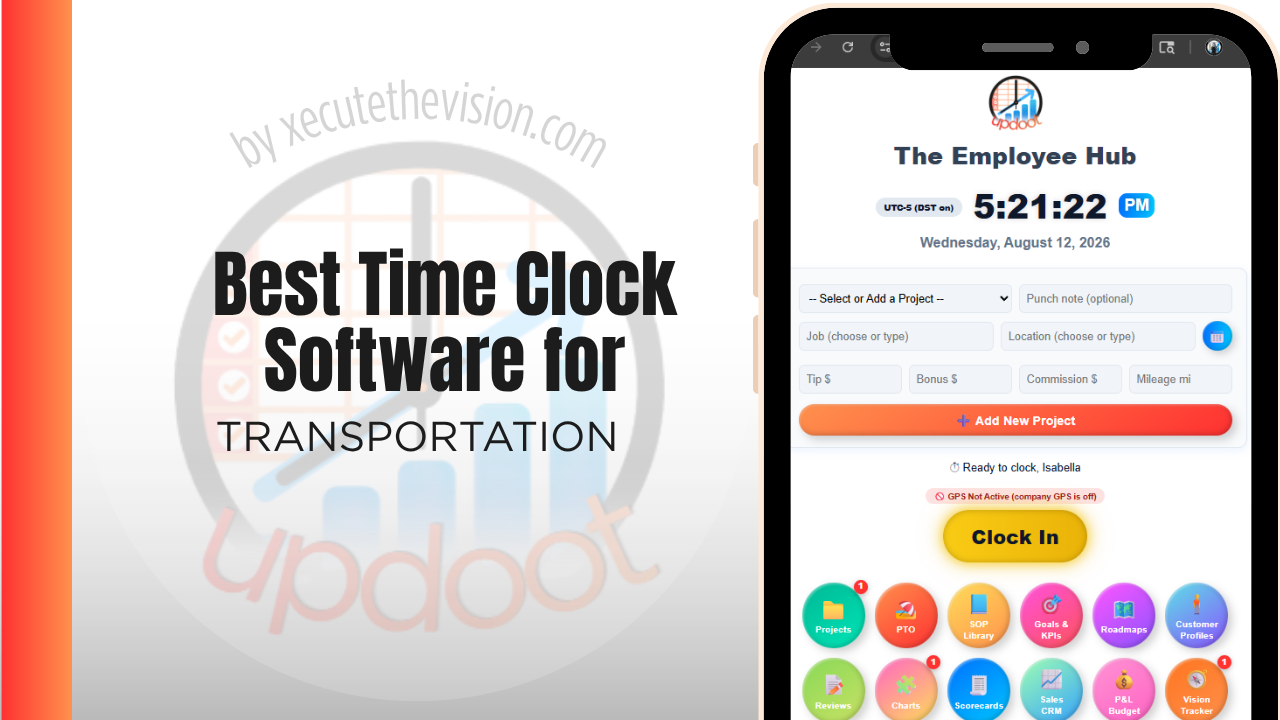
In Updoot, each route or client contract can be set up as its own project, with driver hours rolling up under that route as they're logged. That structure makes it possible to see labor cost per route or per client without exporting and combining separate reports by hand.
GPS capture at clock-in gives drivers a verified starting point even when their workday begins somewhere other than a fixed office, and wait time at delivery sites can be tracked separately from active driving. All of this is included in Updoot at $5 per user per month, regardless of fleet size.
Rolling Out a New Time Clock to a Driver Fleet
Start with one route or a small group of drivers as a pilot before rolling out fleet-wide, so any setup issues around variable start locations surface early. Make sure every active route or client contract has a code in the system before go-live, since a missing code is the most common reason hours get logged generically instead of tied to the correct route. Keep the mobile clock-in simple enough for a driver to use from the cab without extra steps.
Attributing Hours to Stops on Multi-Stop Routes
A route with twelve stops is twelve small jobs wearing one shift's clothing. Recorded as a single block of hours it tells you the day cost what it cost; recorded per stop it tells you which customers are worth the lane.
Per-stop attribution is more demanding on drivers, so the practical question is how much friction it adds. Geofenced arrival and departure that records automatically is the version drivers tolerate; a version requiring two manual punches per stop is one they will batch at the end of the day, which produces numbers that look precise and are not.
Where the effort pays off is rate negotiation and route design. Once you can show that a particular consignee averages seventy minutes on site against a network average of twenty-five, you have either a detention invoice, a scheduling change, or a rate conversation, and all three are supported by records rather than impressions. For fleets running dedicated lanes, this is usually where the first meaningful margin recovery comes from.
Pricing and ROI for Transportation
Expect one of two models: a flat monthly fee for a fixed number of users, or a per-user rate that tracks headcount. Flat plans cap out quickly as a fleet adds drivers, while per-user pricing scales predictably but often puts GPS verification and route or job codes behind an upgrade. For transportation specifically, confirm what happens with part-time and seasonal drivers, and whether offline punching is supported for routes that lose signal.
The return for a transportation company runs through two channels: labor cost that can finally be attributed to a route rather than a week, and overtime that is calculated from verified records instead of estimates. Both reduce payroll disputes, and the second materially reduces exposure when hours are ever questioned. Most fleets recover a paid plan inside the first pay period.
Signs You've Outgrown Manual Timesheets
For a fleet the signals are hard to miss: payroll takes longer every period, drivers dispute paid hours against times nobody logged, and wait time at a dock disappears into the same bucket as driving time so no one can cost a route properly. Once overtime exposure depends on records reconstructed after the fact, manual timesheets have become a compliance risk rather than an admin annoyance.
Related Reading
Best Time Tracking Software for Field Service →
How to Choose the Best Time Clock with GPS Tracking →
Portable Time Clock for Small Business: No App Required →
Best Time Clock Software for HVAC →
Frequently Asked Questions
The best option is whichever one GPS-verifies a driver's clock-in from a variable starting location and ties hours to the specific route or client contract, since route-level labor cost is what determines which contracts are actually profitable.
Most do, since a driver's workday often doesn't start and end at a single fixed office. GPS punches confirm where and when a driver actually started and ended their shift, which supports both payroll accuracy and route efficiency reporting.
Each hour a driver logs is tied to a specific route or client contract, so the true labor cost of servicing that route becomes visible, instead of labor being one undifferentiated total across the whole fleet for the week.
It's worth tracking separately, since wait time is generally still compensable but represents a different kind of time than active driving, and separating the two gives a clearer picture of true route efficiency.
For a company with just a couple of drivers, a free or low-cost tier can cover basic GPS clock-in. Once route-level cost reporting and client billing become priorities, most free tiers stop being enough.
By showing accumulated hours in real time against the weekly overtime threshold, so a dispatcher can see a driver approaching 40 hours and adjust route assignments before an unplanned overtime cost shows up, where drivers aren't otherwise exempt.
More than most owners expect across a full fleet. A few minutes of rounding per shift, multiplied across every driver over a year, regularly adds up to thousands of dollars in labor cost.
Final Takeaway
The best time clock software for transportation is the one that verifies where a driver's day started and ties every hour to the route it belongs to. Use the calculator above to see what timesheet rounding is costing your fleet right now, and if the number surprises you, that's usually the clearest sign it's time for a change.