
Best Time Clock Software for HVAC
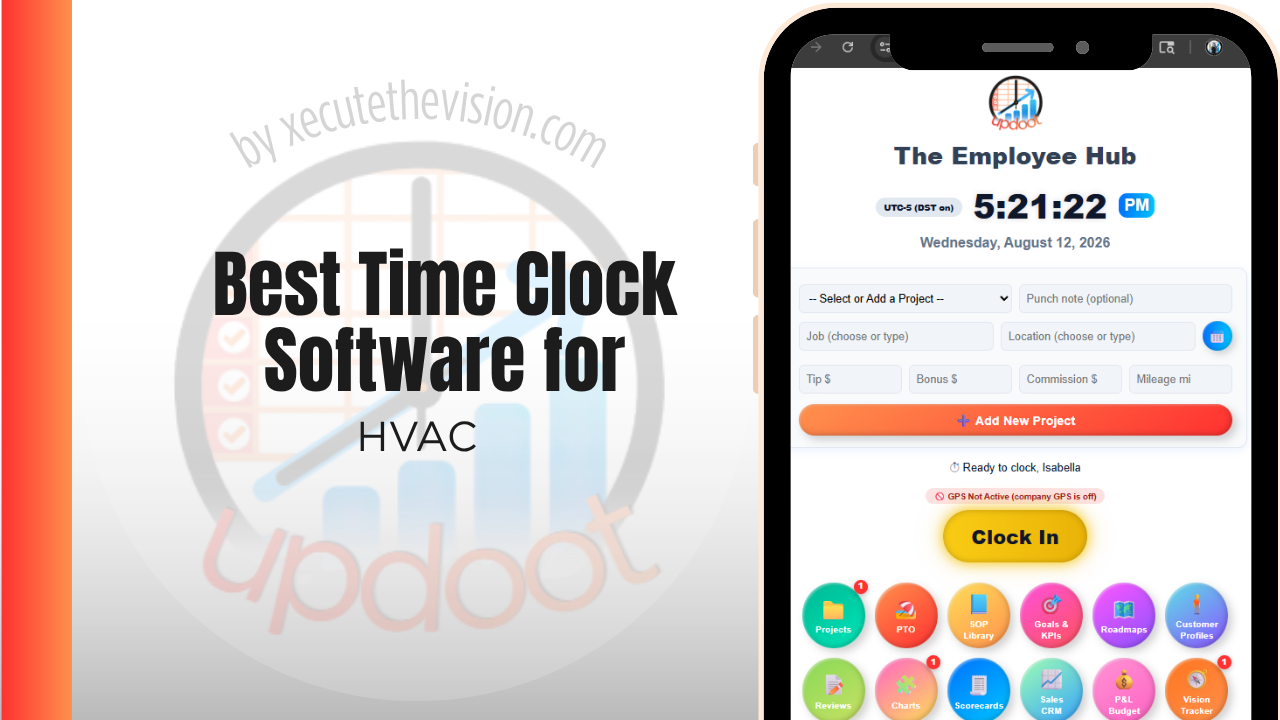
Use the free calculator below to see what timesheet rounding actually costs your HVAC company. HVAC techs run multiple service calls a day, often across a wide service area, and payroll accuracy depends on knowing exactly when a tech arrived, how long a job took, and which service call the hours belong to. Below is a free generator that estimates what rounding and missed punches cost across a year of job-based staffing, plus how the leading tools compare.
Free HVAC Labor Rounding Calculator
What Are Rounded Punches Costing Your Service Department?
Enter your tech count and average wage. Leave a field at 0 if it doesn't apply to your shop.
What HVAC Businesses Actually Need from Time Clock Software
An HVAC company needs GPS proof that a technician was actually at the job site when they clocked in, since that proof supports accurate billing for time-and-materials work and settles disputes when a customer questions an invoice.
Job costing matters just as much, since a company running installs, repairs, and maintenance calls needs to see labor cost by job type to understand which kinds of work are actually most profitable, not just total labor for the week.
The third requirement is handling a service department that does not work a uniform day. A tech may run six short repair calls on Tuesday and spend Wednesday on a single changeout, and the same platform has to cost both correctly without anyone re-entering hours at the end of the week.
Finally, maintenance agreements need their own labor line. Planned maintenance is the most predictable revenue most HVAC companies have, and it is also the work most likely to quietly lose money, because the price was set once and the labor hours have crept up every season since. Without hours attached to the agreement, that drift is invisible.
Service Techs vs. Dispatch and Office Staff
Techs in the field need a mobile clock-in tied to GPS and a job number, switchable between calls multiple times a day. Dispatchers and office staff need a simpler fixed-location clock-in. A tool that only handles one well forces the other group into a workaround.
Common Time Tracking Mistakes in HVAC
The most common mistake is tracking hours for the day instead of for the service call, which makes it impossible to know which job types, installs versus repairs versus maintenance, are actually most profitable.
The second is not verifying arrival at the job site at all, relying on a tech's memory or a paper log, which is both inaccurate and hard to defend if a customer disputes a bill.
The third is failing to account for drive time and parts pickup time between calls, which either gets absorbed as unpaid time that creates wage claims, or gets billed to the wrong job.
Costing Installs, Service Calls, and Maintenance Agreements Separately
Most HVAC companies run three distinct kinds of work through the same crew, and they behave nothing alike financially. Treating them as one labor number is the single most common reason a busy year produces a disappointing margin.
Installs and changeouts
Long, planned, and materials-heavy, with labor quoted up front. The risk is scope: a changeout that hits an unexpected duct or electrical issue absorbs hours that were never priced. When hours are logged to the install rather than the week, you can see how often that happens and build a contingency into the quote instead of discovering the pattern annually.
Service and repair calls
Short, unplanned, and dominated by travel. Two hours of billable work can carry ninety minutes of drive time, and if drive time is not attributed to the call, the call looks far more profitable than it is. This is where per-call labor tracking changes pricing decisions, because it reveals whether your diagnostic fee actually covers the cost of getting a tech to the door.
Maintenance agreements
Priced annually, delivered seasonally, and rarely re-examined. Track hours per visit against the agreement and you will usually find the spring and fall pushes cost more than the flat price assumed. That is a fixable pricing problem, but only if the hours are attributed to the agreement rather than absorbed into a general service bucket.
Overtime and On-Call Hours During Peak Season
HVAC labor is seasonal in a way few other trades match. A July heat wave or a January cold snap can push a service department into sustained overtime for weeks, and that is precisely when timekeeping is most likely to be reconstructed from memory rather than recorded.
Two things matter here. The first is that overtime calculated from estimated hours is a wage claim waiting to happen; the records that protect a company are the ones captured at the time, not assembled afterwards. The second is that on-call and callback hours need a clear rule and a clear code. If a tech takes a 2 a.m. no-heat call, the time from dispatch to return should be captured the same way every time, by every tech, or the payroll conversation becomes a negotiation each cycle.
Practically, look for a platform that lets a tech clock in from the truck at the moment a callback starts, tags it against the emergency job, and flags the shift as overtime automatically rather than relying on someone noticing at payroll. The peak-season weeks are also the weeks where a few unlogged minutes per tech per call compound fastest, which is what the calculator above is measuring.
Questions to Ask Before You Sign Up
- Can a tech switch jobs mid-shift without clocking out? A six-call day should not require six clock cycles. If it does, techs will batch their entries at the end of the day and the job-level data becomes an estimate.
- Does GPS capture the punch location or track continuously? These are different things with different privacy implications, and techs respond very differently to each. Know which you are buying and tell your crew plainly.
- What happens in a basement or mechanical room with no signal? Ask specifically whether punches queue offline and sync later, then test it during the trial.
- Is job costing on the plan you are pricing? On several platforms it sits a tier above the entry plan, which changes the comparison entirely.
- How does it handle a seasonal hire? If you add two techs for the summer, find out whether you can deactivate them in October without paying for the seats through winter.
- Does dispatch and office staff need a separate license type? Some platforms price field and office users differently, which can either save or cost you meaningfully depending on your mix.
How We Evaluated These Tools
A note on where we stand: Updoot publishes this site and appears in the comparison below. Pricing and features for every tool here, Updoot included, were verified against each vendor's live pricing page or independent third-party sources in August 2026, and where a competitor beats us on a specific criterion we say so plainly.
For HVAC companies specifically, we weighted five things: GPS-verified clock-in tied to a job or service call, ease of switching between calls during a single shift, job-level labor cost reporting by job type, support for both field and dispatch staff on one platform, and pricing that scales sensibly as the fleet grows.
How the Top Time Clock Tools Compare for HVAC
| Tool | Starting Price | Best For | Where It's Limited |
|---|---|---|---|
| Updoot ⭐ Best Overall | $5/user/month | HVAC companies that want every hour tied to a service call with budgeting and invoicing on the same platform | No dedicated dispatch or routing module |
| ClockShark | From ~$20/mo base + ~$6-8/user/mo | Companies wanting strong GPS tracking and job costing built specifically for field service | Cost climbs quickly as crew size grows; invoicing is a separate add-on |
| Buddy Punch | From ~$4.49-5.49/user/mo plus a ~$19/mo base fee | Companies wanting job codes, GPS tracking, and overtime alerts with a straightforward setup | No native job-level budget tracking or client billback |
| busybusy | Free (basic); paid plans from ~$8-12/user/mo | Companies wanting equipment and material tracking alongside time | Reporting and invoicing are less developed than all-in-one alternatives |
Editor's Pick
Why Updoot Tops This List for HVAC
ClockShark handles GPS and job costing well but the per-user cost adds up fast and invoicing is a separate step. Buddy Punch covers job codes but has no real budget tracking. busybusy is strong on equipment tracking but lighter on reporting. Updoot ties every punch to a service call with budgeting and client invoicing built on the same time data, at a flat $5 per user per month regardless of fleet size.
The right pick tracks fleet size: a two-van shop is well served by a leaner free tier, while a company running multiple crews needs job costing and pricing that hold up as the service board fills.
How Updoot Handles Job Costing by Service Call
In Updoot, every punch is logged against a project, which represents a specific service call or installation, and a customer record for the client. Labor cost rolls up automatically under the right job as hours are logged, so a manager can see which job types are actually profitable without waiting for the month to close.
Each job carries its own budget, so labor cost against it is visible in real time instead of discovered after the invoice goes out. When it's time to bill a client for time and materials, invoicing pulls directly from logged hours, all included at $5 per user per month.
Rolling Out a New Time Clock to an HVAC Crew
Start with one or two techs as a pilot for a week before rolling out to the full crew, so any job-code setup issues surface early. Make sure every active service call has a code in the system before go-live, since a missing job code is the most common reason a tech reverts to guessing at the end of the day. Keep the app simple enough that a tech can switch jobs in a few taps between calls.
Connecting Time Data to Dispatch and Invoicing
Time data that stops at payroll is doing half a job. In an HVAC company the same hours should reach three places: the paycheck, the customer invoice on time-and-materials work, and the job cost report that tells you whether the work was priced correctly.
When those are separate systems, someone reconciles them, and reconciliation is where errors enter. A tech logs six hours, the invoice is built from a dispatch note saying five, and nobody notices until the job costing report disagrees with both. Multiply that across a few hundred calls a year and the labor picture becomes unreliable in exactly the way that makes pricing decisions guesswork.
The question to ask a vendor is not whether they integrate but what actually moves. Does an approved punch become a line on the invoice, or does it just export a payroll file? Does the job cost report draw from the same record, or is it rebuilt from a second source? A platform that keeps hours, invoicing, and job costing on one record removes the reconciliation step rather than automating it, which is a meaningfully different outcome.
Pricing and ROI for HVAC
Time clock pricing in this category splits two ways: a flat monthly fee covering a set number of users, or a per-user rate that grows with headcount. Flat plans read cheaper on the pricing page and then cap out the moment you add a third van, which pushes an HVAC company into a higher tier or a second subscription. Per-user pricing is more predictable, but confirm that GPS, job codes, and job costing reports are included rather than sold as add-ons, because the sticker price and the invoice are frequently different numbers.
For an HVAC company the payback shows up in three places: rounding and buddy-punch losses that stop, office hours no longer spent reconstructing timesheets from dispatch notes, and job-level labor data that finally shows whether your maintenance agreements are priced right. Most shops recover a paid plan inside the first pay period once those three are counted honestly.
Signs You've Outgrown Manual Timesheets
The tipping point usually announces itself the same way in a service business: payroll takes longer every cycle, a tech disputes hours on a call nobody can verify, and no one can say what labor cost on a install versus a maintenance call without rebuilding it by hand. When drive time between calls is guesswork and the dispatch board is the only record of who was where, paper and spreadsheets have already stopped keeping up with the fleet.
Related Reading
Best Time Clock Software for Plumbing →
Best Time Tracking Software for Field Service →
How to Choose the Best Time Clock with GPS Tracking →
Frequently Asked Questions
The best option is whichever one verifies a technician's location at clock-in and ties every hour to a specific service call, since job-level labor cost is what determines which job types are actually most profitable.
Most do, once they have more than a couple of techs on the road. GPS punches give the office proof of arrival and departure at each job site, which supports accurate billing and protects against disputed invoices.
Each hour a technician logs is tied to a specific service call or install, so the true labor cost of that job becomes visible alongside materials and parts, instead of labor being one undifferentiated total for the week.
Yes, in good field service time clock software. A technician should be able to switch job codes in a few taps between stops, with each segment of the day tracked against the correct call.
Drive time is generally compensable under the FLSA once a technician has started their workday, so it should be tracked, not skipped. Some companies track it against a dedicated "travel" code rather than billing it to either job.
For a one or two-truck operation, a free tier can cover basic clock-in and GPS. Once job-level cost reporting and client invoicing become priorities, most free tiers stop being enough.
More than most owners expect, especially with a crew spread across multiple service calls in a day. Minutes of rounding per stop, multiplied across a crew over a year, regularly adds up to thousands of dollars.
Final Takeaway
The best time clock software for HVAC is the one that proves where a technician was and ties every hour to the service call it belongs to. Use the calculator above to see what timesheet rounding is costing your company right now, and if the number surprises you, that's usually the clearest sign it's time for a change.