
Best Procurement Software for Order and Invoice Management
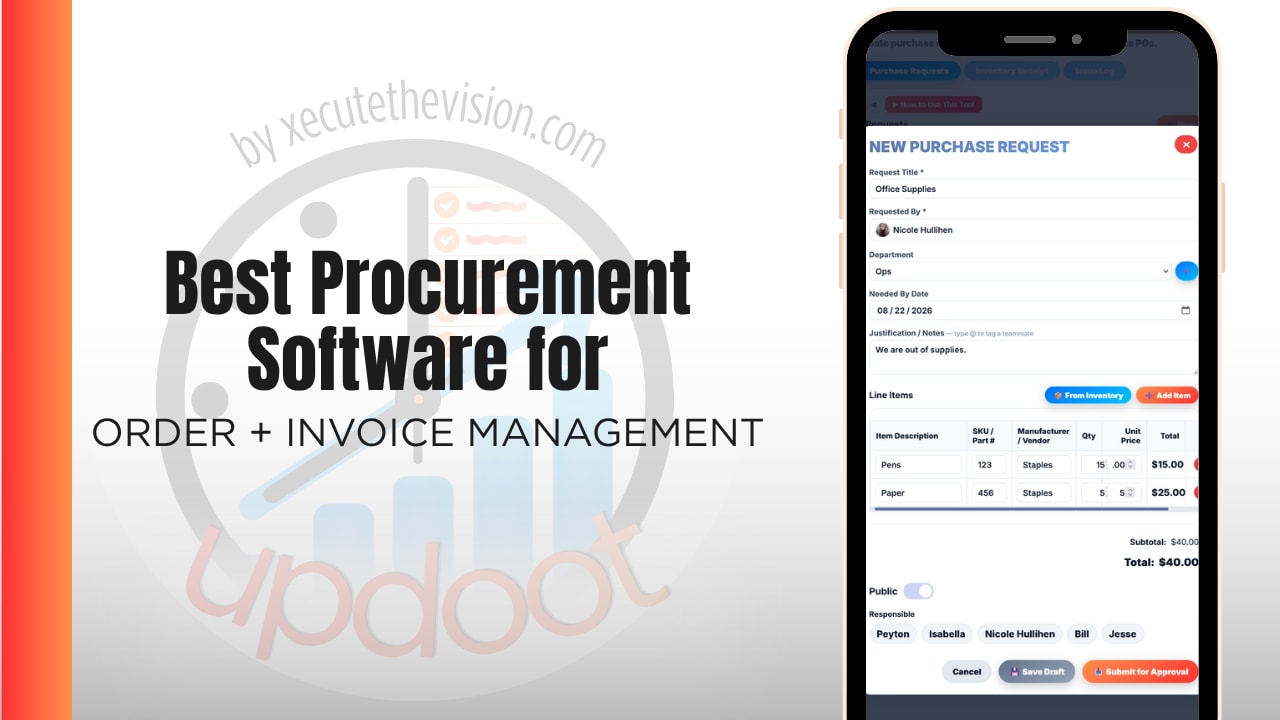
Use the free calculator below to see what processing supplier invoices actually costs your company each month. Order management and invoice management are usually bought as one problem and run as two, which is why most finance teams can tell you what they ordered and what they paid, but not whether those two figures agree. Below is a free generator that estimates invoice processing and exception-handling cost across a year, plus how the leading tools compare.
Free Invoice Processing Cost Calculator
What Does It Cost You to Process a Supplier Invoice?
Enter your monthly invoice volume and exception rate. Leave a field at 0 if it doesn't apply to your company.
Why Orders and Invoices Have to Live in One System
An invoice is only verifiable against the order that authorized it and the delivery that fulfilled it. When those three records sit in different systems, every invoice becomes a small research project: find the PO, confirm what arrived, check the price, then approve. That research is what the exception cost in the calculator above is measuring.
The clearest symptom is the no-PO invoice. Something arrives in accounts payable that nobody can tie to an approved order, and AP is left deciding between paying an unverified bill or chasing whoever ordered it. Both outcomes are bad, and neither is an accounts payable problem. It originated upstream, at intake.
The second symptom is timing. Approved orders are commitments, but most accounting systems only recognize them when the invoice posts. So a department looks on budget until three approved POs land in the same week. Nothing went wrong; finance simply could not see the commitment until it became a liability.
What connects the two is a single record that carries from request to approval to PO to receipt to invoice to payment, without anyone retyping it at any stage.
Procure-to-Pay vs. AP Automation: Which Problem Do You Have?
This distinction decides which software you should be looking at, and buyers routinely get sold the wrong half.
AP automation starts when the invoice arrives. It captures the document, extracts the data, routes it for approval, and pays it. Tools in this category, Bill, Tipalti, Stampli, are good at that job. What they generally do not do is control what gets ordered in the first place, because by the time an invoice exists, the commitment was made weeks earlier.
Procure-to-pay starts at the request. It governs approval before an order is placed, generates the PO, records receipt, then matches the invoice against both. The invoice stage is easier because the order data already exists to check against.
The practical test: if your pain is slow invoice approval and manual data entry, AP automation may cover it. If your pain is invoices you cannot verify, surprise spend, and budgets that go over without warning, the problem is upstream and AP automation will speed up processing without fixing the cause. Most companies asking about order and invoice management together are in the second group.
Common Order and Invoice Management Mistakes
The most common mistake is matching the invoice to the purchase order alone. That confirms you were billed what you ordered. It does not confirm anything arrived, and short or substituted deliveries get paid in full because nothing in the process compared the invoice to the receipt.
The second is treating exceptions as an AP performance issue. When a high share of invoices need investigation, the fix is almost never faster AP work. It is closing whatever upstream gap generates the mismatch, usually missing POs, unrecorded receipts, or prices that were never held against a vendor record.
The third is approving invoices without budget context. An approver seeing an invoice in isolation can only confirm it looks reasonable. An approver who can see what the department has already committed this month is making an actual decision.
Invoice Capture, Coding, and Approval
Three stages sit between an invoice arriving and being cleared for payment, and each fails differently.
Capture and coding
Invoices arrive as PDFs, emails, and paper. Extracting the line data is mechanical work, and GL coding is where inconsistency creeps in, since the same expense coded three ways by three people makes reporting unreliable. Coding rules tied to the vendor and the original order remove most of the judgment from this step.
Matching and exceptions
Three-way matching between the order, the receipt, and the invoice should clear the majority of invoices automatically. The value is not the clean ones, it is that the exceptions get isolated for a human instead of hiding in the volume. A price variance of a few percent across hundreds of invoices is invisible without matching and material at the end of the year.
Approval routing
Invoice approval needs the same threshold logic as order approval, plus out-of-office routing. An invoice sitting in one person's queue while they are on leave is how companies miss early payment discounts and damage vendor relationships for entirely avoidable reasons.
What Clean Order-to-Invoice Data Does for Month-End
The close is where all of this becomes visible. Teams that match invoices continuously spend the close reviewing exceptions. Teams that do not spend it reconstructing what happened, chasing approvals for invoices that arrived weeks ago, and estimating accruals for goods received but not yet invoiced.
Accruals are the clearest example. If receipts are recorded against orders as goods arrive, the received-not-invoiced figure is a report. If receiving lives on paper or in someone's memory, that number is an estimate, and estimates in the close are what make the following month's numbers move for reasons nobody can explain.
The other gain is vendor evidence. Once orders, receipts, and invoices sit on one record, you can see which suppliers deliver complete, deliver on time, and invoice what they quoted. That is a negotiating position built from your own data rather than impressions.
Questions to Ask Before You Sign Up
- Is pricing per user, per invoice, or per transaction? This decides who is cheap at your volume. Per-invoice pricing scales directly with workload, and per-user pricing gets expensive once approvers need seats.
- What are the payment transaction fees? In the AP automation category, ACH, wire, card, and international fees frequently sit on top of the subscription and can exceed it.
- Does it match against receipts or only against the PO? Two-way matching is common and materially weaker. Ask specifically.
- What happens to a no-PO invoice? The handling of unmatched invoices tells you more about a platform than any demo of the happy path.
- What is the implementation fee and timeline? Buyers consistently report this as the forgotten cost, and in this category it commonly runs into the thousands with multi-week onboarding.
- Can an approver see the budget when approving? Without it, invoice approval is confirmation rather than control.
How We Evaluated These Tools
A note on where we stand: Updoot publishes this site and appears in the comparison below. Pricing and features for every tool here, Updoot included, were verified against each vendor's live pricing page or independent third-party sources in August 2026, and Updoot's own limitations are listed in the same column as everyone else's.
For order and invoice management specifically, we weighted five things: one record carrying from request through invoice, three-way matching against receipts rather than orders alone, approval routing with thresholds and out-of-office coverage on both orders and invoices, budget visibility at the moment of approval, and total cost once approvers, per-invoice charges, and transaction fees are counted.
How the Top Procurement Tools Compare
| Tool | Starting Price | Best For | Where It's Limited |
|---|---|---|---|
| Updoot ⭐ Best Overall | $5/user/month, all features included | Companies that want requests, approvals, POs, receiving, three-way matching, GL codes, vendor records, and budgets on one platform with no per-invoice or approver fees | Does not execute vendor payments or handle global mass payouts; hands off to your accounting system for payment |
| Precoro | From ~$499/month (Core, billed annually); Automation tier reported ~$999/month | Growing companies wanting dedicated procure-to-pay with strong approvals and three-way matching | Entry price is steep for smaller teams, and reviewers commonly note the inventory module lags dedicated tools |
| Procurify | Quote only; buyer reports commonly cite ~$1,000+/month for small businesses | Mid-market finance teams wanting intake-to-pay with cards and AP together | Per-user pricing that climbs as approvers are added; no public rate card |
| BILL | Reported from ~$45-79/user/month plus payment fees | QuickBooks-centric companies focused on invoice approval and paying bills | AP-first rather than procurement; limited control over what gets ordered, and reviewers frequently cite reporting as basic |
| Tipalti | Starter reported from ~$99-149/month; higher tiers quoted | Companies paying many vendors internationally with tax and compliance handling | Transaction and multi-entity fees define the real cost; substantial machinery if you are not paying globally |
| Stampli | Quote only; buyer reports commonly cite ~$250-1,500/month by volume | Teams whose bottleneck is collaboration and back-and-forth on invoice approvals | Pricing is opaque until a sales cycle; centered on AP rather than order control |
Editor's Pick
Why Updoot Tops This List
The rest of this list splits into two expensive halves. Precoro and Procurify control orders properly but start at several hundred to over a thousand dollars a month. BILL, Tipalti, and Stampli handle invoices well but begin after the commitment was already made, and their real cost is defined by per-user seats and per-payment transaction fees rather than the advertised number. Updoot covers both halves on one record: multi-tier approvals with dollar thresholds, one-click sequential POs with e-signature and vendor email, partial and full receiving, three-way matching, GL codes, out-of-office routing, a vendor directory with scorecards, and a full audit trail across every request, approval, and signature. It is a flat $5 per user per month with no per-invoice charge, no transaction fees, and no premium for approvers, and because budgets live on the same platform, committed spend is visible when someone approves rather than when the invoice arrives.
The right pick depends on where your money actually leaks: a company paying hundreds of international vendors has a genuinely different problem than one that cannot verify what it ordered, and the second group is far larger and routinely sold the first group's software.
How Updoot Handles Orders Through to Invoices
In Updoot, a request enters purchasing and approvals and routes automatically to department-specific approvers, with dollar thresholds adding tiers as amounts rise and sequential sign-off enforced so steps cannot be skipped. Approved requests become sequential, auditable purchase orders in one click, e-signed and emailed to the vendor.
Receiving supports partial and full receipts against the order, and three-way matching compares the PO, the receipt, and the invoice before payment is released, so short deliveries and price variances surface before money moves rather than after. GL codes keep coding consistent for whoever closes the books, and every request, approval, signature, and email is logged as an audit trail you can hand to an auditor without assembling it.
Because it runs alongside budgets and P&L, commitments reduce available budget at approval rather than at invoice, with over and under budget flags on each line. On the receivable side, the invoice generator builds client invoices from logged hours and projects, and every report copies to Excel or Google Sheets in one click for your accountant. All included at $5 per user per month.
Rolling Out Order and Invoice Management
Start with the invoices you cannot currently verify. Pull last month's supplier invoices and sort them into ones traceable to an approved order and ones that are not. That ratio is the real baseline, and it usually shocks people more than the cost figures in the calculator above.
Load vendors and GL codes before go-live, then run one department through a complete cycle, request to receipt to invoice, before expanding. Enforce no PO, no payment from the first day. These systems fail almost exclusively because the old path stayed open, not because the software was wrong, and the first exception you allow becomes the precedent everyone else cites.
Connecting Procurement Data to Accounting
Procurement data that stops at the approved invoice is doing most of a job but not all of it. The same record should reach three places: the vendor, the budget as a commitment, and the accounting system as a coded payable.
When those are separate, someone reconciles them, and reconciliation is where errors enter. A PO is approved for $8,000, the delivery is short two units, the invoice arrives for the full amount, and the budget still shows the original figure. Nobody notices until the close, and by then payment has usually gone out.
The question to ask a vendor is not whether they integrate but what actually moves. Does an approved request reduce available budget immediately, or only once the invoice posts? Does the receiving record feed the match automatically, or does someone verify it by hand? A platform that keeps requests, approvals, receipts, and invoices on one record removes the reconciliation step rather than automating it, which is a meaningfully different outcome.
Pricing and ROI for Procurement Software
Pricing here is unusually hard to compare because vendors use three different models. Flat monthly procure-to-pay platforms start in the hundreds. Per-user AP tools look affordable until approvers need seats. Per-invoice and per-transaction pricing scales directly with volume, which means the platform gets more expensive precisely as you grow into it. Ask which model you are being quoted before comparing any two monthly figures.
The return comes from three places. Processing hours are the visible one, quantified in the calculator above. Exception handling is usually larger, since a minority of invoices consumes most of the time and matching removes the cause rather than the symptom. The third is money you stop paying out incorrectly: short deliveries billed in full, duplicate invoices, and price variances against quoted rates. For any company buying physical goods at volume, that last category alone tends to cover the software.
Signs You've Outgrown Your Current Setup
The tipping point usually announces itself the same way: an invoice arrives that nobody can tie to an approved order, a department goes over budget and everyone is surprised, the close involves chasing approvals for invoices that landed weeks ago, and when someone asks whether a delivery was complete the honest answer is that nobody checked. When what you ordered, what arrived, and what you were billed live in three different places, you have already outgrown it, and the gap widens with every order.
Related Reading
Best Purchasing Software for Streamlining Orders →
Best Three-Way Match Software and App for Small Business →
Purchase Order vs Invoice: What's the Difference with Free Templates →
How to Choose a Purchase Order Management System →
Invoice vs Quote: What's the Difference with Free Templates →
Frequently Asked Questions
The best option is whichever one carries a single record from request through to invoice, so every bill can be checked against the order that authorized it and the delivery that fulfilled it. Matching against the purchase order alone is materially weaker, since it confirms what you were billed but not what arrived.
AP automation starts when an invoice arrives and focuses on capture, approval, and payment. Procure-to-pay starts at the request and governs approval before an order is placed. If your problem is invoices you cannot verify or spend you did not expect, the cause is upstream and AP automation alone will not fix it.
It is an invoice that arrives with no approved order behind it, usually because someone purchased outside the process. It matters because accounts payable is then choosing between paying an unverified bill and chasing down whoever ordered it, and neither option protects the company.
It clears the majority of invoices automatically by comparing the order, the receipt, and the invoice, which isolates the exceptions for a person to handle instead of leaving them hidden in the volume. Most of the time cost in accounts payable sits in that minority of problem invoices.
It ranges widely because vendors use different models. Dedicated procure-to-pay platforms commonly start in the hundreds of dollars per month, AP-focused tools often start around $45 to $99 and add per-payment transaction fees, and several are quote-only. Updoot is a flat $5 per user per month with no per-invoice or transaction fees.
Not usually, and separating them is what creates most reconciliation work. When orders and invoices live in different systems, someone has to connect them manually for every bill, which is precisely where errors and delays enter.
Continuous matching means the close is spent reviewing exceptions rather than reconstructing what happened. It also makes the received-not-invoiced accrual a report rather than an estimate, since receipts were recorded against orders as goods arrived.
Final Takeaway
The best procurement software for order and invoice management is the one that carries a single record from request to payment, so an invoice can be verified against both the order that authorized it and the delivery that fulfilled it. Use the calculator above to see what invoice processing and exceptions cost you now, and if the number surprises you, that's usually the clearest sign it's time for a change.