
Purchase Order Management System: What It Is and How to Choose
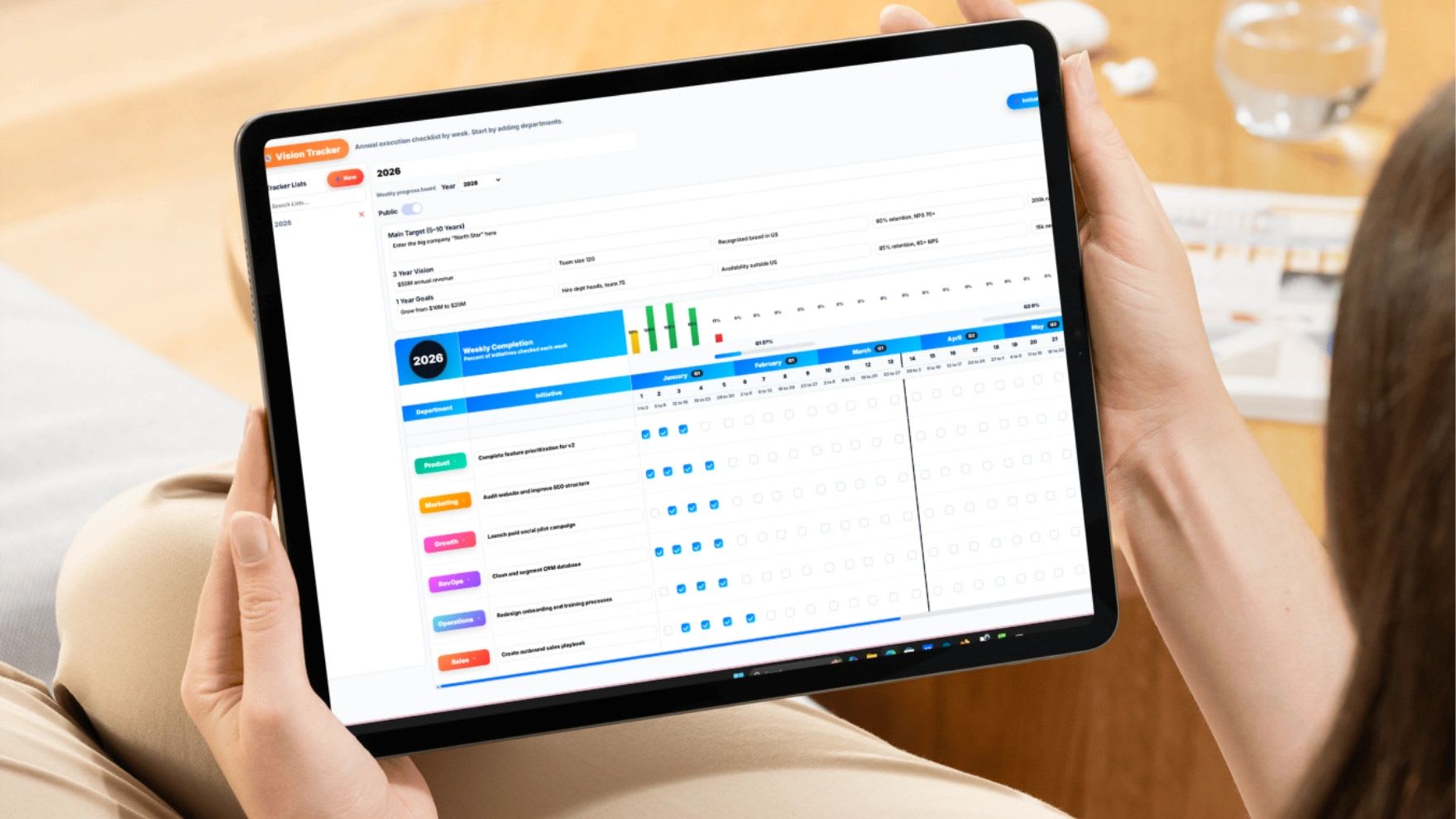
A purchase order management system is software that takes company buying out of email threads and spreadsheets and puts it into a controlled workflow: request, approve, order, receive, match, pay. That sounds like paperwork automation, but the real payoff is control, knowing what's been committed before the invoice shows up, catching duplicate and unauthorized orders before money leaves, and having an answer when someone asks "why did we pay this?" This guide explains how the PO process actually works, the features that matter, what the software costs in 2026, the top tools by business size, and a calculator that shows what your current manual process is costing you.
Quick Answer
A purchase order management system creates, approves, tracks, and archives POs in one place, replacing email approvals and spreadsheet logs with routed workflows, budget checks, receiving records, and three-way invoice matching. For small businesses in 2026, expect roughly $50 to $200 per month for cloud PO software, with free tiers available (Tradogram, Zoho Inventory) and entry per-user pricing from about $9 per user per month. Industry analyses consistently find manual PO processes take several times longer per order than automated ones and leak money through duplicate and off-process "maverick" purchases.
What Is a Purchase Order Management System?
A purchase order is the formal document a buyer sends a supplier saying exactly what's being purchased, at what price, in what quantity, delivered when. It becomes a binding record both sides can point to. A purchase order management system is the software that runs the lifecycle of those documents: someone requests a purchase, the request routes to the right approver, an official PO goes to the supplier, the delivery gets checked against the PO, and the supplier's invoice gets matched against both before anyone pays it.
Without a system, that lifecycle still happens, just badly: approvals buried in inboxes, the same item ordered twice by two people, prices that quietly changed between quote and invoice, and a finance team reconstructing what was committed after the money is already gone.
How the Purchase Order Process Works: 5 Steps
1. Purchase Requisition
Someone who needs something submits a request: what, why, how much, from whom. In a system, this is a form with required fields; without one, it's a Slack message or a hallway conversation that nobody can audit later.
2. Approval Routing
The request routes automatically based on rules you set: amounts under $1,000 go to the department manager, over $5,000 to a director, specific categories to whoever owns that budget. Good systems show the approver the remaining budget before they click approve, which is when a budget check is actually useful, not after.
3. PO Issued to the Supplier
Approval generates a standardized, numbered purchase order sent to the supplier. From this point the commitment exists in the system: finance can see committed spend, not just invoiced spend.
4. Receiving
When goods or services arrive, someone records what actually showed up against the PO, full delivery, partial, damaged, or wrong. Partial receipts stay open so nothing gets forgotten.
5. Three-Way Match and Payment
Before the supplier's invoice is paid, the system matches three documents: the PO (what was agreed), the receiving record (what arrived), and the invoice (what's billed). If any of the three disagree on quantity or price, payment holds until it's resolved. This single control catches overbilling, duplicate invoices, and charges for goods that never arrived, the most common ways businesses quietly overpay suppliers.
Key Features to Look For
Approval workflows you can shape. Routing by amount, department, category, and location, with delegation for when approvers are out. If everything routes to one owner's inbox, you've rebuilt the email problem inside new software.
Budget visibility at approval time. The approver should see "this leaves $3,200 in the marketing budget" on the approval screen, not discover an overage at month close.
Receiving and three-way matching. The feature that pays for the software. Systems that only create pretty POs and skip matching leave the expensive problems unsolved.
Supplier records. Contacts, price history, documents, and past orders per vendor, so pricing creep is visible and reorders don't start from scratch.
Accounting integration. Native sync with QuickBooks, Xero, or your ERP, so approved POs and matched invoices land in the ledger without re-typing.
Audit trail. Who requested, who approved, what changed, and when, for every order. This is what makes year-end and any dispute painless.
AI extras, weighted appropriately. Reorder suggestions, anomaly detection on prices and quantities, and auto-coded invoices are genuinely useful in 2026 platforms, but they're accelerators on top of the basics above, not substitutes for them.
Top Purchase Order Software by Business Size
| Tool | Best For | Pricing (as of July 2026) |
|---|---|---|
| Updoot | Teams under 50 who want all-in-one | Flat pricing includes all features |
| Tradogram | Free starting point with real PO features | Free tier; paid plans scale up |
| Zoho Inventory | SMBs already in the Zoho ecosystem; POs tied to stock | Free plan (50 orders/month, 1 user); competitive paid tiers |
| Spendwise | Very small teams with simple purchasing | From ~$9/user/month |
| ProcureDesk | QuickBooks-centric small and mid-market finance teams | Custom; known for 2 to 3 week implementations |
| Procurify | Mid-market teams wanting budget visibility and mobile approvals | Custom quote |
| Order.co | Full purchase-to-pay: ordering, invoices, and payments handled downstream | Custom quote |
| Odoo Purchase | Tech-comfortable teams wanting a modular open-source ERP approach | Pay per module; free to start |
| Coupa / SAP Ariba | Enterprises with global supplier networks | Enterprise licensing; 6 to 12 month implementations are typical |
Prices and tiers change frequently and most mid-market vendors quote custom, so treat the table as a shortlisting guide and confirm current pricing directly. The general 2026 cost picture: cloud PO software for small businesses commonly lands between $50 and $200 per month, while spreadsheet-replacement entry tools start around $9 per user.
Try the PO Processing Cost Calculator
Estimate what manually processing purchase orders costs you per year, and what automating it could save.
Manual PO Cost Estimator
Manual time includes writing the PO, chasing the approval, following up on delivery, and matching the invoice by hand.
When Does a Business Actually Need One?
Not on day one. A founder buying a few things a month is fine with a template and a folder. The trigger points that reliably signal it's time: more than one person can commit company money, order volume passes a few dozen a month, a duplicate or unauthorized purchase has already cost real money, invoices are getting paid without anyone checking what was actually delivered, or month-end close keeps surfacing spend nobody remembers approving. Any two of those together means the manual process is already leaking more than the software costs, the calculator above will usually make that concrete. The right time to adopt is just before volume makes migration painful, not after.
5 Purchase Order Mistakes That Cost Real Money
1. Paying Invoices Without Matching Them to a PO
If invoices get paid on arrival because "the vendor's always right," overbilling and duplicate invoices sail through unchecked. Matching against the PO and the receiving record is the control that stops it.
2. Approving After the Purchase Already Happened
Rubber-stamping POs for things already bought turns your approval workflow into paperwork theater. Approval has to gate the commitment, not document it after the fact.
3. Letting Everyone Buy From Anywhere
Off-process "maverick" purchasing bypasses negotiated pricing and budget controls; industry analyses consistently identify it as one of the largest sources of procurement leakage. A requisition process with preferred suppliers closes that gap.
4. No Receiving Step
Skipping the "did it actually arrive, complete and undamaged?" record means the first check on a delivery is the invoice, written by the party being paid. Even a 30-second receiving confirmation changes that.
5. Buying Enterprise Software for a Small-Business Problem
A 15-person company doesn't need a 9-month procurement suite implementation. Match the tool to your order volume and team size, and plan to graduate later; the switching cost at small volume is low.
Where Updoot Fits In
Updoot's latest feature added is the purchase order tool. Use it for PO creation, approval routing, checking in inventory and matching PO to invoices. To scale a business, you have to keep track of purchases, ensure invoices are paid when product actually arrives and approvals are happening at the levels you set. Instead of paying for items blindly, you can see exactly where spend is happening and be confident if a PO was placed, it was approved.
Frequently Asked Questions
A purchase order management system is software that creates, approves, tracks, and archives purchase orders in one place. Instead of POs living in email threads and spreadsheets, the system routes purchase requests through approval workflows, generates standardized POs, tracks deliveries against what was ordered, matches supplier invoices to POs before payment, and keeps a complete audit trail of company spending.
The standard flow has five steps: someone submits a purchase requisition, it routes to the right approver based on amount or department, an official purchase order is issued to the supplier, goods are received and checked against the PO, and the supplier's invoice is matched against both the PO and the receiving record (three-way matching) before payment is released.
As of 2026, cloud PO software for small businesses typically runs $50 to $200 per month, with entry per-user options as low as about $9 per user per month and free tiers available from tools like Tradogram and Zoho Inventory (which includes 50 orders per month free). Mid-market procure-to-pay platforms are usually custom-priced, and enterprise suites like Coupa or SAP Ariba involve significant licensing plus 6 to 12 month implementations.
Three-way matching compares three documents before an invoice gets paid: the purchase order (what was agreed), the receiving record (what actually arrived), and the supplier invoice (what's being charged). If quantities or prices don't line up across all three, payment is held until the discrepancy is resolved. It's the single most effective control against overbilling, duplicate payments, and paying for goods that never arrived.
Yes, and many start that way. Excel works for low order volume, but it can't route approvals, alert you to duplicate orders, track deliveries automatically, or match invoices to POs. Most businesses outgrow spreadsheets once multiple people are purchasing, order volume grows past a few dozen a month, or a duplicate or unauthorized purchase costs real money.
The core set: custom approval workflows by amount and department, standardized PO creation, budget visibility before approval (not after), receiving and three-way invoice matching, supplier records with pricing history, accounting integration (QuickBooks, Xero, or your ERP), and an audit trail of who approved what. AI features like anomaly detection and reorder suggestions are increasingly common but secondary to those basics.
Final Thoughts
A purchase order management system earns its cost the first time it blocks a duplicate order, holds an inflated invoice, or shows a manager the budget before they approve against it. Start by writing down your actual approval rules, pick a tool sized to your order volume rather than your ambitions, insist on receiving and three-way matching from day one, and document the process as an SOP your team actually signs off on. Control what's being spent, and the savings follow.