
Team Meeting Agenda Template to Run Productive Meetings
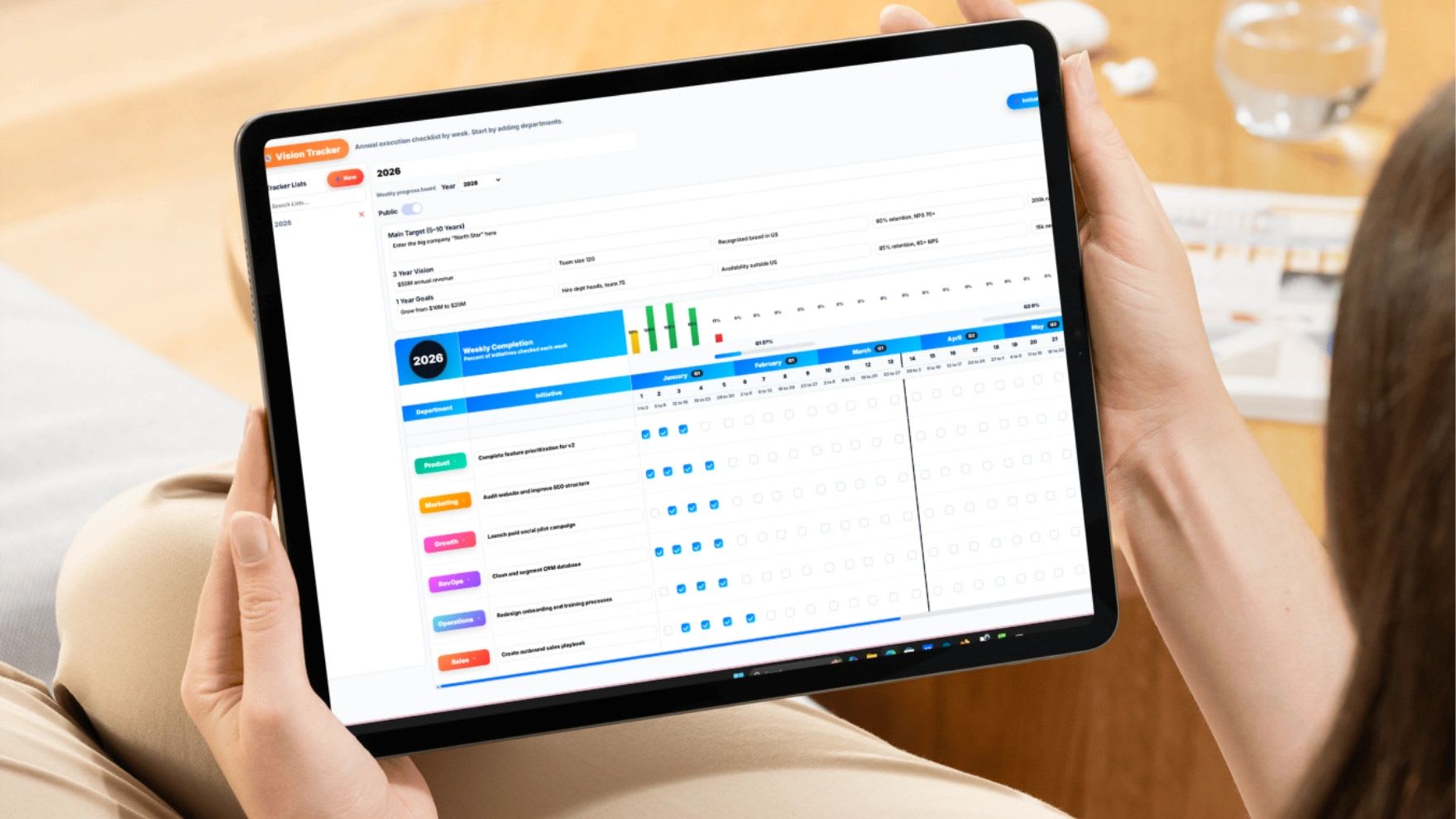
Team meeting agenda templates give every meeting the same clear structure, so time goes to decisions instead of rambling updates. Build your agenda with the free meeting agenda builder below or copy the template, then use this guide to run meetings your team actually finds useful.
Most teams do not have a meeting problem. They have a meeting quality problem. Meetings run too long, stay too vague, or fill up with updates that could have been an email. The result is wasted time, confusion, and action items nobody owns. The fix is not fewer meetings. It is better ones, and the single biggest upgrade you can make is a consistent agenda.
Free Meeting Agenda Builder
Free Meeting Agenda Builder
Start from the proven six-part agenda, adjust the topics, owners, and minutes, and the builder checks your total time against the meeting length. Then copy it into an email or doc, or print it.
| # | Agenda Item | Owner | Minutes |
|---|
Why Most Team Meetings Fail
Meetings fail when they lack a clear purpose, a defined structure, ownership, and actionable outcomes. Without those, they drift into status reports, open-ended discussions, and the same conversations repeated week after week. When a meeting does not produce decisions or action, it becomes noise, and people start treating it as optional.
What a Great Team Meeting Accomplishes
It Aligns the Team
Everyone leaves knowing the current priorities, where progress stands, and what matters most right now.
It Solves Problems
The best meetings spend most of their time removing blockers and making decisions, not reporting what already happened.
It Drives Action
Every meeting should end with clear next steps, an owner for each one, and a due date. If there is no action, the meeting did not work.
The Six-Part Team Meeting Agenda Structure
This flow works for almost any team meeting. Adjust the minutes to fit, but keep the order.
| Section | Time | Purpose |
|---|---|---|
| 1. Opening and objective | 2 to 5 minutes | State what the meeting is for and what success looks like. |
| 2. Key updates | 5 to 10 minutes | Quick, structured progress updates and important changes. No deep dives. |
| 3. Priorities and metrics | 10 to 15 minutes | Review current priorities and KPIs to confirm the team is on track. |
| 4. Discussion and problem solving | 15 to 30 minutes | Work through blockers, decisions, and strategic topics. |
| 5. Action items and next steps | 5 to 10 minutes | Confirm what will be done, who owns it, and when it is due. |
| 6. Close | 2 minutes | Recap key decisions and confirm alignment, then end on time. |
The discussion block is the most valuable part of the meeting, so protect it. If updates start eating into it, move them to a written update before the meeting.
Free Team Meeting Agenda Template
Prefer a document? Copy this template into Word, Google Docs, or your meeting notes.
TEAM MEETING AGENDA

Meeting: [Weekly Team Meeting]
Date: [Date]        Time: [Start - End]
Facilitator: [Name]    Note taker: [Name]    Timekeeper: [Name]

1. OBJECTIVE (5 min)
What do we need to decide or accomplish today?

2. REVIEW LAST MEETING'S ACTION ITEMS (5 min)
Item | Owner | Done / Not done

3. KEY UPDATES (5-10 min)
[Name]: [Update]
[Name]: [Update]

4. PRIORITIES AND METRICS (10 min)
Current priorities:
Key metrics or KPIs (on track / off track):

5. DISCUSSION AND BLOCKERS (15-30 min)
Topic 1: [Topic] | Owner: [Name] | Decision needed: [Yes/No]
Topic 2: [Topic] | Owner: [Name] | Decision needed: [Yes/No]

6. ACTION ITEMS (5-10 min)
Task | Owner | Due date

7. CLOSE (2 min)
Key decisions:
Next meeting:
Types of Team Meetings and How to Run Each
| Meeting | How often | Length | Focus |
|---|---|---|---|
| Daily standup | Daily | 10 to 15 minutes | Today's plan and blockers only |
| Weekly team meeting | Weekly | 45 to 60 minutes | Priorities, metrics, decisions, action items |
| One-on-one | Weekly or every other week | 30 minutes | Employee's priorities, support, and development |
| Project kickoff | Start of each project | 60 minutes | Goals, scope, roles, timeline, communication plan |
| Monthly business review | Monthly | 60 to 90 minutes | Results versus goals, trends, and next month's focus |
| Leadership Level 10 meeting | Weekly | 90 minutes | Scorecard, quarterly priorities, and solving issues |
For a deeper look at rhythm, see weekly vs. biweekly meetings and the Level 10 meeting template.
Meeting Roles That Keep Things on Track
Three simple roles make a big difference. The facilitator runs the agenda, keeps the discussion on topic, and pushes for decisions. The timekeeper watches the clock and flags when a section runs over. The note taker captures decisions and action items with owners and due dates, and shares them within an hour of the meeting. In a small team one person can hold two roles, but naming them keeps the meeting from depending on whoever talks most.
How to Prepare for a Team Meeting
- Send the agenda at least a day ahead so people can prepare.
- Ask for written updates in advance so the meeting can focus on discussion.
- Add a decision or question to every discussion topic so people know what is being asked.
- Review last meeting's action items before you start.
- Invite only the people who need to contribute or decide.
Sample Agendas for Common Meetings
Weekly Team Meeting (45 Minutes)
Open with the objective (3 minutes), review last week's action items (5 minutes), share quick updates (7 minutes), review priorities and key metrics (10 minutes), work through blockers and decisions (15 minutes), and confirm action items with owners and due dates (5 minutes).
Daily Standup (15 Minutes)
Each person answers three questions in about a minute: what they finished yesterday, what they are doing today, and what is blocking them. Blockers get an owner and are solved after the standup, not during it.
Project Kickoff (60 Minutes)
Cover the goal and why it matters (10 minutes), scope and deliverables (10 minutes), roles and ownership (10 minutes), timeline and milestones (10 minutes), risks and dependencies (10 minutes), and communication plan and next steps (10 minutes).
One-on-One (30 Minutes)
Let the employee lead with their topics (10 minutes), review priorities and progress (10 minutes), discuss development and feedback in both directions (5 minutes), and agree on next steps (5 minutes). Keep it on the calendar even when things are busy, because that is when it matters most.
How to Write Meeting Notes and Action Items
Good notes are short and focused on outcomes, not a transcript. Capture three things: the decisions made, the action items with one owner and a due date each, and any open questions that need a follow-up. Write action items as clear tasks that start with a verb, such as "Send revised quote to client by Friday," rather than vague notes like "Quote discussion." Share the notes within an hour of the meeting while details are fresh, and put the open action items at the top of the next agenda. For more, see how to take good notes in meetings.
Common Meeting Mistakes to Avoid
Turning Meetings Into Status Updates
If people are only reporting what they did, that update should be written and shared ahead of time. Meetings are for decisions.
No Time Management
When one topic takes over, the rest of the agenda fails. Assign time blocks and stick to them, and move long topics to a separate conversation.
No Ownership
Action items without a name next to them rarely get done. Every task needs one owner and a due date.
No Follow-Up
If actions are not tracked, meetings lose credibility. Start every meeting by reviewing the previous meeting's action items.
Running Remote and Hybrid Meetings
Remote and hybrid meetings need a little more structure. Share the agenda in the meeting invite, keep cameras on for discussion sections when possible, and use a shared document so everyone sees notes and action items in real time. In hybrid meetings, have the facilitator call on remote attendees directly so the people in the room do not dominate. Keep meetings shorter, since attention fades faster on video.
How to Make Better Meetings Stick
Standardize the agenda so every meeting follows the same flow. Share it before the meeting so people prepare. Keep agendas and notes visible in a shared place. Track action items from meeting to meeting, because follow-through is what turns meetings into results.
How to Measure Whether Your Meetings Work
Ask a few simple questions every month. Did most meetings end on time? What share of action items were finished by their due date? Did the team make the decisions it needed to? Once a quarter, ask attendees to rate the meeting from 1 to 10 and share one thing to improve. If the score is low, cut updates, tighten the discussion block, or reduce who attends.
Where Meetings Connect to Execution
As a team grows, meetings run by different managers become inconsistent and action items get lost between tools. Updoot meetings run from structured agendas with timers, track action items with owners in real time, and connect meetings to priorities and projects, so decisions turn into work instead of notes.
Final Thoughts
A meeting should move work forward, not interrupt it. The difference is not how often you meet. It is how you run the meeting. A structured agenda saves time, improves clarity, drives accountability, and helps your team execute.
Opens in Google Drive. View and download for free.
Related Reading
Weekly Meeting vs. Biweekly Meeting Guide →
The Level 10 Meeting Template: How to Run It and Why It Works →
Skip-Level Meetings: When They Help and When They Backfire →
Frequently Asked Questions About Team Meeting Agendas
What is a team meeting agenda template?
A team meeting agenda template is a reusable outline that lists meeting topics, owners, and time for each section, plus space for decisions and action items.
What should be included in a team meeting agenda?
Include the objective, a review of last meeting's action items, key updates, priorities and metrics, discussion topics and blockers, new action items with owners and due dates, and a short close.
How long should a team meeting be?
Most weekly team meetings work best at 30 to 60 minutes. Daily standups should stay around 10 to 15 minutes.
How do you keep meetings on time?
Assign minutes to every agenda item, name a timekeeper, move status updates to writing, and take long topics offline instead of letting them take over the meeting.
Who should run a team meeting?
A facilitator runs the agenda and pushes for decisions. It is often the team lead, but rotating the role can build ownership. Add a timekeeper and a note taker for larger meetings.
How far in advance should you send a meeting agenda?
Send it at least one day ahead so attendees can prepare, add topics, and share written updates before the meeting.
How can you make meetings more productive?
Use a consistent agenda, focus meeting time on decisions and blockers, assign an owner and due date to every action item, and start each meeting by reviewing last meeting's action items.