
Compare Best Content Planner Software Features: The Free Cheatsheet
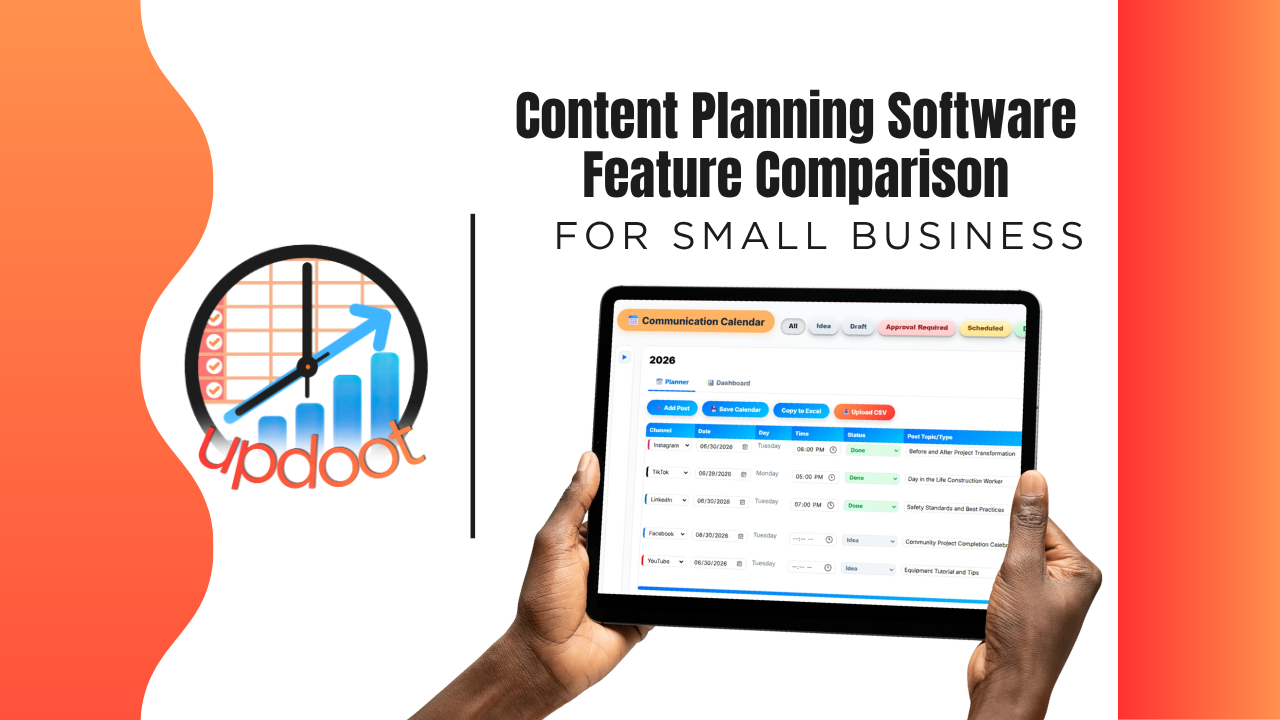
If you've looked at content planning tools, you already know the pitch is basically the same everywhere: a calendar, a place to drop drafts, a way to see what's scheduled. What actually separates a tool that keeps marketing and sales messaging coordinated from one that's just a prettier spreadsheet shows up in the details, whether duplicate content actually gets caught before it goes out, whether a dashboard shows what's working, and whether the tool lives in the same place as the customer and sales data the content is supposed to support.
This guide breaks down the content planner features worth comparing, organized the way you'd actually evaluate a vendor, plus a free interactive cheatsheet you can filter by category and print or copy into your own comparison sheet.
On this page
- Why comparing content planner features actually matters
- Calendar and planning features to compare
- Collaboration and approval features to compare
- AI assistance and reporting features to compare
- The interactive content planner feature cheatsheet
- Free vs. mid-tier vs. all-in-one content planning software
- Red flags to watch for when evaluating vendors
- How Updoot compares
- Frequently asked questions
Why Comparing Content Planner Features Actually Matters
Nearly every content planning tool on the market can do the baseline job: show a calendar with things scheduled on it. That's table stakes, not a differentiator, which is exactly why comparing tools on "does it have a calendar" gets you nowhere. The real differences live one layer deeper, in the features that determine whether content actually stays coordinated across channels and people, or just looks organized until two campaigns collide.
A calendar with no collaboration layer still means two people can schedule conflicting content without either one noticing until it's live. A planner with no dashboard still leaves you guessing what's actually performing instead of just what's scheduled. A tool with no AI assistance still means every piece starts from a completely blank page. None of these gaps show up in a five-minute demo. They show up the week two campaigns overlap and nobody catches it in time.
That's the lens for this whole comparison: not "does the feature exist," but "does the feature prevent a coordination mistake, or does it just make the mistake look organized."
Calendar and Planning Features to Compare
This is the visible layer of any content planner, and also the easiest place to miss the differences that actually matter.
Tracking social, email, and ad content in one place
Compare whether the planner covers every channel you actually use, social posts, email campaigns, and paid ads, in one calendar, versus a tool built for just one channel that leaves the rest scattered across other systems.
Status tracking through the content lifecycle
A piece of content moves through draft, review, scheduled, and published. Look for a planner that makes that status visible at a glance, not a calendar where the only status is "on the calendar or not."
Importing existing content
Compare whether you can bring existing content into the planner easily, so switching tools doesn't mean losing the history of what's already been published.
Collaboration and Approval Features to Compare
This is where a content calendar either prevents collisions or just documents them after the fact.
A truly collaborative calendar
Compare whether multiple people can plan against the same calendar with visibility into what everyone else has scheduled, so duplicate or conflicting content gets caught before it goes out, not after two campaigns land in the same inbox the same week.
Full dashboard visibility
Look for a dashboard that shows what's scheduled, what's in review, and what's actually live, giving anyone on the team a clear picture without asking someone to walk them through it.
AI Assistance and Reporting Features to Compare
This is where the gap between "a shared calendar" and "a tool that actually helps you plan" gets the widest.
AI-assisted content suggestions
Compare whether the tool offers AI-assisted suggestions to help start a piece of content, instead of every post, email, and ad beginning from a completely blank page.
Visibility into what's working
A planner that only shows what's scheduled is half the picture. Look for dashboard visibility into what's actually performing, so planning decisions are based on results, not just habit.
Interactive Cheatsheet: Compare Best Content Planner Software Features
Filter by category to compare what free planning tools, mid-tier marketing apps, and Updoot typically include. Print it for your notes or copy it as a table you can paste straight into Excel or Google Sheets.
Updoot bundles everything on this list into one flat per-user price, not a stack of add-ons piled on top of a mid-tier tool's cost. You get full-platform coverage without paying for five separate subscriptions to get there.
| Feature | Free / Basic Planners | Mid-Tier Marketing Apps | Updoot |
|---|
Comparisons reflect typical feature availability across the category as of 2026 and can vary by specific vendor and plan tier.
Free vs. Mid-Tier vs. All-In-One Content Planning Software
Looking at the cheatsheet above, a pattern emerges: free and basic planning tools reliably handle a calendar and not much else. Mid-tier marketing apps close some of the gap, usually around multi-channel tracking and dashboards, but real-time collision prevention, AI assistance, and cross-department connections stay inconsistent from vendor to vendor. All-in-one platforms are built around the assumption that content planning connects to the same CRM and project data the rest of the business runs on, so those connections exist by default rather than as a workaround.
None of these tiers is universally right. A solo marketer running one channel may genuinely be well served by a simple calendar tool. The comparison matters most once more than one person is planning content, multiple channels are in play, or content needs to stay coordinated with sales messaging and customer data. That's where the free and mid-tier gaps turn into real coordination mistakes.
Red Flags to Watch For When Evaluating Vendors
A few patterns are worth watching for during a demo or trial, regardless of which tier of product you're considering.
A "collaborative calendar" that's really just shared viewing, not shared planning. Ask whether multiple people can actually plan against the calendar and get flagged on conflicts, or whether it's read-only visibility with no real coordination built in.
"AI-powered" that's really just a generic template. Ask what the AI assistance actually does, whether it helps draft content based on your brand and history, or just fills in a form with placeholder text.
No reporting on what's actually performing. A calendar that only shows what's scheduled, with no visibility into results, makes it hard to plan smarter over time.
Content planning disconnected from sales and customer data. If marketing content has no connection to the CRM or customer records, messaging can drift out of sync with what sales is actually saying to prospects.
How Updoot Compares
Updoot's content planner was built around the gaps described throughout this comparison, not as a standalone calendar but as the marketing coordination layer of a full work management platform. Social posts, emails, and ads all live on one collaborative calendar, with status tracked from draft through published, so nothing gets scheduled twice by two different people without anyone noticing.
AI-assisted suggestions help content start from something better than a blank page, and a full dashboard shows what's scheduled, what's live, and what's actually working. Because the planner lives in the same platform as Updoot's CRM and project tools, content stays connected to the customer and sales data it's actually meant to support, not planned in a separate system disconnected from the rest of the business.
Sign up free and see how the full content, sales, and customer workflow works end to end.
Related Reading
Free Communications Calendar Tool and Template →
Digital Marketing Funnel for Revenue Growth →
Top 10 Recent Innovative Marketing Campaigns Examples 2025 →