
Compare Best ATS & Applicant Tracking Software Features: The Free Cheatsheet
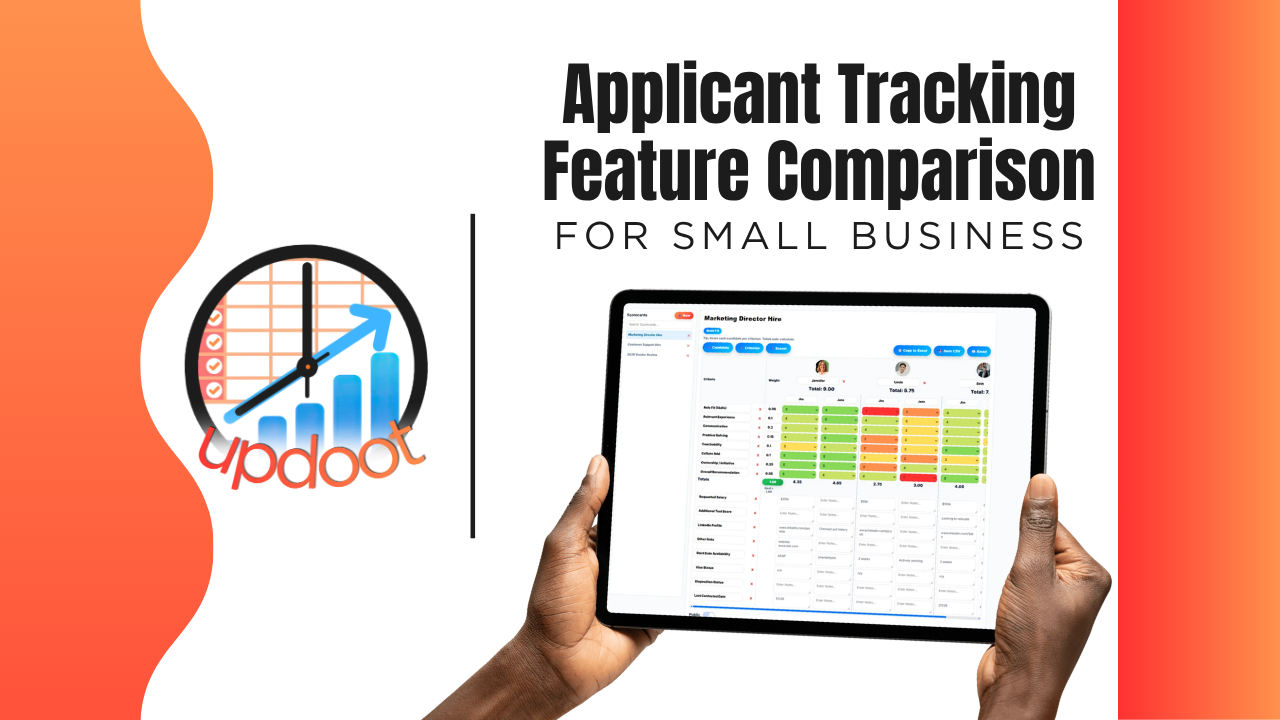
If you've searched "applicant tracking software," you already know the pitch is basically identical everywhere: post a job, collect resumes, hire the right person. What actually separates a tool that saves a hiring manager real hours from one that just moves the resume pile into the cloud shows up in the details, whether screening is genuinely faster with AI or just a keyword filter, whether scorecards keep evaluators consistent, and whether a new hire's information carries into HR or has to be typed in twice.
This guide breaks down the applicant tracking features worth comparing, organized the way you'd actually evaluate a vendor, plus a free interactive cheatsheet you can filter by category and print or copy into your own comparison sheet.
On this page
- Why comparing ATS features actually matters
- Resume screening and AI features to compare
- Interview and scorecard features to compare
- Offers, onboarding, and HR connection features to compare
- The interactive applicant tracking feature cheatsheet
- Free vs. mid-tier vs. all-in-one hiring software
- Red flags to watch for when evaluating vendors
- How Updoot compares
- Frequently asked questions
Why Comparing ATS Features Actually Matters
Nearly every applicant tracking tool on the market can do the baseline job: collect resumes and give you a list of candidates. That's table stakes, not a differentiator, which is exactly why comparing tools on "does it collect applications" gets you nowhere. The real differences live one layer deeper, in the features that determine how much manual work a hiring manager still has to do after the resumes come in.
A tool that collects resumes but doesn't help you screen them still leaves someone reading every application top to bottom. A tool with no structured scorecard still leaves hiring decisions riding on whoever remembers a candidate best, not the strongest evaluation. A tool where a new hire's data lives only in the ATS still means someone re-types the same information into HR and payroll on day one. None of these gaps show up in a five-minute demo. They show up during your next high-volume hiring push.
That's the lens for this whole comparison: not "does the feature exist," but "does the feature remove work from a hiring manager's plate, or does it just move the work somewhere else."
Resume Screening and AI Features to Compare
This is usually the most visible part of any ATS, and also the easiest to compare on the surface without noticing how much manual review is still hiding underneath a nice-looking inbox.
Bulk resume upload vs. one-at-a-time review
Compare whether the tool lets you upload resumes in bulk and get a fast overview, versus opening and reading each one individually. For roles that draw a high volume of applicants, the difference between these two workflows is the difference between a manageable afternoon and a stack that never gets fully reviewed.
AI parsing vs. keyword filtering
Basic tools often rely on simple keyword matching, which misses qualified candidates who phrased their experience differently than the exact words in a job posting. AI-powered parsing reads the actual content of a resume and surfaces relevant details, which is a meaningfully different, and more accurate, kind of first pass.
AI resume summaries for faster review
Ask whether the tool generates a short, structured summary of each candidate, not just a raw resume dump, so a hiring manager can scan key qualifications in seconds instead of reading a full document for every applicant.
Status tracking through the pipeline
A candidate's status, applied, screening, interviewing, offer, hired, or rejected, should be visible at a glance and easy to update, so nobody has to ask "where are we with this person" in a separate message.
Interview and Scorecard Features to Compare
This is where hiring decisions either become consistent and defensible, or stay dependent on whichever interviewer remembers a candidate most vividly.
Structured, AI-assisted scorecards
Compare whether the tool gives you a structured scorecard that summarizes a candidate against the role, versus a blank notes field where every reviewer writes something different. Structured scorecards make it possible to actually compare candidates side by side instead of comparing impressions.
Consistency across multiple interviewers
When more than one person is involved in hiring, a shared scorecard format keeps everyone evaluating against the same criteria. Without it, a candidate's fate can depend more on which interviewer they happened to get than on their actual qualifications.
Customizable interview questions by role
Compare whether interview questions can be tailored per role and reused consistently, rather than every interviewer improvising their own set of questions each time.
Interview scheduling and requests from the system
Look at whether interview requests can be sent directly from a candidate's record, tracked, and tied back to their file, instead of being coordinated entirely over a separate email thread that never makes it back into the ATS.
Offers, Onboarding, and HR Connection Features to Compare
The features in this section are the ones most likely to be missing from a free or entry-level ATS entirely, and they're worth checking first if hiring feels disconnected from everything that happens after someone accepts.
Offer letters sent and tracked from the system
Compare whether offer letters, along with welcome emails and interview requests, can be sent and tracked directly from the candidate's record, versus drafting each one from scratch in a separate email client with no link back to the hiring pipeline.
Job descriptions tied to the role being filled
A job description builder connected to the actual open role means the posting, the interview questions, and the eventual job description a new hire receives all stay consistent, instead of three slightly different versions floating around.
New hire data flowing into HR and org charts
This is one of the biggest gaps between a standalone ATS and a full hiring platform. Compare whether a candidate's information carries automatically into org charts and employee records once they're hired, or whether someone has to re-enter their details a second time to actually onboard them.
Reporting on where candidates come from and drop off
Basic status tracking tells you where one candidate is. Reporting tells you where your hiring process as a whole is losing people, which stage takes too long, and which roles are hardest to fill, information that's much harder to see without it built in.
Interactive Cheatsheet: Compare Best Applicant Tracking Software Features
Filter by category to compare what free ATS tools, mid-tier hiring apps, and Updoot typically include. Print it for your notes or copy it as a table you can paste straight into Excel or Google Sheets.
| Feature | Free / Basic ATS Tools | Mid-Tier Hiring Apps | Updoot |
|---|
Comparisons reflect typical feature availability across the category as of 2026 and can vary by specific vendor and plan tier.
Free vs. Mid-Tier vs. All-In-One Hiring Software
Looking at the cheatsheet above, a pattern emerges: free and basic ATS tools reliably handle collecting resumes and tracking status, and not much else. Mid-tier hiring apps close some of the gap, usually around interview scheduling and basic scorecards, but AI-assisted screening, consistent evaluation, and HR connections stay inconsistent from vendor to vendor. All-in-one platforms are built around the assumption that hiring data feeds directly into HR, org charts, and job descriptions, so those connections exist by default rather than as a workaround.
None of these tiers is universally right. A business hiring for one role a year with a small applicant pool may genuinely be well served by a free ATS. The comparison matters most once a business is hiring regularly, dealing with a high volume of applicants, or wants hiring decisions to be consistent across more than one interviewer. That's where the free and mid-tier gaps turn into real, recurring hiring manager time.
Red Flags to Watch For When Evaluating Vendors
A few patterns are worth watching for during a demo or trial, regardless of which tier of product you're considering.
"AI screening" that turns out to be a basic keyword filter. Ask specifically whether the AI reads and summarizes resume content or just matches exact words against a job posting, since those are very different capabilities marketed with the same term.
Scorecards that are just a free-text notes field. If every interviewer can write whatever they want with no shared structure, you don't have a scorecard, you have a collection of opinions that happen to live in the same place.
An ATS that dead-ends at "hired." Ask directly what happens to a candidate's information the moment they accept an offer. If the answer involves someone manually re-entering their details into a separate HR system, that's a real gap, not a minor inconvenience.
Pricing that scales per job posting or per candidate. Ask how the pricing model actually works during a busy hiring season, since some tools that look affordable at low volume get expensive fast once you're filling several roles at once.
How Updoot Compares
Updoot's applicant tracking system was built around the gaps described throughout this comparison, not as a standalone resume inbox but as the hiring layer of a full work management platform. Resumes can be uploaded in bulk and parsed with AI for a fast first pass, and AI-generated scorecards summarize each candidate against the role, giving hiring managers a consistent way to compare applicants instead of relying on memory or a notes field.
Interview questions can be customized by role, interview requests and offer letters send and track directly from the candidate's record, and status stays visible through the whole pipeline. When someone's hired, their information carries straight into org charts and employee records, no re-entering the same details a second time to actually onboard them.
The bigger difference shows up after the hire itself: because Updoot also includes HR records, time tracking, and org chart tools in the same platform, hiring data doesn't dead-end in a standalone applicant tracker. It connects directly to the rest of how the new hire's employment is managed, without a manual handoff between systems.
Sign up free and see how the full hiring and HR workflow works end to end.