
Job Description Software: How to Manage, Create, and Update Job Descriptions
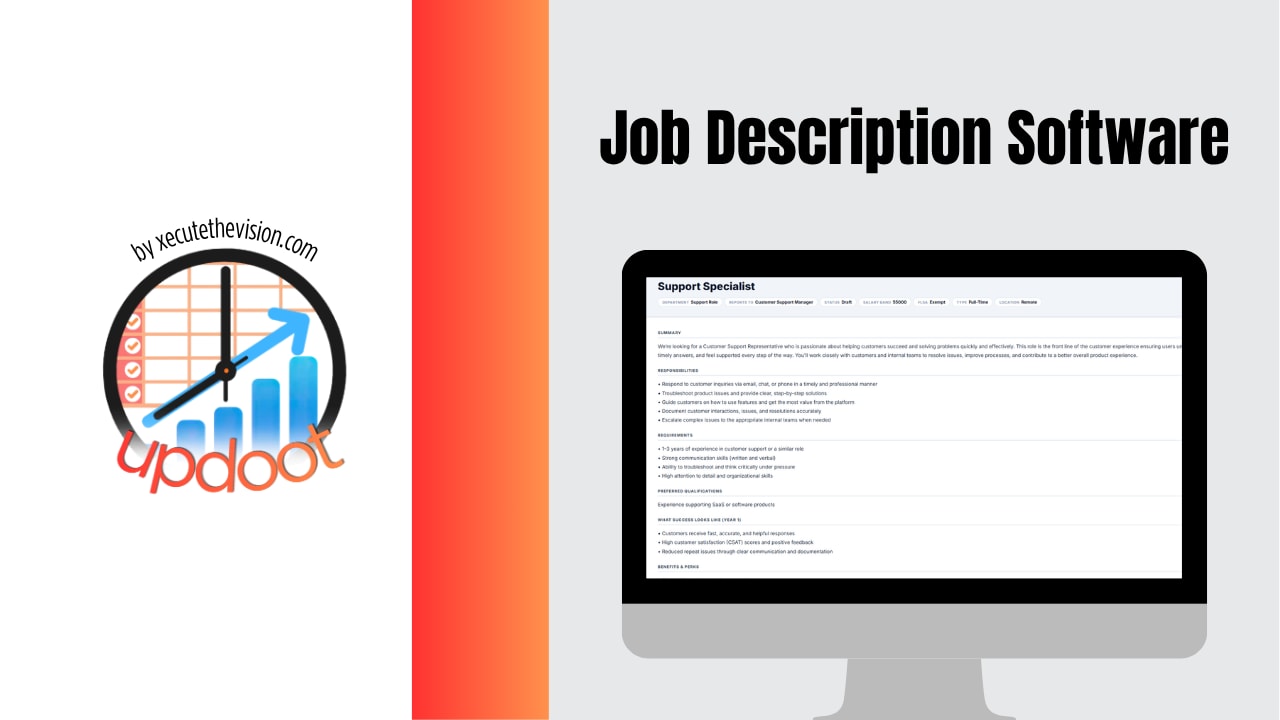
Most companies have job descriptions scattered across a dozen places: an old Word doc a manager wrote three years ago, a job posting on a hiring site that was never updated after the role was filled, a PDF buried in a shared drive nobody can find. That scatter is the real problem. A job description that isn't easy to find, isn't kept current, and isn't connected to how the role is actually being worked day to day, stops being useful the moment it's written. Job description software fixes that by giving every role a single, living record that stays current and connects to the rest of how the company actually runs.
What Is Job Description Software?
Job description software is a tool built specifically to create, store, standardize, and update job descriptions across an organization. Instead of every manager formatting a job description their own way in a separate document, the whole company works from the same templates, the same fields, and the same approval process. That consistency matters more than it sounds like it would: when every job description follows the same structure, it's far easier to compare roles, spot gaps in a team's structure, and keep hiring, performance reviews, and pay bands grounded in something concrete rather than a manager's memory of what a role is supposed to do.
At its core, this kind of software usually includes a template library, version history so nobody loses track of what changed and when, an approval workflow so HR and leadership sign off before a description goes live, and a central library so any manager, recruiter, or employee can pull up the current, accurate version of any role in the company.
Why Job Description Management Matters More Than It Gets Credit For
A job description is the reference document behind almost every people decision a company makes. It's the basis for job postings, the scorecard used in interviews, the guide for a new hire's first 90 days, the yardstick used in a performance review, and often the justification behind a pay band or promotion. When that document is outdated, every one of those decisions is being made against a role that doesn't actually exist anymore.
This is where most companies quietly lose control. Roles evolve constantly, a marketing coordinator picks up half of a departed teammate's responsibilities, a sales rep starts handling renewals that used to belong to customer success, an operations hire ends up owning a tool nobody else understands. None of that gets written down, because updating a static Word document isn't anyone's job. Six months later, the job description on file bears little resemblance to the actual role, and everyone from HR to the employee themselves is working from a document that's quietly become fiction.
Creating Job Descriptions That Actually Hold Up
Writing a job description that stays useful starts with structure. The strongest ones consistently include the same core sections: a short summary of the role's purpose, the core responsibilities in order of priority (not a laundry list), the skills and qualifications actually required to do the job well, who the role reports to, and how success in the role is measured. Skipping the "how success is measured" section is one of the most common gaps, and it's the piece that connects a job description to performance reviews later on.
A few practices make the biggest difference in quality:
- Write it with the person doing the job, not just about them. A manager's assumption about what a role involves and the reality of what the person spends their week on are often surprisingly different.
- Keep responsibilities in priority order. A list of fifteen bullet points with no hierarchy tells a new hire nothing about what actually matters most in the role.
- Separate "must-have" from "nice-to-have" qualifications. This alone tends to widen a hiring pool considerably, since candidates frequently self-select out of applying when every line reads as a hard requirement.
- Build in a review cadence. A job description reviewed once a year during performance season stays far more accurate than one that's written once at hire and never revisited.
Job Description Refresh Checklist
Before publishing or reusing a job description, check that it still covers:
- Current core responsibilities, not the ones the role started with
- Any tools, systems, or software the role now requires
- Who the role currently reports to and collaborates with
- Updated qualifications that reflect how the role has changed
- A clear measure of what success in the role looks like today
The Ongoing Work of Managing Job Descriptions
Creating a job description is a single afternoon of work. Managing job descriptions across an entire company, keeping every one of them current, consistent, and easy to find, is the part that actually takes a system rather than a one-time effort. This is where most companies without dedicated software fall behind: nobody owns the ongoing maintenance, so job descriptions drift out of date the same way an unused shared drive slowly fills with duplicate, outdated files.
Good job description management means having a single source of truth that every manager and recruiter pulls from, a clear owner (usually HR) responsible for keeping formatting and approval consistent, a lightweight process for proposing updates when a role changes, and visibility into which descriptions haven't been touched in a year or more. Without that last piece especially, stale job descriptions simply never surface until they cause a problem, usually during a hiring push or a compensation review, when it's the worst possible time to discover the paperwork doesn't match reality.
How Updoot Handles Job Descriptions, Time Tracking, HR, and Sales in One Place
Updoot was built around a simple idea: a job description shouldn't live in isolation from the rest of how work actually gets done. Inside Updoot, every role has a living job description that connects directly to the tools a team already uses for daily work, which means the document stops being a static file and starts being a real part of how the business runs.
Centralized Job Description Creation and Storage
Updoot gives every company a shared library of job description templates, so a new role can be drafted in minutes using the same structure as every other role in the company. Every description carries version history, so when responsibilities shift, the change is tracked rather than silently overwritten. Approval workflows route updates to HR or a department lead before anything goes live, which keeps the whole library consistent without slowing teams down.
Time Tracking Tied to Actual Responsibilities
One of the most useful connections inside Updoot is between a role's job description and the time tracking data logged against it. When time entries can be tagged to the responsibilities listed in a job description, it becomes possible to see, with real data, whether a role is actually spending its time on what it was hired to do. That's a conversation most companies only have anecdotally. Updoot makes it visible: a job description that lists "client onboarding" as a core responsibility can be checked against the hours actually logged to onboarding work, which turns a vague sense that "this role has scope creep" into something concrete a manager can act on.
HR Records That Stay in Sync
Because job descriptions live inside the same platform as HR records, performance reviews, and org structure, there's no gap between the document HR keeps on file and the document a manager actually uses day to day. When a role changes, HR sees the update in the same place they manage reviews and compensation notes, rather than chasing down a separate file a manager may or may not have kept current.
Sales Roles and Territory Management
Sales teams in particular tend to have job descriptions that drift the fastest, as territories shift, quota structures change, and reps pick up new account types. Updoot lets sales leadership keep job descriptions tied directly to the CRM and pipeline data a rep works in every day, so a sales job description can reflect actual quota ownership, account segment, or territory, and stay aligned as those things evolve, rather than describing a territory structure that was retired two reorgs ago.
One Platform Instead of a Patchwork
The bigger point behind all of this is that job descriptions, time tracking, HR data, and sales structure are usually managed in four separate tools that never talk to each other. Updoot brings them into one platform, so updating a role's responsibilities in one place naturally keeps everything downstream, time tracking categories, HR files, performance metrics, sales quota structures, in sync with it. That's the difference between a job description as a document that gets written once and forgotten, and a job description as a living part of how the business actually tracks and manages work.
Related Reading
Best HR Software for Small Businesses in 2026 →
Common Mistakes Companies Make With Job Descriptions
- Writing them once and never revisiting them. A job description with no scheduled review becomes fiction within a year in most fast-moving roles.
- Storing them in scattered, inconsistent formats. When every manager writes job descriptions their own way, comparing roles or spotting structural gaps across a department becomes nearly impossible.
- Treating job descriptions as an HR-only document. Job descriptions that never connect to how time is actually spent or how performance is measured stay disconnected from the real work happening in the role.
- No approval process for changes. Without a lightweight sign-off step, updates get made informally, inconsistently, or not at all.
- Ignoring the sales team. Sales roles change quickly with territory and quota shifts, and are often the most out-of-date job descriptions in the company because nobody thinks to revisit them outside of a hiring cycle.
Frequently Asked Questions
Job description software is a tool that helps teams write, standardize, store, and update job descriptions in one place, rather than scattered across Word documents, email attachments, and old job postings. It typically includes templates, version history, approval workflows, and a way to keep every role's description consistent with how the job is actually performed.
Roles shift as a company grows, tools change, and responsibilities move between teams. A job description written two years ago rarely reflects what the role actually involves today. Outdated descriptions cause confusion during hiring, performance reviews, and pay discussions, since nobody is measuring the role against what it currently requires.
HR typically owns the format and approval process, but the direct manager is usually the best source for what the role actually does day to day. The strongest job descriptions are drafted collaboratively, with HR maintaining consistency and managers keeping the details accurate.
A clear, current job description is the foundation of a job posting, an interview scorecard, and the first 90 days of onboarding. Software that keeps descriptions centralized means recruiters aren't rewriting postings from scratch or guessing at responsibilities that have since changed.
In platforms like Updoot, yes. When job descriptions live in the same system as time tracking, HR records, and task assignments, it's easier to see whether time is actually being spent on the responsibilities a role was hired for, and to keep compensation conversations grounded in real data.
No. While HR usually manages the process, job descriptions touch hiring, sales team structuring, department budgeting, and performance management. A platform that connects job descriptions to time tracking and sales roles gives leadership a clearer picture of how the whole team's work maps to the org chart.
Final Takeaway
Job descriptions only stay useful if they're kept current and connected to how work actually happens, which is exactly what a static document filed away in a shared drive can never do. Updoot keeps job descriptions, time tracking, HR records, and sales role management in one connected platform, so updating a role's responsibilities actually keeps the rest of the business in sync with it.