
Best CRM for Roofing Companies
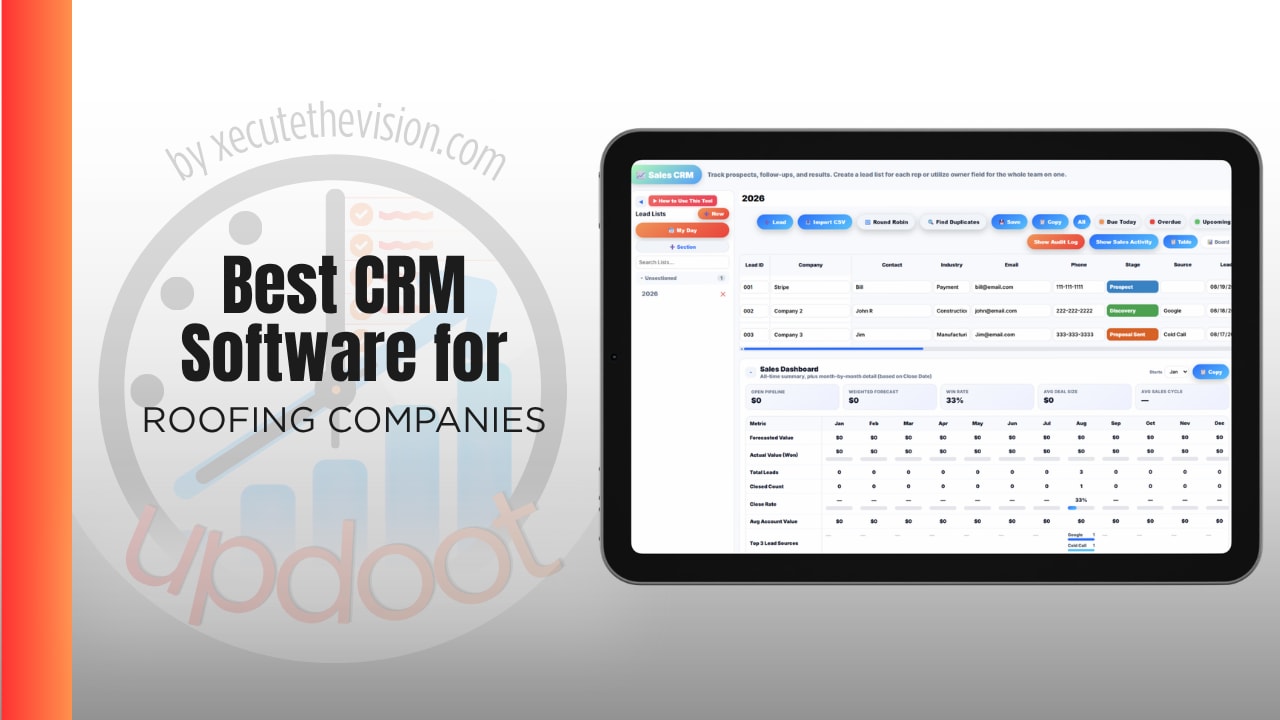
What a roofing company loses without the right system rarely shows up as a line item. It is the storm lead that sat in a voicemail for three days while a competitor knocked the door. The crew day nobody costed, so you still do not know whether tear-offs are priced right. The supplement never filed because the photos were on someone's phone. And it is the stack of subscriptions holding your CRM, measurements, crew hours, and invoicing separately, each with its own bill and none of them talking. Use the calculator below to price your current stack against what consolidation would cost.
Free Tool Stack Cost Calculator
What Is Your Software Stack Really Costing?
Count every subscription that touches a job, then the office hours spent moving data between them.
Speed to Lead Decides the Job
Roofing is a race. After a storm, a homeowner contacts several contractors within the same hour, and the one who responds first is disproportionately likely to get the inspection. Industry benchmarking has found most roofers respond to new leads within twelve hours while the highest performers respond in under thirty minutes, and that gap is the whole ballgame.
Which means lead routing is a revenue feature. Leads need to reach an available person automatically rather than sitting in a shared inbox, with an owner, a status, and a visible flag when nothing has happened. Round-robin assignment matters most in exactly the week you are busiest, which is the week leads are most likely to be dropped.
Ranking helps allocate the callbacks you can actually make. A full replacement in your service area and a repair inquiry two counties away are not equal, and when your team can return fifteen calls before noon, order matters.
Why Crew Time Tracking Belongs on the Job
Most roofing companies can tell you their material cost per square precisely and their labor cost per job approximately. That asymmetry is expensive, because labor is the variable that separates a profitable tear-off from one that broke even.
The reason is capture. Crews move between jobs, days run long or short with weather, and hours get reported at the end of the week rather than at the time. What arrives in payroll is accurate in total and unreliable per job, so the job cost report tells you what you spent overall but not which work types make money.
Clocking into a specific job from the field, with GPS, fixes it without adding office work. Labor accrues against the job as it happens, so you can see mid-job that a crew is running over rather than discovering it after the invoice. Over a season it also tells you which crews, which job types, and which neighbourhoods are actually profitable.
The Tool Stack Problem
Roofing has more single-purpose software than almost any trade: a CRM, an aerial measurement tool, a proposal tool, a time app, a texting service, and QuickBooks. Each solves something real. Together they produce a monthly bill nobody has totalled and an office role that exists mainly to move data between them.
Vertical pricing compounds it. JobNimbus is reported at $225 to $550 a month base plus $25 to $75 per user, with texting fees of $49 to $249 on top. AccuLynx publishes an Essential plan at $250 a month with higher tiers quoted, and reviewers note add-ons stacking to $400 to $450 a month for small contractors plus implementation commonly reported at $1,000 to $2,500. ServiceTitan runs $250 to $500 per technician per month. Roofr is the value option starting near $99, and its own reviewers note project management depth and crew scheduling are thin.
So the pattern is: pay for depth in roofing-specific workflows, then pay again for everything the platform does not do.
Storm Work, Documentation, and Supplements
Insurance restoration work lives or dies on documentation captured at the time. Photos, measurements, damage notes, and approvals all need to attach to the job rather than living on the phone of whoever was on the roof.
When they do, supplements get filed with evidence and disputes get resolved with a record. When they do not, a legitimate supplement goes unfiled because assembling the evidence afterward is harder than absorbing the cost, which is money left on the table for purely administrative reasons.
The same applies to crew accountability. A dated record of when a crew arrived, what was done, and what the site looked like is the thing that ends a callback argument quickly.
Questions to Ask Before You Sign Up
- What is the base price plus per-user cost? Several roofing platforms use base-plus-seat pricing, so the advertised figure is a floor rather than a bill.
- Which add-ons are extra? Texting, automation, and advanced reporting are commonly separate, and they are the features people actually want.
- What is the implementation fee? Contractors report $1,000 to $2,500 in this category, which changes first-year cost substantially.
- Do crew hours attach to jobs? If hours arrive as a payroll export, you have timekeeping without job costing.
- Verify pricing with the vendor directly. Per-user figures circulating on comparison sites in this category are frequently unverified.
- How many subscriptions does this replace? Total your whole stack first, including the texting service and the time app.
How We Evaluated These Tools
A note on where we stand: Updoot publishes this site and appears in the comparison below. Pricing and features for every tool here, Updoot included, were verified against each vendor's live pricing page or independent third-party sources in August 2026, and Updoot's own limitations are listed in the same column as everyone else's.
For roofing companies specifically, we weighted five things: lead routing and response speed, crew hours attaching to jobs for real costing, how many subscriptions the platform replaces, total cost including per-user fees, add-ons, and implementation, and whether purchasing, budgets, and staff records are covered.
How the Top Options Compare for Roofing Companies
| Tool | Starting Price | Best For | Where It's Limited |
|---|---|---|---|
| Updoot ⭐ Best Overall | $5/user/month, all features included | Roofing companies wanting lead routing, GPS crew time tied to jobs, live job budgets, purchasing, scheduling, and staff records on one platform with no add-ons | No aerial roof measurement, insurance supplement workflows, or supplier catalog ordering |
| JobNimbus | Reported $225-$550/month base plus ~$25-$75/user; texting ~$49-$249/month | Storm and insurance restoration contractors wanting flexibility and an open API | Base-plus-per-user pricing plus messaging fees; automation and advanced reporting require higher tiers |
| AccuLynx | Essential from ~$250/month; higher tiers quoted | Established mid-size contractors needing the deepest roofing-specific workflows and supplier integrations | Add-ons reported stacking to ~$400-$450/month for small contractors, plus implementation commonly reported at $1,000-$2,500 |
| Roofr | Free plan available; paid from ~$99-$169/month | Small residential teams wanting the fastest path from measurement to signed proposal | Reviewers note thinner project management, no real crew scheduling, and a smaller integration library |
| ServiceTitan | Reported ~$250-$500+ per technician per month | Large operations wanting call tracking, dispatch, and enterprise reporting | Per-technician pricing puts it out of reach for most small and mid-sized roofing companies |
Editor's Pick
Why Updoot Tops This List
Run the numbers from the calculator above against this category and the picture is stark. JobNimbus is a base fee plus per-user fees plus texting fees. AccuLynx is $250 before add-ons that reviewers report reaching $400 to $450 a month for small contractors, plus four-figure implementation. ServiceTitan is per technician. And none of them cover crew hours, purchasing, budgets, and staff records, so those stay on separate subscriptions. Updoot includes CRM with lead scoring and round-robin routing so storm leads get answered fast, GPS time tracking with geofencing where crews clock into a specific job so labor costs accrue live, per-job budgets with over and under flags, quotes and invoices, purchasing with material POs and receiving, crew scheduling and PTO, SOPs, and KPI dashboards, at a flat $5 per user per month with no base fee, no per-user surcharge, no texting fee, and no implementation charge. Fourteen users is $70 a month.
To be direct about the tradeoff: aerial measurement, insurance supplement workflows, and direct supplier ordering are genuine roofing-specific capabilities Updoot does not have. Many contractors pair a measurement tool with Updoot and still spend a fraction of a full vertical stack, because measurement is the one piece worth buying separately.
How Updoot Handles Leads, Crews, and Job Costs
In Updoot, the CRM imports leads, scores them, logs calls, holds documents and custom fields, and distributes inbound by round-robin so a storm-week enquiry reaches someone immediately. Due, upcoming, and overdue flags make an unworked lead visible instead of invisible, and AI-powered win and loss summaries show why bids are lost.
The GPS time clock runs on mobile or a shared kiosk with geofencing, and crews clock into a specific job, so labor lands on that job as it happens and you can see mid-job when a crew is running over. Each job is a project with a budget, over and under flags, templates for repeat work types, and documents and photos attached to the record for callbacks and claims.
Purchasing handles material POs with approvals, receiving, and three-way matching so you are not paying for a delivery that arrived short, and scheduling, PTO, SOPs, and KPI dashboards cover the rest. All at $5 per user per month.
Signs You've Outgrown Your Current Setup
The tipping point usually announces itself the same way: a lead goes cold because it sat in a shared inbox, nobody can say which job types are profitable without building a spreadsheet, crew hours arrive at the end of the week and get allocated by guess, photos for a supplement live on three different phones, and your monthly software total is a number you have never actually added up. When the office spends a day a week moving data between tools, the tools are the problem.
Related Reading
Best CRM for Construction Company →
Best CRM for Landscape Company →
Best CRM Software for Insurance Companies →
Frequently Asked Questions
The best option is whichever one answers leads fast and connects crew hours to jobs. The first wins the work, since homeowners contact several contractors at once, and the second tells you whether the work was worth winning.
As close to immediately as possible. Industry benchmarking has found most roofers respond within twelve hours while the highest performers respond in under thirty minutes, which is why automatic lead routing matters more than any other sales feature in this trade.
JobNimbus is reported at $225 to $550 a month base plus roughly $25 to $75 per user with texting fees on top, AccuLynx publishes an Essential plan at $250 a month with higher tiers quoted, Roofr starts near $99, and ServiceTitan is reported at $250 to $500 or more per technician per month.
Commonly. Add-ons for texting, automation, and advanced reporting are frequently separate, and contractors report implementation fees of $1,000 to $2,500 in this category. Verify per-user figures directly with the vendor, since unverified numbers circulate widely on comparison sites.
Most run four or more: CRM, aerial measurement, proposals, crew time, texting, and accounting. Each solves something real, but the combined bill is rarely totalled and someone in the office spends hours every week moving data between them.
Because material cost per square is usually known precisely while labor cost per job is approximate, and labor is what separates a profitable tear-off from one that broke even. Hours on the job let you see a crew running over while you can still act on it.
Photos, measurements, damage notes, and approvals captured at the time and attached to the job rather than living on the phone of whoever was on the roof. Legitimate supplements often go unfiled because assembling evidence afterward is harder than absorbing the cost.
Final Takeaway
The best CRM for a roofing company is the one that answers leads fast and connects crew hours to jobs, because the first wins the work and the second tells you whether the work was worth winning. Before comparing monthly prices, total every subscription you currently pay and add the office hours spent moving data between them. That number, not the sticker price, is what you are actually deciding about.