
Best CRM for Landscape Company
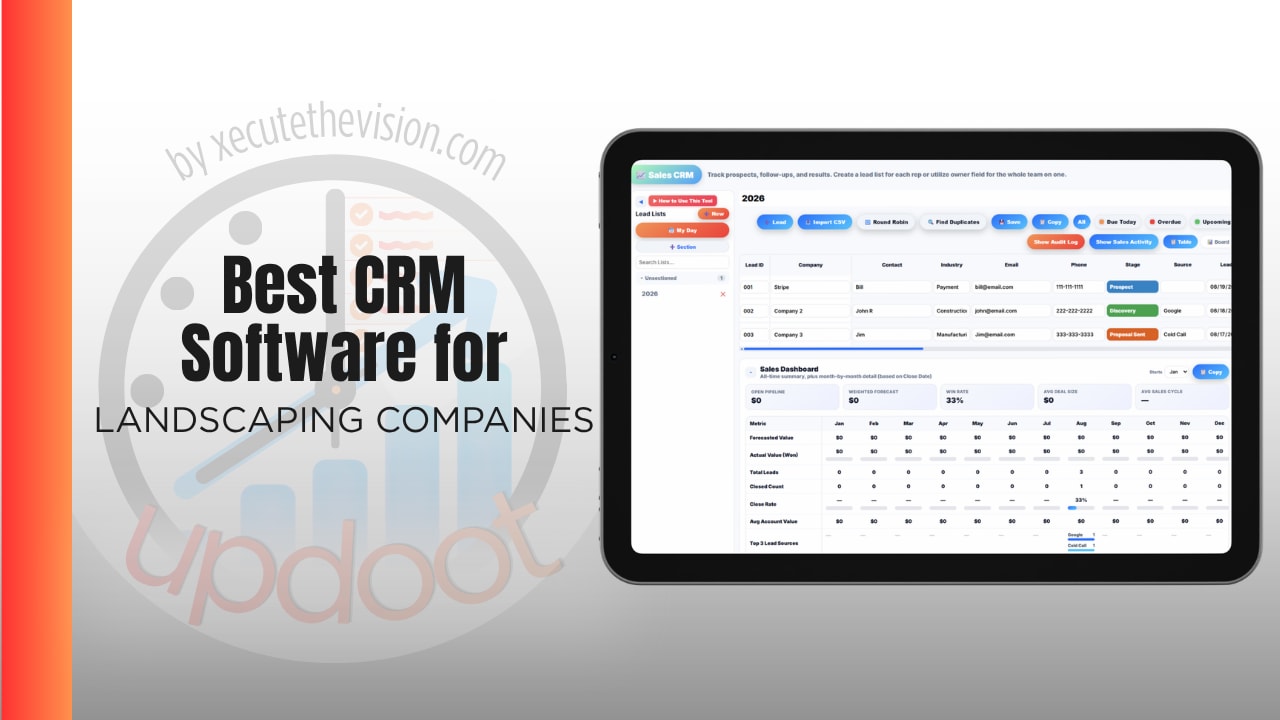
What a landscape company loses without the right system rarely shows up as a line item. It is the crew that logged eight hours on a job that took six. The estimate priced from last year's labor numbers because nobody knows what this year's actually are. The maintenance client who quietly became unprofitable two seasons ago. And it is the four subscriptions you pay to piece together scheduling, time tracking, invoicing, and job costing, none of which agree with each other. Use the calculator below to size the crew time gap, then see how the leading options compare.
Free Crew Time Leakage Calculator
What Is Untracked Crew Time Costing You?
Estimate the minutes per crew member per day that never make it onto a job. Rough numbers are fine.
Why Landscape Companies Need Time Tracking Inside the CRM
A landscape business sells labor hours dressed up as services. Whether a mowing route or a hardscape install makes money depends almost entirely on how long it actually took versus how long you assumed when you priced it. If that comparison is not automatic, it does not happen.
This is why a CRM that stops at the customer record leaves the most important question unanswered. You know who the client is, what you quoted, and whether they paid. You do not know what the job cost you, which means next year's estimate is built on the same guess as last year's.
Tying hours to jobs closes that loop. When a crew clocks into a specific property rather than a generic shift, the labor cost of every job accumulates by itself, and job costing stops being a project someone does in the off-season. GPS and geofencing matter here for a practical reason rather than a suspicious one: crews move between five or six properties a day, and expecting someone to remember which was which at 4pm produces approximations, not data.
The Tool Stack Problem
Most landscape companies do not have a CRM problem. They have a five-subscriptions problem. Scheduling in one place, time tracking in another, invoicing in a third, estimates in a spreadsheet, and payroll somewhere else entirely.
Each is fine alone. The cost is in the seams. Hours live in the time app, jobs live in the scheduler, and someone in the office spends part of every week moving numbers between them so payroll can run and invoices can go out. That reconciliation is not just labor, it is where errors enter, and it is why the job cost report is always a month behind.
The category makes this worse with tier gating. GPS tracking and job costing, the two features that answer the profitability question, are routinely placed on higher plans. Jobber puts GPS tracking on Connect and job costing on Grow, with per-user overage above the plan cap. Housecall Pro unlocks GPS on Essentials, with additional per-user fees at higher headcounts. So the moment you want the data that makes the software worth having, the price steps up.
Estimating From Real Numbers
The single highest-return change most landscape companies can make is estimating from their own historical job data instead of instinct.
Once hours are attached to jobs, patterns emerge quickly. A particular property type consistently takes 20% longer than quoted. A specific crew is faster on installs and slower on cleanups. Spring cleanups are underpriced across the board. None of that is visible when hours land in a payroll file and stop there.
It also changes which clients you keep. Most landscape companies have maintenance accounts that lost money for years without anyone noticing, because the invoice was the same every month and the hours crept up. That is only discoverable if hours and clients live on the same record.
Scheduling, Crews, and Seasonal Labor
Landscape scheduling has constraints most field service software handles poorly: weather moves everything, routes matter, and the workforce swells and shrinks with the season.
Weather is the recurring one. When a day washes out, the question is not just what moves, it is who is available on the new day and what that does to the rest of the week. A shared schedule everyone can see, including crew availability and time off, turns a phone-call cascade into a change anyone can look up.
Seasonal staffing is the other. Crews turn over between seasons, which means onboarding happens in batches every spring. Documented procedures, assigned to roles, are what make that survivable, because otherwise the same training happens verbally every year and quality depends on who did the explaining.
Questions to Ask Before You Sign Up
- Which tier includes GPS time tracking? Ask directly. It is commonly two tiers above the entry price in this category.
- Which tier includes job costing? Same question, and often a different, higher answer.
- What happens above the included user count? Per-user overage fees of $29 to $35 a head are standard, and crews add up fast.
- Do hours attach to a job or just to a timesheet? This is the difference between payroll data and profitability data.
- Is there a signup or onboarding fee? Several platforms in this space charge one and do not publish the amount.
- How many separate subscriptions would this replace? Compare against your whole stack, not against the one tool you are unhappy with.
How We Evaluated These Tools
A note on where we stand: Updoot publishes this site and appears in the comparison below. Pricing and features for every tool here, Updoot included, were verified against each vendor's live pricing page or independent third-party sources in August 2026, and Updoot's own limitations are listed in the same column as everyone else's.
For landscape companies specifically, we weighted five things: whether GPS time tracking is included rather than gated, whether hours tie to jobs for real job costing, how many separate subscriptions the platform replaces, cost behaviour as crew headcount grows, and whether the office side, scheduling, invoicing, purchasing, and staff records, is covered too.
How the Top Options Compare for Landscape Companies
| Tool | Starting Price | Best For | Where It's Limited |
|---|---|---|---|
| Updoot ⭐ Best Overall | $5/user/month, all features included | Landscape companies wanting GPS time tracking tied to jobs, job costing, CRM, quotes and invoices, scheduling, purchasing, and staff records on one platform with no tiers | No route optimization or satellite property measurement for takeoffs |
| Jobber | Core from ~$29/month (1 user); Connect ~$119; Grow ~$249; ~$29/user above the plan cap | Small crews wanting the simplest scheduling interface and a mature integration marketplace | GPS tracking requires Connect and job costing requires Grow, so the features that answer profitability sit well above the entry price |
| Housecall Pro | Basic from ~$59-65/month (1 user); Essentials ~$149 for up to 5 users | Companies running mixed home service lines alongside landscaping | Built for service calls rather than property-based recurring work; GPS unlocks on Essentials and higher tiers add roughly $35 per user above the cap |
| Service Autopilot | Startup from ~$49/month plus an undisclosed signup fee; Pro ~$199 | High-volume recurring lawn care leaning on marketing automation | Route optimization sits on Pro, several modules including GPS are quote-only, and the signup fee is not published |
| LMN | From ~$297/month (1-3 crews); Professional ~$598-648 | Design-build firms above roughly $1M in revenue needing budget-based estimating | Priced well beyond what most small and mid-sized landscape operations can justify |
Editor's Pick
Why Updoot Tops This List
Look at what it takes to get GPS time tracking and job costing together on the platforms above: Jobber's Grow tier at roughly $249 a month, or Housecall Pro's Essentials and up, or LMN starting near $297. Then add whatever you pay separately for invoicing, purchasing, and staff records. Updoot includes GPS time tracking with geofencing on desktop, mobile, or a shared kiosk, hours that attach to specific jobs so labor cost accrues automatically, per-job budgets with over and under flags, CRM with quotes and invoices, PTO and crew scheduling, purchasing and materials POs, an SOP library for seasonal onboarding, and KPI dashboards, at a flat $5 per user per month with nothing behind a tier. A twelve-person landscape company pays about $60 a month for the whole stack, and the crew time in the calculator above stops being invisible.
To be direct about the tradeoff: if satellite property measurement or route optimization is central to how you price and dispatch, those are genuine gaps and a landscape-native tool covers them. Everything else in the stack, Updoot handles for less than most platforms charge for their entry plan.
How Updoot Handles Crews, Jobs, and Costing
In Updoot, the GPS time clock runs on desktop, mobile, or a shared kiosk with geofencing, so crew members clock into a specific property rather than a generic day. Those hours attach to the job, which means labor cost accumulates against it in real time and timecards are approved rather than reconstructed from memory on payroll Friday.
Each job runs as a project with its own budget and over or under flags, plus reusable templates for the work you repeat, spring cleanups, installs, seasonal contracts, so a job launches with its tasks and expected hours already in place. The CRM holds leads, quotes, call logs, and client history with round-robin routing so enquiries reach someone fast during peak season.
Around that, purchasing handles material POs, receiving, and vendor records, PTO and scheduling cover crew availability, the SOP library documents procedures for seasonal onboarding, and every report copies to Excel or Google Sheets in one click for whoever runs payroll. All at $5 per user per month.
Signs You've Outgrown Your Current Setup
The tipping point usually announces itself the same way: nobody can say what a job cost until someone builds a spreadsheet, hours get rounded because crews reconstruct the day at the end of it, next season's prices come from last season's prices rather than last season's numbers, and payroll week involves moving data between three systems. When the software that holds your customers cannot tell you which of them are profitable, you have already outgrown it.
Related Reading
Best CRM for Construction Company →
Best CRM for Roofing Companies →
Frequently Asked Questions
The best option is whichever one connects crew hours to specific jobs, because that connection is what tells you which properties and which service types actually make money. A CRM that stops at the customer record leaves the profitability question unanswered.
Crews move between five or six properties a day, and expecting someone to reconstruct that at the end of the shift produces approximations rather than data. Clocking into a specific property means labor cost accrues against the right job automatically, and job costing stops being an off-season project.
Published figures range widely. Jobber starts around $29 a month for one user with GPS on Connect near $119 and job costing on Grow near $249, Housecall Pro starts around $59 to $65, Service Autopilot starts near $49 plus an undisclosed signup fee, and LMN starts near $297. Watch for per-user overage fees above the included count.
Frequently not at the entry price. Both are commonly gated to higher tiers, which means the features that answer whether your jobs are profitable arrive with a price step. Ask which specific tier includes each before comparing headline prices.
Most run four or five: scheduling, time tracking, invoicing, estimating, and payroll. The cost is less in the subscriptions than in the seams, since someone in the office spends part of every week moving numbers between them so payroll can run and invoices can go out.
Compare logged hours against what you invoice for that property. Most landscape companies have accounts that quietly stopped being profitable because the invoice stayed flat while the hours crept up, and that is only visible when hours and clients live on the same record.
Document procedures and assign them to roles so training does not depend on which crew lead delivered it. Since crews turn over between seasons, verbal training repeats every spring and quality varies with the explainer.
Final Takeaway
The best CRM for a landscape company is the one that connects hours to jobs, because that connection is what tells you which work and which clients actually make money. Everything else, scheduling, quoting, invoicing, is table stakes. Use the calculator above to see what untracked crew time is costing across a season, and count how many subscriptions a single platform would replace before comparing monthly prices.