
Standard Operating Procedure Examples Across Industries
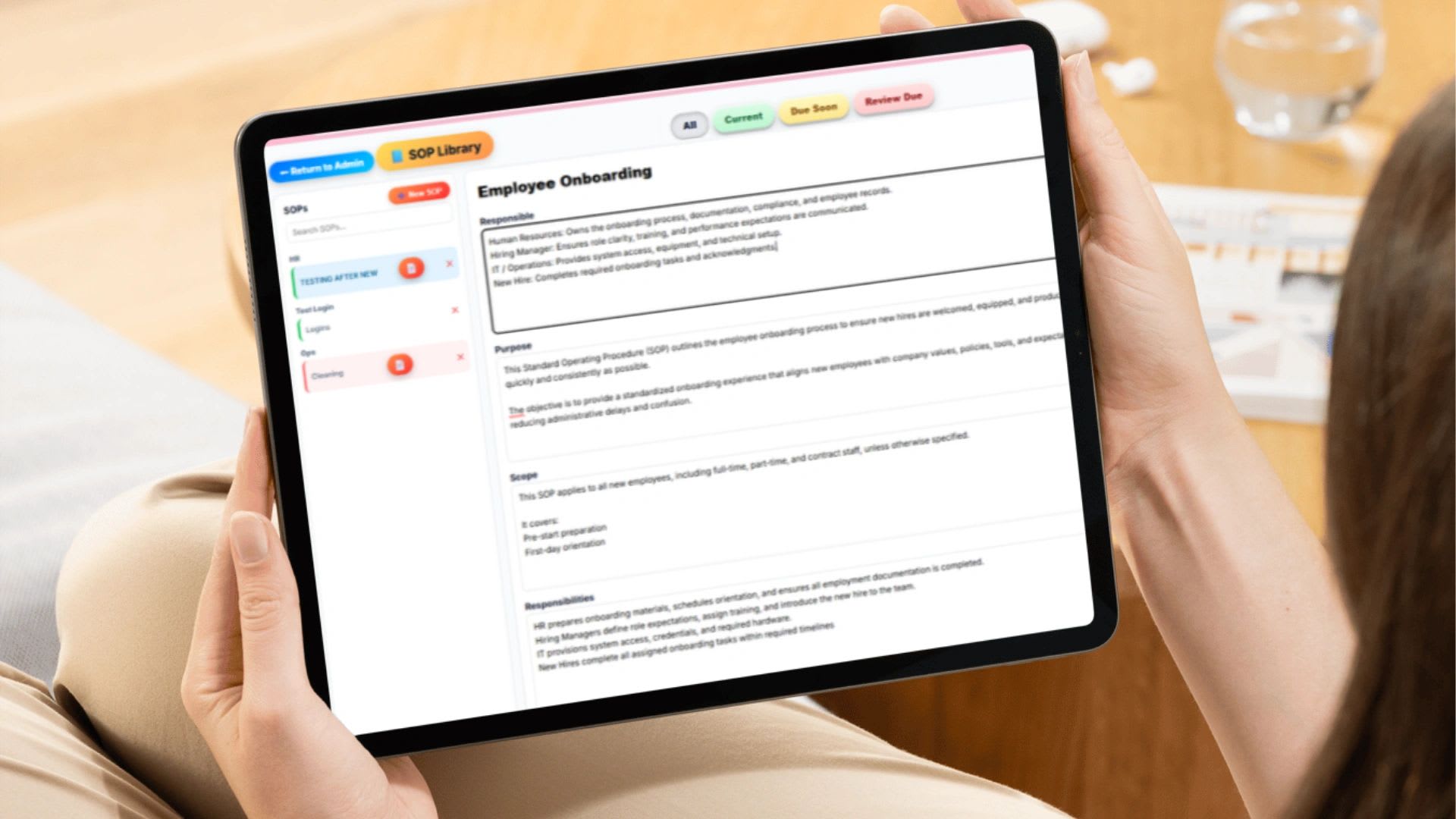
Standard operating procedure examples show exactly what a well-documented process looks like: a clear title, purpose, scope, roles, tools, numbered steps, quality checks, exceptions, and version history. Below are SOP examples for 11 industries, a complete client invoicing SOP you can copy, and a free SOP generator that formats your own procedure in the same structure.
A standard operating procedure (SOP) is a written, step-by-step guide for completing a specific task the same way every time. Definitions only go so far. Most owners and managers want real examples they can model, so this guide focuses on what SOPs look like in practice. You can also view a free sample SOP in Google Docs.
What Every SOP Should Include
Regardless of industry, strong SOPs share the same core sections:
| Section | What It Answers |
|---|---|
| Title and ID | What is this procedure, and how do we reference it? |
| Purpose | Why does this process exist? |
| Scope | Who and what does it cover, and what does it not cover? |
| Roles and responsibilities | Who performs, approves, and reviews each step? |
| Tools and systems | What software, forms, or equipment are needed? |
| Step-by-step instructions | What exactly happens, in what order? |
| Quality control | How do we check that it was done right? |
| Exceptions | What do we do when something goes wrong? |
| Version history and approval | Which version is current, and who approved it? |
SOP Examples by Industry
Each industry has a different set of high-risk processes. Here is where to focus first.
| Industry | Highest-Priority SOP | Main Risk It Controls |
|---|---|---|
| Manufacturing | Machine changeover and lockout | Injury and defects |
| Healthcare | Patient intake and records | Privacy and patient safety |
| Construction | Daily safety inspection | Accidents and liability |
| Marketing agency | Campaign launch | Missed deadlines and errors |
| Human resources | Onboarding and PTO approval | Inconsistency and compliance gaps |
| Retail | Cash reconciliation | Shrinkage and theft |
| IT services | Incident response and backups | Downtime and data loss |
| Restaurant | Food safety and temperature logs | Illness and failed inspections |
| Professional services | Invoice processing | Late or inaccurate billing |
| E-commerce | Order and returns processing | Wrong shipments and refunds |
| Small business admin | Payroll processing | Pay errors and late payroll |
1. Manufacturing SOP Example
Common SOPs: Machine operation, safety lockout, quality inspection, equipment maintenance.
Must include: PPE requirements, calibration steps, shutdown sequence, inspection checkpoints.
Sample title: Machine Changeover and Startup
2. Healthcare SOP Example
Common SOPs: Patient intake, medication administration, emergency response, records documentation.
Must include: Privacy and regulatory requirements, documentation rules, escalation, audit checkpoints.
Sample title: New Patient Intake
3. Construction SOP Example
Common SOPs: Job site setup, equipment handling, safety inspections, daily reports.
Must include: Safety compliance, incident reporting, equipment storage, project documentation.
Sample title: Daily Job Site Safety Inspection
4. Marketing agency SOP Example
Common SOPs: Client onboarding, campaign launch, content publishing, reporting.
Must include: Timeline checkpoints, approval stages, tools used, client communication.
Sample title: Campaign Launch Checklist
5. Human resources SOP Example
Common SOPs: Employee onboarding, performance reviews, PTO requests, disciplinary process.
Must include: Documentation standards, approval hierarchy, record retention, legal review points.
Sample title: PTO Request and Approval
6. Retail SOP Example
Common SOPs: Opening and closing, inventory counts, cash handling, returns.
Must include: Loss prevention, daily reconciliation, security, escalation.
Sample title: Store Closing and Cash Reconciliation
7. IT services SOP Example
Common SOPs: Ticket escalation, system backups, security incident response, software deployment.
Must include: Access permissions, recovery time targets, incident reporting, change control.
Sample title: Security Incident Response
8. Restaurant SOP Example
Common SOPs: Food prep, sanitation, opening and closing, inventory restocking.
Must include: Health code requirements, temperature checks, food handling, cleaning schedules.
Sample title: Walk-In Cooler Temperature Log
9. Professional services SOP Example
Common SOPs: Client intake, project billing, document filing, audits.
Must include: Approval workflows, billing timelines, data storage, client communication.
Sample title: Client Invoice Processing
10. E-commerce SOP Example
Common SOPs: Order processing, shipping, returns, support escalation.
Must include: Tracking records, refund approvals, inventory updates, platform integrations.
Sample title: Return and Refund Processing
11. Small business admin SOP Example
Common SOPs: Payroll processing, client billing, time approval, project kickoff.
Must include: Deadlines, approvers, systems used, records to keep.
Sample title: Biweekly Payroll Processing
Free SOP Generator
Choose an industry to load a complete sample, then edit any field. Write each step as "Role: action" and the generator lists the roles and numbers the steps for you.
Free SOP Generator
Pick an industry to load a sample, or type your own details. The generator formats a complete SOP with every standard section, ready to copy into a document or print.
Paste the result into a document, your SOP software, or a shared drive. Replace "[date]" in the revision history with the date the SOP is approved.
Complete SOP Example: Client Invoice Processing
Here is a full, detailed SOP from a professional services firm. It shows the level of detail that makes a procedure usable by someone doing it for the first time. Copy it and adapt it to your business.
STANDARD OPERATING PROCEDURE
Title: Client Invoice Processing Procedure
Department: Finance / Operations
SOP ID: FIN-INV-001
Version: 1.0
Date Created: [date]
Last Updated: [date]
Approved By: Director of Operations

1. PURPOSE
Standardize how client invoices are generated, reviewed, approved, and sent so billing is accurate, timely, and supports consistent cash flow.

2. SCOPE
Applies to: project-based invoices, retainer clients, and time-and-materials clients.
Does not apply to: automated subscription billing or vendor invoice processing.

3. ROLES AND RESPONSIBILITIES
Project Manager: approves billable hours and confirms project completion
Operations Manager: reviews invoice accuracy and pricing
Finance Coordinator: generates, sends, and records invoices
CEO: final approval for invoices over $25,000

4. REQUIRED TOOLS AND SYSTEMS
Time tracking and project management system
Accounting software
Approved pricing sheet and client contract
Invoice template

5. PROCEDURE
Step 1 (Project Manager): Confirm milestone completion or end of billing period. Confirm no outstanding work remains.
Step 2 (Project Manager): Review time entries by project, job, and location. Approve billable hours and flag discrepancies.
Step 3 (Operations Manager): Verify pricing matches the contract (fixed fee, hourly, or retainer). Confirm change orders are documented.
Step 4 (Finance Coordinator): Generate the invoice from approved hours. Confirm line items, hours, rates, taxes, and service period.
Step 5 (Operations Manager): Check totals, math, and payment terms (Net 15 or Net 30). Approve.
Step 6 (Finance Coordinator): Send the invoice with payment instructions, due date, and project reference. Save a copy.
Step 7 (Finance Coordinator): Log the invoice in accounts receivable with its due date and set a reminder.
Step 8 (Finance Coordinator): If unpaid, remind 3 days before due, again 5 days after due, and escalate to the Operations Manager at 15 days past due.

6. QUALITY CONTROL
Weekly review of outstanding invoices
Monthly audit of billing accuracy
Quarterly review of pricing alignment

7. EXCEPTIONS
Change orders: documented in writing, signed by the client, billed as a separate line item.
Billing disputes: pause the reminder cycle, review time logs, and provide supporting documentation.
Scope overrun: notify the client before exceeding agreed hours and get written approval to continue.

8. REFERENCES
Client master agreement, internal pricing policy, revenue recognition policy, time tracking policy

9. REVISION HISTORY
Version	Date	Changes Made	Updated By
1.0	[date]	Initial SOP created	Director of Operations
Notice what makes it work: every step names a responsible role, dollar thresholds and timelines are specific, and the exceptions section handles the situations that usually cause billing problems. For more on the billing process itself, see building a project billing system.
How to Write Your Own SOP
- Pick a repeatable, high-impact task. Start with processes that affect money, safety, or customers.
- Watch someone do it. Document what actually happens, not what should happen.
- Break it into steps. One action per step, each starting with a verb.
- Assign a role to every step. Use roles, not names, so the SOP survives staff changes.
- Add checks and exceptions. Include review points and what to do when things go wrong.
- Test it. Have someone unfamiliar with the task follow it and note where they get stuck.
- Approve, store, and schedule reviews. Keep it in one central place with a review date.
You can also start from this free spreadsheet SOP template.
Which SOPs to Write First
Most businesses have dozens of processes that could be documented. Prioritize by asking three questions about each one: How often does it happen? What does a mistake cost? How many people do it? A process that runs daily, is done by several people, and can cost money or cause injury belongs at the top of the list. A quarterly task done by one experienced person can wait.
| Priority | Characteristics | Examples |
|---|---|---|
| Write now | Frequent, high-risk, done by many people | Payroll, cash handling, safety checks, food safety |
| Write next | Frequent, moderate risk | Onboarding, invoicing, order processing, support escalation |
| Write later | Infrequent or low risk | Annual reports, office supply ordering |
Documenting the top five processes usually removes most of the day-to-day questions that interrupt owners and managers.
Checklist vs. Step-by-Step vs. Flowchart SOPs
| Format | Best For | Example |
|---|---|---|
| Checklist | Simple routines done in any order | Store opening tasks |
| Step-by-step | Processes where order matters | Payroll processing, invoicing |
| Hierarchical steps | Complex steps with sub-steps | Machine changeover |
| Flowchart | Processes with many decision points | Support ticket escalation |
Common SOP Mistakes
- Too vague. "Process the invoice" is not a step. Say which system, which fields, and who approves.
- No owner. Without one person responsible, nobody updates it.
- Never updated. Outdated SOPs are worse than none because people trust them.
- Overcomplicated. If it reads like a legal contract, nobody will follow it.
- Stored in scattered files. If employees cannot find it in seconds, they will not use it.
For organizing, versioning, and reviewing SOPs over time, see SOP management.
Tips for Making SOPs Easy to Follow
- Start every step with a verb. "Open," "Enter," "Confirm," and "Send" make actions obvious.
- Add screenshots or photos for software steps and equipment setup.
- Put numbers in the steps. Write "within 4 business hours" instead of "promptly."
- Link related SOPs instead of repeating them, so one change updates everywhere.
- Keep the header consistent across every SOP so people know where to look.
Why SOP Examples Matter for Growth
Businesses that scale do not run on tribal knowledge. They run on documented processes, clear responsibilities, and consistent execution. Good SOPs shorten training, reduce errors, protect the business in audits, and make the company more valuable because it can run without depending on any one person.
How to Roll Out a New SOP
A well-written SOP still fails if nobody knows it exists. When you publish a new or updated procedure, walk the affected team through it, demonstrate the steps, have each person practice once, and collect a signed or digital acknowledgment. Then check the first few completions against the SOP and fix any step that caused confusion. Record the training in your employee training log so you can show who was trained on which version.
Centralizing SOPs in Updoot
Updoot keeps SOPs organized by department, controlled by permissions, assigned to owners, version tracked, and acknowledged by employees, right next to the time tracking, projects, and payroll they describe. Plans start at $5 per user per month.
Final Thoughts
The best SOP examples are structured, specific, owned, updated, and easy to find. Start with the highest-risk process in your industry, use the generator or the full example above as a model, and build from there. That is how a business moves from reactive to repeatable.
Opens in Google Drive. View and download for free.
Related Reading
SOP Management: How to Organize, Track, and Control →
Frequently Asked Questions About SOP Examples
What is an example of a standard operating procedure?
A client invoice processing SOP is a common example. It lists the purpose, scope, responsible roles, tools, numbered steps from approving hours to sending and following up on the invoice, quality checks, exceptions, and version history.
What sections should an SOP include?
Include a title and ID, purpose, scope, roles and responsibilities, tools and systems, step-by-step instructions, quality control, exceptions, and version history with approval.
How detailed should an SOP be?
Detailed enough that someone doing the task for the first time can follow it without help. High-risk processes such as payroll, safety, and compliance need more detail than simple routines.
What SOPs should a small business create first?
Start with processes that affect money, safety, and customers, such as payroll processing, client billing, time approval, onboarding, and customer support escalation.
What is the difference between an SOP and a checklist?
A checklist lists tasks to complete. An SOP explains the purpose, scope, responsible roles, exact steps, and what to do when something goes wrong. A checklist can be one format within an SOP.
How often should SOPs be reviewed?
Review high-risk SOPs every 3 to 6 months and all others at least once a year, plus whenever the process, tools, or regulations change.