
Conference Agenda App: What to Look For and How to Choose One
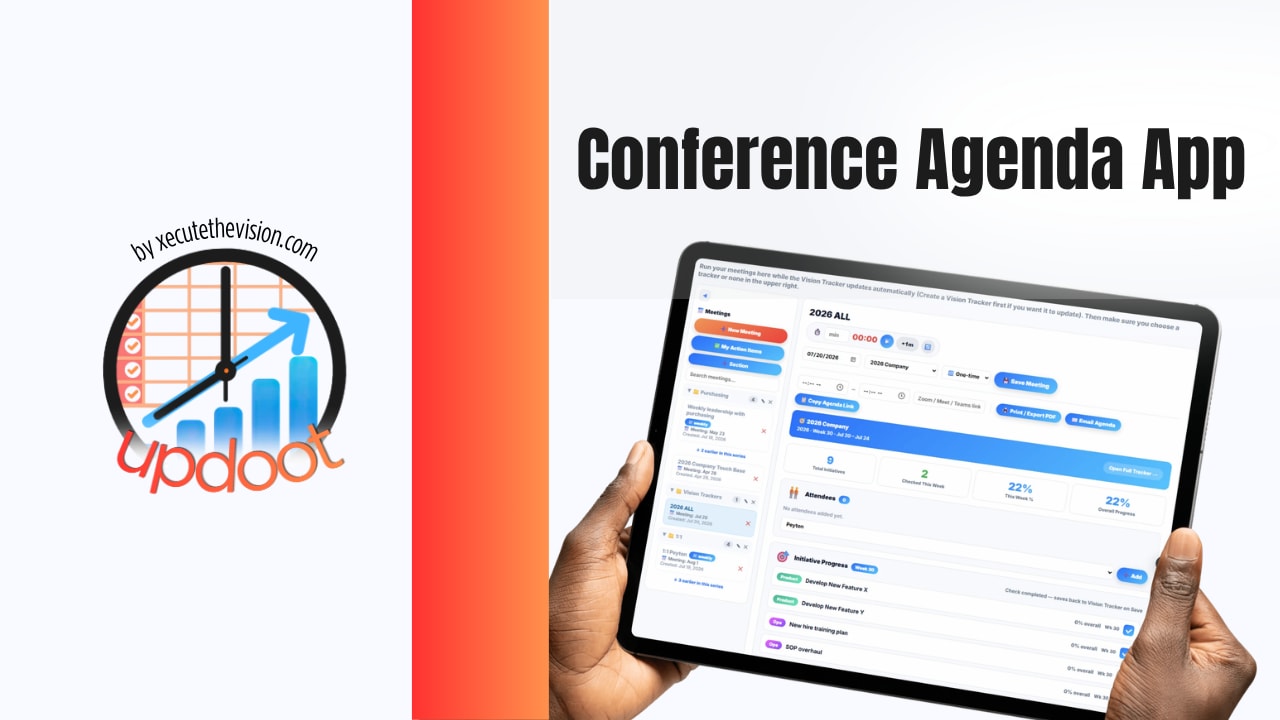
The moment a conference has more than one track, or a schedule that might shift once a speaker cancels, a PDF or a printed program stops being enough. Attendees end up asking staff which room a session moved to, staff end up re-printing signage at 7am, and the schedule everyone is actually working off is whatever was said in a hallway five minutes ago. A conference agenda app exists to fix exactly that: one live source of truth for the schedule that organizers can update in real time and attendees can trust without double-checking. This guide covers what these apps actually do, the features worth prioritizing, ideas for getting more use out of one, the pitfalls that trip up first-time organizers, and a free tool to start building your agenda right now.
Quick Answer
A conference agenda app lets organizers build and update a live event schedule that attendees can browse, personalize, and follow on the web or a mobile app, covering sessions, speakers, rooms, and real-time changes. Look for real-time sync, personal schedule building, offline access, and easy day-of editing over flashy extras. Pricing ranges from free for simple single-track events to several thousand dollars for large multi-day conferences with networking and sponsor features layered in.
What a Conference Agenda App Actually Does
At its core, a conference agenda app takes the event schedule out of a static document and puts it into something attendees carry with them and organizers can edit live. That includes session titles, times, rooms, speaker names and bios, and often track or category tags so attendees can filter to what's relevant to them. Attendees can typically build a personal agenda by starring or adding sessions, get notified if something they've selected changes time or room, and browse the full program without needing a paper handout.
On the organizer side, the real value is control after the schedule is published. Speaker cancels the night before? Update the app, and everyone who has that session on their personal agenda gets notified. Room changes because a session filled up? One edit instead of new signage at every entrance.
What to Look For in a Conference Agenda App
Real-time updates that actually push to attendees. The core feature. If a change to the schedule doesn't reach people who already built a personal agenda, the app isn't doing its job. Confirm changes push as notifications, not just a passive update attendees might not see.
Easy day-of editing. Organizers need to make changes from a phone in the hallway, not log into a desktop dashboard mid-conference. If updating a room number takes more than a minute, that's a problem on event day.
Personal schedule building. Attendees should be able to star sessions and build their own agenda, especially for multi-track events where nobody attends everything. This is the feature that makes attendees actually open the app more than once.
Offline access. Convention centers and hotel conference floors are notorious for bad WiFi and weak cell signal. An app that requires a live connection to show the schedule will frustrate people exactly when they need it most.
Speaker and session detail. Bios, headshots, session descriptions, and any pre-reading or slides, so the app becomes a reference attendees return to, not just a clock.
Simple attendee onboarding. A QR code or a direct link works better than requiring an app store download and account creation before someone can see today's schedule. Every extra step loses people.
Room capacity and check-in, if sessions fill up. For popular sessions at larger events, capacity limits and a quick check-in prevent the awkward moment of turning people away at the door with no warning.
Exportable data afterward. Attendance by session, engagement data, and feedback survey results are useful for justifying the event's budget and planning the next one. If the app locks that data away or makes export difficult, it's less useful than it looks.
Ideas for Getting More Out of a Conference Agenda App
Use it for pre-event buzz. Publish the agenda in the app two to three weeks before the event and encourage attendees to build their personal schedule early. It builds anticipation and gives organizers a read on which sessions are drawing interest before the event starts.
Layer in networking prompts. Some apps let attendees see who else has starred the same session, turning the agenda into a light networking tool without a separate platform.
Push live polls or Q&A through session pages. If the app supports it, attaching a live poll or a question submission box to each session page keeps engagement inside the same tool attendees are already using.
Send a same-day recap notification. A short push notification each evening summarizing what's coming the next day keeps the app relevant beyond just checking room numbers.
Reuse the shell for future events. Once speaker and session data structures are set up, many apps let organizers clone the event for next year, which cuts setup time dramatically for recurring conferences.
Build a Quick Conference Agenda
Use the tool below to sketch a first draft of your session schedule before importing it into whichever app you choose.
Conference Agenda Builder
Add each session with its time, room, and speaker. Print it or copy it as text to hand off to your app or design team.
Event Details
Sessions
Common Pitfalls to Avoid
Choosing the App Too Late
If the schedule is already finalized in a spreadsheet and the app gets picked two weeks out, organizers end up rushing a data migration instead of using the tool's actual planning features. Pick the platform early enough that the schedule gets built in the app from the start, not imported at the last minute.
Not Updating It Live During the Event
An app is only as trustworthy as its most recent update. If a room change doesn't get entered until an hour after it happened, attendees learn not to rely on the app, and everyone goes back to asking staff directly, which defeats the purpose of having it.
Requiring Too Much Friction to Access It
An app store download plus an account creation before someone can see today's schedule loses a meaningful share of attendees, especially at single-day events. A web-based agenda accessible via QR code removes that barrier entirely.
Overbuilding for a Small Event
A 40-person single-track workshop doesn't need networking features, sponsor booths, and gamification. Match the tool to the event's actual complexity; a lightweight schedule page often serves a small event better than a full platform nobody has time to configure properly.
Ignoring Offline Reliability
Conference venues have notoriously unreliable WiFi. If the app requires a live connection to load basic schedule information, attendees standing in a packed hallway with no signal are exactly the people who need it most and can't get it.
Never Reviewing the Data Afterward
Session attendance, drop-off patterns, and feedback captured through the app are some of the most useful planning data an organizer gets. Skipping the post-event review means starting from scratch on programming decisions next time instead of building on what actually worked.
Where Updoot Fits In
Updoot's meeting and agenda tools extend naturally to event-style scheduling: build out a multi-session agenda with rooms, times, and owners, keep it live and editable from a phone during the event, and use the built-in meeting timer to keep individual sessions on pace so a keynote running long doesn't cascade into every breakout after it. Because it lives inside the same platform as the rest of Updoot's work management tools, any follow-up actions or outcomes captured during a session, like a decision made in a panel or a commitment made during a workshop, can flow into the same tracking system used for internal meetings, so what happened at the conference doesn't stay siloed once everyone goes home.
Frequently Asked Questions
A conference agenda app is software that lets organizers build, publish, and update an event schedule that attendees can browse, personalize, and follow in real time, on the web or through a mobile app. It typically covers session listings, speaker bios, room and track information, personal schedule building, and live updates when times or rooms change.
Pricing varies widely by attendee count and feature set. Simple agenda-only apps can start free or in the low hundreds of dollars per event, while full event platforms with networking, ticketing, and sponsor tools commonly run from a few hundred to several thousand dollars depending on event size, with per-attendee pricing common above a few hundred registrants.
Not always. A single-track event under about 50 people can often run fine on a printed schedule or a shared document. Once an event has multiple tracks, concurrent sessions, or any chance of last-minute room or time changes, an app earns its cost quickly because it prevents attendees from working off outdated information.
The most common mistake is choosing the app too late, after the schedule is already finalized in a spreadsheet, which forces a rushed data migration right before the event. The second most common is not updating the app in real time during the event, so attendees stop trusting it and go back to asking staff directly.
It depends on event complexity. A standalone agenda app is often simpler and cheaper for schedule-focused events. A broader platform that bundles registration, agenda, and networking makes sense once an event needs attendee data to flow between those functions, such as personalized schedules tied to ticket type or session capacity tied to registration.
Final Thoughts
A conference agenda app earns its place the first time a speaker cancels, a room floods over capacity, or a session moves and every attendee finds out at the same time instead of learning it secondhand in a hallway. Prioritize real-time updates, easy day-of editing, and offline reliability over flashy extras, match the platform's complexity to your event's actual size, and pick the tool early enough to build the schedule in it from the start rather than migrating a spreadsheet the week before. Get those basics right and the app disappears into the background, which is exactly what a good one should do.