
Compare Best SOP Software Features: The Free Cheatsheet
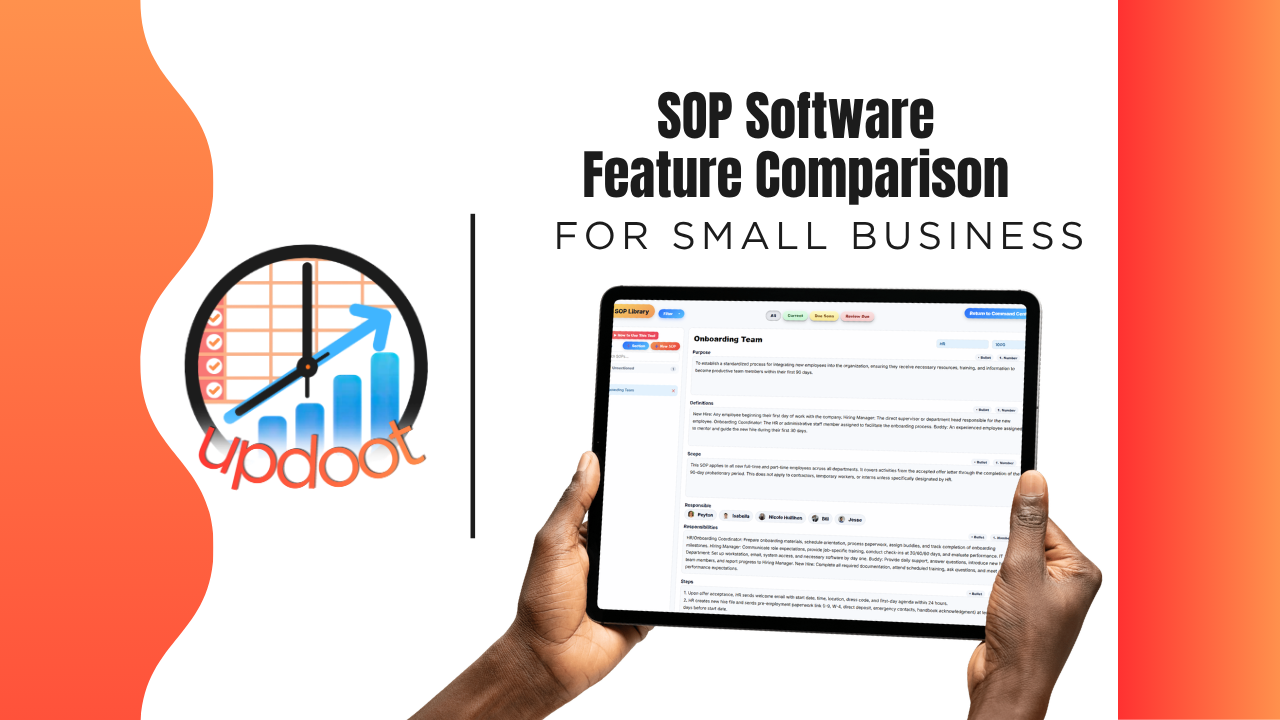
If you've looked at SOP software, you already know the pitch sounds the same everywhere: write down your process, store it somewhere, done. What actually separates a system employees actually follow from a folder of documents nobody opens shows up in the details, whether outdated procedures get flagged before someone follows them by mistake, whether the right people can access the right documents, and whether an SOP is something new hires actually learn from, not just something that technically exists.
This guide breaks down the SOP features worth comparing, organized the way you'd actually evaluate a vendor, plus a free interactive cheatsheet you can filter by category and print or copy into your own comparison sheet.
On this page
- Why comparing SOP software features actually matters
- Structure and template features to compare
- Review and approval features to compare
- Training and access control features to compare
- The interactive SOP feature cheatsheet
- Free vs. mid-tier vs. all-in-one SOP software
- Red flags to watch for when evaluating vendors
- How Updoot compares
- Frequently asked questions
Why Comparing SOP Software Features Actually Matters
Nearly every SOP tool on the market can do the baseline job: store a document. That's table stakes, not a differentiator, which is exactly why comparing tools on "can it hold a written procedure" gets you nowhere. The real differences live one layer deeper, in the features that determine whether an SOP stays accurate and gets actually followed, or quietly goes stale the moment the process it describes changes.
A tool with no version control still means someone could be following a procedure that's three changes out of date with no way to know it. A tool with no approval step still means anyone can publish a process with no real review. A tool with no role-based access still means sensitive procedures are either visible to everyone or locked down so tightly nobody who needs them can find them. None of these gaps show up in a five-minute demo. They show up the day an employee follows an outdated SOP and something goes wrong.
That's the lens for this whole comparison: not "does the feature exist," but "does the feature keep the procedure trustworthy, or does it just give you a place to put a document and hope."
Structure and Template Features to Compare
This is where an SOP starts, and where consistency across an organization's documentation either happens or doesn't.
Customizable, consistent structure
Compare whether the tool provides a customizable structure, purpose, scope, roles, steps, that keeps every SOP formatted consistently, versus a blank document where every author invents their own format.
Step-by-step, numbered instructions
Look for a format built around clear, sequential steps rather than a wall of paragraph text, since employees following a procedure need to know exactly what comes next, not have to parse dense prose under time pressure.
Printable and exportable formats
Compare whether an SOP can be printed or exported cleanly, useful for physical work environments, audits, or anywhere pulling up a screen isn't practical.
Review and Approval Features to Compare
This is the section that determines whether a procedure stays trustworthy over time.
Version control and revision history
Compare whether the tool tracks who changed what and when, so there's a real record of an SOP's history, versus a document that just gets overwritten with no trace of what it used to say.
Formal approval before publishing
Look for a sign-off step, whether that's a manager, an executive, or a compliance role, before a new or updated SOP goes live, rather than any change being visible to the whole team the moment someone hits save.
Due-soon and overdue review flags
A process that isn't reviewed regularly tends to drift out of date without anyone noticing. Compare whether the tool proactively flags SOPs that are due for review, versus relying entirely on someone remembering to check.
Training and Access Control Features to Compare
This is where the gap between "documentation exists" and "employees actually know the process" gets the widest.
Role-based access and edit control
Compare whether access to view or edit a specific SOP can be controlled by role, so sensitive procedures aren't visible company-wide and general processes aren't locked behind unnecessary permissions.
Comprehension checks, not just document access
Look for a way to actually confirm someone understood a procedure, through a quiz or assessment tied to the SOP, rather than assuming reading equals learning.
Clear ownership assigned to each SOP
Every SOP should have an owner responsible for keeping it accurate, assigned to a specific role, not left as an orphaned document nobody feels accountable for.
Interactive Cheatsheet: Compare Best SOP Software Features
Filter by category to compare what free documentation tools, mid-tier SOP apps, and Updoot typically include. Print it for your notes or copy it as a table you can paste straight into Excel or Google Sheets.
Updoot bundles everything on this list into one flat per-user price, not a stack of add-ons piled on top of a mid-tier tool's cost. You get full-platform coverage without paying for five separate subscriptions to get there.
| Feature | Free / Basic Doc Tools | Mid-Tier SOP Apps | Updoot |
|---|
Comparisons reflect typical feature availability across the category as of 2026 and can vary by specific vendor and plan tier.
Free vs. Mid-Tier vs. All-In-One SOP Software
Looking at the cheatsheet above, a pattern emerges: free and basic documentation tools reliably store a written procedure and not much else. Mid-tier SOP apps close some of the gap, usually around version tracking and structured templates, but formal approval workflows, comprehension checks, and cross-department connections stay inconsistent from vendor to vendor. All-in-one platforms are built around the assumption that SOPs connect to the same org chart, roles, and project data the rest of the business runs on, so those connections exist by default rather than as a workaround.
None of these tiers is universally right. A very small team with one or two simple processes may genuinely be well served by a shared document. The comparison matters most once a business has multiple departments, procedures with real compliance stakes, or a growing team that needs new hires to actually learn a process, not just have access to a document about it. That's where the free and mid-tier gaps turn into real operational risk.
Red Flags to Watch For When Evaluating Vendors
A few patterns are worth watching for during a demo or trial, regardless of which tier of product you're considering.
No real version history. Ask specifically whether past versions of an SOP are preserved and viewable, or whether an edit simply overwrites the document with no trace of what it used to say.
No approval step before changes go live. If anyone can edit and publish an SOP with no review, that's a real gap for any process with compliance, safety, or quality implications.
Access control that's all-or-nothing. If every document is either visible to the whole company or locked down entirely, that's a sign the permissions system wasn't built with a real organization's structure in mind.
No way to confirm anyone actually read or understood a procedure. A document being technically accessible isn't the same as an employee actually knowing what's in it.
How Updoot Compares
Updoot's SOP tools were built around the gaps described throughout this comparison, not as a standalone document store but as the process documentation layer of a full work management platform. SOPs use customizable, consistent sections with step-by-step instructions, and every change is tracked with full revision history, so nothing gets silently overwritten.
Formal approval routes changes through sign-off before they go live, and due-soon and overdue flags catch procedures that need review before they quietly go stale. Access can be controlled by role, ownership is assigned to a specific role for every SOP, and AI-assisted quizzes confirm employees actually understood a procedure, not just that they had access to it.
The bigger difference shows up beyond documentation itself: because Updoot also includes org charts, roles, and project tools in the same platform, SOPs stay connected to the people and processes they actually describe.
Sign up free and see how the full SOP, training, and organizational workflow works end to end.
Related Reading
Standard Operating Procedure Template (Excel and Google Sheets) →