
Collaborative Work Management: The Backbone of Scalable Teams
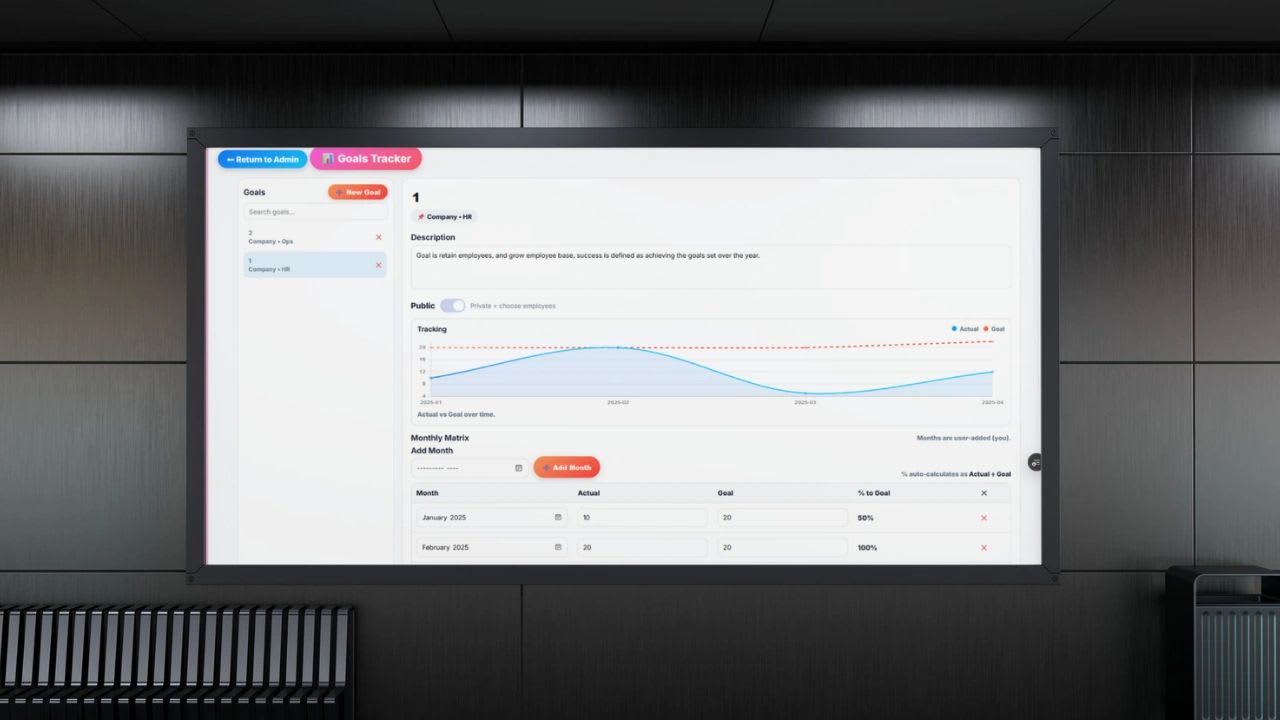
Collaborative work management is the system, structure, and set of tools a team uses to plan, execute, track, and improve work together in real time. It is broader than project management. It connects people, tasks, communication, data, and outcomes in one shared place.
Without it, work is scattered across emails, spreadsheets, meetings, and chat messages. Nobody has the full picture, and managers spend their days asking for updates. With it, everyone can see what is happening, who is responsible, and what comes next.
This guide explains why collaborative work management matters, the six components every effective system shares, its benefits, the mistakes teams make, and a six-step plan to put it in place. It also includes a free board that checks whether your team can answer the questions that matter for every task.
What Is Collaborative Work Management?
At its core, collaborative work management, often shortened to CWM, keeps five questions answered at all times. What are we working on? Who owns it? What is the priority? What is the status? And what is the outcome that defines success?
If your team can answer those five questions instantly for every piece of work, you have collaborative work management. If answering them requires a meeting, a string of messages, or a manager's memory, you have something closer to organized chaos.
The difference is a single, shared system. Instead of work living in inboxes and side conversations, it lives in one place that everyone can see, update, and trust.
Why Collaborative Work Management Matters More Than Ever
Work has changed. Teams are more distributed, move faster, handle more complexity, and are expected to do more with fewer people. The old way of managing work, through email, status meetings, and disconnected tools, does not hold up under that pressure.
Without a strong collaborative system, the same five problems appear in almost every growing business.
Work Falls Through the Cracks
Tasks are assigned in conversations rather than in a system, so they are easy to forget. A request made in a hallway or a chat thread has no owner, no due date, and no record, and it quietly disappears.
Managers Chase Updates
When status is not visible, managers spend their time asking for updates instead of removing obstacles and driving results. Team members, in turn, spend time reporting on work instead of doing it.
Priorities Drift Out of Alignment
Everyone is busy, but not necessarily on what matters most. Without shared priorities, each person decides for themselves, and the most important work can wait behind the loudest request.
Work Gets Duplicated
When nobody can see what others are doing, two people solve the same problem, or build two versions of the same document, and neither finds out until the work is done.
Decisions Slow Down
Information buried in inboxes and personal files makes every decision slower, because someone first has to find and assemble the facts. Collaborative work management fixes all five problems by creating visibility, accountability, and alignment across the team.
The Core Components of Collaborative Work Management
Strip any effective system down, and you find the same six building blocks. The table summarizes them, and each is explained below.
| Component | What it means | The problem it solves |
|---|---|---|
| Centralized work hub | Tasks, projects, files, and deadlines in one place | Searching across tools and inboxes |
| Clear ownership | One named person responsible for each task | Work that stalls because "the team" owns it |
| Real-time visibility | Anyone can see what is in progress, blocked, or done | Constant check-ins and status meetings |
| Structured workflows | Repeatable steps for recurring work | Reinventing the process every time |
| Integrated communication | Conversations attached to the work itself | Lost context and undocumented decisions |
| Performance tracking | Progress, deadlines, and bottlenecks measured | Decisions made by guesswork |
1. A Centralized Work Hub
Everything lives in one place: tasks, projects, conversations, files, and deadlines, all connected to each other. Nobody has to jump between tools or dig through an inbox to find the latest version. A centralized hub gives the team a single source of truth, so when two people look at the same project, they see the same facts.
2. Clear Ownership
Every task has one owner. Not a group and not "the team," but a specific person. Others can contribute, but one person is accountable for moving the work forward and raising a flag when it is stuck. Ownership drives accountability, and without it, work stalls. Tools like a RASCI chart help clarify who is responsible, who approves, and who needs to be consulted or informed.
3. Real-Time Visibility
Anyone on the team can see what is in progress, what is blocked, and what is complete, without asking. That visibility removes the need for most check-ins and status meetings. It also changes the manager's role. When progress is visible, managers do not need to micromanage. Visibility replaces micromanagement.
4. Structured Workflows
Recurring work follows a defined process instead of being reinvented each time. A sales pipeline has set stages, a project moves through delivery phases, and a piece of content passes through drafting, review, and publishing. Repeatable workflows, documented in standard operating procedures and turned into templates, bring consistency, and this is where efficiency compounds over time.
5. Integrated Communication
Conversations happen where the work happens, attached to the task or project they are about, rather than in a separate chat app. When communication is tied directly to the work, context is preserved, decisions are documented, and anyone joining later can read the history instead of asking for a recap.
6. Performance Tracking
You cannot improve what you do not measure. A collaborative system tracks progress, output, deadlines, and bottlenecks, so leaders see where work slows down and can make informed decisions instead of guessing.
Free Collaborative Work Board and Visibility Check
The quickest way to see whether your team has collaborative work management is to test it against the five questions. The board below does exactly that. Each column is one of the questions, and every task is checked for a missing owner, a missing date, an undefined outcome, overdue work, and blocked items.
The example shows a marketing team preparing a product launch. Replace it with your own team's work, then copy the board to Excel, where the overdue flags and counts update automatically each day, or print it for your next team meeting.
Collaborative Work Board and Visibility Check
List the work your team has in flight. For each item, add an owner, priority, due date, status, and the outcome that defines done. The board checks whether your team can answer the five questions of collaborative work management for every task, flags missing owners, overdue and blocked work, and scores your visibility. Nothing you enter is saved or sent anywhere.
| What are we working on? | Who owns it? | Priority | Due | Status | What is the outcome? | Flags |
|---|
In the example, one task has no owner, one is overdue and blocked, and one has no defined outcome. Those three gaps are exactly the places where work gets delayed or dropped, and they take only a few minutes to fix once they are visible.
The Benefits of Collaborative Work Management
When collaborative work management is done well, the impact shows up quickly.
Higher productivity. People spend less time searching, asking, and clarifying, and more time doing the work itself.
Better alignment. Everyone understands the company's goals, the team's priorities, and their own role in reaching them, which reduces wasted effort on work that does not matter.
Faster execution. With clear workflows and visible status, work moves forward without waiting for the next meeting. Decisions happen faster because the information is already there.
Stronger accountability. Ownership is visible, deadlines are clear, and progress is trackable. There is no confusion about who is doing what, and no place for work to hide.
Less stress. When people know what is expected and where things stand, uncertainty disappears. That alone does a great deal for team morale.
Common Mistakes Teams Make
Mistake 1: Too Many Tools
Using one tool for tasks, another for communication, a third for files, and a fourth for reporting fragments the work. Every added tool is another place to check and another place for information to go out of date. The more tools you add, the more disconnected the team becomes.
Mistake 2: No Standardization
If every team manages work in its own way, collaboration between teams breaks down. Status labels, priority levels, and task formats should mean the same thing across the organization.
Mistake 3: No Clear Priorities
If everything is important, nothing is. Collaborative work management requires honest prioritization at every level, so people know what to work on when there is more to do than time to do it.
Mistake 4: Overcomplicating the System
Some teams build systems with so many fields, statuses, and rules that nobody wants to use them. If the system is not simple, people will not adopt it, and adoption matters far more than perfection.
Mistake 5: Treating It Like Software Only
This is the biggest mistake. Collaborative work management is not just a tool. It is an operating system for how your team works. If you do not change the habits, such as assigning work in the system and updating status there, no software will fix the underlying problem.
How to Implement Collaborative Work Management
If you are serious about improving how your team operates, follow these six steps in order.
Step 1: Define Your Work Structure
Map your core processes, key workflows, and team responsibilities. Decide how work is organized, for example by client, project, or department. This structure becomes the foundation of the whole system.
Step 2: Establish Clear Ownership
Every task, project, and outcome gets one defined owner, with no exceptions. When a task has no owner, it goes back to the person who created it until someone is assigned.
Step 3: Create Visibility
Make work visible across the organization using whatever format fits your team, such as dashboards, boards, or timelines. The format matters less than the principle: anyone who needs to know the status can see it without asking.
Step 4: Standardize Workflows
Document how recurring work gets done and turn it into templates, so a new project starts with the right steps already in place. This brings consistency and saves time on every repetition.
Step 5: Centralize Communication
Move conversations about the work into the system. Discuss the task on the task and the project on the project. Scattered messages and emails should become the exception, not the rule.
Step 6: Track and Improve
Use the data the system collects to find bottlenecks, measure performance, and improve your processes over time. Review it regularly, for example in a weekly team meeting. This is where real growth happens.
A Real-World Example
Imagine a marketing team launching a campaign without collaborative work management. Tasks are assigned in a kickoff meeting and written in different people's notes. Updates happen over email, files are scattered across personal drives, and the first sign of trouble is a missed deadline.
Now picture the same team with collaborative work management. The campaign is set up as a project, and every task has an owner, a due date, and a clear outcome. Progress is visible to everyone in real time, discussions happen within each task, and leadership can check status at any moment without calling a meeting. The difference is not small. It is operational.
The Future of Work Is Collaborative
As a business grows, complexity grows with it: more people, more projects, and more moving parts. Without a system to manage that complexity, things break.
That is why collaborative work management is no longer optional for a growing team. Companies that invest in it scale faster, execute better, and stay aligned. Companies that do not tend to stay stuck, burn out their people, and miss opportunities.
Where Tools Fit In
Tools enable collaborative work management, but they do not define it. Platforms such as Asana, Monday.com, and ClickUp help teams organize and track work, and even a well-built spreadsheet, like our Excel project tracker template, can get a small team started.
The real value comes from how you use them. If your processes are broken, adding a tool only makes the chaos digital.
A Smarter, All-in-One Approach
The most effective setup connects managing the work with time tracking, communication, reporting, and customer data, instead of spreading them across separate tools. Updoot is business management software built around that idea.
In Updoot, employees track time against the tasks and projects they work on, projects connect to billing, SOPs sit next to the work they describe, and leaders see real-time performance. That removes friction and gives you visibility from execution all the way to revenue. Updoot costs $5 per user per month, and you can start a free trial to bring your team's work into one place.
Final Thoughts
Collaborative work management is ultimately about clarity: clarity of work, ownership, priorities, and progress. When you have it, the team moves faster, decisions get better, and the business scales more efficiently.
If your team feels busy but is not making progress, adding more effort will not help. Fix how the work is managed. That is the lever that changes everything.
Opens in Google Drive. View and download for free.
Related Reading
RASCI Charts: The Hidden Secret to Clarity and Accountability →
Frequently Asked Questions About Collaborative Work Management
What is collaborative work management?
Collaborative work management is the system, structure, and tools a team uses to plan, execute, track, and improve work together in real time, with tasks, people, communication, and outcomes connected in one shared place.
How is collaborative work management different from project management?
Project management focuses on delivering specific projects. Collaborative work management is broader. It covers all of a team's work, including recurring processes, communication, and performance tracking, not only projects with a start and end date.
What are the five questions of collaborative work management?
What are we working on? Who owns it? What is the priority? What is the status? And what is the outcome? A team with good collaborative work management can answer all five instantly for every task.
What are the core components of collaborative work management?
A centralized work hub, clear ownership, real-time visibility, structured workflows, integrated communication, and performance tracking.
What is the biggest mistake when adopting collaborative work management?
Treating it as software only. Without changing habits, such as assigning work in the system and updating status there, no tool will fix the underlying problems.
Why should every task have only one owner?
Because shared ownership usually means no ownership. One named person is accountable for moving the task forward and raising issues, even when several people contribute.
How do I start implementing collaborative work management?
Define your work structure, assign clear ownership, make work visible, standardize workflows, centralize communication, and then track and improve using the data the system collects.