Work Management Software
Stop losing whiteboard sessions to a photo on someone's phone. Sketch, brainstorm, and map out strategy on a shared digital canvas your whole team can access.
Updoot's whiteboard gives your team a shared canvas for working through ideas in real time, then keeps a record of what was decided instead of letting it disappear when the meeting ends.
Start a whiteboard session that anyone on the team can join and draw on in real time.
Use freeform drawing, text, colors, and brush sizes to map out ideas as a group.
Capture the session so it's there to reference later, instead of relying on a photo someone forgot to take.
Everyone on the same canvas, at the same time.
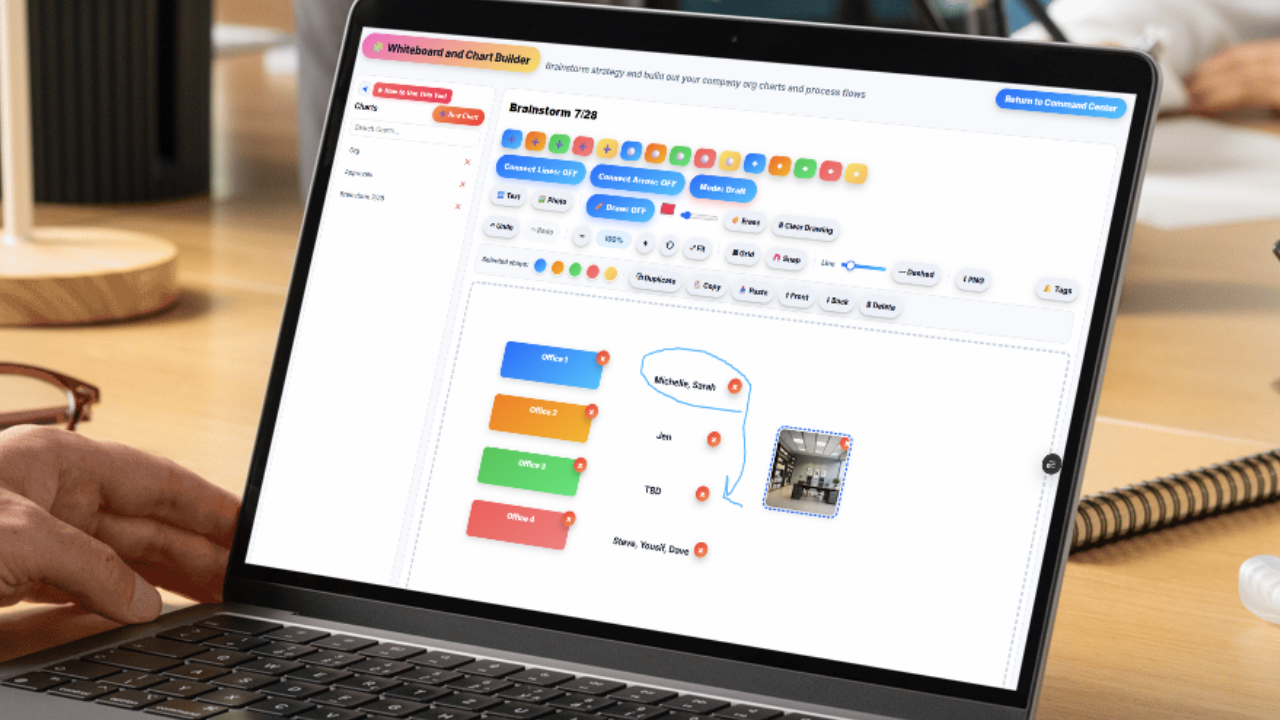
Multiple people can draw, write, and annotate on the same whiteboard at once, so a brainstorm doesn't depend on one person holding the marker while everyone else watches.
Freeform drawing and text tools mean the whiteboard adapts to whatever the session actually needs, a rough sketch, a flowchart, a list of ideas, without being locked into a rigid template.
Real-time collaboration works whether your team is in the same room or spread across different locations, which matters for teams that aren't always working from one office.
Enough flexibility to actually think visually.
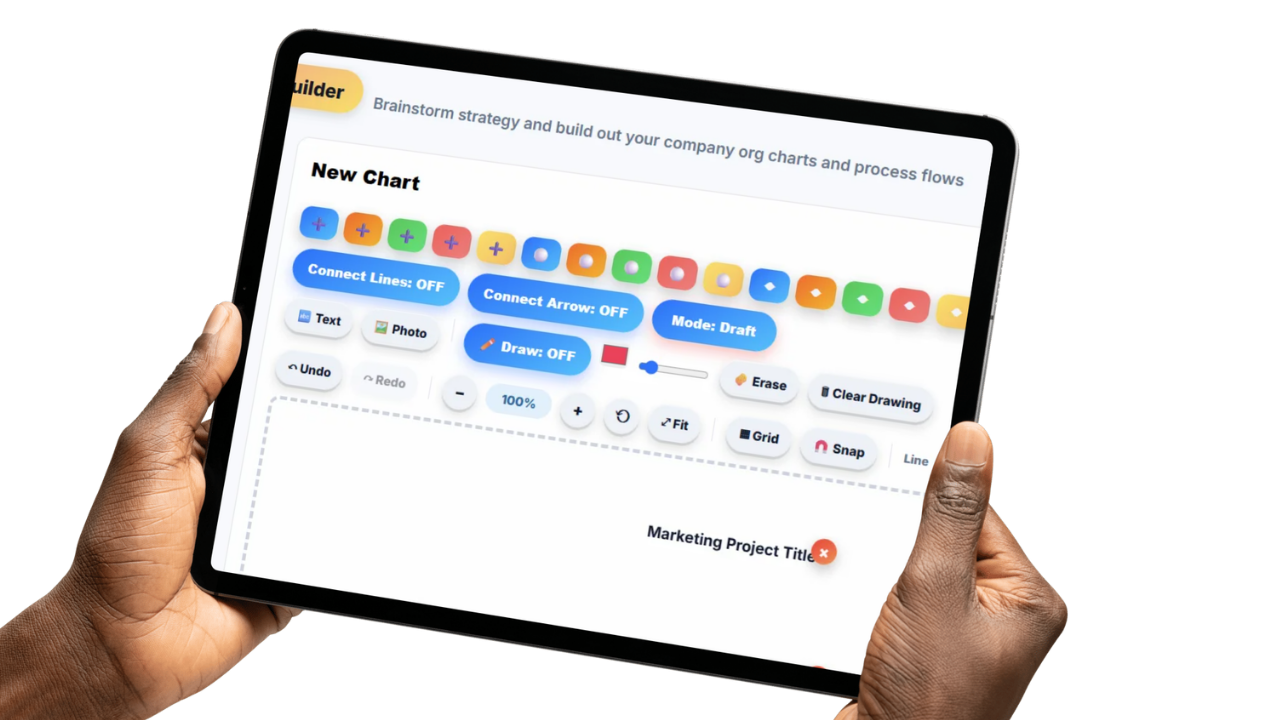
Multiple colors and brush sizes give a whiteboard session the same flexibility as a physical whiteboard and markers, without needing to track down a dry marker that's about to run out.
Text input and annotation tools let you label diagrams, add notes next to a sketch, or call out a specific point without cluttering the drawing itself.
The goal is a canvas that gets out of the way, so the team can focus on the ideas instead of fighting with the tool.
Nothing gets lost when the meeting ends.

Every whiteboard session can be saved, so what got mapped out in a brainstorm or planning meeting is still there afterward, not erased the moment the room needs to be used for something else.
Saved sessions can also link directly to a meeting agenda, so a whiteboard from a planning session stays attached to the meeting it came from instead of floating around disconnected from the discussion.
Saved sessions give the team something concrete to reference later, useful for anyone who missed the meeting or wants to revisit a decision a few weeks down the line.
Physical whiteboards are great in the moment and useless the second someone erases them. A brainstorm that isn't captured properly, or only exists as a blurry photo on one person's phone, might as well not have happened at all.
Updoot's whiteboard gives your team a shared, real-time canvas for sketching ideas, mapping out strategy, and working through problems together, whether everyone's in the same room or scattered across different locations.
Freeform drawing, text annotation, and a full range of colors and brush sizes mean the whiteboard flexes to whatever the session actually calls for, instead of forcing every idea into a rigid template.
When the session's done, it's saved, not erased, so the team has something real to come back to instead of trying to reconstruct a brainstorm from memory a week later.
The system for brainstorming, sketching, and planning together in real time.
Sketch ideas and diagrams without being boxed into a rigid template.
Add labels, notes, and callouts directly on the canvas.
Multiple people can draw and edit the same board at once.
A full range of drawing options to match how your team likes to work.
Capture a session so it's there to reference later, not erased and gone.
Save a whiteboard session and link it directly to the meeting agenda it came from.
Short, practical reads on mapping processes, running better meetings, and working through ideas as a team.
Stop losing whiteboard sessions to a photo on someone's phone. Start your free trial of Updoot -- whiteboard, projects, meetings, and SOPs all in one platform built for small business.
Start Free Today →