
Compare Best Project Management Software Features: The Free Cheatsheet
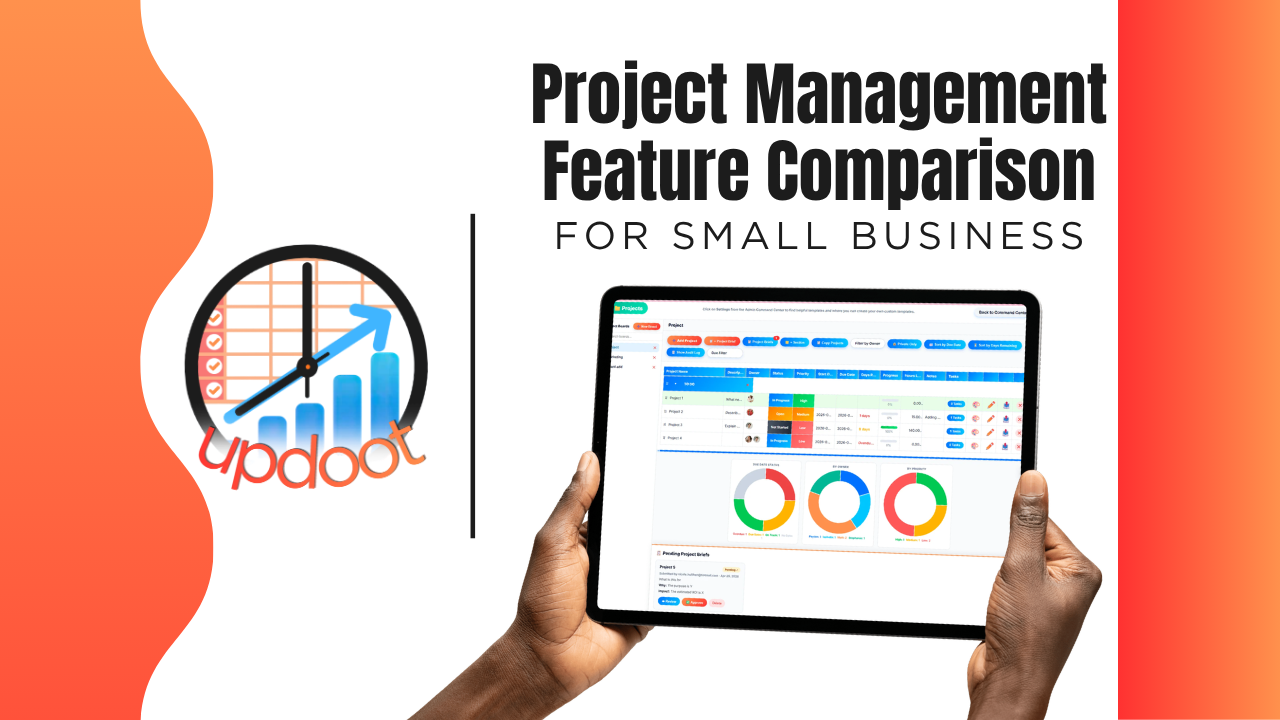
If you've shopped for project management software, you already know every product page reads the same: boards, tasks, deadlines, done. What actually separates a tool that keeps a team aligned from one that just moves sticky notes into the cloud shows up in the details, whether approvals happen inside the tool or over email, whether tracked time turns into an invoice without re-entry, and whether a project template actually gets reused or gets rebuilt from scratch every time.
This guide breaks down the project management features worth comparing, organized the way you'd actually evaluate a vendor, plus a free interactive cheatsheet you can filter by category and print or copy into your own comparison sheet.
On this page
- Why comparing project management features actually matters
- Planning, templates, and approval features to compare
- Tracking and collaboration features to compare
- Time, billing, and job cost features to compare
- The interactive project management feature cheatsheet
- Free vs. mid-tier vs. all-in-one project management software
- Red flags to watch for when evaluating vendors
- How Updoot compares
- Frequently asked questions
Why Comparing Project Management Features Actually Matters
Nearly every project management tool on the market can do the baseline job: create a task, assign it, mark it done. That's table stakes, not a differentiator, which is exactly why comparing tools on "does it have a board" gets you nowhere. The real differences live one layer deeper, in the features that determine how much manual coordination a project manager still does after the board is set up.
A tool with no reusable templates still means someone rebuilds the same project structure from scratch every time similar work comes up. A tool where time tracking and billing live in separate systems still means someone manually turns hours into an invoice. A tool with no approval step still means work moves forward on a hallway conversation instead of a documented sign-off. None of these gaps show up in a five-minute demo. They show up on your third or fourth project.
That's the lens for this whole comparison: not "does the feature exist," but "does the feature remove coordination work from a project manager's plate, or does it just move the work somewhere else."
Planning, Templates, and Approval Features to Compare
This is where a project actually starts, and where a badly-built tool costs you the most time before any real work has even happened.
Reusable project templates
Compare whether the tool lets you save a project structure as a template and launch it again for similar work, versus rebuilding tasks, owners, and timelines from a blank board every single time a comparable project starts.
Briefs and approvals before work begins
Look for a structured brief and approval step before a project is greenlit, so higher-impact work gets a real sign-off instead of starting on a verbal go-ahead that nobody can point back to later.
Drag-and-drop boards with dependencies
Compare whether the board supports task dependencies, so moving one deadline correctly shifts what depends on it, versus a flat list where dependency logic lives entirely in someone's head.
Calendar and table view options
Different team members think in different formats. A tool that offers both a calendar view and a table view, and lets people switch between them, fits how a real team actually works instead of forcing one view on everyone.
Tracking and Collaboration Features to Compare
Once a project is running, this is what determines whether anyone actually has visibility into it without asking for a status update.
Public and private project visibility
Compare whether a project can be scoped to the right audience, some work is fine for the whole company to see, some needs to stay limited to the people directly involved, rather than every project defaulting to fully open or fully closed.
Live dashboard of deadlines and progress
A dashboard that shows deadlines, task owners, and progress at a glance replaces the status meeting that exists only because nobody can see this information without asking. Look for real-time progress bars, not a view that's only accurate right after someone remembers to update it.
Assigned ownership on every task
Every task should have one clear owner. A tool that allows tasks to sit unassigned, or assigned to a group instead of a person, tends to produce work that nobody actually feels responsible for finishing.
Time, Billing, and Job Cost Features to Compare
This is where the gap between "a task board" and "a system that actually runs client work" gets the widest.
Logging hours directly against a project
Compare whether time can be logged right on the project or task it belongs to, versus tracked in a separate time clock with no real connection to the work it was spent on.
Billing hours without leaving the platform
Look for the ability to turn logged hours into a client invoice directly from the project, instead of exporting a timesheet and rebuilding an invoice in a completely separate tool.
Job costing against a project budget
A project with a budget and real labor cost rolling up against it tells you whether work is actually profitable while it's still happening, not three weeks after it wraps when someone finally reconciles the numbers.
Interactive Cheatsheet: Compare Best Project Management Software Features
Filter by category to compare what free project tools, mid-tier PM apps, and Updoot typically include. Print it for your notes or copy it as a table you can paste straight into Excel or Google Sheets.
| Feature | Free / Basic PM Tools | Mid-Tier PM Apps | Updoot |
|---|
Comparisons reflect typical feature availability across the category as of 2026 and can vary by specific vendor and plan tier.
Free vs. Mid-Tier vs. All-In-One Project Management Software
Looking at the cheatsheet above, a pattern emerges: free and basic project tools reliably handle boards and task assignment, and not much else. Mid-tier PM apps close some of the gap, usually around views and dependencies, but approvals, billing, and cross-department connections stay inconsistent from vendor to vendor. All-in-one platforms are built around the assumption that project data feeds directly into time tracking, billing, and client records, so those connections exist by default rather than as a workaround.
None of these tiers is universally right. A small team running simple internal work with no client billing may genuinely be well served by a free board tool. The comparison matters most once a business is billing clients by project, running approvals before work starts, or needs to see labor cost against a project budget in real time. That's where the free and mid-tier gaps turn into real, recurring project manager time.
Red Flags to Watch For When Evaluating Vendors
A few patterns are worth watching for during a demo or trial, regardless of which tier of product you're considering.
"Templates" that only save a task list, not the full project structure. Ask whether a saved template includes owners, dependencies, and dates, or just a blank checklist you still have to configure every time.
Time tracking that's a separate add-on disconnected from the project. If logged hours don't roll up against the actual project budget in real time, you're looking at two systems pretending to be one.
No real approval step before work starts. If a project can be created and staffed with no documented sign-off, that's a real gap for any business that wants to control what gets worked on and why.
Billing that requires exporting to a separate invoicing tool. Ask to see an actual invoice generated from tracked project hours, not just a description of the export feature.
How Updoot Compares
Updoot's project management tools were built around the gaps described throughout this comparison, not as a standalone task board but as the planning layer of a full work management platform. Projects can be built from reusable templates, run through AI-assisted briefs and approvals before work starts, and tracked with dependencies, drag-and-drop boards, and both calendar and table views.
Every task has a clear owner, and a live dashboard shows deadlines and progress without anyone needing to ask for a status update. Time logged against a project rolls up directly into job costing and can be billed to the client from the same record, no separate export or re-entry into a different invoicing tool.
The bigger difference shows up beyond the project itself: because Updoot also includes time tracking, invoicing, SOPs, and customer records in the same platform, project data doesn't dead-end in a standalone board. It connects directly to the rest of how the work actually gets done and gets paid for.
Sign up free and see how the full project, time, and billing workflow works end to end.
Related Reading
How to Choose a Project Management Software →
Project Management Software with Invoicing: The Complete Guide →