
Best Invoice Software for Contractors
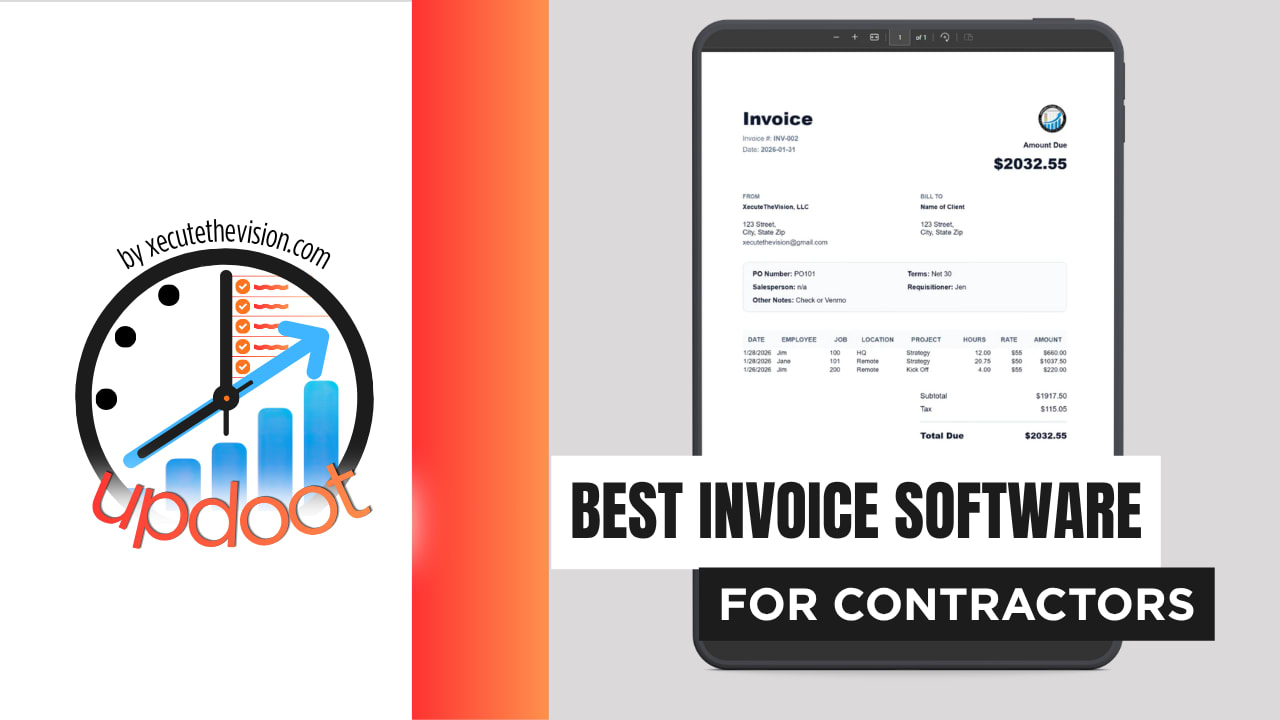
Use the free calculator below to see what manual progress billing is actually costing your contracting business. Every project that runs on a schedule of values needs invoices that show exactly what percentage is complete, what change orders have been approved, and what retainage is being held, without a project manager rebuilding a spreadsheet by hand each billing cycle. Below is a free generator that estimates what manual billing costs across a year, plus how the leading contractor invoicing tools compare.
Free Contractor Progress Billing Time Calculator
What Is Manual Progress Billing Costing Your Projects?
Enter your invoice volume and admin rate. Leave a field at 0 if it doesn't apply to your business.
What Contractors Actually Need from Invoice Software
A contractor needs progress billing that ties directly to a schedule of values, so each invoice reflects the actual percentage of work completed rather than a rough estimate typed in at billing time.
Change order tracking matters just as much. A project that adds scope mid-build needs those changes billed as their own clearly-approved line items, not folded silently into the base contract, so both the contractor and the client can see exactly how the final number got where it is.
The third requirement is retainage visibility. Every progress invoice should show what's being held back and what the running retainage balance looks like, since that number directly affects project cash flow and is easy to lose track of across a long build.
Finally, contractors need invoicing connected to job costing. A project that looks profitable on the contract price can still lose money if labor, materials, and subs aren't tracked against the same budget the invoices are drawn from.
Project Managers vs. Field Crews and Subs
Project managers need a clear view of the schedule of values, change order status, and retainage across every active job, so a progress invoice can go out the moment a milestone is hit. Field crews and subs need a simple way to log hours and materials against the right job without needing to understand billing at all.
A tool that only handles one side well forces the other into a workaround, usually a shared spreadsheet the PM keeps updating manually alongside whatever the software already tracks.
Common Invoicing Mistakes in Contracting
The most common mistake is letting change orders accumulate verbally before they're ever formally billed, which means the final invoice includes charges the client doesn't remember agreeing to and disputes as a result. Every change order needs to be logged and approved close to when it happens, not batched at the end of the project.
The second is losing track of the retainage balance across a long project, so nobody, contractor or client, has an accurate number at closeout, which turns final payment into a negotiation instead of a formality.
The third is billing progress based on a rough guess of percent complete rather than the actual schedule of values, which either shorts the contractor on cash flow or overbills and creates a dispute down the line.
Invoicing Fixed-Price, Time-and-Materials, and Cost-Plus Projects Separately
Most contractors run more than one contract type at once, and treating them all the same on the invoice is where billing disputes usually start.
Fixed-price projects
Billed against a schedule of values as milestones are hit. The risk is scope creep that never gets converted into a formal change order, so the contractor absorbs added work at the original fixed price. Logging hours and materials against the job as work happens, separate from the base contract, makes scope creep visible before it's too late to bill for it.
Time-and-materials projects
Billed on actual hours and materials used, usually with a not-to-exceed cap. The risk is a client disputing hours they can't independently verify. Detailed, itemized invoices built directly from logged time and material entries, rather than a lump sum, are what make T&M billing defensible.
Cost-plus contracts
Billed at actual cost plus an agreed fee or percentage, which means every dollar of cost needs to be traceable and itemized on the invoice for the client to trust the number. Without job costing tied directly to invoicing, a cost-plus contract is nearly impossible to bill with confidence.
Retainage and Cash Flow During a Multi-Month Build
Retainage is designed to protect the client, but it can strain a contractor's cash flow badly if it isn't tracked closely across a project that runs several months. A contractor that loses sight of the running retainage balance can be caught off guard by how much cash is tied up until substantial completion.
Two things matter here. First, every progress invoice should show the retainage held on that draw and the cumulative total to date, not just the net amount due. Second, closeout documentation, lien waivers, punch list sign-off, needs to be tracked alongside the final retainage release so the last invoice doesn't stall on paperwork instead of payment.
Practically, look for a platform that calculates retainage automatically based on the contract terms rather than requiring a manual percentage calculation on every draw. The calculator above is measuring exactly the kind of PM time that automated schedule-of-values billing removes.
Questions to Ask Before You Sign Up
- Does the platform support schedule-of-values progress billing natively? If percent complete has to be tracked in a separate spreadsheet, most of the accuracy benefit disappears.
- How are change orders tracked and approved? Ask whether change orders require a documented approval step before they can be billed, which protects against disputes later.
- Does retainage calculate automatically per the contract terms? Manual retainage math is where errors creep into draws on long projects.
- Is job costing tied to the same invoices, or a separate report? A project that looks profitable on paper can hide a real cost overrun if job costing isn't drawn from the same data as billing.
- Can subcontractor invoices and client billing live on the same job record? This is what lets a contractor see real margin in real time instead of reconciling two systems after the fact.
- What happens to project history and documentation if you cancel? Ask specifically about exporting schedules of values, change order logs, and retainage records before you need them for a dispute.
How We Evaluated These Tools
A note on where we stand: Updoot publishes this site and appears in the comparison below. Pricing and features for every tool here, Updoot included, were verified against each vendor's live pricing page or independent third-party sources in August 2026, and where a competitor beats us on a specific criterion we say so plainly.
For contractors specifically, we weighted five things: native schedule-of-values progress billing, change order tracking with an approval step, automatic retainage calculation, job costing tied to the same invoice data, and pricing that holds up across multiple simultaneous projects.
How the Top Invoice Software Tools Compare for Contractors
| Tool | Starting Price | Best For | Where It's Limited |
|---|---|---|---|
| Updoot ⭐ Best Overall | $5/user/month | Contractors who want progress billing, change orders, and retainage tracked on the same platform as job costing | No built-in Gantt scheduling or blueprint takeoff tools |
| Jobber | From ~$39/mo (Core, 1 user) | Smaller contracting outfits wanting quoting, scheduling, and invoicing in one place | Not purpose-built for schedule-of-values progress billing or retainage tracking |
| Housecall Pro | From ~$59-79/mo (Basic, 1 user) | Contractors closer to home service work who want dispatch and invoicing bundled | Built for home service jobs, not multi-month projects with progress billing and change orders |
| QuickBooks Online | From ~$38/mo (Simple Start) | Contractors who want invoicing bundled with full accounting and job costing reports | Progress billing and retainage tracking are workable but manual to set up compared to construction-specific tools |
Editor's Pick
Why Updoot Tops This List for Contractors
Jobber and Housecall Pro handle scheduling and simple invoicing well but weren't built around progress billing, change orders, or retainage. QuickBooks Online can technically track all three but requires manual setup on every project. Updoot ties schedule-of-values billing, change orders, retainage, and job costing to the same job record, at a flat $5 per user per month regardless of how many projects are running.
The right pick tracks how a contractor actually bills: a business running mostly small fixed-price jobs is well served by simpler invoicing, while a contractor juggling progress billing, change orders, and retainage across several active projects needs a platform built around that reality from the start.
How Updoot Handles Progress Billing for Contractors
In Updoot, every project carries its own schedule of values, and progress invoices are generated directly against completed milestones rather than a manually rebuilt spreadsheet. Change orders are logged and approved as their own record, tied to the project but billed distinctly from the base contract.
Retainage calculates automatically on every draw based on the contract's terms, and the running retainage balance is visible at any point in the project, not just at closeout. All of it, invoicing, job costing, and project budgets, lives on one platform at $5 per user per month.
Time entries can be tagged to the exact project, job, and job-site location as work happens, and because invoicing lives inside the same system as project management, a progress invoice can be generated directly from the project itself. General project management tools like Monday.com or Asana can track tasks and timelines on a job but have no billing functionality, so a contractor using either one still needs a separate invoicing tool and a manual step to reconcile the two. Updoot removes that step entirely.
Rolling Out New Invoice Software to a Contracting Business
Start with your active projects, not your closed ones, and build out the schedule of values for each before go-live so the first progress invoice on the new system isn't rebuilt from scratch. Get your PMs and office staff aligned on how change orders will be logged and approved before the next one comes up, so the process doesn't get worked out mid-dispute. Run one billing cycle in parallel with the old process if the switch happens mid-project.
Connecting Invoice Data to Job Costing and Subcontractor Payments
Invoicing that stops at "sent" only tells half the story on a construction project. The same job data should also answer whether the project is actually profitable once labor, materials, and subcontractor costs are counted against what's been billed, and whether sub invoices are tracking against the budget they were awarded.
When client billing and subcontractor costs live in separate systems, a project manager becomes the manual bridge between them, and margin visibility lags weeks behind reality. A sub invoice comes in higher than budgeted, the client progress bill has already gone out at the old number, and nobody notices the gap until the project is closer to done than it should be.
The question to ask a vendor isn't whether it can technically handle progress billing but whether job costing draws from the same record. A platform that keeps schedule of values, change orders, subcontractor costs, and client invoicing on one job removes the reconciliation step instead of automating around it.
Pricing and ROI for Contractors
Invoicing and project management software in this category splits two ways: general-purpose accounting tools that can technically handle progress billing with manual setup, or construction-specific platforms priced per user or per project. Accounting-first tools look cheaper up front but cost real PM time on every billing cycle. Per-user pricing is more predictable, but confirm schedule-of-values billing, change orders, and retainage are included rather than requiring a workaround.
For a contractor the payback shows up in three places: PM hours no longer spent rebuilding progress schedules by hand, change orders that get billed and paid instead of quietly absorbed, and real-time margin visibility that catches a cost overrun while there's still time to act on it. Most contractors recover a paid plan within the first project cycle once those three are counted honestly.
Signs You've Outgrown Manual Progress Billing
The tipping point usually shows up the same way across contracting businesses: progress invoices take longer to prepare every project, a client disputes a change order because it was never formally documented, and closeout drags on because nobody has a clean retainage number. When a spreadsheet is the only record tying the contract to what's actually been billed, manual progress billing has already stopped keeping up with the business.
Frequently Asked Questions
The best option is whichever one handles progress billing against a schedule of values, tracks change orders separately from the original contract, and shows retainage held back on every invoice, since general billing tools built for flat-rate sales rarely handle any of the three well.
Progress billing invoices a client for a percentage of a project as it's completed, rather than all at once at the end. Contractors need it because most construction projects run months and the crew, materials, and subs all need to be paid long before the final walkthrough.
Change orders should appear as their own line items tied to their own approval, not folded into the base contract total, so both the contractor and the client can see exactly what was added, when, and why the final number moved from the original bid.
Retainage is a percentage of each progress payment, often 5 to 10 percent, that a client withholds until the project is substantially complete. Invoices need to show the retained amount clearly on every bill, not just the paid portion, so both sides can track what's still owed at closeout.
More than most owners expect, especially on multi-month projects with several change orders. Hours spent rebuilding a schedule of values in a spreadsheet each billing cycle, multiplied across a full project list, regularly adds up to real money in office time plus payment delays.
It helps considerably. When sub invoices and client progress billing sit on the same job record, a general contractor can see the actual cost-to-bill margin on a project in real time, instead of reconciling two separate sets of numbers after the fact.
For a contractor running one or two small jobs at a time with simple flat-rate billing, a free tier can work. Once progress billing, retainage, and change orders become part of regular projects, most free tiers stop covering what's actually needed.
Final Takeaway
The best invoice software for contractors is the one that bills progress the way the project actually runs, milestone by milestone, change order by change order, with retainage tracked clearly the whole way through. Use the calculator above to see what manual progress billing is costing your projects right now, and if the number surprises you, that's usually the clearest sign it's time for a change.