
How to Track IT Assets for Small Business
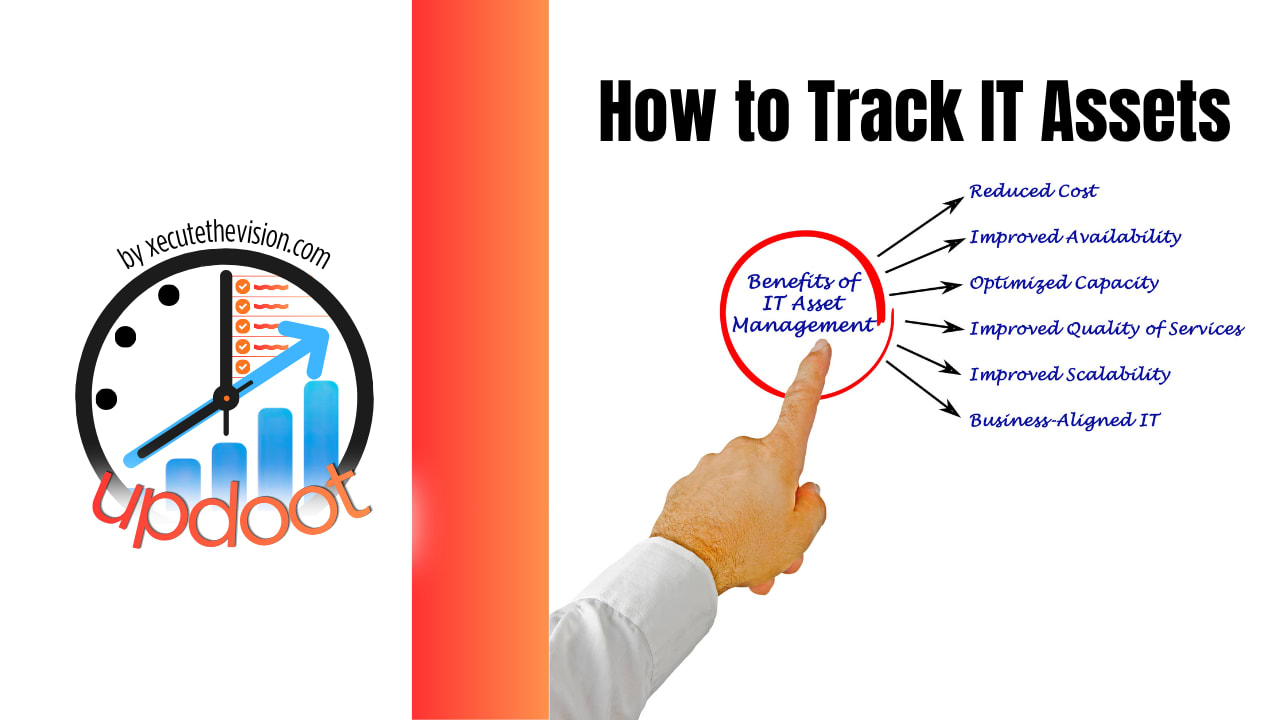
Most small businesses can't actually answer a simple question: who has the laptop with serial number ending in 4471, and did it come back when that person left? IT assets tend to get tracked enthusiastically for about a month after someone decides it matters, then quietly drift back into nobody-really-knows territory. Use the free asset tracking gap calculator below to see how much of your inventory is actually accounted for, then read through what to track and how to keep it that way.
Free IT Asset Tracking Gap Calculator
How Much of Your Inventory Is Actually Tracked?
Enter your total IT assets, how many are currently logged somewhere, and an average replacement cost to see what's at risk.
What Tracking IT Assets Actually Means
Tracking IT assets means keeping a current record of what equipment the business owns, who it's assigned to, and its condition and status, in enough detail that "who has this" and "do we still have that" both have quick, confident answers.
For a small business this doesn't require barcode scanners, RFID tags, or a dedicated system. It requires a list that's actually kept current, which is the part almost every small business gets wrong, not the format the list takes.
The assets worth tracking are the ones with real replacement cost and real security exposure if they go missing: laptops, monitors, phones, headsets, and software licenses are the common core. Smaller accessories are worth adding if they tend to walk off in practice.
Step 1: Start With a Single List, Not a Perfect System
The businesses that never get asset tracking off the ground are usually the ones waiting to set up the "right" system first. A spreadsheet with what you own today is worth more than a perfect system you never launch. Start there and improve it later.
Step 2: Decide What Counts as an Asset
Laptops, monitors, phones, and software licenses are the obvious core. Decide up front whether smaller items, chargers, headsets, docking stations, are worth tracking too. If they tend to disappear in practice, they're worth including regardless of how small the cost looks on its own.
Step 3: Record the Basics for Each Item
What it is, its serial number or another identifying detail, who it's assigned to, when it was assigned, and its current status. That's enough to answer "who has this" without turning the list into a second job.
Step 4: Assign Every Asset to a Person or a Location
An asset with nobody attached to it is the hardest kind to account for later. Even shared equipment, a conference room monitor, a spare laptop in a drawer, should have a named location or a named person responsible for it.
Step 5: Track Assets Through Onboarding
The moment equipment is handed to a new hire is the easiest point to log it, and the most commonly skipped, because everyone's focused on the first day, not the paperwork. Make logging the assigned equipment part of the actual onboarding checklist, not a separate task someone might get to later.
Step 6: Track Assets Through Offboarding
This is where tracking most often falls apart. In the rush of a departure, equipment return gets treated as an afterthought, or assumed to have happened without anyone confirming it. Equipment return and account deactivation both belong on the offboarding checklist as required steps, not optional ones.
Step 7: Do a Periodic Physical Check
A list is only as good as how well it matches reality. Once or twice a year, spot-check a sample of what the list says against what's actually there. This is what catches quiet drift, equipment marked as assigned to someone who left months ago, before it becomes a bigger gap.
Step 8: Retire Assets Formally, Don't Let Them Just Disappear
When something is actually retired, wiped, recycled, or written off, mark it as such rather than deleting the row or leaving it stale. A record of what happened to old equipment matters for both security and for knowing your actual replacement cadence going forward.
Common IT Asset Tracking Mistakes
Waiting for the perfect system. A spreadsheet started today beats a dedicated tool you never get around to setting up.
Logging equipment at assignment but not at return. The gap almost always opens up at offboarding, not onboarding, because return isn't treated as a required step.
No owner for keeping the list current. A list that's everyone's responsibility is usually nobody's responsibility, and it goes stale within a few months.
Tracking only the expensive items. Chargers, headsets, and accessories seem too small to bother with individually, until enough of them go missing that the total adds up.
Never physically checking the list against reality. A list that's never spot-checked drifts quietly further from the truth every month.
Deleting retired assets instead of marking them retired. Losing the record of what happened to old equipment makes it harder to answer security questions later.
Tips for Tracking IT Assets Well
- Start with what you have today. An honest, incomplete list you build this week is more useful than a comprehensive system you plan to build eventually.
- Log at the moment of handoff. Whether it's assignment or return, log it while it's actually happening, not from memory a week later.
- Fold it into onboarding and offboarding checklists. A step that's part of an existing checklist gets done. A separate task that depends on someone remembering usually doesn't.
- Name one person as the owner. The list needs someone whose job it is to keep it current, even in a small business where that's a part of someone's role rather than a full-time job.
- Keep the format simple. A spreadsheet with five consistent columns beats an elaborate system nobody updates because it's too much friction.
- Check it against reality periodically. Once or twice a year, confirm a sample of what the list says matches what's actually there.
- Mark retirements, don't delete them. A record of what happened to old equipment is worth keeping even after the asset itself is gone.
How Updoot Supports IT Asset Tracking
Updoot doesn't have a dedicated barcode-scanning asset management module, and it's worth saying that plainly rather than overstating it. What it does support is keeping the record where the rest of an employee's information already lives, and keeping the process visible instead of tribal knowledge.
The employee vault can hold what's been assigned to each person alongside everything else already tracked there, so "what does this employee have" doesn't require checking a separate, disconnected spreadsheet. And the Watercooler intranet feed is where an asset policy, an equipment request process, or an offboarding checklist that includes equipment return can actually live, posted somewhere the whole team can find it instead of existing only in one person's memory.
That combination, records that live with the employee and a policy that's actually visible, covers what most small businesses genuinely need: knowing who has what, and having a real process for getting it back. All included at $5 per user per month.
Signs Your IT Asset Tracking Has Gaps
The signs are usually quiet: nobody can say with confidence who has which laptop, equipment shows up in a drawer that nobody remembers assigning, a departed employee's gear never technically got returned, and the "list" everyone refers to hasn't actually been opened in months. None of it looks urgent until a device goes missing and there's no record of who had it last.
Related Reading
Cloud Based Intranet for Small Business →
How to Get the Excel Barcode Font and Insert Barcodes in Excel →
Frequently Asked Questions
Anything with real replacement cost that an employee uses to do the job: laptops, monitors, phones, headsets, and software licenses are the most common. Smaller accessories like chargers and keyboards are worth including too if they tend to disappear.
At minimum: what it is, its serial number or identifying detail, who it's assigned to, when it was assigned, and its current status. That's enough to answer who has what without turning tracking into a full-time job.
No, not for a small business. A simple list with the basics logged consistently covers most small teams. Barcode or RFID systems make sense at a scale where physically locating hundreds of items by hand becomes impractical, which is a different problem than most small businesses have.
At assignment, during onboarding, and again at return, during offboarding. Those are the two points where equipment most commonly goes untracked, since the excitement or urgency of the moment pushes the paperwork aside.
Equipment quietly walks out the door, or comes back late and unaccounted for. Beyond the replacement cost, an untracked device that isn't wiped or deactivated is also a data security gap, since nobody can confirm what access it still has.
Once or twice a year is reasonable for most small businesses. The goal is catching drift, equipment marked as assigned that's actually missing or with the wrong person, before it becomes a bigger gap.
Updoot doesn't have a dedicated barcode-scanning asset management module, but the employee vault can hold what's assigned to each person, and the Watercooler intranet feed is where an asset policy or offboarding equipment checklist can live so it's not just tribal knowledge.
Final Takeaway
Tracking IT assets well isn't about having a sophisticated system, it's about logging equipment consistently at the two points it most often gets skipped: assignment and return. A simple list, one owner, and a habit of checking it against reality once or twice a year covers what most small businesses actually need. Use the calculator above to see where your own gap sits, and start closing it with the list you already have, not the perfect one you haven't built yet.