
Compare Best Sales Battlecard Software Features: The Free Cheatsheet
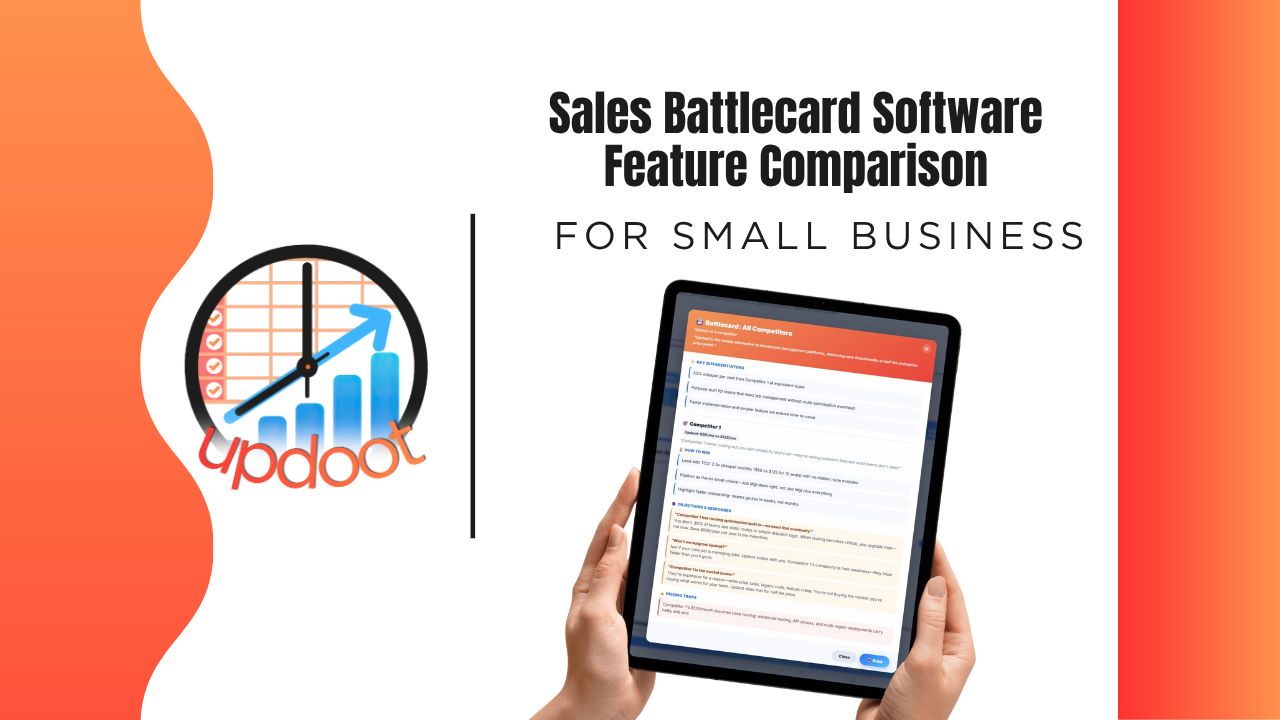
If you've looked at sales battlecard tools, you already know the pitch sounds the same everywhere: build a competitor profile, give reps talking points, win more deals. What actually separates a battlecard system reps trust from a slide deck they've learned to ignore shows up in the details, whether it's actually current, whether building a new battlecard takes minutes or hours, and whether the whole team is working from the same version or five slightly different copies.
This guide breaks down the battlecard features worth comparing, organized the way you'd actually evaluate a vendor, plus a free interactive cheatsheet you can filter by category and print or copy into your own comparison sheet.
On this page
- Why comparing battlecard features actually matters
- Competitor tracking features to compare
- Battlecard creation and AI features to compare
- Team access and update features to compare
- The interactive sales battlecard feature cheatsheet
- Free vs. mid-tier vs. all-in-one battlecard software
- Red flags to watch for when evaluating vendors
- How Updoot compares
- Frequently asked questions
Why Comparing Battlecard Features Actually Matters
Nearly every battlecard tool on the market can do the baseline job: store some notes about a competitor. That's table stakes, not a differentiator, which is exactly why comparing tools on "can it hold competitor info" gets you nowhere. The real differences live one layer deeper, in the features that determine whether reps actually trust and use the battlecard, or quietly go back to improvising in live calls.
A battlecard system with no update tracking still means reps eventually stop trusting it because it's gone stale without anyone noticing. A tool with no AI assistance still means every new battlecard is built manually from scratch, so they only get created for competitors someone had time for. A system with no team-wide access still means the newest rep is working from an outdated PDF nobody remembered to send them. None of these gaps show up in a five-minute demo. They show up the first time a rep loses a deal to a competitor detail the battlecard never caught.
That's the lens for this whole comparison: not "does the feature exist," but "does the feature keep reps actually using the battlecard in a live conversation, or does it just sit there looking organized."
Competitor Tracking Features to Compare
This is the foundation everything else in a battlecard system is built on.
A living board, not a static document
Compare whether competitor information lives in a system built to be updated continuously, versus a slide deck or document that gets created once and slowly goes stale.
Tracking moves and changes over time
Look for the ability to log when a competitor changes pricing, launches a feature, or shifts positioning, so the team has a record of what changed and when, not just the current snapshot.
Customizable fields per competitor
Compare whether you can track the specific details that matter for your market, pricing, positioning, strengths, weaknesses, versus a rigid template that doesn't fit how your team actually sells against a given competitor.
Battlecard Creation and AI Features to Compare
This is where the gap between "a place to store notes" and "a system that actually helps you win deals" gets the widest.
AI-assisted battlecard generation
Compare whether the tool can help generate positioning, talking points, and objection responses using AI, versus every battlecard requiring someone to write the entire thing manually from a blank page. This matters most for how many competitors actually get a battlecard versus how many get skipped because nobody had time.
Structured objection handling
Look for battlecards that include ready-made responses to common objections, not just general positioning notes, so reps have something specific to say when a prospect brings up a competitor's pricing or a feature comparison.
Team Access and Update Features to Compare
This is where a good battlecard either gets used consistently across the whole team, or becomes one more thing that only the person who made it actually uses.
Real-time updates visible to everyone
Compare whether editing a battlecard updates it instantly for every rep, versus requiring a new file to be re-sent every time something changes.
Centralized, searchable library
Look for one searchable place holding every competitor's battlecard, so reps can find the right one in seconds during a live call instead of digging through old emails or a shared drive.
Interactive Cheatsheet: Compare Best Sales Battlecard Software Features
Filter by category to compare what free battlecard tools, mid-tier sales enablement apps, and Updoot typically include. Print it for your notes or copy it as a table you can paste straight into Excel or Google Sheets.
Updoot bundles everything on this list into one flat per-user price, not a stack of add-ons piled on top of a mid-tier tool's cost. You get full-platform coverage without paying for five separate subscriptions to get there.
| Feature | Free / Basic Tools | Mid-Tier Sales Enablement Apps | Updoot |
|---|
Comparisons reflect typical feature availability across the category as of 2026 and can vary by specific vendor and plan tier.
Free vs. Mid-Tier vs. All-In-One Battlecard Software
Looking at the cheatsheet above, a pattern emerges: free and basic tools reliably hold a document's worth of competitor notes and not much else. Mid-tier sales enablement apps close some of the gap, usually around structured fields and a searchable library, but AI-assisted creation, real-time team-wide updates, and connections to CRM data stay inconsistent from vendor to vendor. All-in-one platforms are built around the assumption that battlecards live next to the pipeline data they're actually used against, so that connection exists by default rather than as a workaround.
None of these tiers is universally right. A one or two-person sales team facing a single known competitor may genuinely be well served by a simple shared document. The comparison matters most once a team is up against multiple competitors, growing fast enough that new reps need to ramp quickly, or losing deals to messaging that's gone stale without anyone catching it. That's where the free and mid-tier gaps turn into lost deals.
Red Flags to Watch For When Evaluating Vendors
A few patterns are worth watching for during a demo or trial, regardless of which tier of product you're considering.
"AI-powered" battlecards that are really just a fill-in-the-blank template. Ask specifically what the AI actually generates, positioning and objection responses based on real data, or just a generic structure you still have to write yourself.
No way to tell when a battlecard was last updated. If there's no visible timestamp or update history, reps have no way to know whether they're looking at current information or something from months ago.
Battlecards disconnected from the CRM. If competitor information lives in a completely separate tool from the pipeline it's meant to support, reps have to context-switch mid-deal to find it, which means they often just won't.
Pricing that charges per competitor or per battlecard. Ask how the pricing model actually works as your competitive landscape grows, since some tools that look affordable with two competitors get expensive fast with ten.
How Updoot Compares
Updoot's sales battlecard software was built around the gaps described throughout this comparison, not as a standalone document but as the competitive intelligence layer of a full work management platform. AI helps generate battlecard content, positioning, pricing notes, and objection responses, so building a new one doesn't require starting from a blank page or waiting on someone with the bandwidth to write it.
Every battlecard lives in one centralized, searchable library that updates in real time for the whole team, so a new hire and a senior rep are always working from the same current version. Because battlecards live in the same platform as Updoot's CRM and pipeline data, competitive intelligence stays connected to the deals it's actually meant to support.
Sign up free and see how the full sales, CRM, and battlecard workflow works end to end.
Related Reading
What Is a Gartner Magic Quadrant Chart and How to Use One →
Best App for Sales Performance Tracking: A Quick Comparison Chart →