
Best Time Clock Software for Retail
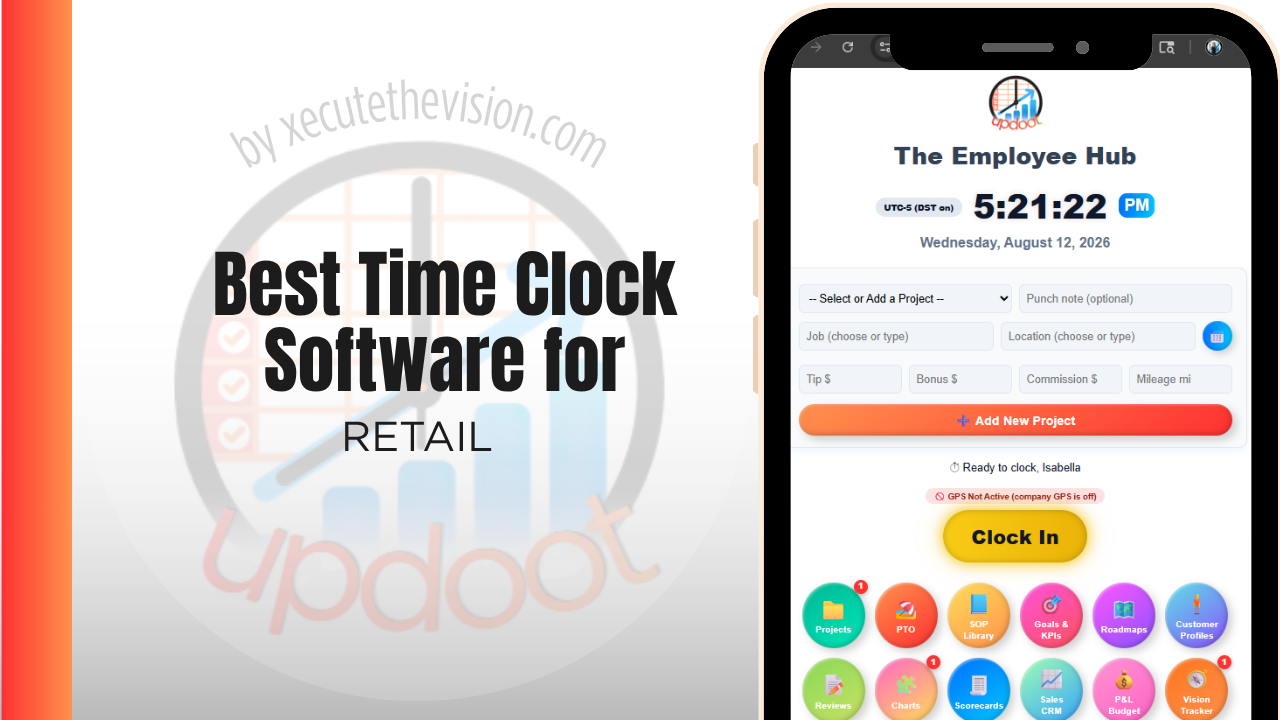
Use the free calculator below to see what timesheet rounding actually costs your store. Retail staffing is shift-based and often part-time-heavy, with schedules that shift week to week based on foot traffic and seasonality, plus a shared point-of-sale terminal that makes buddy punching easy if nothing prevents it. Below is a free generator that estimates what rounding and missed punches cost across a year of retail staffing, plus how the leading tools compare.
Free Store Labor Hour Calculator
What Is Clock-In Drift Costing Your Stores?
Enter your store headcount and average wage. Leave a field at 0 if it doesn't apply to your stores.
What Retail Businesses Actually Need from Time Clock Software
A retail time clock needs to keep up with schedules that change weekly, support a largely part-time and often teenage or first-job workforce, and prevent buddy punching at a shared register or back-office terminal without slowing down a shift change.
Multi-location retailers also need labor cost visible by store, not just company-wide, so a district manager can see which locations are over- or under-staffed relative to sales without pulling separate reports from each location.
The third requirement is handling shift swaps inside the system. Retail schedules change constantly, and swaps arranged by text and never recorded are the main reason the schedule and the actual hours diverge.
The fourth is multi-location visibility, so labor can be compared across stores without a manager exporting spreadsheets from each one.
Single Store vs. Multi-Location Retail
A single boutique or shop mostly needs a simple, affordable clock-in with basic scheduling. A multi-location retailer needs the same simplicity at the store level, plus roll-up reporting so labor cost and coverage are visible across the whole chain from one dashboard, not one login per store.
Common Time Tracking Mistakes in Retail
The most common mistake is running a shared terminal with no PIN or photo verification, which makes buddy punching easy, especially among younger or first-job staff who may not realize the legal risk it creates for the business.
The second is not adjusting labor scheduling to actual sales patterns, which either leads to overstaffing during slow periods or understaffing during rushes, both of which show up as labor cost problems at the end of the month.
The third is treating every location the same in reporting, which hides which stores are actually labor-efficient and which are quietly overspending on hours relative to sales.
Schedule Adherence Across Stores
The gap between the schedule you published and the hours you paid is where retail labor budgets are lost, and it opens quietly. A swap arranged between two associates, a shift extended because a delivery arrived late, an early punch that nobody flagged: individually trivial, collectively the reason a store finishes the month over budget with no single explanation.
Making that gap visible is a reporting question rather than a control question. A scheduled-versus-actual view by store and by week shows immediately which locations run tight and which drift, and drift is nearly always concentrated in one or two stores rather than spread evenly. That is a management conversation with a specific location, not a policy memo to everyone.
Where a system helps most is by absorbing the changes rather than resisting them. Swaps and pickups that can be requested and approved in the app end up in the schedule automatically. Swaps that require a manager to remember and re-enter them do not, and the schedule stops being trustworthy within a fortnight, at which point nobody uses it as a planning tool.
Seasonal Hiring and Fast Onboarding
Retail headcount swings hard through the year, and the software cost of that swing is often overlooked at purchase.
Two dimensions matter. Commercially, ask whether seasonal staff can be deactivated so you stop paying for the seat, whether their record survives for a return next season, and whether the plan bills on peak headcount for the full term. A per-user platform that cannot flex will cost you through six quiet months for a workforce you had in December.
Operationally, the question is how fast a new hire becomes productive on the system. A seasonal associate working twelve shifts total cannot absorb a training session, so the punch method has to be obvious on first use. Test that during a trial with someone who has never seen it, rather than with a manager who helped configure it.
The same applies at the end. Deactivating a leaver should immediately end their ability to punch, and it should be a single action rather than a checklist someone forgets during a busy January.
How We Evaluated These Tools
Stated plainly: Updoot publishes this site and appears in the comparison below. Every price and feature claim here, ours included, was verified against each vendor's live pricing page or independent third-party sources in August 2026, and where a retail workforce platform wins on a criterion we say so.
For retail stores specifically, we weighted five things: buddy-punch prevention through PIN or photo verification, ease of building and adjusting weekly shift schedules, multi-location labor cost reporting, support for a largely part-time workforce, and pricing that's realistic for a single store as well as a small chain.
How the Top Time Clock Tools Compare for Retail
| Tool | Starting Price | Best For | Where It's Limited |
|---|---|---|---|
| Updoot ⭐ Best Overall | $5/user/month | Retailers wanting photo-verified punches and store-by-store labor cost reporting on one platform | No native POS integration for sales-to-labor ratio reporting |
| When I Work | From ~$2.50-6/user/mo | Stores wanting shift swapping, team messaging, and scheduling built for part-time retail staff | Multi-location cost rollup is more limited than all-in-one platforms |
| Deputy | From ~$4.50-6/user/mo | Multi-location retailers wanting demand-based scheduling and labor cost forecasting | Full feature set requires higher-tier plans, which adds up for a larger part-time roster |
| Homebase | Free (1 location, up to 20 employees); paid plans from ~$24-30/mo per location | A single store wanting scheduling and a time clock with GPS at no cost | Each additional location requires its own subscription at full price |
Editor's Pick
Why Updoot Tops This List for Retail
When I Work is easy for part-time staff to use but multi-store reporting is thinner. Deputy forecasts labor well but its best features sit behind higher tiers. Homebase is solid for one store but charges per location. Updoot combines photo-verified punches with store-by-store labor cost reporting on one platform, at a flat $5 per user per month no matter how many locations a retailer runs.
The right pick depends on store count: a single shop fits a leaner free tier well, while a multi-store operator needs consolidated reporting and a way to move staff between locations without manual reconciliation.
How Updoot Handles Multi-Store Labor Cost
In Updoot, each store location can be tracked as its own project, with staff hours and labor cost rolling up under that location and under the business as a whole. A district manager can see which stores are running efficiently and which are drifting over budget without pulling separate reports from each one.
Photo capture at clock-in closes the buddy-punching gap at a shared register or back-office terminal, and schedules can be adjusted week to week as sales patterns shift, with actual hours worked tracked against the plan. All of this is included in Updoot at $5 per user per month, regardless of how many stores a retailer runs.
Rolling Out a New Time Clock Across Stores
Pilot the new system at one store for a couple of pay periods before rolling it out chain-wide, so setup issues surface on a small scale. Train store managers first, since they'll field questions from staff during shift changes. Communicate any change to buddy-punch verification clearly before go-live, since most pushback comes from staff unfamiliar with photo or PIN checks, not from the scheduling itself.
Predictive Scheduling and Recordkeeping Obligations
A growing number of jurisdictions have introduced fair workweek or predictive scheduling rules affecting retail employers, and they change what a scheduling and time system needs to produce.
The common elements are advance notice of schedules, premium pay when a schedule changes inside a notice window, rules about consecutive shifts with insufficient rest between them, and an obligation to retain records demonstrating compliance. Coverage varies significantly by city and state, often depends on employer size or retail category, and continues to evolve, so confirm whether and how these rules apply to your locations with an employment attorney or your payroll provider.
What to require from software, if you operate anywhere covered, is straightforward. The system should timestamp when a schedule was published, record any subsequent change and who made it, retain that history for the required period, and be able to produce it. A platform where schedules can be edited silently with no version history leaves you unable to demonstrate compliance even where you have complied, which is a poor position to be in.
Pricing and ROI for Retail
Pricing follows two shapes: a flat monthly fee for a set number of users, or a per-user rate tied to headcount. Retail carries high part-time headcount, so calculate per-user pricing across everyone who needs a punch, including seasonal hires. Confirm whether multi-location rollups, shift swapping, and break tracking are included at that rate or sold as an upgrade.
The return in retail comes from schedule discipline. Preventing early punches, capturing swaps in the system rather than by text, and seeing labor by store during the week rather than after it all reduce the same overspend, and across several locations the effect compounds quickly.
What to Test Before You Roll It Out Chain-Wide
- Pilot one store for a full pay cycle. A week hides the payroll export problems; a full cycle surfaces them while only one location is affected.
- Try a swap end to end. Associate requests, manager approves, schedule updates, hours land correctly. If any step falls out of the system, the schedule will stop being trusted.
- Test the early-punch rule. Confirm you can set a window and that it holds without a manager intervening daily.
- Add and remove a seasonal hire. Time it, and confirm the seat stops billing on removal.
- Pull a labor report across two stores. If comparing locations still requires two exports and a spreadsheet, the multi-location claim is thinner than advertised.
Signs You've Outgrown Manual Timesheets
In retail the signals are schedule-shaped. Staff clock in early because the terminal is in the back room and nobody notices, shift swaps happen by text and never reach the schedule, and labor cost per store is a month-end figure rather than something a manager watches during the week. Once the schedule and the actual hours worked have drifted apart, labor planning is being done against fiction.
Related Reading
Best Time Tracking Software for Freelancers →
Free Staffing and Scheduling Tool →
Scheduling App for Retail: How to Choose One and Build Better Schedules →
Best Time Clock Software for Restaurants →
Frequently Asked Questions
The best option is whichever one prevents buddy punching at a shared register, keeps up with weekly schedule changes, and rolls labor cost up cleanly across every store location a retailer runs.
PIN codes tied to each employee and photo capture at the moment of the punch are the two most common methods, both of which make it harder for one employee to clock in for another at a shared terminal.
Yes, with software built for multi-location reporting. Staff clock in locally at their store, but hours and labor cost roll up centrally so an owner or district manager can see the whole chain from one dashboard.
It should. Look for a simple mobile or kiosk clock-in that doesn't require much training, since retail staff often includes first-time or part-time workers who need the system to be intuitive from day one.
For one location with a small staff, yes. A free tier can usually cover basic clock-in, scheduling, and GPS. A growing chain generally needs a paid plan to get cost reporting across multiple stores.
By making actual hours worked visible against the planned schedule, so a manager can see whether a store was overstaffed during a slow period or understaffed during a rush, and adjust the next week's schedule accordingly.
More than most owners expect with a large part-time staff. A few minutes of rounding per shift, multiplied across a full retail roster over a year, regularly adds up to thousands of dollars in labor cost.
Final Takeaway
The best time clock software for retail is the one that keeps up with shifting weekly schedules, closes the buddy-punching gap at a shared register, and shows labor cost store by store. Use the calculator above to see what timesheet rounding is costing your store right now, and if the number surprises you, that's usually the clearest sign it's time for a change.