
Best Time Clock Software for Vision Centers
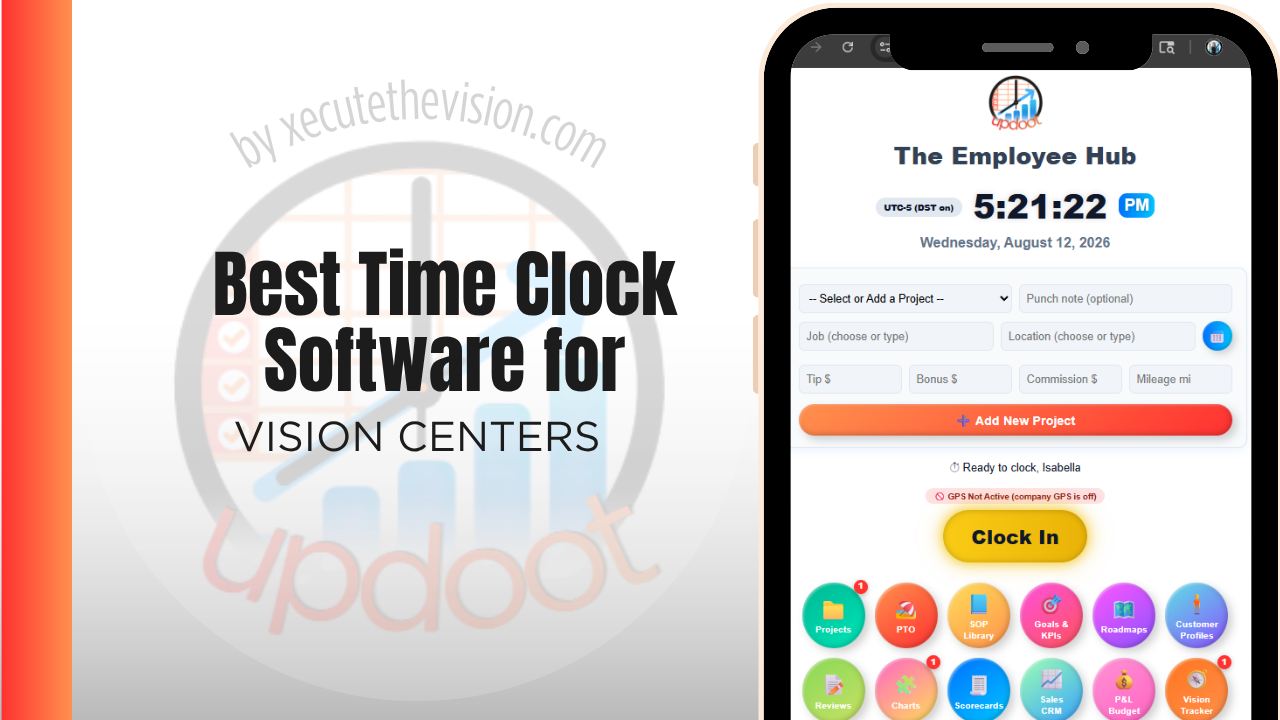
Use the free calculator below to see what punch drift is costing across your lanes and optical floor. Vision centers run on a mix of front desk staff, opticians, technicians, and doctors, often across more than one location, with shared front-desk devices that make buddy punching an easy habit to fall into. The generator below estimates what punch drift costs a practice over a year across both the clinical and optical sides, followed by how the leading platforms compare.
Free Practice Labor Hour Calculator
What Is Timekeeping Drift Costing Your Practice?
Enter your staff count and average wage. Leave a field at 0 if it doesn't apply to your practice.
What Vision Centers Actually Need from Time Clock Software
A vision center needs a time clock that prevents buddy punching at a shared front-desk device, since a busy morning with patients waiting is exactly when one staff member clocking in for another goes unnoticed. Photo capture or PIN verification closes that gap without slowing down the front desk.
Multi-location practices also need staff schedules and hours to roll up cleanly across sites, so a manager overseeing two or three locations can see labor cost and coverage without logging into separate systems for each one.
The third requirement is separating clinical hours from optical retail hours, since the exam side and the dispensary are effectively two businesses sharing a front door and a payroll.
The fourth is identity verification at a shared device, because a single front-desk terminal used by everyone is the arrangement that makes buddy punching easy and hard to detect.
Clinical Staff vs. Front Desk and Optical Sales
Opticians and technicians often work fairly fixed clinical hours, while front desk and optical sales staff have more variable shifts tied to patient volume and walk-in traffic. A time clock that treats both groups the same, without flexibility for shift-based scheduling on the retail side, ends up creating manual work for whoever runs payroll.
Common Time Tracking Mistakes at Vision Centers
The most common mistake is relying on a single shared device with no identity verification, which makes buddy punching easy and hard to catch until payroll costs start looking off.
The second is running each location's schedule and time clock separately, which makes it difficult to see total labor cost across the practice or move staff between locations without a manual reconciliation.
The third is not tracking break compliance, which matters in states with mandated meal and rest breaks and becomes a real liability if breaks are assumed to happen but never actually logged.
Clinical Lanes vs. the Optical Floor
A vision center runs a clinical operation and a retail operation in the same square footage, and they behave nothing alike. Exam lanes are capacity-constrained and scheduled. The dispensary is traffic-driven and its productivity is measured in sales per staffed hour, not in appointments.
Reporting a single practice labor total obscures both. You cannot tell whether the optical floor is staffed appropriately for the traffic it receives, and you cannot tell whether the clinical side is carrying the retail side or the other way around. Both are answerable, but only with hours coded by area.
The complication is that staff cross between them constantly. An optician covers the front desk during a busy morning; a technician helps in the dispensary during a quiet clinical afternoon. That crossing is operationally healthy and it means the coding has to be easy enough to do several times a day. If switching areas takes more than a couple of taps, staff will not do it, and the data will show everyone permanently in whichever area they were assigned at hire.
Buddy Punching at a Shared Front-Desk Terminal
The shared terminal is the standard arrangement in a practice and the standard vulnerability. When punching requires only a name from a list, one person can clock in a colleague who is running late, and the practice has no way to detect it.
The controls that work are photo capture at the punch, an individual PIN, or a biometric method, in roughly that order of practicality for a small practice. Photo capture is generally the least intrusive and the most persuasive, since a mismatched photo is self-evident and no one needs to be accused of anything for the behavior to stop.
A caution worth taking seriously: biometric timekeeping is regulated in some jurisdictions, with requirements around written consent, notice, retention policies, and restrictions on sharing, and non-compliance has produced substantial liability. These laws vary by state and country and continue to develop, so confirm your obligations with an employment attorney before deploying fingerprint or facial recognition. Photo capture and PIN methods generally carry lower regulatory complexity and are sufficient for most practices.
Introduce whichever control you choose at go-live rather than retrofitting it later. Adding verification to a system staff have grown used to reads as an accusation, while including it from day one reads as how the system works.
How We Evaluated These Tools
Stated openly: Updoot publishes this site and appears in the comparison below. Every price and feature claim here, ours included, was verified against each vendor's live pricing page or independent third-party sources in August 2026, and where another platform handles a multi-location practice better we say so.
For vision centers specifically, we weighted five things: buddy-punch prevention through PIN or photo verification, multi-location reporting on one platform, ease of scheduling variable optical sales shifts alongside fixed clinical hours, break compliance tracking, and pricing that's realistic for a small independent practice.
How the Top Time Clock Tools Compare for Vision Centers
| Tool | Starting Price | Best For | Where It's Limited |
|---|---|---|---|
| Updoot ⭐ Best Overall | $5/user/month | Practices wanting photo-verified punches, multi-location reporting, and payroll-ready hours on one platform | No native EHR or practice management integration |
| Buddy Punch | From ~$4.49-5.49/user/mo plus a ~$19/mo base fee | Practices wanting photo ID and GPS verification with a straightforward kiosk mode | No native multi-location cost rollup or budgeting |
| Homebase | Free (1 location, up to 20 employees); paid plans from ~$24-30/mo per location | A single-location practice wanting scheduling and a time clock at no cost | Each additional location needs its own subscription, which adds up for a multi-site practice |
| OnTheClock | Paid plans from ~$4/user/mo + $5 mo base fee | Small practices wanting a simple, affordable time clock with photo capture | Multi-location reporting and budgeting tools are more limited than all-in-one platforms |
Editor's Pick
Why Updoot Tops This List for Vision Centers
Buddy Punch verifies identity well but doesn't roll multi-location cost data together. Homebase is fine for one office but charges per location. OnTheClock is affordable and simple but thinner on multi-location reporting. Updoot combines photo-verified punches with multi-location labor cost reporting and payroll-ready exports on one platform, at a flat $5 per user per month no matter how many locations a practice runs.
The right pick depends on location count and staff mix: a single-site practice fits a leaner free tier, while a multi-location group needs identity verification and consolidated reporting across sites.
How Updoot Handles Multi-Location Staffing
In Updoot, each location can be set up as its own project, with staff hours rolling up under that location and under the practice as a whole. That structure means an owner overseeing multiple sites can see labor cost per location without exporting and combining separate reports by hand.
Photo capture at clock-in closes the buddy-punching gap at a shared front-desk device, and break tracking flags missed or short breaks so compliance doesn't rely on staff remembering to log them manually. Updoot includes all of it at $5 per user per month, with no per-location charge as a practice adds sites.
Rolling Out a New Time Clock Across Locations
Pilot the new system at one location for a full pay cycle before rolling it out practice-wide, so any setup issues get resolved on a small scale. Set up photo or PIN verification from day one rather than adding it later, since retrofitting identity checks after staff are used to a looser system tends to meet more resistance. Train front desk leads first, since they're the ones fielding questions during a busy morning.
Multi-Location Practices and Staff Who Move Between Sites
Practices that add a second location usually run it as a separate operation for longer than they should, with its own schedule, its own timekeeping, and a manual reconciliation at payroll.
The costs of that arrangement surface in two places. Owners cannot see consolidated labor across the group without assembling it by hand, which means the comparison that would show one site overstaffed relative to its volume never gets made. And staff who cover both locations become an administrative problem: their hours arrive in two places, sometimes at different rates, and someone merges them every fortnight.
A platform with genuine multi-location support fixes both. Staff clock in at whichever site they are working, hours attribute to that location for cost reporting, and the payroll record consolidates automatically. When shortlisting, test this specifically rather than accepting a feature claim: create an employee, assign them shifts at two locations in one week, and confirm the reporting splits by site while payroll totals correctly.
Pricing and ROI for Vision Centers
Two models are common: a flat monthly fee for a set number of users, or a per-user rate tied to headcount. For a practice the deciding factors are usually identity verification at a shared device and multi-location rollup reporting, so confirm both are on the plan you are pricing rather than an upgrade, and check how a part-time optician working across two sites is counted.
The return at a vision center comes from separating clinical and optical labor. Knowing what the dispensary costs to staff against what it sells is a different question from exam-lane productivity, and answering both requires hours coded by area rather than a single practice total.
What to Verify Before the Practice Commits
- Test the shared terminal with three staff in a row. Photo or PIN verification should be fast enough that nobody is tempted to punch for a colleague.
- Move one person between clinical and optical mid-shift. Confirm the split reaches the reporting and that it took a couple of taps, not a manager edit.
- Run a labor report for the dispensary alone. If you cannot isolate optical staffing cost, you cannot manage it against sales.
- Create a staff member working at two sites in one week. Check that reporting splits by location while payroll consolidates.
- Confirm the break record is retained and exportable. Compliance rests on producing evidence later, not on the prompt appearing today.
Signs You've Outgrown Manual Timesheets
At a vision practice the signals sit between the lanes and the optical floor. A shared front-desk terminal means nobody is certain who punched, staff move between the exam side and the dispensary without the hours separating, and a second location runs its own schedule that only meets the first one at payroll. Once labor cannot be split between clinical and retail, you cannot tell which half of the practice is carrying the other.
Related Reading
Time Clock for Medical Offices: What to Look For and Why It Matters →
Time Clock for Dental Practices →
Buddy Punching: Why It Happens & How to Prevent It →
Best Time Clock Software for Retail →
Frequently Asked Questions
The best option is whichever one prevents buddy punching at a shared front-desk device and rolls hours and labor cost together cleanly across multiple locations, since both are common pain points for optical practices.
PIN codes tied to each employee and photo capture at the moment of the punch are the two most common methods, both of which make it much harder for one staff member to clock in for another at a shared device near the front desk.
Yes, with software built for multi-location reporting. Staff at each site clock in locally, but hours and labor cost roll up centrally so an owner or manager can see the whole practice without checking each location separately.
Often, yes. Clinical staff tend to work more fixed hours, while front desk and optical sales staff have more variable shifts tied to patient volume, so software that handles both types of scheduling well saves time for whoever builds the schedule.
For a single-location practice with a small staff, a free or low-cost tier can cover basic clock-in and photo verification. Once a second site opens, consolidated reporting almost always requires a paid tier.
Good software can prompt and log breaks automatically, which creates a record that breaks were actually taken, rather than assuming compliance without evidence, which matters in states with mandated break laws.
More than most owners expect, especially across multiple locations. A few minutes per person per shift, compounded across lanes and dispensary staff at every location over a year, routinely reaches thousands of dollars.
Final Takeaway
The best time clock software for vision centers is the one that closes the buddy-punching gap at a shared device and keeps multi-location hours and labor cost in one place. Run the calculator above against your current headcount, then check whether you can answer one question from your existing reports: what does the optical floor cost to staff against what it sells. If you cannot, that gap is the reason to change systems.