
Best Time Clock Software for Therapists
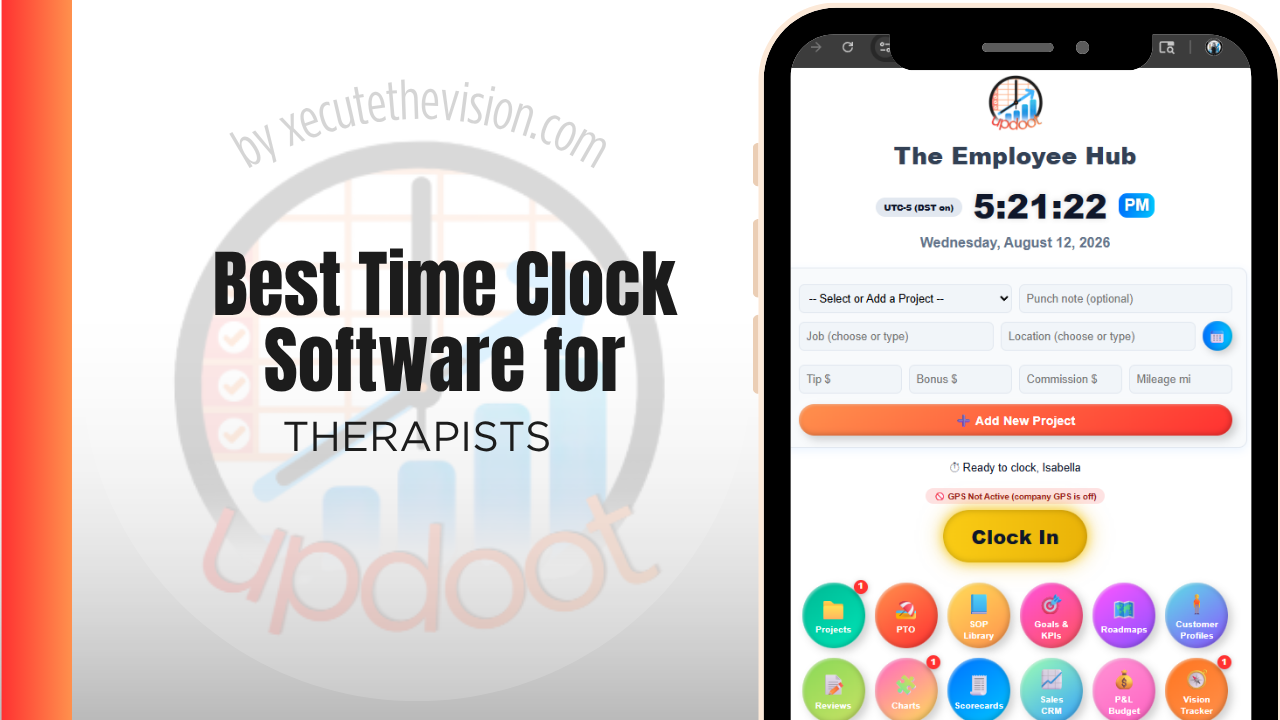
Use the free calculator below to see what timesheet rounding actually costs your practice. Therapy practices run on a mix of session-based billable time and administrative or front-desk hours, often across more than one location or with clinicians who split time between in-person and telehealth sessions. Below is a free generator that estimates what rounding and missed punches cost across a year of staffing, plus how the leading time clock tools compare.
Free Clinical Hour Accuracy Calculator
What Is Untracked Clinical Time Costing the Practice?
Enter your clinician count and average rate. Leave a field at 0 if it doesn't apply to your practice.
What Therapy Practices Actually Need from Time Clock Software
A therapy practice needs a way to separate billable clinical time from administrative time clearly, since a clinician's actual worked hours and their billable session hours are related but not identical, and payroll needs to reflect actual time worked, not just sessions billed.
Multi-location and front-desk staff also need straightforward, buddy-punch-resistant clock-in, since a practice with more than one office needs labor cost visible by location without a manager checking multiple separate systems.
The third requirement is recording the work that surrounds a session. Notes, treatment planning, supervision, and coordination with other providers are real clinical hours that produce no billing code, and a practice that cannot see them cannot set a realistic caseload.
The fourth is protecting client confidentiality, which means being deliberate about whether identifying information ever enters a general-purpose time tracking system.
Clinical Staff vs. Front Desk and Administrative Staff
Therapists and counselors often work variable hours built around a client schedule, with time between sessions for notes and administrative work that still counts as worked time. Front desk and administrative staff usually work a more fixed schedule. Software that only accounts for session time, not the surrounding administrative work, tends to undercount actual hours worked.
Common Time Tracking Mistakes at Therapy Practices
The most common mistake is tracking only billable session time and treating it as equivalent to hours worked, which misses documentation, coordination, and administrative time that's still compensable for hourly or salaried staff.
The second is running each location's schedule and time clock separately, which makes it hard to see total labor cost across the practice or move staff between locations without manual reconciliation.
The third is not tracking break compliance, which matters in states with mandated meal and rest breaks and becomes a real liability if breaks are assumed to happen but never actually logged.
The Billable Ratio: What a Clinical Day Actually Contains
A clinician scheduled for eight sessions is not delivering eight billable hours in an eight-hour day. Documentation follows each session, treatment planning happens between them, a cancellation removes revenue but not the paid hour, and supervision or team consultation takes a block of the week entirely.
The ratio between billable session time and total paid clinical time is the number that determines whether a practice works financially, and most practices do not know theirs. Without it, caseload expectations get set by intuition, and the two failure modes are equally damaging: a target set too high burns clinicians out and drives turnover in a field where replacement is slow and expensive, while a target set too low quietly makes the practice unviable.
Measuring it requires only a handful of categories: session, documentation, supervision, administrative, and unfilled. Keep the list short, because clinicians will not maintain a granular taxonomy between clients. After a month, the picture is usually clear enough to act on, and the most common finding is that documentation takes substantially longer than the practice assumed when it built its schedule template.
Cancellations, No-Shows, and Paid Time That Produces Nothing
A late cancellation is the most expensive event in a therapy practice. The clinician is paid, the room is held, the slot cannot be refilled, and no revenue arrives.
Practices tend to experience this as a general frustration rather than a measured cost, which prevents them from addressing it effectively. Recording unfilled clinical time as its own category converts it into a number, and the number is almost always larger than expected. It also reveals the distribution, which is where the useful decisions sit: no-shows usually concentrate by time of day, by clinician, by referral source, or by client population, and each pattern implies a different response.
A late-afternoon cluster might be a scheduling problem. A concentration in a particular referral pathway might be an intake or expectation-setting problem. A pattern with a specific population may simply be a characteristic of that work that the practice needs to build into its economics rather than treat as a failure. Reminder policies, cancellation terms, and waitlist procedures can all be evaluated against the number once it exists, rather than debated on impression.
How We Evaluated These Tools
For the record: Updoot publishes this site and is included in the comparison below. Every price and feature claim here, ours included, was verified against each vendor's live pricing page or independent third-party sources in August 2026, and where a practice management system covers this better we say so.
For therapy and counseling practices specifically, we weighted five things: clear separation of clinical, billable, and administrative time, multi-location reporting on one platform, buddy-punch prevention at a shared front-desk device, break compliance tracking, and pricing that's realistic for a small independent practice.
How the Top Time Clock Tools Compare for Therapists
| Tool | Starting Price | Best For | Where It's Limited |
|---|---|---|---|
| Updoot ⭐ Best Overall | $5/user/month | Practices wanting clinical and administrative time tracked separately with multi-location reporting on one platform | No native EHR or practice management integration |
| Clockify | Free (basic); paid plans from ~$3.99-11.99/user/mo | Practices wanting simple time tracking with project or client-level categorization | No native scheduling or multi-location labor cost rollup |
| Buddy Punch | From ~$4.49-5.49/user/mo plus a ~$19/mo base fee | Practices wanting photo ID verification and a kiosk mode for a shared front-desk device | No native multi-location cost rollup or session-based reporting |
| ClockShark | From ~$20/mo base + ~$6-8/user/mo | Practices wanting GPS-verified clock-in for clinicians who travel between offices | Built more for field service trades than clinical scheduling |
Editor's Pick
Why Updoot Tops This List for Therapists
Clockify is simple and affordable but has no scheduling or multi-location cost rollup. Buddy Punch verifies identity well but doesn't separate clinical and administrative time. ClockShark is built more for field trades than clinical practices. Updoot separates billable clinical time from administrative time and rolls labor cost up across every location a practice runs, at a flat $5 per user per month.
The right pick depends on practice size and staff mix: a solo or two-clinician practice fits a leaner free tier, while a group practice needs clear separation of billable and non-billable clinical time.
How Updoot Handles Clinical and Administrative Time
In Updoot, clinical and administrative work can be logged separately, so a practice can see actual hours worked alongside a clearer picture of time spent on documentation and coordination, not just billable session time. Each location can be tracked as its own project, with hours rolling up under that location and under the practice as a whole.
Photo capture at clock-in closes the buddy-punching gap at a shared front-desk device, and break tracking flags missed or short breaks so compliance doesn't rely on staff remembering to log them manually. All of this is included in Updoot at $5 per user per month, regardless of how many locations a practice runs.
Rolling Out a New Time Clock Across a Practice
Pilot the new system at one location for a full pay cycle before rolling it out practice-wide, so any setup issues get resolved on a small scale. Set up photo or PIN verification from day one rather than adding it later, since retrofitting identity checks after staff are used to a looser system meets more resistance. Train front desk leads first, since they're the ones fielding questions during a busy day.
Confidentiality and What Belongs in a Time System
A time tracking platform is not a clinical record system, and the distinction matters more in a therapy practice than in most workplaces.
The principle to apply is minimum necessary. A time entry needs to establish that a clinician delivered a session at a particular time; it does not need the client's name, presenting concern, or any clinical detail. Practices that use initials or an internal client identifier, and keep everything substantive in the clinical record system where it belongs, avoid creating a second repository of sensitive information in a tool that was never designed to hold it.
If you are considering a platform that will hold anything that could constitute protected health information, that raises questions about the vendor's obligations, including whether a business associate agreement is required, along with access controls, encryption, retention, and breach notification. Requirements depend on your jurisdiction, your practice type, and the specific data involved, so review any candidate platform with a healthcare compliance advisor or attorney before it holds client-linked information. The simpler path, and the one most small practices take, is to keep the time system deliberately free of client-identifying detail.
Pricing and ROI for Therapists
Pricing follows two shapes: a flat monthly fee for a set number of users or a per-user rate tied to headcount. For a practice the important question is whether the platform can separate billable session time from documentation, supervision, and administrative time, because a clock that produces only a daily total answers the payroll question and none of the practice management ones.
The return at a practice comes from understanding the billable ratio. Once documentation, supervision, and no-show gaps are visible as their own categories, caseload targets can be set against reality, and clinicians can be compensated on a basis both sides recognize as fair.
What to Check Before the Practice Commits
- How many taps is a category switch? Clinicians move between session, notes, and admin several times a day. Anything slow will be abandoned inside a fortnight.
- Can you run a billable-ratio report per clinician? This is the number the whole exercise exists to produce.
- Does it work without client-identifying data? Confirm you can record a session against an internal identifier rather than a name.
- How does it handle a clinician who also supervises? Supervision is paid, non-billable, and should be visible as its own line rather than absorbed into admin.
- What is the export into payroll and into your practice management system? Ask to see the actual file, not a screenshot of a settings page.
Signs You've Outgrown Manual Timesheets
At a therapy practice the signals are clinical rather than administrative. Documentation time after a session is absorbed into nobody's count, cancellations and no-shows leave gaps that are never measured, and the practice cannot say what proportion of a clinician's paid day is actually billable. Once the ratio of session time to everything else is unknown, caseload and compensation decisions are being made on assumption.
Related Reading
Time Clock for Medical Offices: What to Look For and Why It Matters →
Time Billing Software for Accountants →
Free Bereavement Policy Creator for Small Business →
Best Time Clock Software for Nursing →
Frequently Asked Questions
The best option is whichever one separates billable clinical session time from administrative work clearly, and rolls hours and labor cost together cleanly across every location a practice runs.
Not necessarily. A clinician's actual worked hours often include documentation, coordination, and administrative time between sessions that's still compensable, even though it isn't directly billable to a client or insurer.
Yes, with software built for multi-location reporting. Staff at each site clock in locally, but hours and labor cost roll up centrally so an owner or office manager can see the whole practice without checking each location separately.
PIN codes tied to each employee and photo capture at the moment of the punch are the two most common methods, both of which make it harder for one staff member to clock in for another at a shared device.
For a single-location practice with a small staff, a free or low-cost tier can cover basic clock-in. Multi-location practices generally need a paid plan to get cost reporting across sites.
Good software can prompt and log breaks automatically, which creates a record that breaks were actually taken, rather than assuming compliance without evidence, which matters in states with mandated break laws.
More than most owners expect, especially across multiple clinicians and locations. A few minutes of rounding per shift, multiplied across a practice's full staff over a year, regularly adds up to thousands of dollars.
Final Takeaway
The best time clock software for therapists is the one that separates clinical and administrative time clearly and keeps multi-location hours in one place. Use the calculator above to see what timesheet rounding is costing your practice right now, and if the number surprises you, that's usually the clearest sign it's time for a change.