
Scheduling App for Retail: How to Choose One and Build Better Schedules
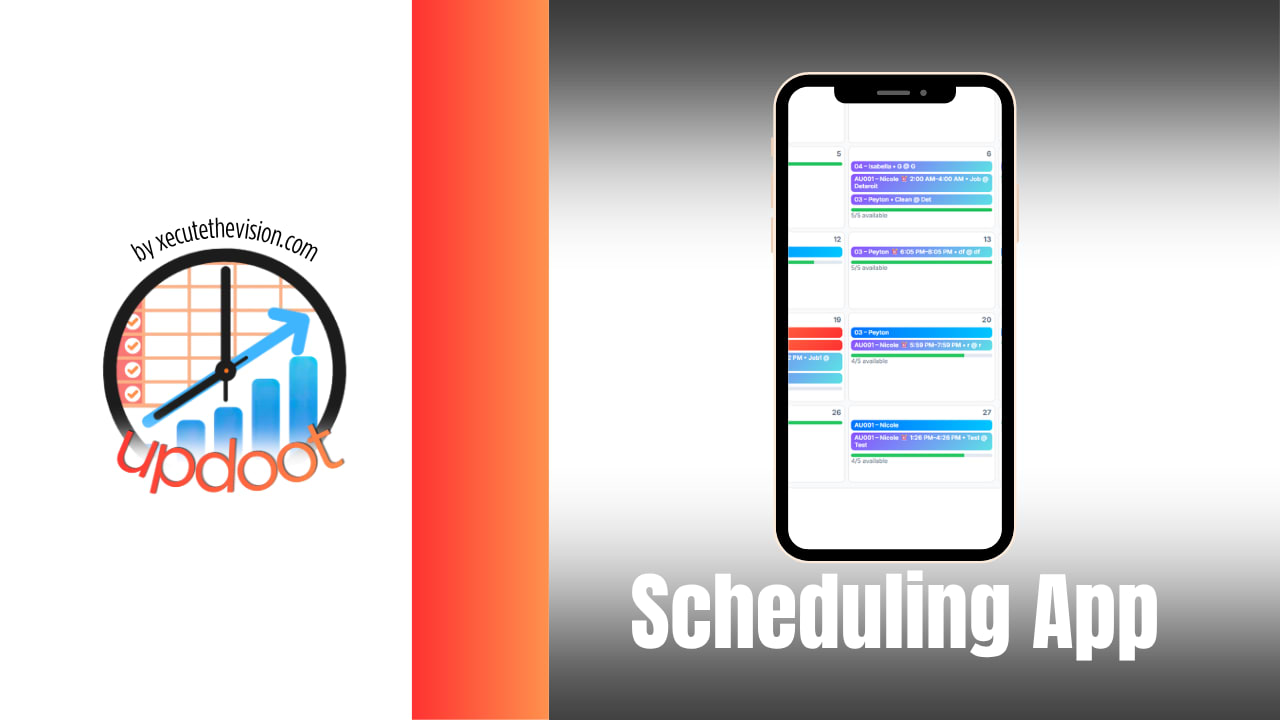
Retail scheduling is a moving target. Foot traffic swings by the hour and the season, part-time staff have shifting availability, someone calls out on the busiest Saturday of the month, and the whole plan you built on Sunday night is scrap by Tuesday. A good scheduling app will not make those problems disappear, but it turns hours of spreadsheet wrangling and text-message chaos into a few minutes of drag and drop, and it keeps everyone looking at the same, current schedule instead of three conflicting versions.
This guide does two things. First, it walks through how to choose a scheduling app for retail: the features that genuinely matter, the ones that sound nice but rarely earn their keep, and the pricing traps to watch for. Second, it covers how to actually build a retail schedule that covers your busy hours without overspending on labor. There is also a free interactive shift-coverage planner below that shows you, hour by hour, whether your staffing plan actually meets the coverage you need.
Quick Answer
The right retail scheduling app is the one that fits how your store runs. For most small and mid-size retailers that means fast schedule building, a mobile app for staff, shift swaps with manager approval, availability and time-off handling, and a clean link to time tracking and payroll. An all-in-one platform that bundles scheduling with time tracking usually beats a standalone scheduler, because your hours flow straight into payroll with no re-entry.
Key Takeaways
- Prioritize the everyday features: quick builds, mobile access, shift swaps, availability, and payroll-ready hours.
- Watch pricing that starts low and climbs once time tracking or payroll export is switched on.
- Build schedules around your actual traffic, not a flat headcount, so busy hours are covered and slow hours are lean.
- Post schedules well in advance to cut no-shows, improve retention, and stay ahead of predictive-scheduling rules.
Table of Contents
- Why Retail Needs More Than a Spreadsheet
- Features That Actually Matter in a Retail Scheduling App
- Nice-to-Haves and Pricing Traps to Watch
- How to Build a Retail Schedule That Covers Your Busy Hours
- Free Interactive Shift-Coverage Planner
- A Quick Note on Predictive Scheduling Laws
- Why All-in-One Beats a Standalone Scheduler
Why Retail Needs More Than a Spreadsheet
Plenty of stores still run on a spreadsheet and a group text, and for a very small team that can limp along. The trouble is that retail has a specific set of scheduling pressures that a static spreadsheet handles badly. Demand is uneven, so you need more people on the floor at 2pm Saturday than 10am Tuesday. Availability changes constantly, especially with students and second-job staff. Trades and callouts happen weekly, and every one of them means a flurry of messages and a manager playing switchboard. And at the end of it all, someone has to turn those scheduled hours into accurate payroll.
A spreadsheet cannot notify a employee that their shift changed, cannot stop you from scheduling someone who is unavailable, cannot let two people swap a shift without the manager in the middle, and cannot feed hours into payroll. A purpose-built scheduling app does all of that. The question is not really whether to use one, but which features you actually need so you do not overpay for a tool built for a 500-store chain when you run three locations.
Features That Actually Matter in a Retail Scheduling App
Ignore the feature-list arms race for a moment. A handful of capabilities carry almost all the value for a typical retailer, and if a tool nails these, it will serve you well.
Fast schedule building
The single biggest time saver is being able to build next week from a template or a copy of last week, then drag shifts around to adjust. If creating a schedule still takes an hour, the tool is not doing its job. Look for reusable templates, copy-forward, and drag-and-drop editing.
A real mobile app for staff
Your team lives on their phones, so schedules, shift offers, and change notifications all need to reach them there. A mobile app that pushes a notification when the schedule posts or a shift changes is what actually cuts down no-shows and confusion. A schedule that only lives on a back-office monitor does not.
Shift swaps and pickups with approval
This is the feature that gives managers their evenings back. Employees should be able to offer a shift, pick up an open one, or swap with a coworker from their phone, with the change routed to a manager for a quick approve or deny. The best versions check for qualifications and overtime before allowing the trade, so a swap never quietly creates an overtime cost or leaves a key role empty.
Availability and time-off handling
Staff set their availability and request time off in the app, and the scheduler warns you when a shift conflicts with either. This prevents the most common scheduling error, which is assigning someone who was never going to show up, and it removes another pile of texts from the manager's day.
A clean link to time tracking and payroll
Scheduling is only half the loop. When the same system also handles clock-ins, you can compare who was scheduled against who actually punched, catch early and late clock-ins, and export approved hours to payroll without re-keying anything. This is where a bundled platform pulls ahead of a standalone scheduler, and it is worth weighting heavily.
Nice-to-Haves and Pricing Traps to Watch
Some features look impressive in a demo but rarely change daily life for a small retailer. Auto-scheduling by artificial intelligence, elaborate labor-forecasting dashboards, and deep POS integrations can be genuinely useful at scale, but for a few locations they often add cost and complexity without a matching payoff. Buy them if you have a concrete reason, not because they are on the box.
Pricing deserves a hard look. Many tools advertise a low per-user rate that only covers scheduling, then charge more once you turn on time tracking, payroll export, or advanced features. The honest way to compare is to price the total monthly cost for your real headcount with the features you actually need switched on, and to check for setup fees, annual minimums, or per-location charges. A bundle that includes scheduling, time tracking, and payroll export can easily come in cheaper than stitching together three separate subscriptions, and it saves the integration headache on top.
How to Build a Retail Schedule That Covers Your Busy Hours
The app is the tool. Building a schedule that works is a skill, and it comes down to matching people to demand rather than spreading a flat headcount evenly across the day. Here is the approach in plain terms.
Start with your traffic pattern. Look at sales or foot traffic by hour and day, and mark your genuine peaks and troughs. Most stores have a clear rhythm once they look. Next, translate demand into a coverage target for each block of the day: how many people you need on the floor from open to noon, noon to 5, and 5 to close, for example. Then assign shifts against those targets, using your best and most senior staff on the peaks and running lean during the slow blocks. Build in a small buffer for the callout you know is coming, and honor availability and time-off so the plan survives contact with reality. Finally, post it early, which reduces no-shows and, in some places, is legally required.
The trap to avoid is scheduling by habit, the same four people every day regardless of when customers actually show up. That is how you end up overstaffed at open and scrambling at the dinner rush. The planner below makes the mismatch visible.
Free Interactive Shift-Coverage Planner
Set your coverage target for each part of the day, add the shifts you plan to schedule, and the planner shows you hour by hour whether you are covered or short. Nothing is saved or sent anywhere; it stays in your browser. Use it to sanity-check a schedule before you post it.
Shift Coverage Planner
Enter your store hours and the staff you need per time block, then add shifts. Green means covered, red means short.
Add peak blocks below to raise the target during busy hours (for example, 12–17 needs 4).
A Quick Note on Predictive Scheduling Laws
A growing number of cities and a few states have predictive scheduling or fair workweek laws aimed at retail and food service. These typically require employers to post schedules a set number of days in advance, pay a premium when they change a shift at the last minute, and give staff rest between closing and opening shifts. Coverage and thresholds vary a lot by location, and the rules change, so treat this as a flag to check rather than a definitive list.
The practical takeaway holds even where no such law applies: posting schedules further in advance and changing them less often is simply good management. It lowers no-shows, improves retention, and builds trust with your team. A scheduling app that lets you publish early and tracks every change is an asset here, both for compliance where it applies and for morale everywhere else.
Schedule, track time, and run payroll in one place
Updoot brings retail scheduling, shift swaps, time tracking, and payroll export together, so the hours you schedule are the hours that flow to payroll. No re-entry, no reconciling two tools.
Start Free TodayWhy All-in-One Beats a Standalone Scheduler
You can buy a scheduler, a separate time clock, and a separate payroll tool, and wire them together. Many stores do. But every seam between tools is a place where hours get lost, numbers stop matching, and someone spends the last day of the pay period reconciling. When scheduling and time tracking share one system, the schedule becomes the baseline the clock measures against, variances are obvious, and approved hours export straight to payroll.
For most small and mid-size retailers, that consolidation is where the real time savings live, more than any single flashy feature. It also tends to cost less than three subscriptions once you add up the true totals. If you are evaluating scheduling apps and want the whole loop, scheduling through time tracking to payroll, in one platform built for small business, that is exactly what Updoot is designed to do.
Frequently Asked Questions
The best retail scheduling app is the one that matches how your store actually runs, not the one with the longest feature list. For most independent and small-chain retailers, the priorities are fast schedule building, mobile access for staff, easy shift swaps with manager approval, availability and time-off handling, and a clean connection to time tracking and payroll. An all-in-one platform that combines scheduling with time tracking usually beats a standalone scheduler because your hours flow straight into payroll without re-entry.
Pricing usually runs on a per-user, per-month basis, and many tools advertise a low headline rate that climbs once you add time tracking, payroll export, or advanced features. When comparing, look at the total monthly cost for your real headcount with the features you actually need turned on, and check for setup fees or minimums. A bundled platform can be cheaper than paying separately for a scheduler plus a time clock plus payroll.
Yes, most modern retail scheduling apps let employees request and accept shift swaps from their phones, with the change routed to a manager for approval before it takes effect. This keeps coverage intact while cutting the manager out of the middle of every trade. Look for swap features that check qualifications and overtime before approving, so a swap does not accidentally create an overtime cost or leave a role uncovered.
They can. Several cities and a few states have predictive scheduling or fair workweek laws that require advance notice of schedules, predictability pay for last-minute changes, and rest between shifts. If you operate in a covered location, your scheduling app should help you post schedules early and track changes. Even where no such law applies, giving staff schedules further in advance improves retention and reduces no-shows.
For most retailers, yes. When scheduling and time tracking live in the same system, scheduled shifts become the baseline for clock-ins, you can spot early and late punches against the plan, and approved hours export to payroll without manual re-entry. Separate tools force you to reconcile two sources of truth every pay period, which is slow and error prone.