
Best Time Clock Software for Skilled Trades
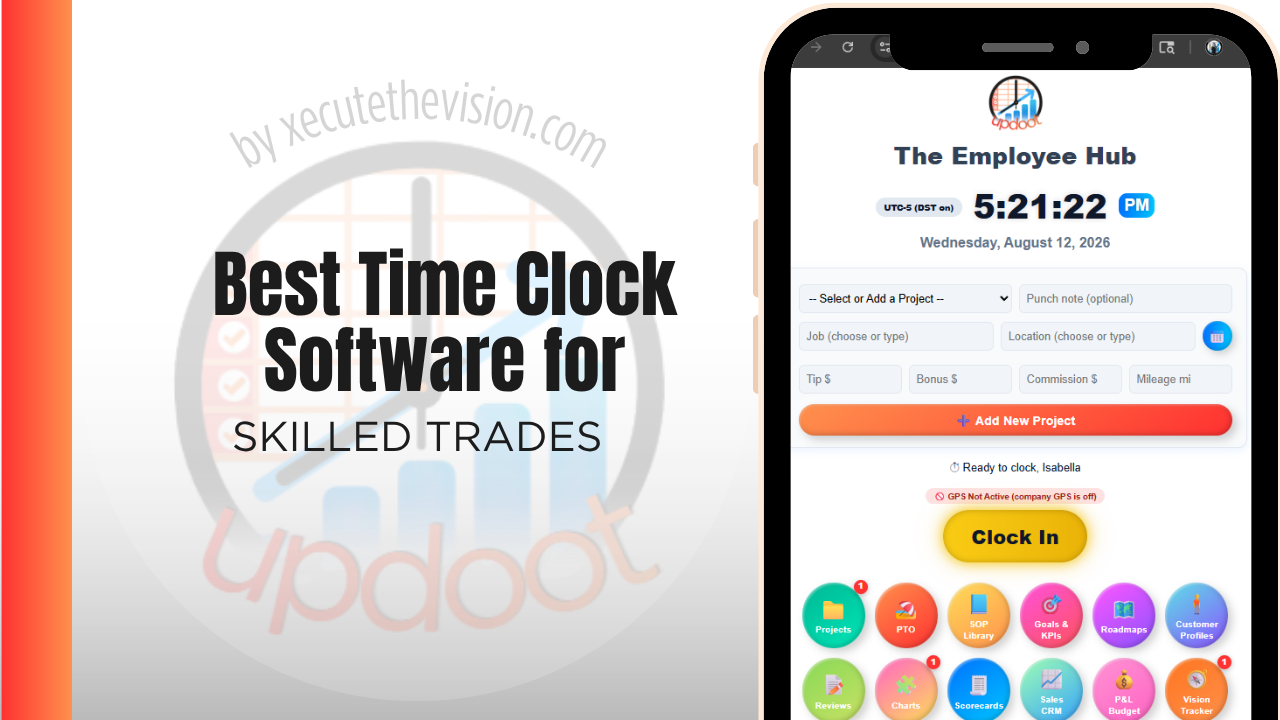
Use the free calculator below to see what timesheet rounding actually costs your trade business. Electricians, HVAC techs, plumbers, and other skilled trade crews move between job sites constantly, and payroll accuracy depends on knowing exactly when a tech arrived, how long a job took, and which job number the hours belong to. The generator below estimates what rounding and missed punches cost a multi-trade business over a year, followed by how the leading platforms compare on division-level reporting.
Free Trade Labor Hour Calculator
What Is Unattributed Field Time Costing Your Trades Business?
Enter your field headcount and average wage. Leave a field at 0 if it doesn't apply to your business.
What Skilled Trades Businesses Actually Need from Time Clock Software
A skilled trades business needs GPS proof that a technician was actually at the job site when they clocked in, since that proof supports accurate billing and settles disputes when a customer questions an invoice or a scope of work.
Job costing matters just as much. Every hour logged needs to tie back to a specific job number so the office can see labor cost per job, not one lump total for the week, which is what makes it possible to tell which types of jobs are actually profitable.
The third requirement is separating trades within the same business. A company running electrical, mechanical, and general work needs hours attributable to each division, because a blended labor number describes none of them accurately.
The fourth is tracking apprentice and trainee hours toward licensure, which most trades businesses currently maintain as a separate spreadsheet nobody enjoys owning.
Field Technicians vs. Office and Dispatch Staff
Techs in the field need a mobile clock-in tied to GPS and a job number, switchable between jobs multiple times a day. Dispatchers, estimators, and office staff need a simpler fixed-location clock-in. A tool that only handles one well forces the other group into a workaround, which is where inaccurate hours creep in.
Common Time Tracking Mistakes in Skilled Trades
The most common mistake in a multi-trade business is recording labor at the company level rather than the division level, which produces a blended margin that describes the electrical side and the mechanical side equally badly and neither one accurately.
The second is leaving apprentice progression in a parallel spreadsheet. The hours already exist in the timekeeping system, and maintaining a second record by hand guarantees the two disagree by the time a submission is due.
The third is building a job code list from the accounting chart of accounts rather than from how crews actually work. A hundred-line code list on a phone produces one outcome: everyone selects whichever code sits at the top, and the reporting built on it is confidently wrong.
Multi-Trade Businesses: Costing Each Division Honestly
A business running two or three trades under one roof faces a problem a single-trade shop does not. Overhead is shared, crews sometimes cross between divisions, and the profit and loss reports one number for labor. The result is a blended margin that conceals which side of the business is actually working.
The usual discovery, once hours are attributed by trade, is that the divisions perform very differently and the stronger one has been subsidizing the weaker one for years. That is not necessarily a reason to close anything, since a weaker division may be winning the work that brings the stronger one in, but it is a decision that should be made deliberately rather than by default.
Making it visible requires a division code alongside the job code, applied by the person doing the work. Where crews genuinely split a day across trades, they need to be able to switch in a couple of taps, because a system that makes switching awkward will produce data where everyone's day lands in whichever division they started in. Check this specifically during a trial: build a day that crosses two divisions and see how much friction it generates.
Apprentice Hours, Licensure, and Supervision Records
Most skilled trades have a formal progression built on documented hours, and in many jurisdictions those hours must be verified, categorized by type of work, and signed off by a supervising licence holder before an apprentice can advance or sit an examination.
Almost every trades business tracks this in a spreadsheet maintained by whoever drew the short straw, updated from memory, and reconstructed in a panic when a submission is due. It is a natural fit for the same system already recording hours: the data exists, it just needs a work-type category and a supervisor attestation attached.
Requirements differ substantially by trade, by jurisdiction, and by the specific programme an apprentice is enrolled in, including how hours are categorized and how long records must be retained. Confirm the specifics with your licensing authority or apprenticeship programme rather than assuming a general approach will satisfy them. What to look for in software is the ability to tag hours by work category, attach a supervisor, and export a date-ranged report per person, since those three cover most submission formats and remove the parallel record entirely.
How We Evaluated These Tools
Clearly stated: Updoot publishes this site and is one of the platforms compared below. Every price and feature claim here, ours included, was verified against each vendor's live pricing page or independent third-party sources in August 2026, and where another tool suits a multi-trade operation better we say so.
For skilled trades businesses specifically, we weighted five things: GPS-verified clock-in tied to a job number, ease of switching between jobs during a single shift, job-level labor cost reporting, support for both field and office staff on one platform, and pricing that scales sensibly as crew size grows.
How the Top Time Clock Tools Compare for Skilled Trades
| Tool | Starting Price | Best For | Where It's Limited |
|---|---|---|---|
| Updoot ⭐ Best Overall | $5/user/month | Trade businesses that want every hour tied to a job number with budgeting and invoicing on the same platform | No dedicated dispatch or estimating module |
| ClockShark | From ~$20/mo base + ~$6-8/user/mo | Crews wanting strong GPS tracking and job costing built specifically for field trades | Cost climbs quickly as crew size grows; invoicing is a separate add-on |
| Buddy Punch | From ~$4.49-5.49/user/mo plus a ~$19/mo base fee | Trade businesses wanting job codes, GPS tracking, and overtime alerts with a straightforward setup | No native job-level budget tracking or client billback |
| busybusy | Free (basic); paid plans from ~$8-12/user/mo | Trades wanting equipment and material tracking alongside time | Reporting and invoicing are less developed than all-in-one alternatives |
Editor's Pick
Why Updoot Tops This List for Skilled Trades
ClockShark handles GPS and job costing well but the per-user cost adds up fast and invoicing is a separate step. Buddy Punch covers job codes but has no real budget tracking. busybusy is strong on equipment tracking but lighter on reporting and invoicing. Updoot ties every punch to a job number with budgeting and client invoicing built on the same time data, at a flat $5 per user per month regardless of crew size or trade.
The right pick depends on how many trades you run under one roof: a single-trade shop fits a leaner free tier, while a business spanning several divisions needs trade-level reporting that separates them cleanly.
How Updoot Handles Job Costing Across Trades
In Updoot, every punch is logged against a project, which represents a specific job, and a customer record for the client. Labor cost rolls up automatically under the right job as hours are logged, so a manager can see which jobs and which trades are profitable without waiting for the pay period to close.
Each division and job carries its own budget, so a service line that is being subsidized by another shows up while it can still be repriced. When it's time to bill a client for time and materials, invoicing pulls directly from logged hours, all included at $5 per user per month.
Rolling Out a New Time Clock to a Trades Crew
Roll out one division at a time rather than the whole business at once, because the trade you start with will surface the code-structure problems while they are still cheap to fix. Agree the division and job code list with the foremen before go-live rather than handing it to them, since the people applying codes in a crawl space are the ones who know which distinctions are workable. Prove the apprentice hour report against a real submission early, so any gaps in work-type categories appear months before an examination deadline rather than the week of it.
Certifications, Renewals, and Who Is Qualified to Be Sent
Dispatching a technician who is not currently certified for the work is a risk that sits outside timekeeping and is best solved beside it, because the same system already knows who is on which job.
The practical requirement is modest: certification and licence records held against each employee with expiry dates, and a warning ahead of renewal rather than a discovery afterwards. In a multi-trade business this compounds quickly, since a mid-sized firm may be tracking licences, safety cards, equipment tickets, and manufacturer certifications across dozens of people, each with a different renewal cycle.
The failure mode is predictable. Someone lets a card lapse, nobody notices because the spreadsheet has not been opened since the last audit, and the business discovers it when a site turns the technician away or, worse, after the work is complete and a client questions it. Holding those records in the same platform that assigns the work means the gap surfaces at scheduling, which is the only point at which it is cheap to fix.
Pricing and ROI for Skilled Trades
Pricing splits into a flat monthly fee for a set number of users or a per-user rate tied to headcount. For a multi-trade business the question to press is how licensing works across divisions and whether trade or division codes are supported natively, because a platform that offers only a flat job code list will force you to encode the division in the job name and rebuild the reporting by hand.
The return for a trades business comes from separating the divisions. Labor attributed to trade and to job shows which service lines carry the business and which are being carried, and apprentice hour tracking in the same system removes a parallel record that someone currently maintains manually.
What to Verify Before You Commit
- Build a day that crosses two divisions. If switching trade codes mid-shift is awkward, your reporting will collapse into a single blended number.
- Generate an apprentice hour report. Check it against what your licensing body actually asks for, well before a submission is due.
- Test a punch with no signal. Plant rooms, risers, and basements are normal, and a lost punch destroys trust quickly.
- Pull labor by division for one month. If that needs a manual export and a pivot table, it will not be a monthly habit.
- Ask how certification expiry is handled. A warning before renewal is worth more than a report of what already lapsed.
Signs You've Outgrown Manual Timesheets
In a multi-trade business the signals show up where the trades meet. Labor is known by week rather than by trade, so nobody can say whether the electrical side subsidizes the mechanical side, apprentice hours toward licensure are tracked in a separate spreadsheet, and a crew working across two trades in one day gets costed to whichever job the foreman remembered. Once the mix of work cannot be separated in the numbers, the business is managing a blended average that describes none of its divisions.
Related Reading
Best Time Clock Software for Plumbing →
Best Time Tracking Software for Field Service →
Simple Construction Scheduling Software →
Frequently Asked Questions
The best option is whichever one verifies a technician's location at clock-in and ties every hour to a specific job number, since job-level labor cost is what determines which jobs are actually profitable across electrical, plumbing, HVAC, or other trade work.
Most do, once they have more than a couple of techs in the field. Site-verified punches give the office an arrival and departure record per division and per job, which supports billing and keeps cross-trade days from being costed to whichever job the foreman recalled.
Each hour a technician logs is tied to a specific job number, so the true labor cost of that job becomes visible alongside materials and any subcontractor cost, instead of labor being one undifferentiated total for the week.
Yes, in good field service time clock software. A tradesperson should be able to switch division and job codes in a couple of taps mid-shift, so a day spanning two trades costs to both rather than defaulting to one.
Drive time is generally compensable under the FLSA once a technician has started their workday, so it should be tracked, not skipped. Some companies track it against a dedicated "travel" code rather than billing it to either job.
For a one or two-person operation, a free tier can cover basic clock-in and GPS. Once you need labor separated by trade, or apprentice hours exported for a licensing submission, free tiers stop being sufficient.
More than most owners expect, especially with a crew spread across multiple job sites in a day. A few minutes per person per shift, compounded across several divisions over a year, routinely reaches thousands of dollars that never appear as a loss anywhere.
Final Takeaway
The best time clock software for skilled trades is the one that proves where a technician was and ties every hour to the job it belongs to. Use the calculator above to see what timesheet rounding is costing your crew right now, and if the number surprises you, that's usually the clearest sign it's time for a change.