
Best Time Clock Software for Contractors
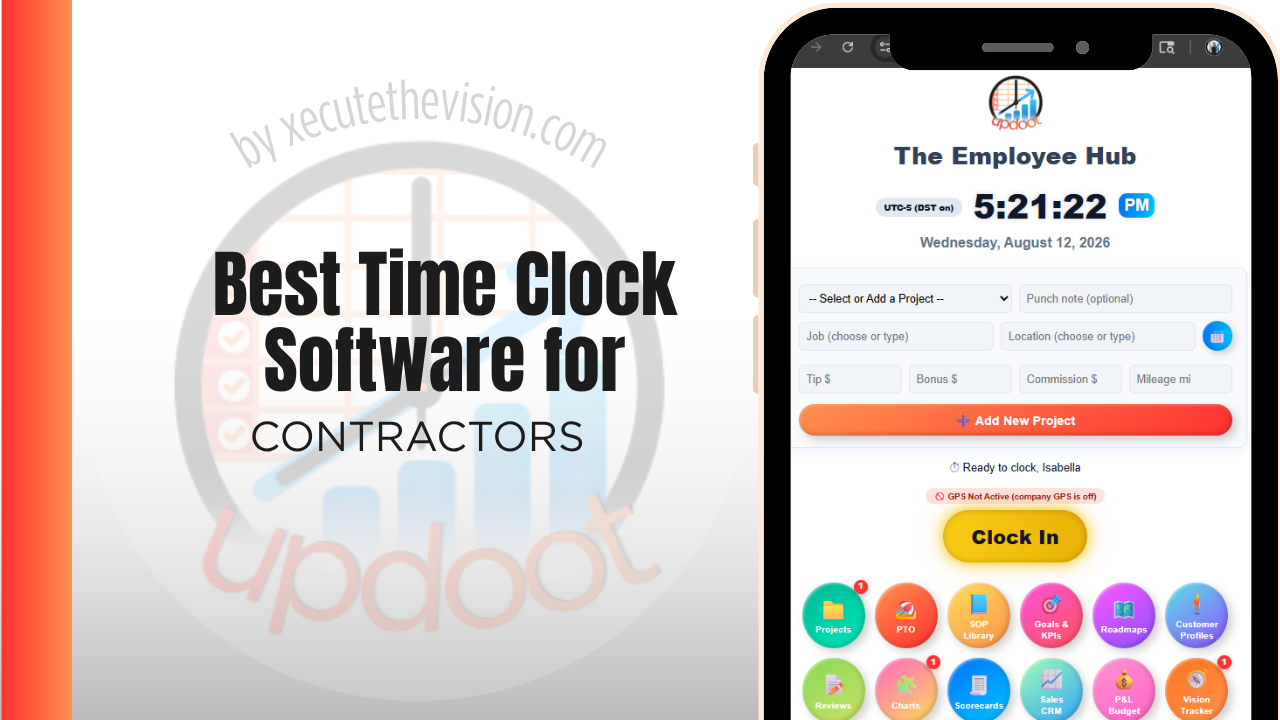
Use the free calculator below to see what timesheet rounding actually costs your contracting business. General contractors run crews across multiple active job sites at once, and payroll and job costing both depend on knowing exactly when a worker arrived, how long they stayed, and which project the hours belong to. Below is a free generator that estimates what rounding and missed punches cost across a year of multi-site staffing, plus how the leading tools compare.
Free Construction Labor Cost Calculator
What Is Unattributed Crew Time Costing the Job?
Enter your crew size and average wage. Leave a field at 0 if it doesn't apply to your jobs.
What Contractors Actually Need from Time Clock Software
A contracting business needs GPS-verified clock-in tied to a specific job site and project, since crews often move between active jobs during a single week, and job costing depends entirely on hours being attributed to the right project, not lumped into one payroll total.
Real-time budget visibility also matters. A project manager needs to see labor cost against a job's budget while the work is still happening, not weeks later when the numbers are already locked in and it's too late to correct course.
The third requirement is that hours attach to a cost code and a phase, not just a job. A framing hour and a finish hour on the same project are different lines in the budget, and a system that cannot separate them cannot support a variance report.
The fourth is handling crews that split across sites within a single day, which on most jobs is the norm rather than the exception.
Crew Labor vs. Office and Project Management Staff
Field crews need mobile, GPS-verified clock-in that can switch between job sites easily. Project managers, estimators, and office staff need simpler fixed-location tracking. A system that only handles one group well forces the other into a workaround, which is where inaccurate job costing starts.
Common Time Tracking Mistakes for Contractors
The most common mistake is tracking hours for the week instead of for the project, which makes it impossible to know which jobs are actually profitable until the whole project closes out, by which point it's too late to fix.
The second is not verifying arrival at the correct job site, especially when a company runs several active projects close together, which risks hours getting attributed to the wrong job entirely.
The third is not accounting for time spent on change orders separately from the original scope, which makes it hard to bill accurately for extra work performed outside the original contract.
Cost Codes, Phases, and Catching Variance While It Is Fixable
The difference between job costing and project control is timing. A labor number that arrives at closeout tells you what happened. A labor number that updates daily against a phase budget tells you what is happening, and that is the only version you can act on.
Getting there requires the crew to code time as they work, which means the code list has to be short enough to use from a phone in a lift. Contractors who import a two-hundred-line cost code structure from their accounting system consistently find crews defaulting to the first code on the list, which produces data that is precise and wrong. A working set of ten to twenty codes per project, mapped back to the fuller structure in the office, is the arrangement that survives contact with a job site.
The payoff is specific. When framing labor on a phase budgeted at four hundred hours passes three hundred with a third of the work outstanding, you find out in week three rather than at closeout. That is a schedule conversation, a crew allocation decision, or a change order request while all three are still available to you.
Certified Payroll and Prevailing Wage Work
Contractors on publicly funded projects generally face reporting obligations that go well beyond ordinary payroll. Certified payroll reporting typically requires submitting detailed records of workers, classifications, hours worked, and wages paid for covered work, on a recurring basis, in a prescribed format.
What this means for timekeeping is that hours must be attributable to a specific project and a specific work classification, and a worker whose day spans covered and non-covered work needs those hours split. Reconstructing that from a weekly total is slow and error-prone, and errors in this area carry consequences that ordinary payroll mistakes do not.
Requirements vary by jurisdiction, funding source, and contract, and the details change, so confirm what applies to your specific projects with your payroll provider, your contracting officer, or a construction attorney rather than relying on a general description. If prevailing wage work is a meaningful part of your pipeline, make classification-level tracking and the ability to export in the required format an explicit requirement when you shortlist software, because retrofitting it later usually means changing platforms.
How We Evaluated These Tools
For transparency: Updoot publishes this site and appears in the comparison below. Pricing and features for every tool listed, ours included, were verified against each vendor's live pricing page or independent third-party sources in August 2026, and where a construction-specific platform outperforms us on a criterion we say so.
For contracting businesses specifically, we weighted five things: GPS-verified clock-in tied to a specific job site and project, ease of switching between active projects, real-time job cost reporting against budget, support for both field and office staff on one platform, and pricing that scales sensibly as project count grows.
How the Top Time Clock Tools Compare for Contractors
| Tool | Starting Price | Best For | Where It's Limited |
|---|---|---|---|
| Updoot ⭐ Best Overall | $5/user/month | Contractors wanting every hour tied to a project with real-time budgeting and invoicing on the same platform | No dedicated blueprint or takeoff estimating module |
| busybusy | Free (basic); paid plans from ~$8-12/user/mo | Contractors wanting equipment and material tracking alongside GPS time tracking | Reporting and invoicing are less developed than all-in-one alternatives |
| ClockShark | From ~$20/mo base + ~$6-8/user/mo | Crews wanting strong GPS tracking and job costing built specifically for construction | Cost climbs quickly as crew size grows; invoicing is a separate add-on |
| Buddy Punch | From ~$4.49-5.49/user/mo plus a ~$19/mo base fee | Contractors wanting job codes, GPS tracking, and overtime alerts with a straightforward setup | No native job-level budget tracking or client billback |
Editor's Pick
Why Updoot Tops This List for Contractors
busybusy is strong on equipment tracking but lighter on reporting and invoicing. ClockShark handles GPS and job costing well but the per-user cost adds up fast and invoicing is a separate step. Buddy Punch covers job codes but has no real budget tracking. Updoot ties every punch to a project with real-time budgeting and client invoicing built on the same time data, at a flat $5 per user per month regardless of crew size or project count.
The right pick depends on job complexity: a small remodel crew fits a leaner free tier, while a contractor running phased work across several sites needs cost-code tracking and reporting that survive a project review.
How Updoot Handles Project-Level Job Costing
In Updoot, every punch is logged against a project, which represents a specific job, and a customer record for the client. Labor cost rolls up automatically under the right project as hours are logged, so a project manager can see which jobs are on budget without waiting for the project to close out.
Each project carries its own budget, so cost overruns are visible in real time instead of discovered after the final invoice. When it's time to bill a client for labor and materials, invoicing pulls directly from logged hours, all included at $5 per user per month.
Rolling Out a New Time Clock to a Contracting Crew
Start with one project as a pilot before rolling out across all active jobs, so any job-code setup issues surface early on a smaller scale. Make sure every active project has a code in the system before go-live, since a missing project code is the most common reason a crew member reverts to guessing which job to bill hours against. Keep the app simple enough that a worker can switch projects in a few taps.
Geofencing on Multi-Sub Sites
On a site with several trades working simultaneously, the question of who was on site when stops being an internal matter. Delay claims, damage disputes, and back-charges all turn on it, and the party with records is in a materially better position than the party with recollections.
Geofenced punches give you that record cheaply: timestamped arrival and departure at a defined site boundary, captured automatically rather than depending on a foreman's sign-in sheet. The practical considerations are the boundary size, since a tight geofence on a large site generates false failures at the far end, and signal availability, since a punch that cannot transmit needs to queue offline rather than fail.
Be straightforward with crews about what is captured. Location at the moment of a punch and continuous tracking through the day are different things with different reactions attached, and a workforce that believes it is being followed will find workarounds. Most contractors find that explaining the billing and dispute rationale, rather than framing it as oversight, gets the system used as intended.
Pricing and ROI for Contractors
Two models dominate: a flat monthly fee for a fixed number of users, or a per-user rate scaling with headcount. For contractors the variable that matters is crew size fluctuation between projects, so ask what happens when you add ten people for a six-week push and remove them afterwards. Confirm whether cost codes, geofencing, and job costing reports are on the plan you are pricing or a tier above it.
The payback for a contractor is measured against the job budget rather than payroll. Hours attributed to cost codes in real time turn a variance from something discovered at closeout into something correctable mid-project, and geofenced punches materially reduce disputes over crew arrival on multi-sub sites.
What to Test on a Live Job Before You Commit
- Run one active project for a full pay cycle. Pick one with phases already underway so cost-code friction shows up immediately.
- Split a crew across two sites in one day. This is the normal case and the one that breaks weak systems.
- Test a punch with no signal. Confirm it queues and syncs rather than failing silently.
- Pull a labor-to-budget report mid-phase. If the number is only available at closeout, it is accounting rather than project control.
- Check the certified payroll export if you bid public work. Ask for a sample file in the format your jurisdiction requires.
Signs You've Outgrown Manual Timesheets
On a construction job the signals are budgetary. A phase runs over and nobody can say when it started slipping, labor is known only as a weekly total across every active site, and the cost-to-complete conversation happens with numbers assembled by hand the night before. Once crew hours cannot be attributed to a cost code while the job is still open, the project accounting that follows is a post-mortem rather than a control.
Related Reading
How to Choose the Right Time Tracking Software for Construction →
Best Time Tracking Software for Construction in 2026 and Beyond →
Simple Construction Scheduling Software →
Best Time Clock Software for Skilled Trades →
Frequently Asked Questions
The best option is whichever one verifies a worker's location at clock-in and ties every hour to a specific project, since real-time job cost visibility is what lets a contractor catch a budget overrun while there's still time to correct it.
Most do, once they're running more than one active job site at a time. GPS punches confirm which job site a worker was actually at, which matters both for accurate job costing and for verifying labor on a disputed billing.
Each hour a worker logs is tied to a specific project, so the true labor cost of that job becomes visible alongside materials and subcontractor costs, instead of labor being one undifferentiated total for the pay period.
Yes, in good field service time clock software. A worker should be able to switch project codes in a few taps when moving between job sites, with each segment of the day tracked against the correct project.
Time spent on work outside the original contract scope should ideally be logged under its own code or tag tied to the change order, so it can be billed accurately and doesn't get absorbed into the original project's budget.
For a one or two-crew operation, a free tier can cover basic clock-in and GPS. Once project-level cost reporting and client invoicing become priorities, most free tiers stop being enough.
More than most owners expect, especially with crews spread across multiple job sites. Minutes of rounding per shift, multiplied across a crew over a year, regularly adds up to thousands of dollars in unbilled or miscounted labor.
Final Takeaway
The best time clock software for contractors is the one that proves where a crew was and ties every hour to the project it belongs to. Use the calculator above to see what timesheet rounding is costing your business right now, and if the number surprises you, that's usually the clearest sign it's time for a change.