
Best Time Clock Software for Law Firms
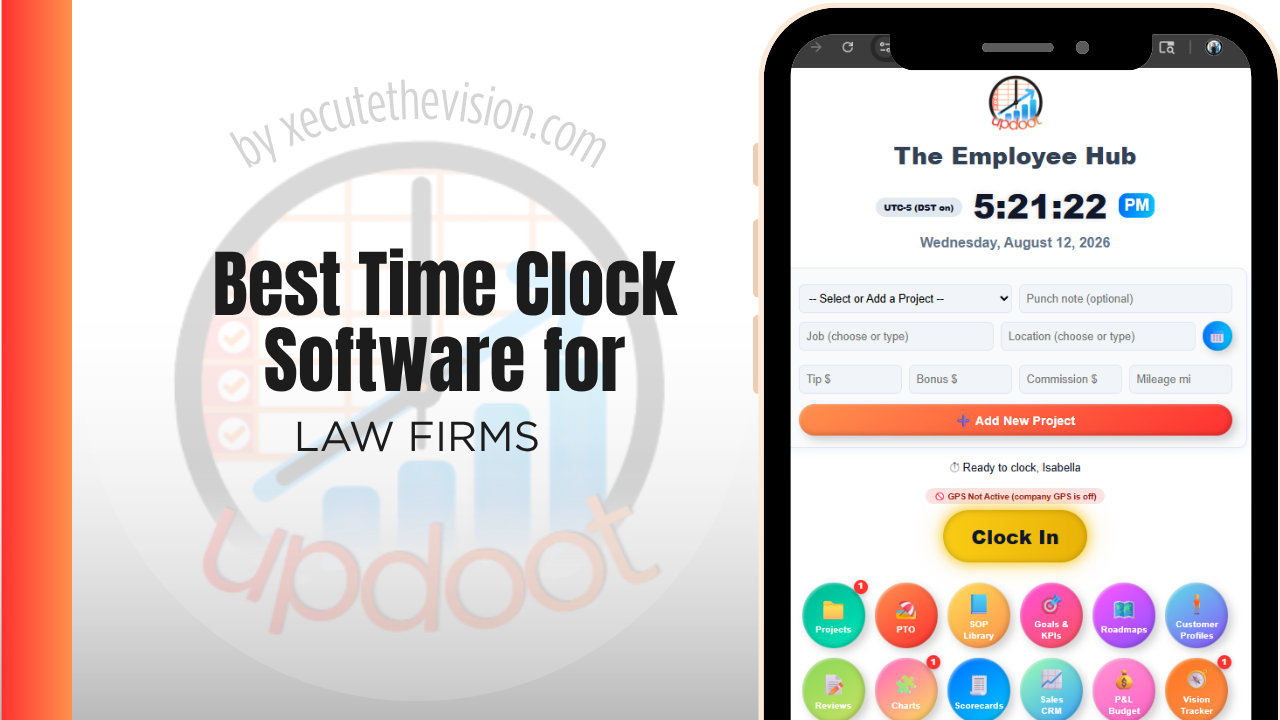
Use the free calculator below to see what timesheet rounding actually costs your firm. Law firm staffing splits between billable attorney and paralegal time tracked by matter and client, and non-billable staff hours for reception, administration, and office management. Below is a free generator that estimates what rounding and missed punches cost across a year of staffing, plus how the leading time tracking tools compare.
Free Unbilled Time Calculator
What Is Reconstructed Time Costing the Firm Each Year?
Enter your timekeeper count and average rate. Leave a field at 0 if it doesn't apply to your firm.
What Law Firms Actually Need from Time Clock Software
A law firm needs time tracked by matter and client for billable work, since that's what invoicing and trust accounting depend on, and it needs to be accurate down to the tenth of an hour rather than rounded loosely, since clients scrutinize legal bills closely.
Non-billable staff, like reception and office administration, need simpler hourly time tracking tied to payroll rather than to a client matter, and a firm benefits from keeping the two clearly separated so billable realization rates aren't muddied by administrative hours.
The third requirement is a low-friction entry method. Time capture competes directly with billable work for a timekeeper's attention, and any system that takes more than a few seconds per entry will lose that competition and be deferred to the end of the day, which is exactly the failure it was bought to prevent.
The fourth is reporting that answers management questions rather than payroll ones: hours by matter, by client, by timekeeper, billable against non-billable, and how much of what was recorded actually got billed and collected.
Billable Attorney and Paralegal Time vs. Non-Billable Staff
Attorneys and paralegals need time logged against specific matters and clients, often in narrow increments, for accurate billing. Front desk and administrative staff need straightforward hourly tracking tied to payroll, not client matters. A system that only handles one well creates extra work reconciling the other.
Common Time Tracking Mistakes at Law Firms
The most common mistake is reconstructing billable time from memory at the end of the day or week, which reliably undercounts hours and directly reduces firm revenue, since unrecorded time is unbillable time.
The second is not separating non-billable administrative time from billable matter time in reporting, which distorts a firm's actual realization rate and makes it hard to see true staffing cost versus revenue generated.
The third is rounding billable time too loosely, which either overbills a client, creating a compliance risk, or underbills the firm's own work, leaving revenue on the table.
Contemporaneous Entry vs. End-of-Day Reconstruction
The most consequential decision a firm makes about time is not which software to buy but when entries get made. Time recorded as work happens and time reconstructed at 6 p.m. are different data with different revenue consequences.
Reconstruction loses hours in a predictable way. Short tasks vanish first: a six-minute call, a quick email, a two-minute review of a document. Individually they feel too small to record; collectively they are a meaningful share of a timekeeper's day. Longer blocks survive the recall but get rounded conservatively, because nobody wants to overstate. The result is a systematic downward bias that never appears as a loss anywhere, because the hours were never recorded in the first place.
Reconstruction also produces weaker narratives. An entry written hours later says "review correspondence" because the detail is gone, and vague narratives are the entries clients challenge and firms write off. An entry made at the time can say what was reviewed and why, which is both more defensible and more likely to be paid in full.
The practical implication for software selection is that timer-based capture and a fast entry interface matter more than any reporting feature. A firm that moves even half its timekeepers from evening reconstruction to same-moment capture typically sees recorded hours rise without anyone working longer.
Billing Increments, Narratives, and Where Write-Offs Come From
Increments
Most firms bill in tenths of an hour, and the rounding convention interacts with entry habits in ways that compound. A timekeeper who rounds every short task down to zero rather than recording a tenth is discarding real revenue; one who rounds every task up invites a billing review. A consistent, documented convention applied by everyone is worth more than either individual instinct.
Narratives
Client billing guidelines increasingly specify what a narrative must contain, and entries that fail those requirements get reduced or rejected rather than queried. Software that lets a timekeeper write the narrative at the moment of the work, and that flags entries missing a matter code or falling below a minimum detail standard, prevents most of that at the source.
Realization
The number that matters is not hours recorded but hours collected. Tracking recorded, billed, and collected hours per matter shows where the loss occurs: whether time is not being captured, is being captured and written down before the invoice goes out, or is being billed and then disputed. Each has a different remedy, and firms that track only total hours cannot tell which one they have.
Due Diligence Before the Firm Commits
- How many clicks is a single entry? Time this yourself during the trial. The difference between three clicks and seven decides whether the system gets used as intended.
- Can entries be captured on mobile between meetings? A significant share of lost time happens away from the desk.
- Does it separate billable timekeeper time from hourly staff hours? Both need recording, but they serve completely different purposes and should not share a report.
- What does the export into your billing system look like? Ask to see the actual file. Reformatting entries every cycle negates the benefit.
- Where is client data stored, and who can access it? Confidentiality obligations attach to matter descriptions and client names. Review the vendor's security posture and data handling against your professional obligations before you commit.
- Is there an audit trail on edits? Entries change legitimately. A record of who changed what protects the firm if billing is ever reviewed.
How We Evaluated These Tools
For the record: Updoot publishes this site and appears in the comparison below. Every price and feature claim here, ours included, was verified against each vendor's live pricing page or independent third-party sources in August 2026, and where a purpose-built legal tool outperforms us on a criterion we say so.
For law firms specifically, we weighted five things: accurate time tracking by matter and client for billable staff, separate straightforward tracking for non-billable administrative staff, ease of capturing time in real time rather than reconstructing it later, clean reporting for realization and utilization, and pricing that fits a small or mid-size firm.
How the Top Time Clock Tools Compare for Law Firms
| Tool | Starting Price | Best For | Where It's Limited |
|---|---|---|---|
| Updoot ⭐ Best Overall | $5/user/month | Firms wanting billable time tracked by client and matter with invoicing on the same platform as staff payroll tracking | No native trust accounting or legal-specific billing compliance module |
| Clockify | Free (basic); paid plans from ~$3.99-11.99/user/mo | Firms wanting simple project or matter-based time tracking | No native invoicing or trust accounting features |
| Toggl Track | Free (basic); paid plans from ~$9-18/user/mo | Firms wanting detailed time tracking with reporting by client or project | No native payroll or staff scheduling for non-billable administrative staff |
| Buddy Punch | From ~$4.49-5.49/user/mo plus a ~$19/mo base fee | Firms wanting straightforward hourly clock-in for non-billable administrative staff | No native matter or client-level billable time tracking |
Editor's Pick
Why Updoot Tops This List for Law Firms
Clockify and Toggl Track both track billable time well but neither handles payroll for non-billable staff or invoicing in the same place. Buddy Punch covers administrative staff but has no matter-based billing. Updoot tracks billable time by client and matter alongside straightforward payroll tracking for administrative staff, with invoicing built on the same data, at a flat $5 per user per month.
The right pick depends on timekeeper count: a solo practice or two-attorney firm can run on a leaner free tier, while a growing firm needs matter-level reporting and entry detail that survive a client billing review.
How Updoot Handles Billable and Non-Billable Time Together
In Updoot, billable work is logged against a project, which represents a specific client matter, and a customer record for the client. Non-billable administrative staff clock in the same way any hourly employee would, kept clearly separate from matter-based billable time, so realization and utilization reporting stay accurate.
Each matter carries its own budget, so a firm can see hours logged against it in real time rather than discovering an overrun only at billing time. When it's time to invoice a client, billing pulls directly from logged time, all included in Updoot at $5 per user per month.
Rolling Out a New Time Tracking System at a Firm
Start with a single practice group as a pilot before rolling out firm-wide, so any matter-code setup issues surface on a smaller scale. Make sure active matters are set up with codes before go-live, since a missing matter code is the most common reason time gets logged generically instead of billed accurately. Encourage attorneys to log time in real time rather than reconstructing it at week's end, since same-day entries are consistently more accurate and more complete.
Getting Attorneys to Actually Adopt It
Time systems at firms fail for a reason that has nothing to do with software quality: the people whose entries matter most are the ones with the least tolerance for administrative friction and the most autonomy to ignore a mandate.
Three things move adoption. Make the case in revenue terms rather than compliance terms, because a partner who understands that same-moment capture recovers billable hours they are currently losing has a personal reason to change. Start with the timekeepers whose realization is already strong, since a system that visibly works for respected people spreads better than one imposed uniformly. And keep the entry path genuinely short, because every additional field is a reason to defer the entry to the evening, which reintroduces exactly the reconstruction problem the system was bought to solve.
It also helps to agree what gets recorded before rollout rather than after. Firms that leave conventions for short calls, travel, and internal meetings to individual judgment end up with data that cannot be compared across timekeepers, which undermines the reporting the system was meant to produce.
Pricing and ROI for Law Firms
Two models dominate: a flat monthly fee for a set number of users, or a per-user rate that scales with headcount. For a firm, per-user pricing is usually the honest comparison, since timekeepers, paralegals, and administrative staff all need entries. What matters more than the model is whether matter and client codes, detailed entry narratives, and reporting are included at that price or gated behind a tier, because without them a time clock cannot support billing at all.
The return at a law firm is measured in captured time rather than saved admin. Six minutes a day recovered per timekeeper, at a standard billable rate, exceeds the annual cost of almost any platform on this list. Cleaner narratives reduce write-offs, and matter-level reporting shows which work is genuinely profitable once non-billable effort is counted.
Signs You've Outgrown Manual Timesheets
At a firm the signals look different from an hourly business. Timekeepers reconstruct the day at 6 p.m. rather than capturing it as it happens, write-offs climb because entries lack the detail a client will accept, and nobody can state realization by matter without a manual exercise. Once billable time is being remembered rather than recorded, the firm is losing revenue it will never see itemized anywhere.
Related Reading
Time Billing Software for Accountants →
How to Achieve Accountability at Work: The Guide for Managers and Employees →
What Is a Timesheet? Everything You Need to Know →
Best Time Clock Software for Nonprofits →
Frequently Asked Questions
The best option is whichever one tracks billable time accurately by client and matter while keeping non-billable administrative staff time clearly separate, since mixing the two distorts a firm's realization and utilization numbers.
Because clients scrutinize legal bills closely, and loose rounding either overbills a client, which creates compliance risk, or undercounts the firm's own billable work, which directly reduces revenue.
Not exactly the same workflow. Non-billable staff generally need straightforward hourly tracking tied to payroll, while attorneys and paralegals need time tracked against specific client matters for billing purposes.
Reconstructing billable time from memory at the end of the day or week reliably undercounts hours worked. Logging time as it happens captures more of it accurately, which translates directly into more billable revenue captured.
For a solo practitioner or very small firm, a free tier can cover basic matter-based time tracking. Once a firm needs integrated payroll for administrative staff or firm-wide invoicing, most free tiers stop being enough.
Realization rate measures how much of an attorney's billed time is actually collected from clients. Accurate, well-categorized time tracking makes this rate measurable and helps a firm see where time is being written off or discounted.
Often more than owners realize, since even a small amount of unrecorded billable time per day, multiplied across every attorney and every billing period in a year, adds up to meaningful lost revenue, not just an administrative inconvenience.
Final Takeaway
The best time clock software for law firms is the one that captures billable time accurately by matter while keeping administrative staff payroll separate and simple. Use the calculator above to see what inaccurate time tracking is costing your firm right now, and if the number surprises you, that's usually the clearest sign it's time for a change.