
Best HR Software for Small Businesses in 2026
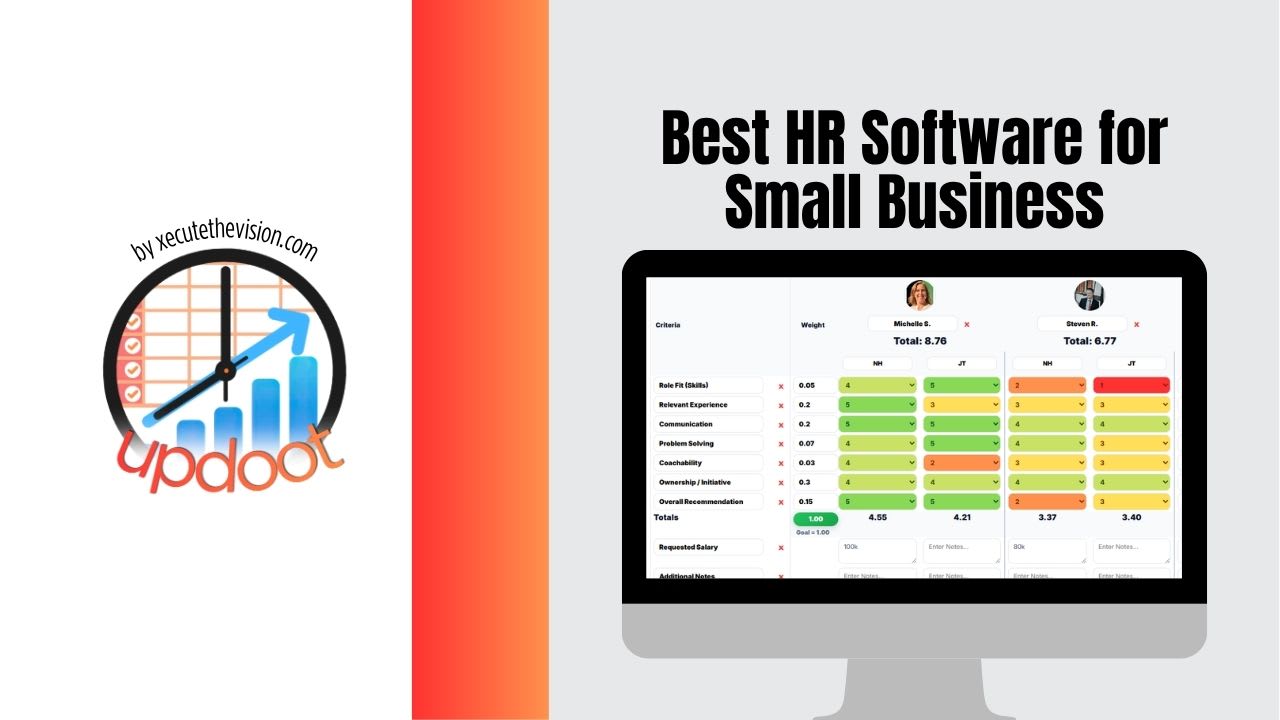
Most "best HR software" lists are written for companies that already have an HR department to run whatever platform wins. A small business doesn't have that luxury. The person managing HR is usually also managing operations, sales, or the P&L, and the software they pick has to work without a dedicated administrator babysitting it. That changes the entire calculus of what "best" actually means in 2026: not the platform with the most modules, but the one a lean team can actually run consistently without it becoming a part-time job.
What "Best" Actually Means for a Small Business in 2026
Enterprise HR platforms are built to manage complexity: multi-country payroll, layered approval chains, dozens of integrations, and large IT and HR teams to administer all of it. Almost none of that complexity is relevant to a company with five, twenty, or even eighty employees. What matters instead is whether the basics get handled reliably: employee records that don't live in three different spreadsheets, onboarding that doesn't depend on one person remembering every step, time-off requests that don't get lost in email, and enough compliance support to avoid the kind of mistake that turns into a real legal problem.
The best HR software for a small business in 2026 is the one that gets these fundamentals right without demanding a steep learning curve or a big monthly bill per employee. Beyond that, the more it connects to the rest of how the business runs, project work, time tracking, sales structure, the less HR data ends up disconnected from the operational reality of the company.
Core Features That Actually Matter
Feature comparisons for HR software can run into the dozens of checkboxes, but for a small business, a much shorter list does most of the work:
- Centralized employee records. One place to store contact information, employment dates, documents, and role history, instead of scattered files and old onboarding emails.
- Simple onboarding workflows. A checklist-driven process for new hires that doesn't rely entirely on a manager's memory to complete every step correctly.
- Time-off and attendance tracking. A clear system for requesting, approving, and tracking time off that everyone can see, rather than a shared calendar nobody fully trusts.
- Basic compliance support. Reminders for document renewals, required trainings, or policy acknowledgments, so nothing slips through simply because nobody was tracking it.
- Performance review tools. A structured, recurring way to document reviews and goals, rather than a once-a-year scramble with no record of what was discussed the year before.
- Reasonable per-employee pricing. Costs that stay sensible as headcount grows, without hidden add-on fees for features a small team actually needs from day one.
Notice what's missing from that list: complex multi-level approval chains, elaborate custom reporting, and deep configurability. Those features matter at a much larger scale, and paying for them earlier than necessary usually means paying for complexity nobody on a small team has time to configure or maintain.
Standalone HR Suites vs. All-in-One Work Platforms
There are two broad approaches small businesses take in 2026. The first is a dedicated HR suite, a platform built specifically around HR functions like payroll, benefits, and compliance, often with strong depth in those specific areas. The second is an all-in-one work platform that includes HR features alongside project management, time tracking, and sales tools, trading some HR-specific depth for the benefit of keeping everything connected.
For a company with complex payroll needs, multiple states or countries, or heavy benefits administration, a dedicated HR suite is often worth the extra cost and the extra system to manage. But for a large share of small businesses, the bigger practical risk isn't a missing HR feature, it's that HR data lives in a system completely disconnected from the rest of the business. A standalone HR platform that doesn't talk to the tools a team uses for daily project work means updating someone's role, hours, or responsibilities requires updating it twice, once in HR, once everywhere else, and the two inevitably drift out of sync.
Quick Fit Check Before You Choose
- Can your current team learn it in a day without dedicated training?
- Does it cover onboarding, time off, and basic compliance out of the box?
- Does pricing stay reasonable as headcount grows, not just at your current size?
- Does it connect to the tools you already use for project work and time tracking?
- Would losing your one HR-savvy employee break the whole system?
What's Changed Going Into 2026
A few shifts are shaping what small businesses are actually looking for in HR software this year. Remote and hybrid work, now the default rather than the exception for a large share of small teams, has pushed demand toward tools that work well without an office to anchor them, digital onboarding, asynchronous approvals, and mobile access for time tracking and time-off requests. Compliance requirements have also become more variable state to state, which has made small businesses more cautious about compliance support even at a small scale, rather than assuming it only matters once a company gets larger. And perhaps most notably, more small businesses are consolidating tools rather than adding them, after several years of accumulating a separate app for every function and finding that sprawl itself became a management burden.
That consolidation trend is worth paying attention to. A small business evaluating HR software in 2026 is increasingly asking not just "does this handle HR well" but "does this reduce the number of systems my team has to log into every day."
How Updoot Approaches HR for Small Businesses
Updoot was built around that consolidation question directly. Rather than treating HR as a separate system a small business has to purchase, learn, and maintain on its own, Updoot keeps HR records, job descriptions, time tracking, and performance data inside the same platform a team already uses for project and sales work.
Employee Records Connected to Real Work
Inside Updoot, an employee's record isn't an isolated HR file, it's connected to their current job description, the tasks and projects they're assigned to, and the time logged against their work. That means a manager checking someone's record isn't just seeing a hire date and a title, they're seeing an accurate, current picture of what the person actually does and how their time is being spent.
Onboarding That Doesn't Depend on One Person
Updoot's onboarding workflows walk a new hire through the same checklist every time, tied to their specific role and job description, so a consistent process doesn't depend on whichever manager happens to be handling that particular hire remembering every step.
Time Off, Time Tracking, and Performance in One View
Because time-off requests and time tracking live in the same platform as HR records, there's no gap between what's approved and what actually shows up on a timesheet. Performance reviews pull from the same real activity data, rather than being written from memory once a year, which makes reviews grounded in what actually happened rather than a manager's general impression.
HR That Scales Without a Re-Platform
Because Updoot already connects HR to project management, time tracking, job descriptions, and sales structure, a small business doesn't hit a wall at twenty or fifty employees that forces a full switch to a different system. The same platform that worked at five employees keeps working as the team grows, since the underlying structure, connected records instead of siloed ones, doesn't change with headcount.
Related Reading
Job Description Software: How to Manage, Create, and Update Job Descriptions →
Common Mistakes Small Businesses Make Choosing HR Software
- Buying for a headcount you don't have yet. Paying for enterprise-grade complexity years before it's needed adds cost and friction without adding real value at a small team's current size.
- Choosing a standalone HR tool with no connection to daily work. A disconnected HR system means role changes, time tracking, and performance data all have to be updated separately, and eventually one of them falls out of date.
- Ignoring who will actually run the system day to day. A tool chosen without considering that the "HR team" might be one person wearing three hats will get abandoned the first time it demands more admin time than that person has.
- Underestimating compliance needs at a small size. Compliance risk doesn't wait until a company is large, and a tool with no reminders or document tracking leaves gaps that are easy to miss until they become expensive.
- Skipping a real trial with actual employee data. A clean demo with sample records rarely reveals whether onboarding, time tracking, and approvals actually fit how the team works day to day.
Frequently Asked Questions
The best HR software for a small business is rarely the platform with the longest feature list. It's the one that covers core HR needs (records, onboarding, time off, compliance) without requiring a dedicated HR department to run it, and that scales without a full re-platform once headcount grows.
Once a company has more than a handful of employees, tracking HR records in spreadsheets and email threads starts creating real risk around compliance, missed renewals, and inconsistent processes. Dedicated HR software isn't required by law at small headcounts, but it becomes a practical necessity well before most companies expect.
Pricing varies widely, from free basic tiers to $10-20 or more per employee per month for platforms bundling payroll, benefits administration, and compliance tools. Many small businesses find better value in an all-in-one work platform with HR features included, rather than paying separately for a standalone HR suite.
Centralized employee records, simple onboarding, time-off tracking, basic compliance support, and performance review tools cover most of what a small business actually needs day to day. Advanced features like multi-country payroll or complex approval chains matter far less until a company reaches a much larger scale.
Not necessarily, and for a small team it's often a disadvantage. Keeping HR records disconnected from time tracking, task assignments, and job descriptions means updating an employee's role in one system rarely gets reflected anywhere else, which is where a lot of small business admin work quietly gets lost.
Updoot keeps HR records, job descriptions, time tracking, and performance data in the same platform a small business already uses for daily project and sales work, so HR isn't a disconnected system that falls out of date the moment something changes elsewhere.
Final Takeaway
The right HR software for a small business in 2026 isn't the one with the biggest feature list, it's the one a lean team can actually run day to day without it becoming its own job, and one that keeps HR data connected to the rest of the business instead of trapped in a separate system. Updoot brings HR, job descriptions, time tracking, and performance data into one connected platform built for exactly that kind of team.