
New Hire Orientation Checklist Tool and Template
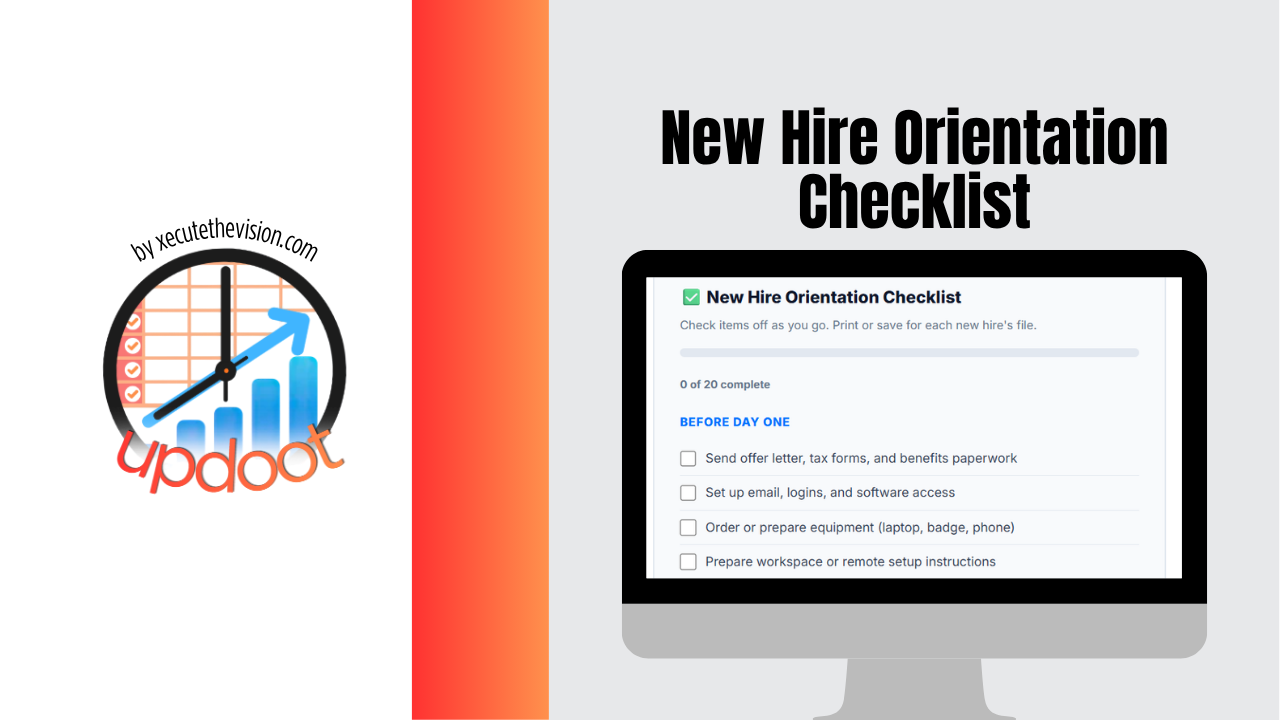
A new hire orientation checklist is what keeps an employee's first day from depending on how busy their manager happens to be that week. Without one, somebody forgets the laptop, the tax forms get filled out standing at a desk, and the new person spends the afternoon wondering what they are supposed to be doing.
First impressions at work stick. How someone is welcomed shapes how quickly they become productive and whether they are still around in six months. The good news is that most of it comes down to preparation that happens before they ever walk in the door.
Below you will find the steps for the week before day one, the first day, the first week, and the first 90 days, plus a free interactive checklist you can tick off and copy for every new hire.
What Is a New Hire Orientation Checklist?
A new hire orientation checklist is a structured list of tasks that HR and a hiring manager work through to bring a new employee on board. It typically includes paperwork, equipment setup, introductions, training, and early goal-setting, broken into stages so nothing gets missed when there's a lot happening at once.
Orientation vs. onboarding
Orientation usually refers to the first day or two: paperwork, logistics, and introductions. Onboarding is the longer process, often 90 days, that includes training, check-ins, and helping the new hire reach full productivity. A good checklist covers both.
Why a Checklist Matters
Without a checklist, onboarding quality depends entirely on whoever happens to be managing that hire and how busy their week is. A written checklist makes the experience consistent across every new hire, ensures compliance steps like tax forms and policy acknowledgments are never missed, and frees the manager from trying to remember every step from memory while also running their team.
Before Day One
The work that happens before a new hire's first day determines how smooth that first day actually feels. Most onboarding problems trace back to something that should have been done a week earlier.
1. Send paperwork in advance
Offer letter, tax forms, direct deposit setup, and benefits enrollment paperwork should go out before day one whenever possible. Asking a new hire to fill out a stack of forms while standing at their desk wastes their first morning.
2. Set up accounts and equipment
Email, login credentials, software access, and any hardware (laptop, badge, phone) should be ready before the new hire arrives. For remote hires, equipment needs to ship early enough to arrive with time to spare.
3. Prepare their workspace
A desk that's set up and ready, or for remote employees, clear instructions for their first login, signals that the company was expecting them and is organized.
4. Notify the team
Let the team know who's starting, what they'll be doing, and when, so the new hire isn't met with blank stares on their first day. A short intro message ahead of time goes a long way.
5. Build a first-week plan
Have a rough outline of what the new hire's first week will look like before they arrive: who they'll meet, what training they'll go through, and what their first small task or project will be.
Tip: Assign a peer "buddy" who isn't the new hire's manager. New employees are often more comfortable asking a peer basic questions than going to their boss for everything, and it gives them a built-in connection from day one.
New Hire Paperwork: What Is Required and When
Paperwork is the part of orientation with real deadlines behind it, so it deserves its own list. A few forms are required by federal law for nearly every U.S. employer. The rest are company documents you choose to use. Send as much as you can before the first day so the new hire's first morning is spent meeting people, not filling in boxes.
| Document | Required? | When | Official Source |
|---|---|---|---|
| Form I-9 (employment eligibility) | Yes, federal | Employee completes Section 1 by the first day of work. Employer completes Section 2 within three business days of the start date. | USCIS I-9 Central |
| Form W-4 (federal tax withholding) | Yes, federal | Before the first paycheck is run | IRS: About Form W-4 |
| New hire report | Yes, federal | Within 20 days of hire, unless your state sets a shorter deadline | ACF: New Hire Reporting |
| State withholding form | Depends on your state | Before the first paycheck | Your state tax agency |
| Direct deposit authorization | Company choice | Before the first payroll | Your payroll provider |
| Handbook and policy acknowledgments | Company choice | First week | Your employee handbook |
| Benefits enrollment | If you offer benefits | Within your plan's enrollment window | Your benefits provider |
Keep completed I-9s in a separate file from the rest of the personnel record. That makes an audit easier and keeps immigration documents away from managers who have no reason to see them. State rules on new hire reporting, withholding, and required notices differ, so check with your state labor and tax agencies or the U.S. Department of Labor state resources page for what applies to you.
Day One Checklist
The first day sets the tone. It doesn't need to be elaborate, but it does need to feel organized.
Morning: Welcome and paperwork
A warm welcome from the manager, a confirmation that any remaining paperwork is signed, and a tour of the office or a virtual walkthrough of key systems and channels for remote hires.
Midday: Introductions
Introduce the new hire to their immediate team first, then other departments they'll interact with regularly. Keep this light; a flood of new names and faces in one sitting rarely sticks.
Afternoon: Systems and access check
Confirm the new hire can log into every system they'll need: email, project management tools, time tracking, and any role-specific software. Fixing access problems on day one is far easier than discovering them on day five.
End of day: Set expectations for week one
Before they leave, walk through what to expect for the rest of the week so they aren't wondering what happens next.
First Week Checklist
The first week is about building context, not output. New hires should be learning more than producing during this stage.
Role-specific training
Walk through the core tools, workflows, and responsibilities specific to their role, ideally hands-on rather than just reading documentation.
Company overview
Cover company mission, structure, and how their role fits into the bigger picture. An org chart helps new hires understand who does what.
Policy and culture basics
Review key policies: time off requests, communication norms, working hours, and any compliance training that's required for the role.
First small task
Give the new hire one manageable, low-stakes task they can complete and get feedback on. Early wins build confidence faster than a week of passive observation.
End-of-week check-in
A short conversation with the manager to ask how the week went, answer lingering questions, and address anything that felt confusing or unclear.
30-60-90 Day Plan
Beyond the first week, a 30-60-90 day framework gives both the new hire and manager a shared sense of what progress should look like.
Days 1-30: Learn
Focus on understanding systems, processes, and team dynamics. The new hire should be asking questions often and shadowing more experienced teammates.
Days 31-60: Contribute
The new hire starts taking on independent work with less oversight. Regular check-ins help catch any gaps in understanding before they become bigger problems.
Days 61-90: Own
By day 90, the new hire should be operating with a normal level of independence for their role. This is also a natural point for a formal check-in on performance and goal-setting for the next quarter.
Watch for this: The most common onboarding mistake is front-loading everything into week one and then going quiet. New hires need consistent check-ins through at least the 90-day mark, not just an intense first week followed by silence.
Who Owns Each Part of Orientation
Orientation falls apart when everyone assumes someone else has it covered. Writing down who owns each step takes five minutes and saves a lot of awkward first mornings. In a small business the same person may wear several of these hats, and that is fine. What matters is that each line has a name next to it.
| Task | Owner | Timing |
|---|---|---|
| Offer letter, tax forms, and I-9 | HR or owner | Before day one |
| Accounts, software access, and equipment | IT or office manager | At least two days before start |
| First-week plan and first small task | Hiring manager | Before day one |
| Team introductions | Hiring manager | Day one |
| Answering everyday questions | Peer buddy | First 30 days |
| 30, 60, and 90 day check-ins | Hiring manager | Scheduled on day one |
Put the check-ins on the calendar on the first day. A check-in that has to be remembered usually gets skipped once the manager gets busy.
Free Interactive Orientation Checklist
Check off each item as you complete it for a new hire. When you finish, copy it into Excel or print it so you have a record for the employee file.