Work Management Software
Stop letting IT requests and internal problems live in someone's inbox, a hallway conversation, or a text message that gets forgotten. Tickets route automatically, close with a notification, and roll into a dashboard that shows how fast issues actually get handled.
Every request gets submitted in one place, assigned automatically through round-robin routing, and closed with a notification, while the dashboard tracks how long it took and how satisfied the requester was.
Anyone in the company submits an IT issue or an internal request in one place instead of emailing whoever they think handles it.
Round-robin assignment distributes tickets evenly across the team so the queue doesn't pile onto whoever answers fastest.
The requester is notified on resolution, rates the outcome, and the dashboard records time to closure and satisfaction.
Tickets get an owner the moment they're submitted, not whenever someone volunteers.
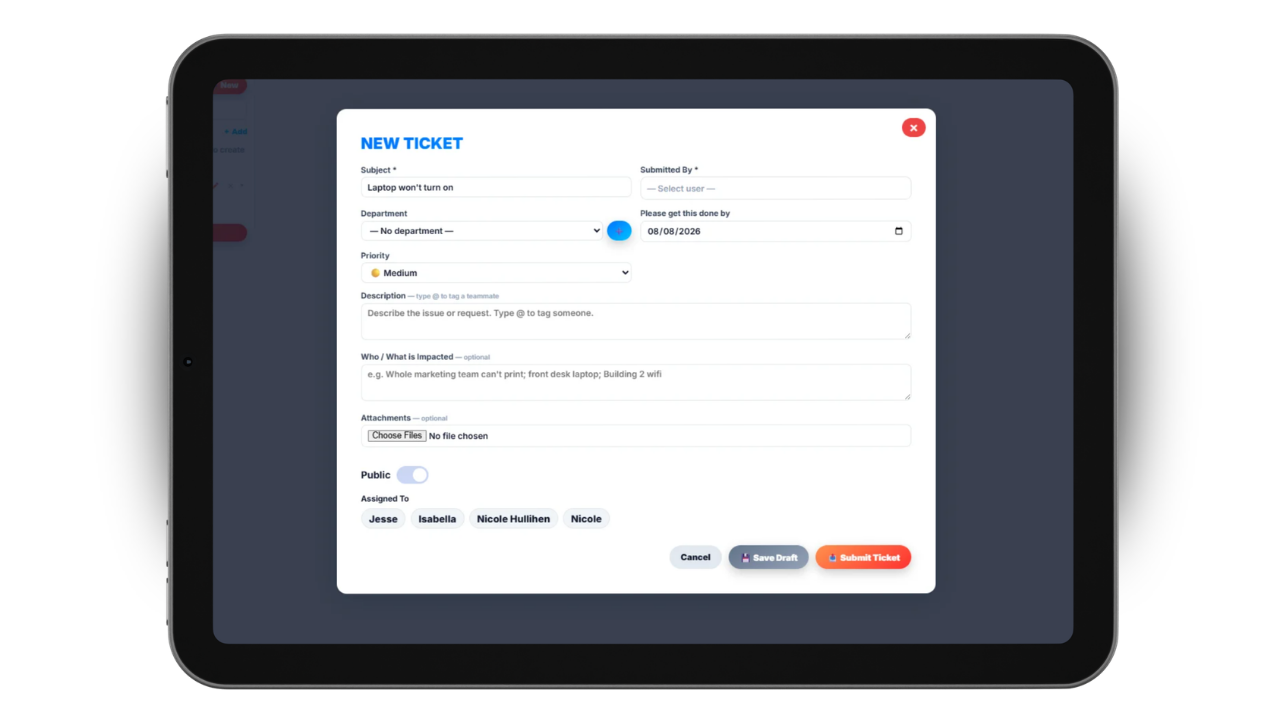
Round-robin routing assigns each incoming ticket to the next person in rotation, so the workload spreads evenly instead of landing on whoever is fastest to respond and least able to say no.
That solves the two problems every informal system has. Nothing sits unclaimed because everyone assumed someone else picked it up, and no one person quietly absorbs eighty percent of the queue until they burn out.
Because assignment happens the moment a ticket is submitted, there's a name attached from minute one. The requester knows who has it, and so does everyone else.
People find out their issue is fixed without having to ask.
When a ticket is resolved, the person who submitted it is notified automatically. No follow-up email, no walking over to ask whether anyone ever looked at it, no ticket sitting closed for a week while the requester assumes it's still open.
They can then rate how the issue was handled, which turns closure into a two-sided event rather than something the assignee marks done and moves on from.
Those ratings matter more than raw ticket counts. A team can close a hundred tickets a month and still be leaving people frustrated, and the satisfaction score is the only thing that surfaces that gap.
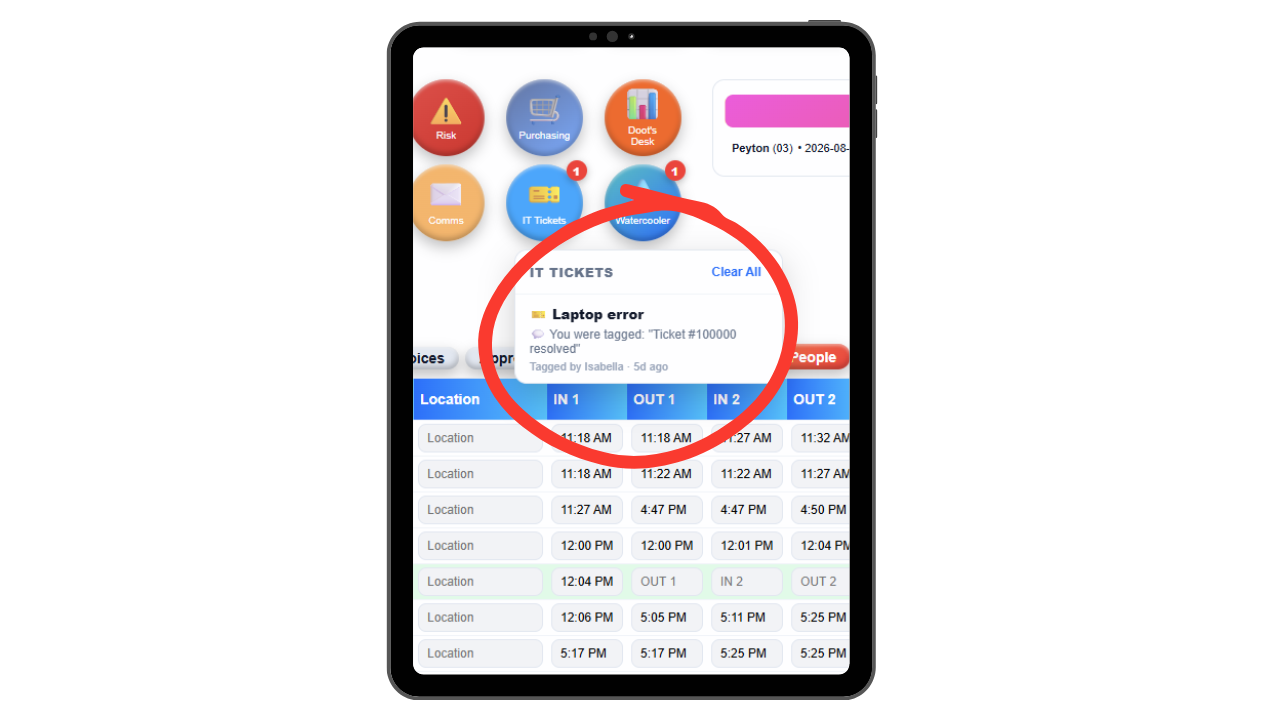
See the pattern before it becomes a problem everyone complains about.
The dashboard tracks time to closure and satisfaction ratings, so leadership can see whether issues are actually being handled in a reasonable window or just being marked resolved eventually.
Trends are where the real value shows up. Fifteen tickets about the same piece of equipment isn't fifteen incidents, it's one unaddressed root cause, and it only looks obvious once the tickets are in one place instead of scattered across inboxes.
That's the oversight most small businesses never get. Instead of hearing about a recurring problem months later in a frustrated meeting, management can spot the pattern while it's still cheap to fix.
Most small businesses handle internal requests informally. Someone emails IT, texts a manager, or catches them in the hallway. Some of it gets handled immediately, some of it gets forgotten, and nobody can say how long anything actually takes or which problems keep coming back.
Updoot puts every request in one queue with round-robin assignment, so each ticket has an owner from the moment it's submitted and the work distributes evenly across the team. When it's resolved, the requester is notified and can rate how it went.
The dashboard then turns that activity into something management can act on: time to closure, satisfaction ratings, and the trends that reveal a recurring issue long before it becomes a standing complaint.
And it isn't only for IT. Any department can use it, or the whole company can, which means facilities requests, equipment problems, and internal questions all get the same accountability instead of depending on who remembers what.
The system for making sure internal issues get owned, resolved, and measured instead of forgotten.
Tickets distribute evenly instead of piling onto one person.
Requesters are told automatically when their issue is resolved.
Requesters rate the outcome, not just whether it was marked done.
Track how long tickets actually take from submission to resolution.
See ticket volume, speed, and satisfaction in one place.
Spot recurring issues early instead of hearing about them later.
Every ticket has a name on it from the moment it's submitted.
Urgent issues surface instead of sitting behind routine requests.
Use it for IT alone or open it to every team in the business.
Short, practical reads on job costing, field operations, and running a tighter operation.
Every issue owned, resolved, and measured. Start your free trial of Updoot -- round-robin ticket routing, closure notifications, satisfaction ratings, and a metrics dashboard built for small business.
Start Free Today →