
Free PTO Request Email Template: Managers and Their Employees
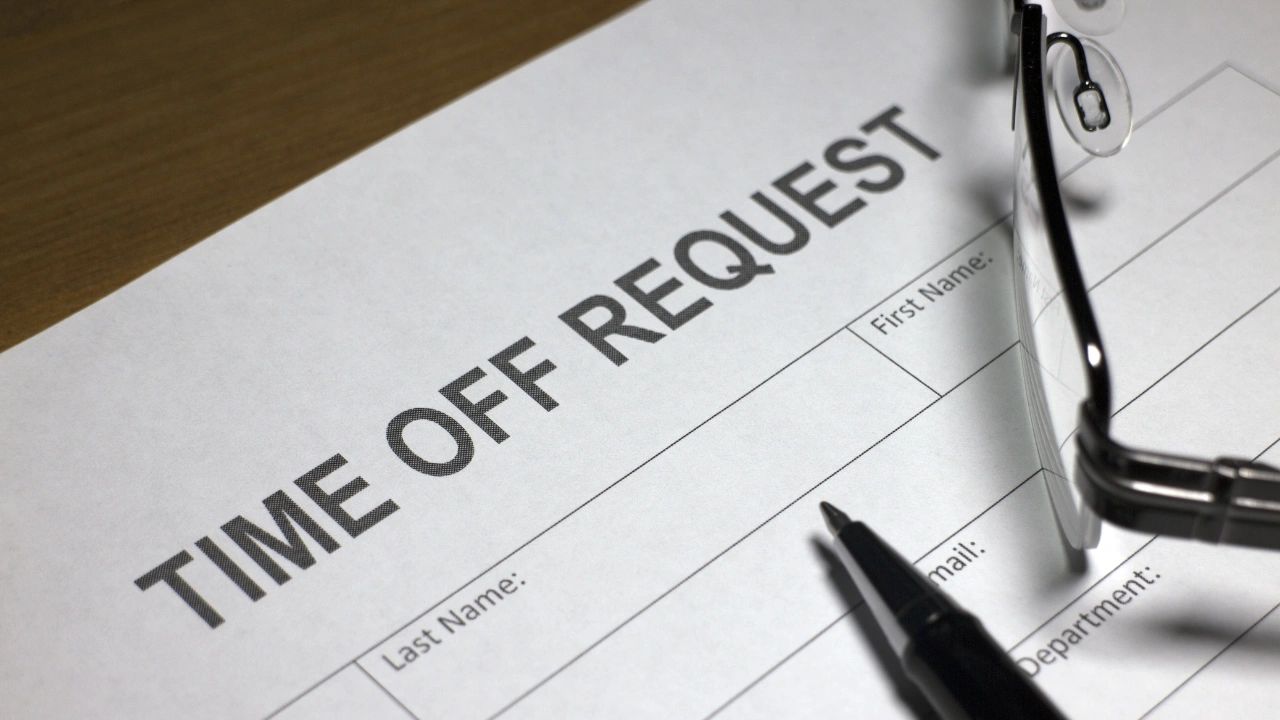
Use our free email template to request PTO whether it's vacation, sick time or personal time off. Requesting paid time off (PTO) is a normal part of working life, but many employees struggle with how to ask for time away from work professionally. Whether you are planning a vacation, need a personal day, or are requesting sick leave, writing a clear and respectful PTO request email helps ensure your request is handled smoothly.
This guide covers what to include in a PTO request email, ready-to-copy templates for every situation, tips for managers reviewing requests, and an interactive PTO email generator you can fill out and copy in seconds.
What Is a PTO Request Email?
A PTO request email is a message sent to a manager or supervisor asking for approval to take time off from work. PTO stands for Paid Time Off, which typically includes vacation days, personal days, and sometimes sick leave. Most companies require employees to submit a formal request so managers can plan staffing schedules and ensure work responsibilities are covered.
What a strong PTO request includes
The exact dates being requested, confirmation that work responsibilities will be covered during the absence, a polite request for approval, and a subject line that immediately identifies the request by date.
Why Using a Template Helps
A simple template ensures your message stays professional, includes all necessary details, and reduces back-and-forth communication. Templates also make it easier for employees to submit requests consistently across teams -- and for managers, consistent request formats make review and approval faster.
What Every PTO Request Email Must Include
1. Clear Subject Line
The subject line should immediately explain the purpose. Examples: "PTO Request -- July 10-14" or "Vacation Request -- August 3-7". A clear subject line lets managers identify and prioritize the request without opening the email.
2. Exact Dates
Always state the specific start and end dates. "I would like to request PTO from June 12 through June 16" is clear. "Next week" or "a few days in July" are not. Be precise so managers can check schedules without following up.
3. Coverage Plan
Briefly confirm that your responsibilities will be handled. "I will ensure my current projects are up to date and will coordinate coverage with the team during this time." This one sentence removes the most common manager concern before it becomes a question.
4. Polite Closing
End respectfully and thank your manager for considering the request. "Please let me know if you need any additional information. Thank you for considering my request." Short, professional, and complete.
How far in advance? Most companies require at least two weeks notice for planned leave such as vacations. Sick leave and personal emergencies are generally exceptions. Check your company policy -- some industries require 30 days for extended leave.
PTO Request Email Templates
Copy any of the templates below directly into Gmail, Outlook, or Google Docs and fill in the bracketed fields.
Standard PTO Request
Hi [Manager's Name],
I hope you're doing well. I would like to request paid time off from [start date] to [end date].
During this time, I will make sure my responsibilities are up to date and will coordinate with the team to ensure any ongoing work continues smoothly.
Please let me know if this request works with the current schedule or if you need any additional information.
Thank you for your consideration.
Best regards,
[Your Name]
Short PTO Request
Hi [Manager's Name],
I'd like to request PTO from [start date] through [end date]. Please let me know if this works with the team schedule.
Thank you.
Best,
[Your Name]
Vacation Request
Hi [Manager's Name],
I would like to request vacation time from [start date] to [end date]. I will ensure my projects are up to date before I leave and will coordinate with the team to make sure everything runs smoothly during that time.
Please let me know if this request works.
Thank you.
Best,
[Your Name]
Sick Leave Request
Hi [Manager's Name],
I'm writing to let you know that I am unable to come in today [or: from [start date] through [end date]] due to illness. I will keep you updated on my return and will review any urgent items as soon as I am back.
Please let me know if there is anything pressing that needs coverage in the meantime.
Thank you.
Best,
[Your Name]
Free PTO Email Generator
Fill in your details below and click Generate to get a personalized, ready-to-copy PTO request email.
How to Save Your Template in Google Docs
- Open docs.google.com
- Click Blank Document
- Paste any template above
- Rename the document "PTO Request Email Template"
- Save it -- it will be available from any device whenever you need it
PTO Request Guidelines for Managers
What to check before approving
Confirm the requested dates, current team staffing levels during that window, any project deadlines that fall within the request period, and whether responsibilities are covered. Clear PTO policies make these decisions faster and more consistent.
How to prevent scheduling conflicts
Using a workforce scheduling tool that shows employee availability and approved time off in one view lets managers see coverage gaps before approving additional requests. The most common PTO conflict -- two key employees requesting the same week -- is almost always preventable with a shared schedule.
Manual tracking vs. software
Spreadsheets work for very small teams. As headcount grows, dedicated workforce management software eliminates the administrative overhead, keeps records accurate, and gives employees self-service visibility into their own balances. Platforms like Updoot allow employees to submit requests and managers to approve them directly in the system.
Consistency matters: Approving PTO for some employees and denying the same request for others without a documented business reason creates fairness complaints and, in some cases, legal exposure. Written PTO policies applied consistently are the employer's best protection.