
How to Test Employee Excel Skills Before It Costs You
Most hiring managers find out an employee does not actually know Excel the hard way. The resume says "proficient in Microsoft Excel." The interview goes fine. Then three weeks into the job you watch them manually retyping numbers between spreadsheets, using their mouse to copy and paste 400 rows one at a time, or handing you a budget report where every total is just a number they typed in by hand instead of a formula.
By that point you have already spent time onboarding them, assigned them real work, and built your workflows around the assumption that they can do the job. Fixing it is expensive, awkward, and slow.
The solution is simple: test Excel skills before you hire, not after.
This guide covers exactly how to do that, what to test, what skill levels actually mean in a real work context, and how to use an Excel proficiency assessment to make faster, more confident hiring decisions.
Why "Proficient in Excel" Means Nothing on a Resume
Excel is one of the most commonly listed skills on resumes and one of the most commonly exaggerated. The problem is that Excel has no universally agreed skill scale. When someone writes "proficient in Microsoft Excel" they might mean they know how to open a file and type in a column. They might also mean they can build a PivotTable dashboard with slicers and conditional formatting from scratch. Both people write the same thing.
There is also no penalty for overstating it. Unlike a certification or a degree, nobody checks Excel skills during reference calls. Candidates know this, which is why the skill gets inflated constantly.
For small businesses this is a real operational risk. When you are running a team of five or ten people, one employee who cannot actually use Excel creates bottlenecks that touch everyone. Payroll takes longer. Reports come back wrong. Invoices have errors. Projects stall because the person responsible for tracking them is working around a tool they do not fully understand.
Testing upfront eliminates all of that.
What Excel Skills Actually Matter for Small Business Employees
Before you test anyone you need to know what you are testing for. Not every Excel skill matters equally for every role. Here is a breakdown of the core skills that come up most often in small business operations and why each one matters.
Basic formulas and functions are the foundation. SUM, AVERAGE, COUNT, MIN, MAX. If an employee cannot write a basic formula without help they are going to struggle with almost everything else. This is the floor, not the ceiling.
Cell references matter more than most managers realize. Understanding the difference between a relative and absolute cell reference is what separates someone who can build a spreadsheet from someone who can only use one someone else built. If they do not understand this, their formulas will break the moment they copy them to a new row.
Data formatting and number formatting affect every report an employee produces. If someone does not know how to format a column as currency, display dates correctly, or control decimal places, every spreadsheet they produce will look unprofessional and be harder to read.
Sorting and filtering are daily tasks in almost any business role. Someone managing orders, tracking inventory, reviewing timesheets, or working through a customer list needs to be able to sort and filter data quickly and accurately.
VLOOKUP and XLOOKUP come up constantly in roles that involve matching data across sheets, such as connecting employee IDs to names, matching order numbers to products, or pulling pricing from a reference table. Not every employee needs this but anyone working with multiple data sources does.
PivotTables are the single most powerful tool in Excel for summarizing and analyzing data. An employee who can build a PivotTable can answer business questions in minutes that would otherwise take hours. This is an intermediate to advanced skill but it is the one that creates the most leverage.
Conditional formatting helps employees and managers spot problems in data without reading every row. Color coding overdue tasks, flagging numbers below a threshold, highlighting duplicate values. Anyone who works with large datasets benefits from knowing this.
Data validation matters for anyone who builds or maintains shared spreadsheets. Setting up dropdown lists, restricting inputs to numbers only, preventing bad data from entering a sheet. This is what keeps shared files accurate over time.
Protecting sheets and workbooks is important for anyone who builds tools that other people use. If an employee sends a shared budget or timesheet without protecting the formulas, someone will accidentally break it.
Macros and basic automation are advanced skills that are not required for most roles but are extremely valuable in positions that involve repetitive reporting or data processing. An employee who knows how to record and run a basic macro can save hours every week.
How to Structure an Excel Skills Assessment
A good Excel proficiency test does not need to be long or complicated. The goal is to quickly identify where someone sits on the skill spectrum so you can match them to the right role and set the right expectations.
There are two main formats: knowledge based and practical.
A knowledge based assessment asks employees to rate their comfort level with specific skills or answer questions about what a formula does or how a feature works. This is faster to administer and easier to score. It works well for initial screening before you invest time in a full interview.
A practical assessment gives employees an actual spreadsheet and asks them to complete tasks. This is more accurate but takes more time to set up and evaluate. It works best for roles where Excel is central to the job.
For most small business hiring, a knowledge based assessment is the right starting point. It takes two to three minutes to complete, gives you a clear score, and immediately separates candidates who actually know Excel from those who exaggerated on their resume.
What Different Score Ranges Tell You
Once you have assessment results you need to know what to do with them. Here is a practical guide to interpreting scores.
Low scores indicate a beginner who knows the basics but will need significant support and training before they can work independently in Excel. This is fine for entry level roles where Excel is not central to the job. It is a problem for roles that require regular reporting, data management, or analysis.
Mid range scores indicate someone with real working knowledge of Excel who can handle most everyday tasks independently. They may have gaps in advanced skills like PivotTables or VLOOKUP but they understand how the tool works and can learn what they do not know. This is the range where most solid hires land.
High scores indicate someone who is genuinely strong in Excel and can build, maintain, and troubleshoot spreadsheets without help. These employees add immediate value in any data heavy role and often end up improving the systems around them, not just using them.
The right score depends entirely on the role. A customer service rep who occasionally pulls a report needs a mid range score at minimum. A bookkeeper, operations coordinator, or anyone responsible for reporting needs a high score.
When to Test: Before the Interview or After
There is a real debate about when to administer a skills assessment. Testing before the interview saves you time because you can screen out unqualified candidates before investing an hour in a conversation. Testing after the interview lets you focus on culture fit and communication first and use the assessment as a confirmation step.
For small businesses where time is the most limited resource, testing before the first interview is usually the right call for any role where Excel is a core requirement. Put the assessment link in the application or send it with the initial outreach. Candidates who do not complete it are telling you something too.
For roles where Excel is secondary, test after the interview. You do not want to lose a strong candidate over a skill they could learn quickly if everything else about them is right.
Using Assessment Results in the Conversation
An Excel proficiency test is not just a filter. It is also a conversation starter. If a candidate scores lower than expected, you can ask about it directly. "Our assessment showed you are less comfortable with PivotTables. Can you tell me about your experience with data analysis in Excel?" That question tells you whether the gap is real, whether they are aware of it, and whether they are the kind of person who is honest about what they do not know.
Candidates who scored lower but explain themselves clearly and show self awareness are often better long term hires than candidates who scored higher but cannot explain how they got there.
Take the Excel Proficiency Test
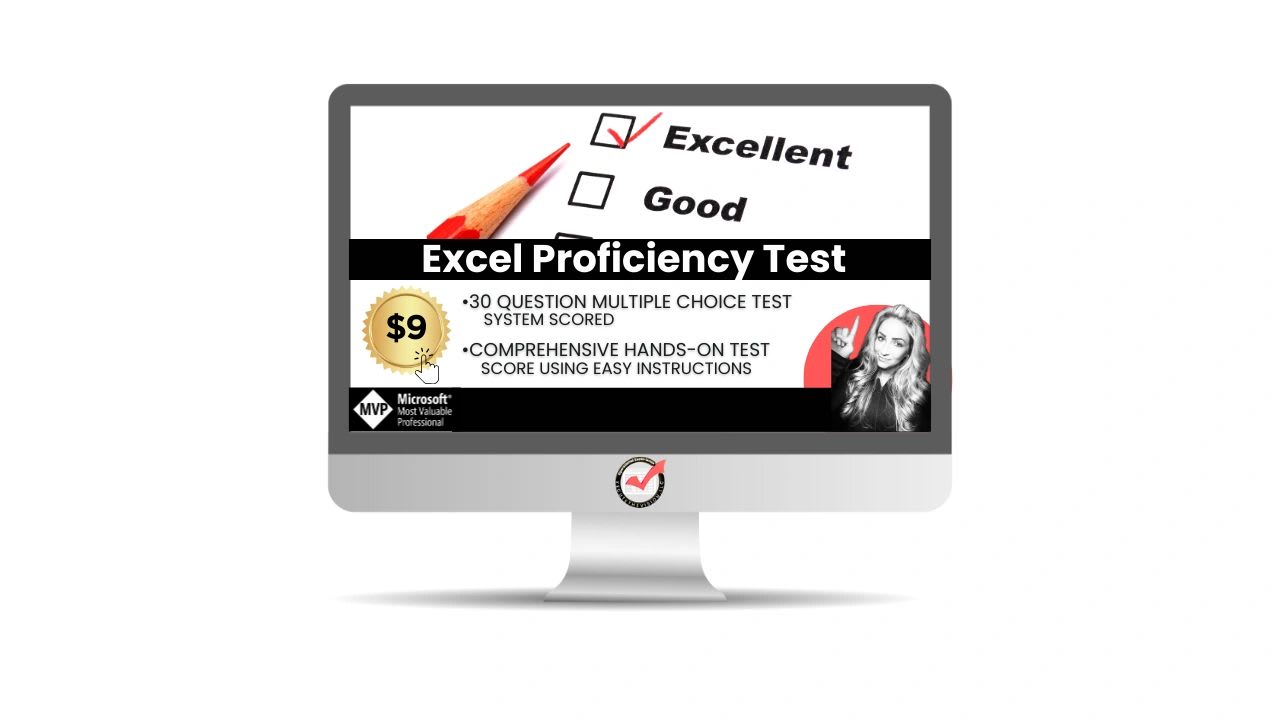
If you want to assess your own team or use a ready built assessment for hiring, the XecutetheVision Excel Proficiency Test gives you a fast, structured way to score Excel skills across ten core competencies. It takes about two minutes to complete and tells you exactly where someone stands and which skills to develop or test further.
Use it as part of your hiring process, as a baseline for your current team, or to identify who on your staff is ready to take on more complex Excel work.