
Expense Report Template
Quick Answer
An expense report template should include the date, expense category, amount, description and receipt for each expense, plus the employee name, report period and approver. Most businesses have employees submit expense reports weekly or monthly, and use them to control spending, keep accurate financial records and process reimbursements.
An expense report template gives every business purchase a place to land. Use our free expense report builder below and print it, or copy it to Excel or Google Sheets as a template.
Most businesses do not have a spending problem; they have a visibility problem. The money is going out the door either way. The only question is whether anyone can actually see where it went.
Money goes out every day in small, easy-to-miss amounts: client lunches, travel, software subscriptions, and office purchases. Without a structured way to track it, those expenses become hard to verify after the fact, difficult to categorize consistently across employees, and nearly impossible to analyze for patterns or waste. Nobody sets out to lose track of spending. It just happens one untracked lunch receipt at a time.
That is where an expense report template becomes essential. It is not just a document; it is a system that brings control, clarity, and accountability to your business finances. Use the interactive builder below to create and print a real expense report in minutes, or keep reading for what makes a good template and when a spreadsheet stops being enough.
What Is an Expense Report?
An expense report is a standardized record used to document and track business-related expenses over a specific period of time. It typically captures five things.
| Question | What the report records |
|---|---|
| Who | The employee who spent the money |
| What | What it was spent on, with a category |
| When | The date of the expense |
| How much | The amount, backed by a receipt |
| Why | The business reason for the expense |
At its core, an expense report answers one question: "Was this business spending necessary and accurate?"
That sounds simple, but it is the question that protects a business during an audit, settles a disagreement about a reimbursement, and tells a manager whether a department’s travel budget is being used the way it was approved.
Why Expense Reports Matter for Small Businesses
Expense reports are one of the simplest tools you can put in place that deliver immediate value.
They create financial visibility. Instead of guessing where money is going, you can clearly see patterns across teams, departments, and categories.
They support accurate reimbursement. Without a structured system, employees either wait too long to be reimbursed or submit incomplete information, which slows everything down.
They help with tax preparation and compliance. Organized expense records make it easier to identify deductible expenses and protect your business in the event of an audit.
They introduce accountability. When employees know expenses are tracked and reviewed, spending becomes more intentional.
How Often Should Expense Reports Be Submitted?
One of the biggest mistakes businesses make is only thinking about expense reports at the end of the month, or worse, at tax time. Expense reports should be used consistently, and how often depends on how your team actually spends money.
| Frequency | Best for | Why it works |
|---|---|---|
| Weekly | Teams with frequent spending, sales teams, travel-heavy roles | Keeps data fresh and reduces errors |
| Monthly | Small teams with a lower volume of expenses | Easier to manage, but relies on accurate tracking during the month |
| Per trip or project | Travel, client work, and events | Keeps expenses tied directly to outcomes |
| Ongoing, real-time | Growing businesses with multiple employees submitting expenses | The most accurate and scalable approach |
Expense Categories to Include in an Expense Report
A good expense report template should cover all the core categories of business spending: travel (flights, hotels, rideshare), meals and entertainment, office supplies, software and subscriptions, marketing and advertising, and client-related expenses. Many businesses add mileage and an "other" category for anything that does not fit.
The key is consistency. The more standardized your categories are, the more valuable your reporting becomes, because you can compare spending across months and across employees instead of reading a pile of one-off descriptions.
What Happens Without an Expense Report System?
This is where most businesses find themselves: receipts lost or missing, expenses submitted inconsistently, duplicate reimbursements, and no visibility into spending trends. The bigger issue is that decisions get made without accurate financial data.
That is when small leaks turn into bigger problems. A $40 inconsistency here and there is not what sinks a business. What sinks a business is not noticing the pattern of $40 inconsistencies until they have added up to thousands of dollars across a year.
Expense Reports and Business Growth
As your business grows, expense tracking becomes more important, not less. More employees means more spending, more reimbursement requests, and more room for error.
Without a system, your finance process becomes reactive instead of controlled. With a system, you can monitor spending in real time, catch unnecessary costs before they become a pattern, and budget more accurately because your numbers reflect what is actually happening rather than what you assume is happening.
Free Expense Report Template Builder
If you are not ready for a full system, fill in the builder below to generate a real expense report. Add lines as needed, and the total, category breakdown, and missing-receipt count update automatically. The builder also flags any line dated outside the report period.
In the example, a two-week report for a sales trip totals $1,041.14 across five lines. Travel is the biggest category at $798.40, and the software subscription is flagged because its receipt is missing.
Print the finished report, which adds the report details and signature lines at the top and bottom, or copy it and paste it straight into Excel or Google Sheets. The total, missing receipts, and category breakdown paste as live formulas.
Expense Report Builder
Fill in your details and line items. The report totals itself, breaks spending down by category, and flags lines missing a receipt. Print the finished report or copy it to Excel or Google Sheets, where the totals and category breakdown stay live formulas. Nothing you enter is saved or sent anywhere.
Employee signature ____________________ Approved by ____________________ Date __________
Expense Report Total Formula for Excel and Google Sheets
If you would rather build your own version, add this at the bottom of your Amount column:
=SUM(E2:E100)
Expense Category Breakdown Formula
To total one category, such as travel, use SUMIF:
=SUMIF(D2:D100,"Travel",E2:E100)
Add a Category Drop-Down With Data Validation (Recommended)
Add a drop-down list for the Category column using Data, then Data Validation, with list items such as Travel, Meals, Software, Office, and Marketing. This keeps your data clean and consistent, which is what makes the SUMIF breakdown accurate.
What Makes a Good Expense Report Template?
Not all templates are useful. A good one is simple to use, standardized across employees, easy to review, and structured for reporting.
If your template is too complicated, people will not use it. If it is too simple, it will not give you insight. The goal is balance: the five core questions, a fixed category list, a receipt check, and an approval line.
When a Spreadsheet Is Not Enough for Expense Reports
Spreadsheets work well early on, but they start to break down when multiple employees submit reports, approvals are needed, real-time tracking becomes important, or you need reporting across teams rather than one file per person. At that point, you need a system, not just a file.
A Better Way to Manage Expense Reports With Updoot
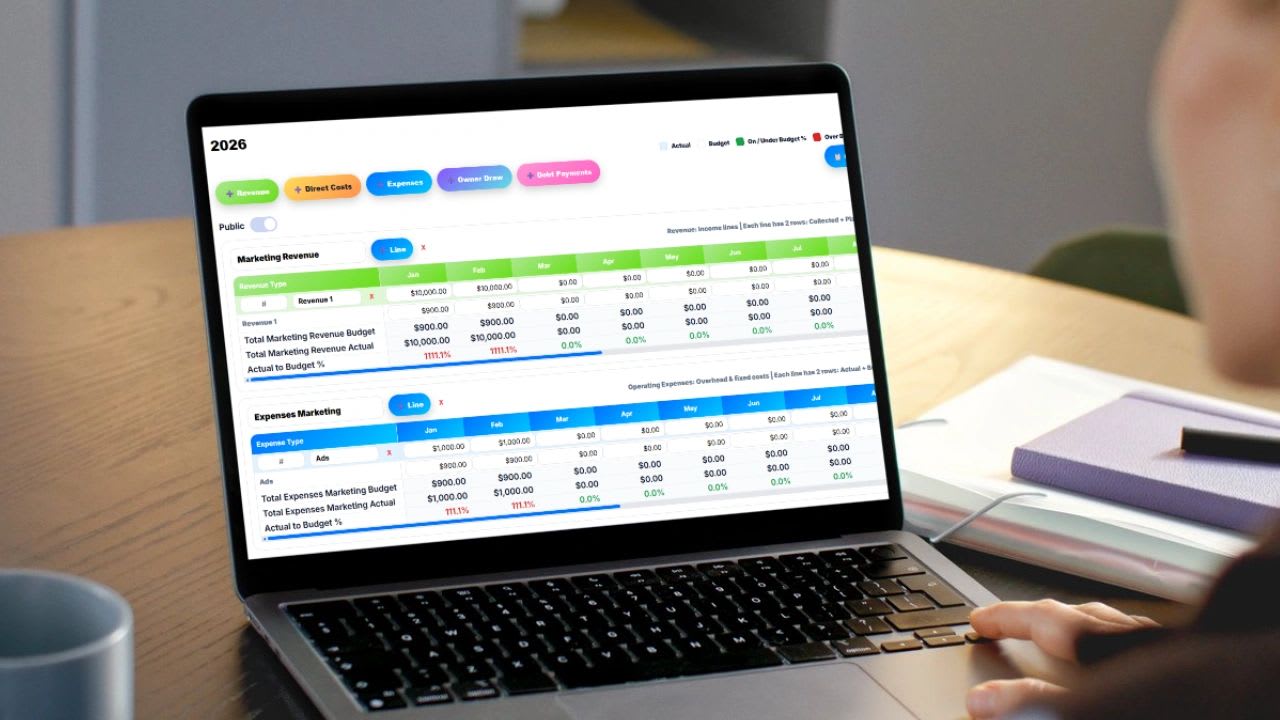
Updoot helps you track expenses in real time, standardize reporting across teams, manage approvals and visibility from a single dashboard, and keep everything in one system instead of chasing spreadsheets from five different employees at the end of the month. It is business management software for $5 per user per month.
An expense report template is not about tracking receipts; it is about creating clarity in your business. When you implement a consistent system, you gain visibility into spending, improve decision-making, and reduce financial risk. Start with a simple template. Stay consistent. And build from there.
Opens in Google Drive. View and download for free.
Related Reading
Free Bereavement Policy Creator: Template for Small Business →
Frequently Asked Questions About Expense Reports
What is an expense report template?
An expense report template is used to track and document business expenses for reimbursement or accounting purposes.
What should be included in an expense report?
It should include the date, expense category, amount, description, and receipts, along with the employee, report period, and approver.
Why are expense reports important?
They help control spending, ensure accurate financial records, and support reimbursement processes.
How often should expense reports be submitted?
Typically weekly or monthly, depending on company policy. Teams with frequent or high-dollar spending benefit from weekly submission, while lower-volume teams can manage monthly.
How can businesses improve expense tracking?
Use standardized templates, require timely submissions, and standardize expense categories across employees so reporting stays consistent enough to actually analyze.
How do I total expenses by category in Excel?
Use SUMIF, such as =SUMIF(D2:D100,"Travel",E2:E100), where column D holds categories and column E holds amounts.