
Client Billing That Scales
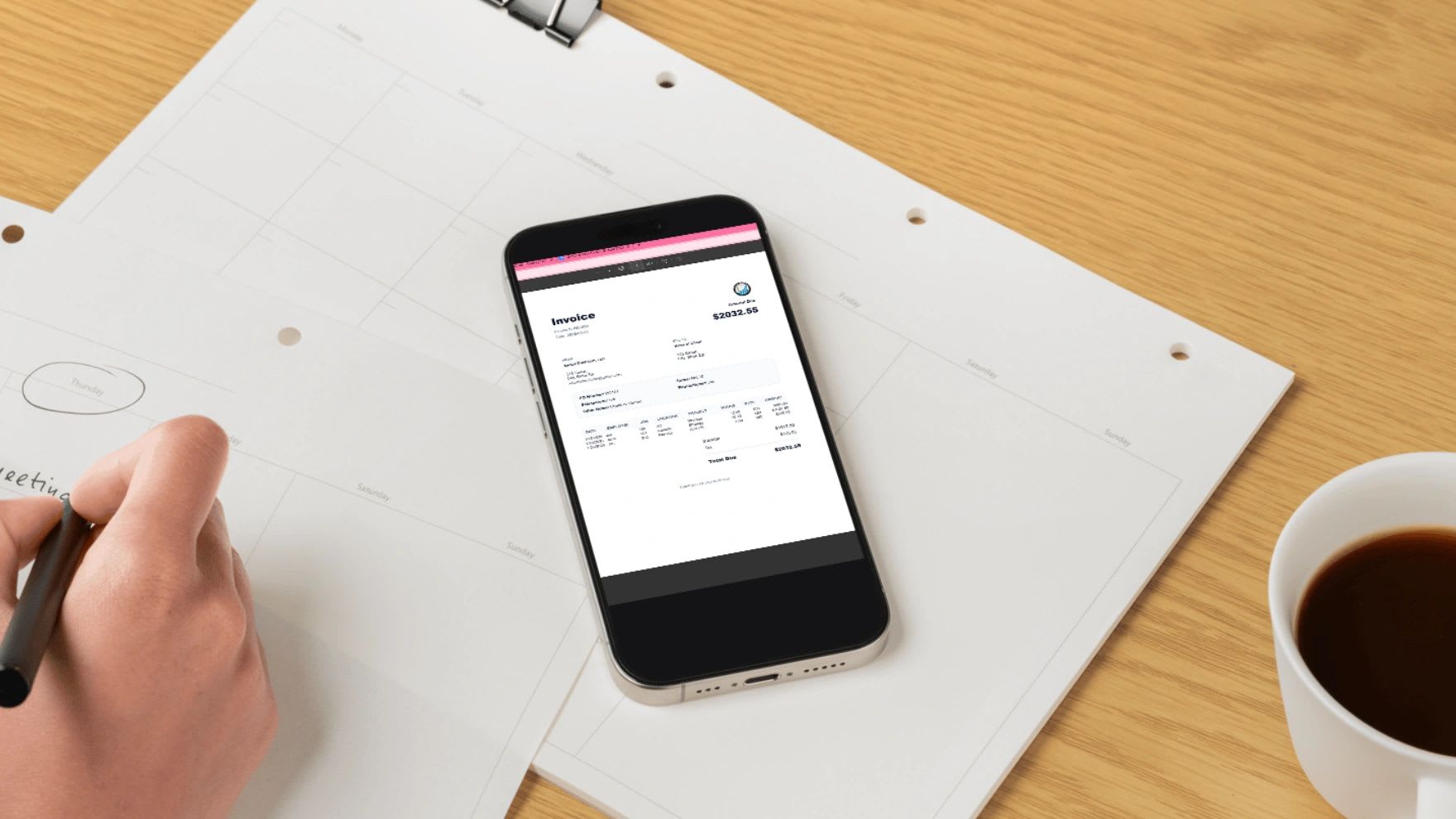
Client billing that scales is about far more than sending invoices. It is how you protect your revenue, strengthen client relationships, and build a repeatable system that keeps up as the business grows.
Many businesses treat billing as an administrative chore, something to squeeze in at the end of the month. That mindset is expensive. Client billing is really a revenue control system. When it is set up properly, it produces predictable cash flow, reduces disputes, and prevents the operational chaos of chasing money you have already earned.
If your billing feels reactive, inconsistent, or dependent on a patchwork of spreadsheets, it is time to upgrade. This guide explains what client billing involves, the five pillars of a system that scales, the main billing models, the most common mistakes, and how billing drives cash flow. It also includes a free accounts receivable aging report that shows who owes you money and for how long.
What Is Client Billing?
Client billing is the full process of charging customers for the products or services you provide. It starts well before an invoice is written, with tracking the work or deliverables, and continues after the invoice is sent, through collecting payment and managing any balance that remains unpaid. In between, it includes calculating charges accurately, generating the invoice, and communicating payment terms clearly.
That makes billing both a financial process and an operational one. A strong billing process reduces friction between the people who sell the work, the people who deliver it, and the people who account for it. A weak one creates internal confusion, missed charges, and revenue that arrives weeks later than it should.
Why Client Billing Matters More Than You Think
Cash flow is oxygen for a business, and billing controls the supply. When client billing is inconsistent, the symptoms show up everywhere: invoices go out late, billable hours slip through the cracks, totals are wrong, clients dispute charges, and payments arrive later and later. Each of those problems is small on its own, but together they create revenue leakage, money you earned but never collected.
Structured billing produces the opposite. Payments arrive on a predictable schedule, you spend less time following up, clients trust your invoices because they are consistently accurate, and your financial reports reflect reality. If you want to grow, billing cannot run on improvisation.
The Five Pillars of an Effective Client Billing System
1. A Clear Billing Structure
Every client engagement should define four things before work begins: the pricing model, whether hourly, fixed, retainer, or usage-based; how often you will bill; the payment terms, such as Net 15 or Net 30; and any late fees. Without those terms agreed in advance, confusion is almost guaranteed, and every invoice becomes a negotiation. Our guide to billing a client for the first time covers how to set these expectations.
2. Accurate Work Tracking
Billing errors usually start long before the invoice. If you do not accurately track time, scope changes, deliverables, and additional expenses as the work happens, you cannot bill correctly at the end. Client billing really begins with operational tracking, not with invoice generation, which is why connecting time tracking and project records to billing matters so much.
3. Standardized Invoice Templates
Consistency builds professionalism and reduces mistakes. Every client invoice should include an invoice number, the service period, an itemized breakdown of the work, the subtotal and any taxes, the payment terms, and the due date. A standard format prevents one-off invoices that miss key details and makes each invoice easy for clients to process. For layout advice, see how to make your invoices look professional.
4. Automation and Calculation Controls
Manual math is risky, and the risk grows with every new client. Automated totals, tax calculations, and recurring billing cut administrative time, remove the human errors that creep into hand-built invoices, and spare you the headache of reconciling numbers that do not match.
5. A Follow-Up and Collections Process
Client billing does not end when the invoice is sent. You need a defined follow-up routine: a reminder shortly before the due date, another shortly after it, a clear escalation step if payment is still missing, and enforcement of any late fee you agreed on. Without that structure, unpaid invoices quietly pile up.
Types of Client Billing Models
The right billing model depends on how you deliver value. Many businesses use more than one, depending on the client and the work.
Hourly Billing
Hourly billing suits consultants, agencies, and contractors whose work varies from week to week. It is flexible and transparent, since clients pay for exactly the time spent. The trade-off is that it requires strict time tracking, and clients may question the hours if the records are not clear and detailed.
Fixed Project Billing
Fixed pricing works best for projects with defined deliverables, often billed at milestones. Revenue is predictable and invoicing is simpler. The main risk is scope creep, where extra requests pile up without extra pay, so the scope needs to be written down and changes priced separately.
Retainer Billing
Retainers suit ongoing services, with the client paying a recurring fee each month. They provide steady, predictable income and make forecasting much easier. The key is to define clearly what the retainer covers, such as a number of hours or deliverables, so both sides know when extra work begins.
Subscription or Usage-Based Billing
Subscription and usage-based models are common for software and recurring products. They scale well and can be largely automated, but they depend on strong integration between your product, billing system, and payment processing.
Common Client Billing Mistakes
If billing feels stressful, one of these problems is usually the cause. The first is invoicing too late. Delays signal disorganization and push payment further out, because most clients pay against the invoice date. Bill as soon as the work or billing period is complete.
The second is getting the level of detail wrong. Too much detail confuses clients, while too little invites questions and disputes. Aim for line items that describe the work clearly enough that the client recognizes it without needing a separate explanation. The third is ignoring small billing errors. Even minor discrepancies damage trust, and clients remember invoice mistakes long after they are fixed.
The fourth is poor communication of payment terms. Never assume clients know when payment is due. Put the actual due date on every invoice. The fifth is using disconnected tools. When time tracking, invoicing, and client records live in separate systems, data has to be copied between them, and every copy is a chance for errors. Fragmentation quietly kills efficiency.
How to Improve Client Billing Efficiency
A few habits make billing faster and cash flow tighter. Standardize your billing cycle by invoicing on consistent dates, such as the first of each month, so clients know what to expect and you are never catching up. Use sequential invoice numbers, which make every invoice easy to track and reference in conversations with clients and accountants.
Keep operational notes separate from financial records, so invoices stay clean and professional. And track an aging report every week, showing who owes money, how long they have owed it, and your total outstanding receivables. You cannot improve collections you are not measuring, and the aging report is the single most useful view of billing health.
Free Accounts Receivable Aging Report
Use the tool below to build an aging report from your open invoices. Enter each client, invoice number, amount, and due date, and it sorts everything into the standard aging buckets, totals what is outstanding in each, and suggests the next follow-up step for every invoice based on how late it is. Review it weekly, and start your collection calls with the oldest balances.
Accounts Receivable Aging Report
List your unpaid invoices with their amounts and due dates. The report sorts every invoice into aging buckets, from not yet due to more than 90 days late, totals what is outstanding, and suggests the next follow-up for each one. Copy it to Excel with live formulas or print it for your weekly review. Nothing you enter is saved or sent anywhere.
| Client | Invoice # | Amount ($) | Due Date | Days Late | Bucket | Next Step |
|---|
When It Is Time to Upgrade Your Client Billing Process
A few signs suggest your billing has outgrown its current setup. You are copying data from spreadsheets into invoices by hand. You occasionally forget to bill for work that was done. Invoices go out on no consistent schedule. You struggle to say how much clients owe you at any moment. Or you have more than about ten active clients and billing now takes most of a day. Growth magnifies every weakness in a billing process, so the sooner you fix them, the less revenue they cost you.
Client Billing and Cash Flow Strategy
Billing directly shapes when revenue arrives, how accurately you can forecast, when you can afford to hire, and how much you can invest back into the business. When billing is inconsistent, cash flow becomes unpredictable, and that uncertainty makes every growth decision riskier than it needs to be. Strong, consistent billing creates the stability that lets you plan with confidence.
Why Spreadsheets Become a Bottleneck
Spreadsheets feel flexible when you only have a few clients. As volume grows, they start to crack. Different versions of the same file circulate, data gets entered twice, manual errors multiply, and recurring invoices have to be rebuilt by hand every month. Eventually, the spreadsheet that once saved time becomes the biggest liability in your billing process.
Modernizing Client Billing With Software
A structured billing system generates professional invoices instantly, calculates totals automatically, stores client records in one place, keeps a complete invoice history, supports recurring billing, and reduces administrative work across the board. Manual billing puts a ceiling on growth, while a structured system removes it.
Simplifying Client Billing With Updoot
If you want to streamline client billing, automation is the next step. The Updoot Invoice Generator was built for operational clarity and clean financial control. It creates standardized invoices, calculates totals automatically, keeps formatting consistent, tracks invoice numbers, and exports clean billing records, all without manual formatting or juggling spreadsheets.
Because Updoot also handles time tracking and projects, tracked hours flow straight into invoices, so billable work is not lost between systems. The result is fewer billing mistakes, faster invoice creation, stronger financial oversight, and more predictable cash flow. Updoot is business management software for $5 per user per month, and you can start a free trial to centralize your billing today.
Final Thoughts
Client billing is not an afterthought. It is a foundational business system. When it is structured properly, it protects revenue, improves professionalism, speeds up payment, and strengthens financial stability. If your billing feels reactive or inconsistent, now is the time to upgrade it, because clean systems create predictable cash flow, and predictable cash flow creates growth.
Opens in Google Drive. View and download for free.
Related Reading
How to Bill a Client for the First Time →
Frequently Asked Questions About Client Billing
What is client billing?
Client billing is the full process of charging customers for your products or services, from tracking the work and calculating charges to sending invoices, communicating payment terms, collecting payment, and managing outstanding balances.
What are the main client billing models?
The main models are hourly billing, fixed project billing, retainer billing, and subscription or usage-based billing. Many businesses use more than one depending on the client and the work.
What should every client invoice include?
An invoice number, the service period, an itemized breakdown of the work, the subtotal and taxes, the payment terms, and the actual due date.
What is an accounts receivable aging report?
An aging report lists unpaid invoices grouped by how long they are past due, typically not yet due, 1 to 30 days, 31 to 60 days, 61 to 90 days, and over 90 days, so you can see who owes money and prioritize collections.
How often should I send client invoices?
Bill on a consistent schedule, such as the first of each month, or as soon as a project or milestone is complete. Consistency makes payment more predictable for both you and your clients.
When should a business move away from spreadsheet billing?
When invoices are copied by hand, billable work gets missed, invoices go out inconsistently, or you cannot quickly see what clients owe. For many businesses, that happens at around ten active clients.