How Many Breaks for a 12 Hour Shift? Rules and Examples
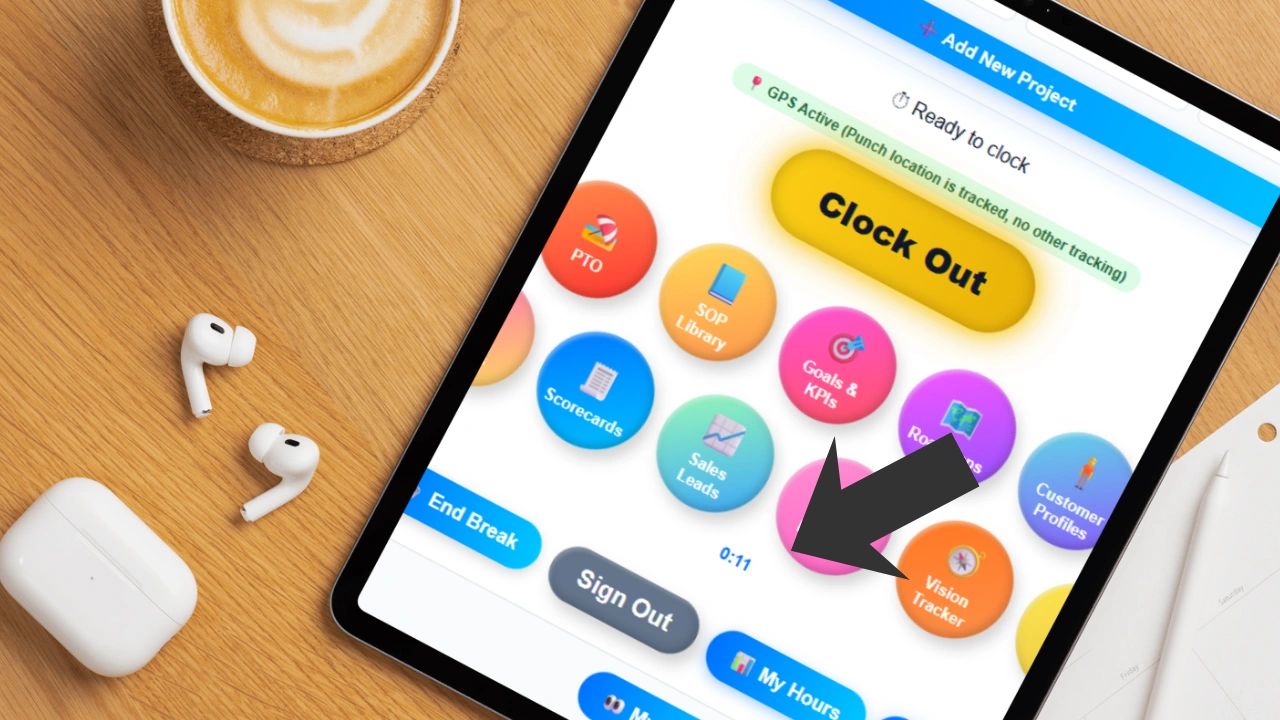
These are the general break rules and guidelines for a 12 hour shift. If your team is running 12-hour shifts, getting breaks right is not optional. Too few breaks and you are dealing with fatigue, mistakes, and compliance exposure. Too many poorly timed ones and you are creating coverage gaps and workflow disruption. The answer is not complicated, but it requires more thought than most managers give it.
The Standard Baseline for Breaks
Across most industries and jurisdictions, a 12-hour shift typically includes two paid rest breaks of 10 to 15 minutes each and one unpaid meal break of 30 to 60 minutes. That is the starting point most compliance frameworks are built around and the structure that works for the majority of operations.
A practical layout looks like this: work three to four hours, take a short rest break, work through to the midpoint of the shift, take a meal break, work another three hours, take a second rest break, then complete the shift. That spacing is not arbitrary. It is designed to keep energy and focus reasonably consistent across all 12 hours rather than letting fatigue compound unchecked in the back half.
What the Law Actually Says
Break requirements vary by state and country, so confirming the specific rules that apply to your workforce with legal counsel is essential before finalizing any break policy. That said, the general pattern across most jurisdictions follows a consistent logic: meal breaks are typically required after five to six hours of continuous work, rest breaks are often required every four hours, meal breaks are usually unpaid while rest breaks are paid, and longer shifts trigger additional break requirements beyond what an eight-hour day would require.
The important point is that a 12-hour shift almost always requires at least three distinct breaks under most labor frameworks. If your current policy only accounts for one meal break, you are likely out of compliance.
Four Break Models Worth Knowing
Different operations structure breaks differently based on the nature of the work and the staffing model.
- The traditional model gives employees two paid rest breaks and one unpaid meal break at predictable intervals. It works well in most environments, is easy to communicate, and straightforward to document for compliance purposes.
- The split break model replaces the longer meal break with three or four shorter breaks spread more evenly across the shift. This works well in fast-paced environments where a 30 to 60 minute break creates more disruption than benefit and employees prefer more frequent shorter recovery periods.
- The continuous coverage model staggers breaks so that operations never stop. Employees rotate through breaks on a schedule rather than taking them simultaneously. This is standard in healthcare, manufacturing, security, and any environment where coverage cannot drop below a minimum level regardless of time of day.
- The paid meal break model keeps employees on-call during what would otherwise be an unpaid break. Some employers choose this structure to simplify payroll and compliance rather than tracking unpaid time within a long shift. It costs more but reduces administrative complexity.
Matching Break Structure to the Type of Work
The right break schedule depends on what your team is actually doing for 12 hours.
Physical roles accumulate fatigue faster than desk-based roles. Employees doing manual labor, lifting, or sustained physical effort need more frequent breaks with shorter intervals between them. Waiting until hour six to give someone their first real break in a physically demanding environment is how injuries happen.
Focus-intensive roles like quality control, data analysis, and anything requiring sustained attention need breaks timed around cognitive load rather than just clock intervals. Mental fatigue is less visible than physical fatigue but just as real and just as damaging to output quality.
Customer-facing roles need staggered breaks with explicit coverage planning. A break schedule that leaves the front of house understaffed during a rush or drops a call center below minimum coverage thresholds is not a break schedule. It is a service problem.
What Goes Wrong Most Often
The most common mistake is treating breaks as optional or leaving them unscheduled. When breaks are not built into the shift structure explicitly, they get skipped, delayed, or taken inconsistently. Employees who skip breaks to keep up with workload are not doing the business a favor. They are borrowing energy from the second half of the shift and paying it back with compounding interest in the form of errors, slower pace, and lower quality work in the final hours.
Poor timing is the second most common issue. A break that comes too early in the shift does not solve the fatigue problem that hits in hour nine or ten. A break that comes too late means employees are already running on empty before they get relief. Spacing matters as much as quantity.
The third mistake is ignoring coverage. A break schedule that pulls too many people off the floor simultaneously creates operational gaps that the remaining employees have to absorb. That is not a break for them. That is an intensification of their workload.
A Practical Break Schedule That Works
For a 7 AM to 7 PM shift, a break structure that holds up across most operational environments looks like this:
Work from 7:00 to 10:00, take a 15-minute paid rest break at 10:00, work from 10:15 to 1:00, take a 30-minute unpaid meal break at 1:00, work from 1:30 to 4:30, take a second 15-minute paid rest break at 4:30, then complete the shift from 4:45 to 7:00.
That structure keeps work blocks under four hours, spaces meal and rest breaks to address both the midday energy dip and the late-shift fatigue window, and gives employees predictable recovery intervals they can plan around.
Managing Break Schedules at Scale
Manual break scheduling works when you have a small team on a single consistent shift. It breaks down quickly when you add multiple employees, rotating schedules, different roles with different break requirements, and coverage constraints that vary by time of day.
Scheduling software like Updoot lets you build break times directly into shift assignments, stagger breaks across employees to maintain coverage, track actual hours including break periods for payroll accuracy, and give managers real-time visibility into who is working and who is on break at any given moment. That visibility matters not just for operations but for compliance. If your break schedule is ever audited, you need documentation that shows breaks were scheduled, tracked, and taken consistently across your workforce.
The Bottom Line
For most 12-hour shifts the standard answer is two short paid breaks and one unpaid meal break. But the right answer for your operation depends on the physical and cognitive demands of the work, the coverage requirements of your environment, and the specific labor laws that apply to your workforce.
What does not vary is this: breaks on a 12-hour shift are not a courtesy. They are a performance variable. If your team is making more mistakes in hours nine through twelve than in hours one through four, your break schedule is part of the problem.
Frequently Asked Questions
How many breaks should employees get on a 12-hour shift? The standard baseline is two paid rest breaks of 10 to 15 minutes each and one unpaid meal break of 30 to 60 minutes. Most labor frameworks require at least this structure for shifts of 12 hours, though specific requirements vary by state and country.
Are breaks on a 12-hour shift required by law? Break requirements vary by jurisdiction but most labor laws require meal breaks after five to six hours of continuous work and rest breaks at regular intervals through the shift. A 12-hour shift almost always triggers requirements beyond what an eight-hour day would require. Always confirm the specific rules that apply to your workforce with legal counsel.
What is the best timing for breaks on a 12-hour shift? Space breaks to prevent fatigue from compounding in the back half of the shift. A practical structure takes the first rest break around hour three or four, the meal break around the midpoint of the shift, and the second rest break around hours eight or nine. This keeps work blocks under four hours and gives employees predictable recovery intervals.
What happens when employees skip breaks on long shifts? Employees who skip breaks borrow energy from later in the shift and pay it back with compounding fatigue. The result is more errors, slower pace, and lower quality work in the final hours, which is where precision and attention matter most in most operations.
How do you schedule breaks without creating coverage gaps? Stagger breaks across employees rather than scheduling them simultaneously. Assign breaks explicitly in the shift schedule rather than leaving them informal. In environments where coverage cannot drop below a minimum level, use a continuous coverage rotation model where employees take breaks in sequence so someone is always on the floor.
When does manual break scheduling stop working? Manual scheduling works for small consistent teams but breaks down quickly with multiple employees, rotating shifts, different roles with different break requirements, and variable coverage constraints. Scheduling software that builds breaks into shift assignments and tracks them in real time is more reliable and creates the documentation trail needed for compliance purposes.